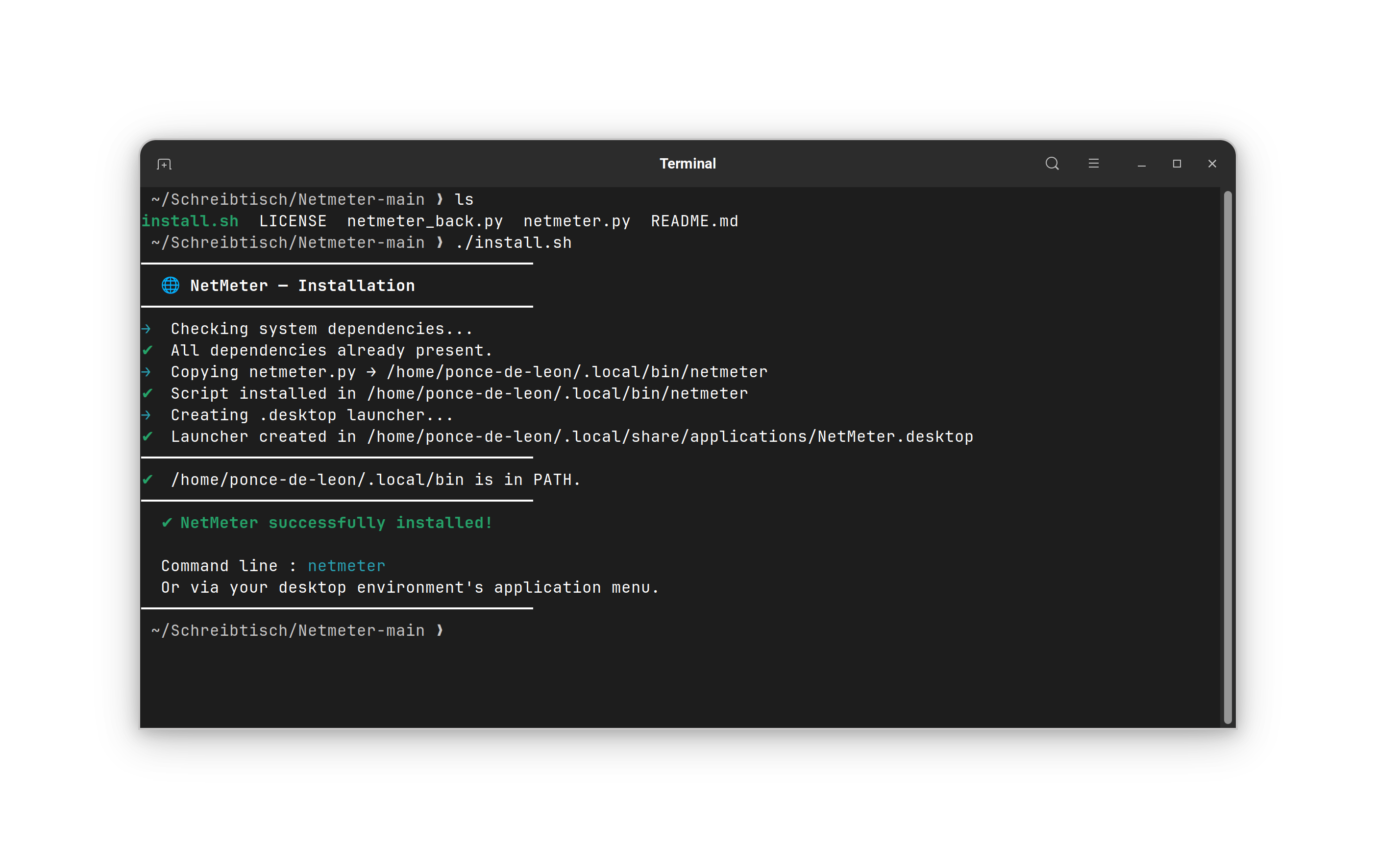
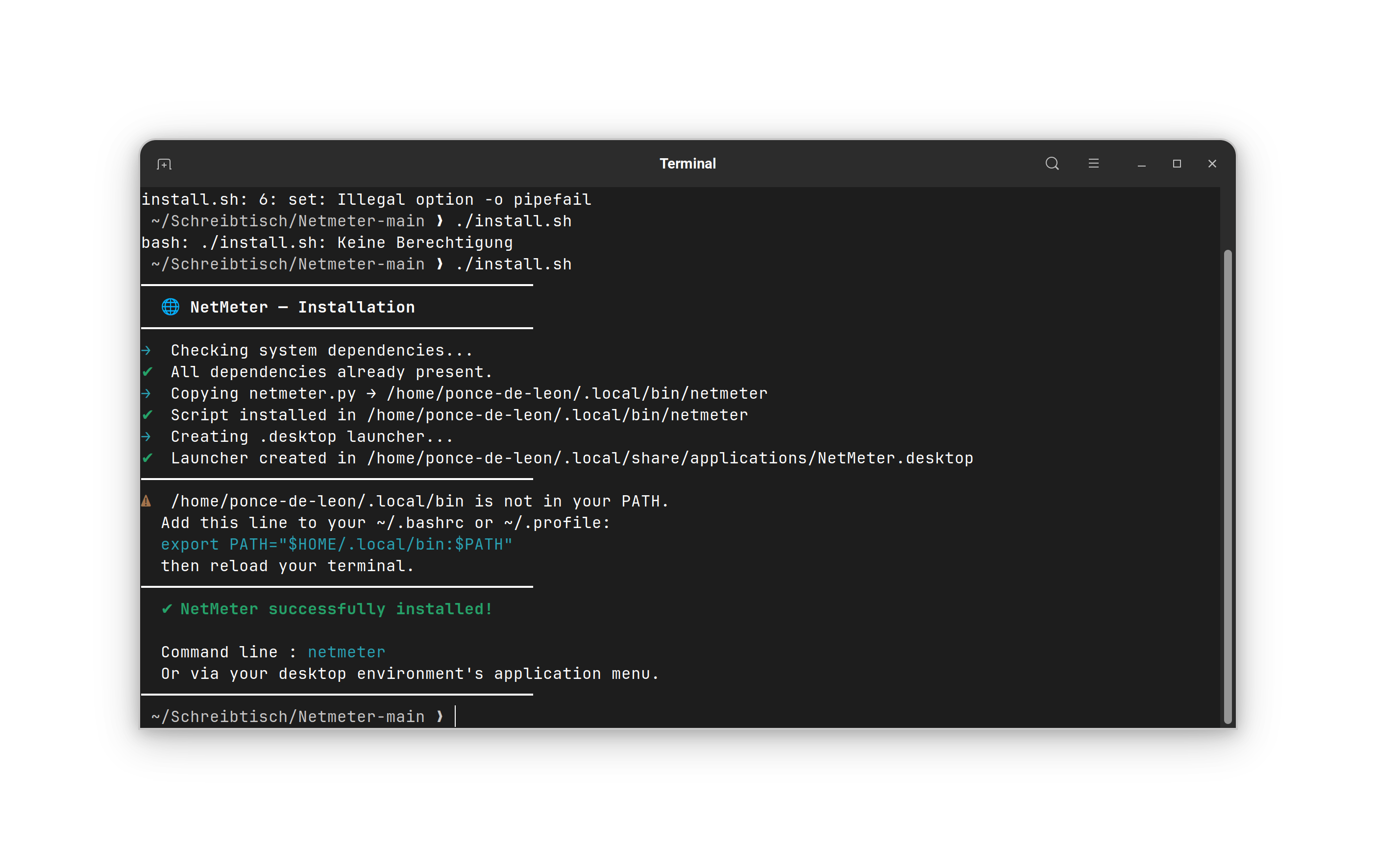
Hello Nourpon, I tested the NetMeter in a Zorin 18.1 live session and it worked. During the installation with the script I got this message. I'm not sure if it was because of the live session. I added the line to the ~/.profile's file manually.
Adding the NetMeter to autostart also worked.
The manual method didn't work for me in the live session (I created the not existing folders and put the python file there and made it executable).
I was not able to launch the program.
Edit: Ah, when I enter the path of that file in the terminal, then netmeter works and is opened. With netmeter it doesn't work.
Okay, a new Invention. I tried it, too. Unfortunately, I wasn't able to make it run the manually Method. I created the bin Folder, I moved the netmeter.py File into it and made it executable. But ... nothing happens when I want use it. I typed in Terminal netmeter but there was only the Roor that the Command wasn't found. I created a .desktop File and that was in the Startmenu. But when I clicked on it nothing happens.
Then I deleted everything and used Your install.sh Script and it worked fine. Interestingly, I had the same Warning as @Forpli:
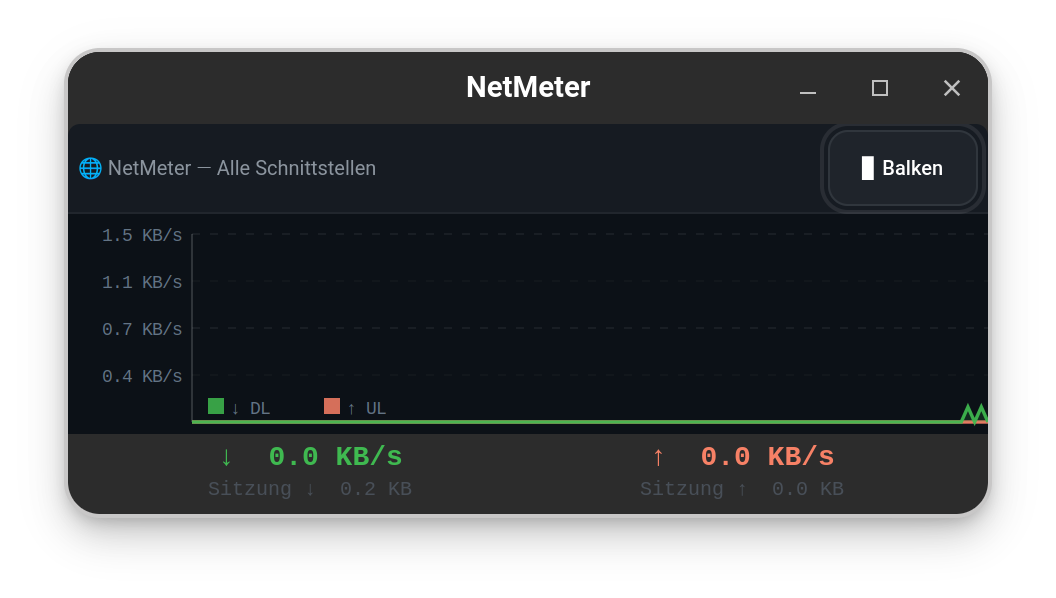
But it didn't seem to affect the Function. I can start it and it runs. the only Thing is: It start in a relatively small Window and the Fonts Size of the Values is small, too. But I guess this is because my System runs in Wayland.
For me the manual method worked when I created a desktop file with main menu and set the path to the python file as command.
(~/.local/bin/netmeter/netmeter.py)
Then it was launched via start menu.
OK I made lighter fonts at the side and under the green and red one, I also improved font size and window size at startup.
I pushed the corrected script on my Github
Nourpon, as requested, adding an enhancement suggestion. And thank you yet again for such an excellent and useful app.
Suggestion The window is resizable down to a certain depth, and is still minimum 2cm deep. Is it possible to lose the title and make it vertically resizable to, say, 1cm? That would allow me to see the Firefox bookmark bar. Thank you.
big update, you can toggle now to mini mode with right click
text
or graph
just download the netmeter.py and replace it in $HOME/.local/bin/
you can change the height of the graph by editing the file and change the value here
MINI_H_GRAPH = 50 # mini graphe
This is a really nice enhancement - the mini-text view is great.
I have tried tweaking the various figures, but I can't resize the height of the main window (graph & text), and (more importantly) the display in all formats disappears when I select any new window - the "stay on top" function doesn't work (for me), and I thought it did on the original version?
Thanks again for creating this really useful app.
for the always on top you need to activate it on the normal mode (right click on windows bar and select the option) and switch to mini mode, it will stay always on top
you can't resize the mini with mouse, it's a gtk limitation, you can do it in the file only as I said
Constants at the top of the file:
HISTORY = 120 # Graph history duration (seconds)
TICK_MS = 1000 # Refresh interval (ms)
WIN_W, WIN_H = 690, 345 # Default window size (px)
MINI_W = 260 # Mini mode width (px)
MINI_H_GRAPH = 72 # Mini graph height (px)
LM = 110 # Left margin for Y labels (px)
Ha... My bad - stupidity rules... Thank you.
I'll play with the figures, but if I can't make the main window the size that I'd like I'm very happy with the mini-text display. It's a really useful tool.
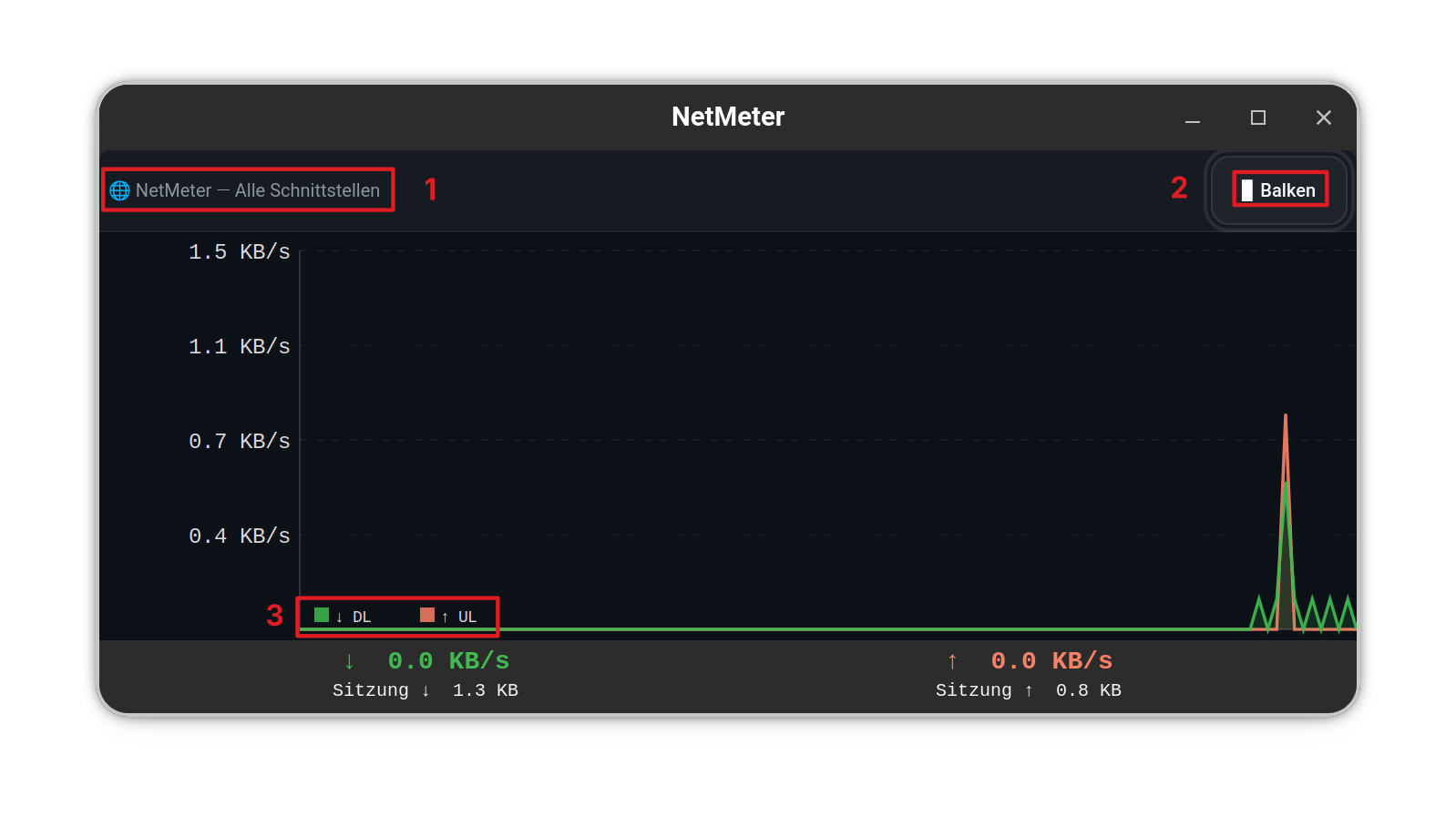
The Program itself runs fine. The Changes in Font Size and Color helped with the Visibility significantly. Maybe, You could make some slightliy Font size Adjustments to these Area's:
To be precise with Position 2: I don't mean making the Button bigger. The Size is okay. I mean the Font Size in the Button.
And there came another Idea to my Mind: You offer for Install the install.sh File. Maybe create an uninstall.sh File for uninstall it. I mean, to remove it manually isn't difficult but to have that with the Script would be a bit more holistic (<= nice Word, hahaha!).
I will se for the uninstall it's a good idea.
for the font size I will not change it, but if you want you can try to change the size in this key directly in the file and test
 NetMeter
 Features
 / Français
  / Deutsch
  (auto-detected, switchable)
 Dependencies
 Installation
 Usage
Usage Quick configuration
 Compatibility
 Tested
 Not tested — drag and always-on-top may differ
 Not supported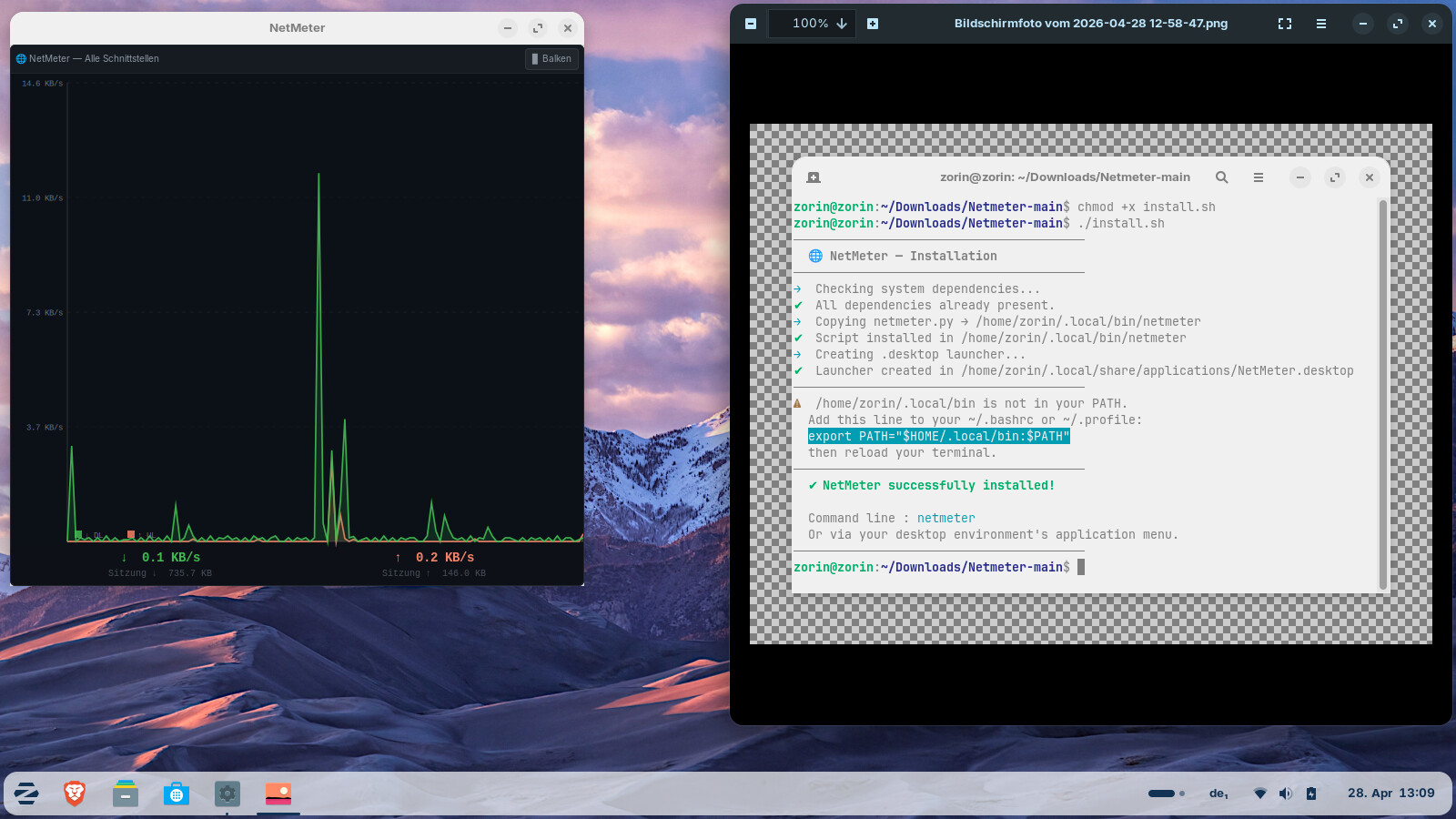

 I just haven't had time today.