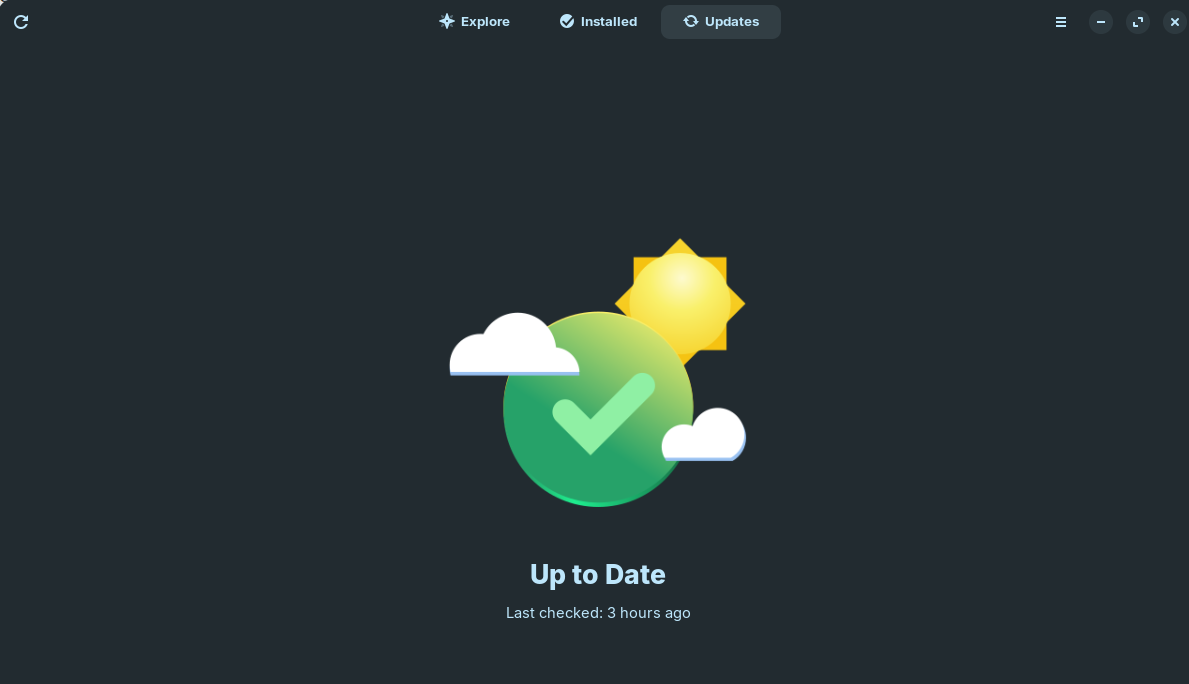
Zorin 18 Core
Open "Software"
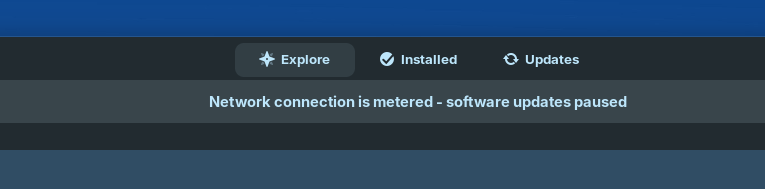
Error: "Network connection is metered - software updates paused"

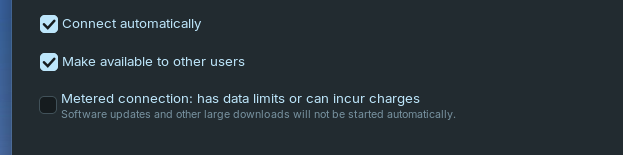
Network settings, confirms that the network connection is not metered
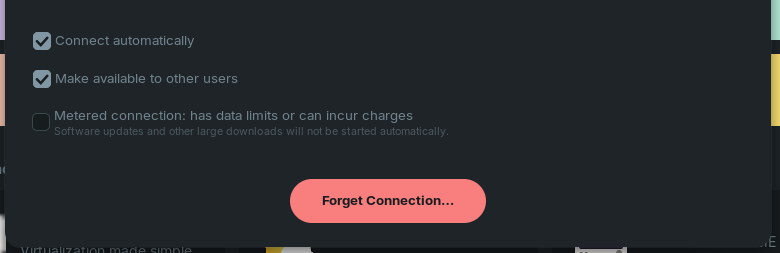
How do we fix this?
Zorin 18 Core
Open "Software"
Error: "Network connection is metered - software updates paused"
Network settings, confirms that the network connection is not metered
How do we fix this?
Do You have a metered Connection? Or a normal Ethernet/Wifi connection?
Thank you for the quick reply.
As per attached screenshot, there is no metered connection configuration
We use WiFi, and have no issues with WiFi on any other device, nor on this device when it ran a different OS.
So, You use a normal Wifi Connection but it is somehow detected as metered ... Okay, let Gnome Software open and open System Monitor, too. there look in the Processes Tab for gnome-software and end the Process. the Gnome Software Window will disappear. That is intended. Then open Gnome Software again and check if the Issue is still there.
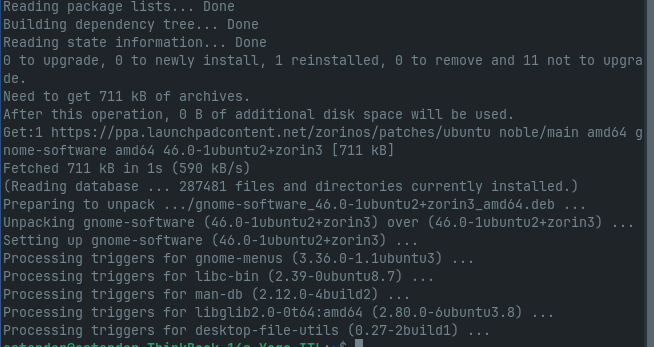
Alternatively, You could try a Reinstall with sudo apt reinstall gnome-software
Gnome's handling of this is questionable, at best:
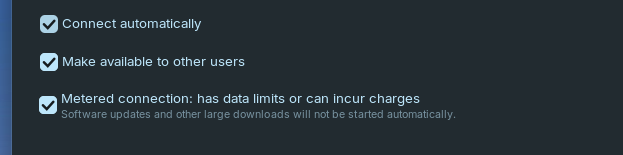
But the suggestion is to "jiggle the handle" by checking the box for "Metered connection", then unchecking it again...
Hi Ponce-De-Leon,
Thank you fro the help.
I tried the open and close Gnome-Software and tried reinstalling Gnome-Software
I still have the same issue, where Gnome-Software incorrectly thinks it is on a metered connection
Hello Aravisian,
Thank you for the help.
I tried the 'jiggle' method, by turning on and then turn off the metered connection setting.
Applied the setting , then turned it off again
Unfortunately I still have the same issue
Gnome-Software shows "Network connection is metered - software updates paused.
Okay, let's try the Following: You uninstall Gnome Software, then reboot and install it again:
sudo apt purge gnome-software
then reboot
sudo apt install gnome-software
If I can add to @Ponce-De-Leon's suggestion a bit...
First run
killall gnome-software
Then follow the instruction to pruge the software store. Then remvoe the cached material:
rm -rf ~/.cache/gnome-software
Before installing:
sudo apt install --reinstall gnome-software
Hi Team Awesome,
I tried the following:
killall gnome-software
sudo apt purge gnome-software
rm -rf ~/.cache/gnome-software
reboot
rm -rf ~/.cache/gnome-software
sudo apt install --reinstall gnome-software
sudo apt install gnome-software
reboot
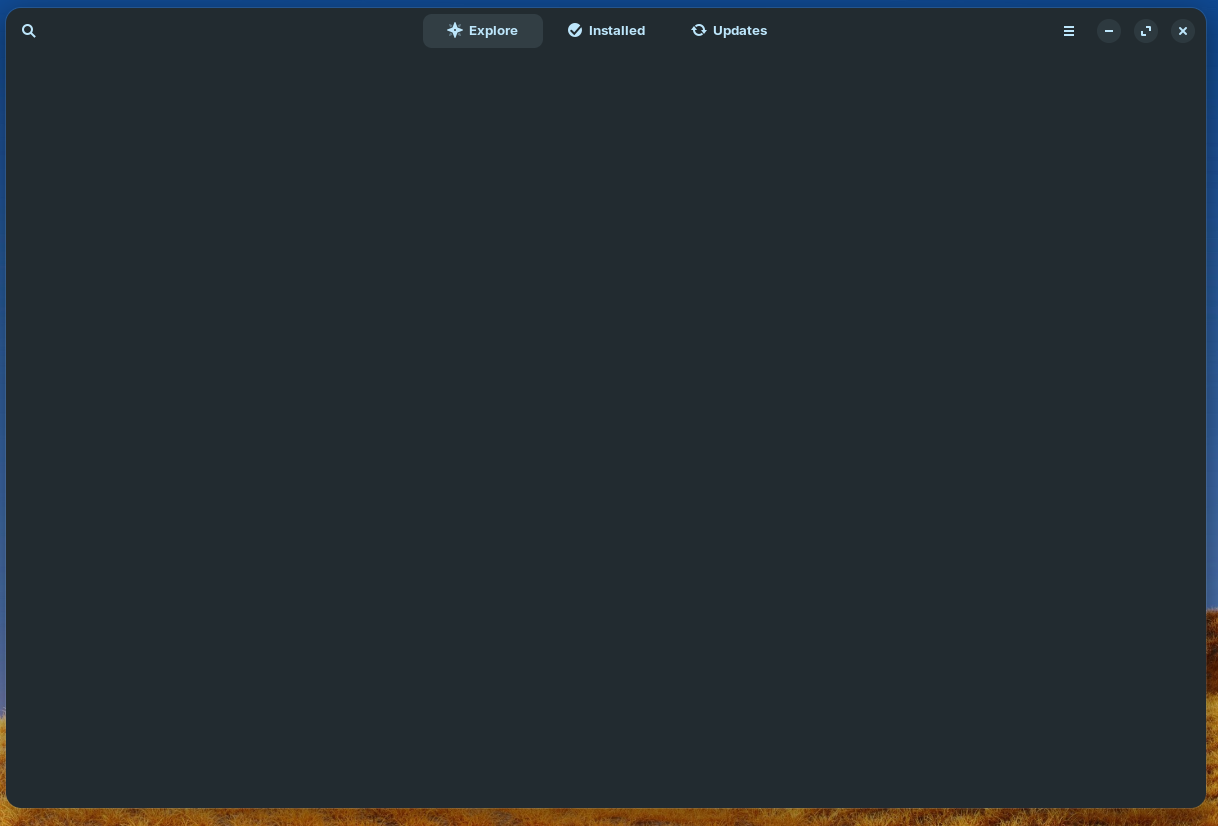
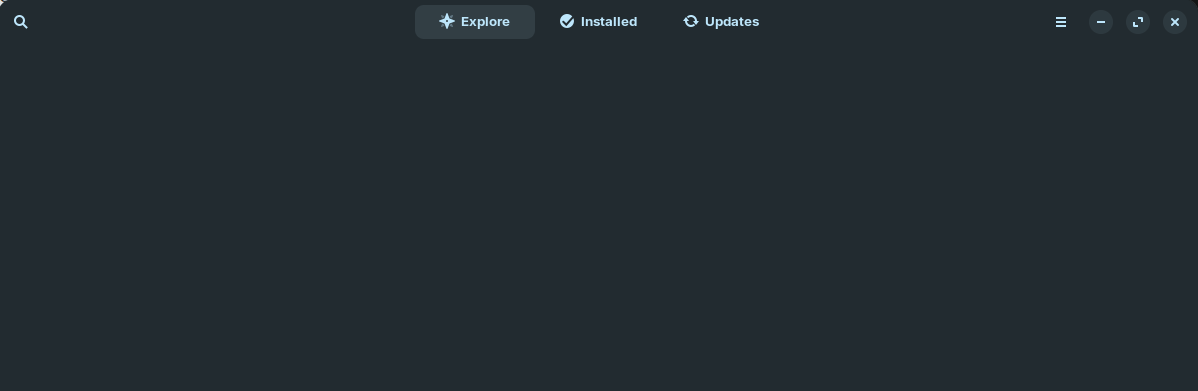
I now have no "Explore" data, it is just blank. The good news I also do not have the error anymore : 
Thank you for all the help, really appreciate it
Ettienne
Could be a Loading Problem. Try it with the Advice what I wrote above:
Hi Ponce-De-Leon,
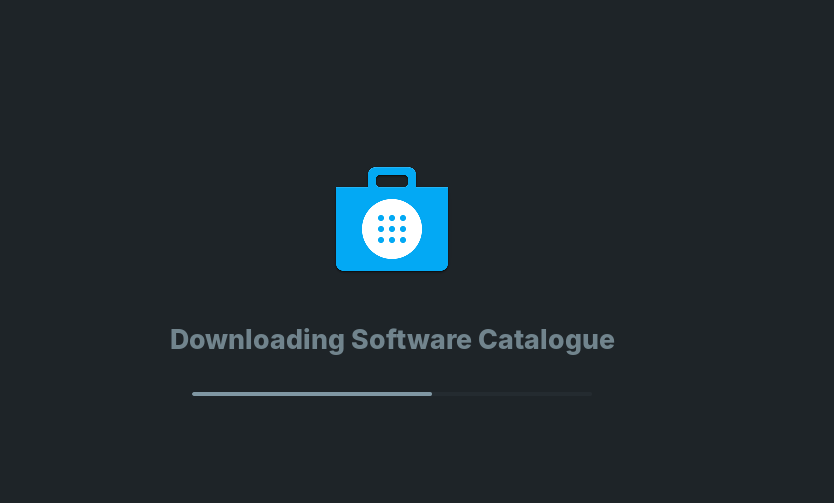
After your steps.... it did the "Downloading Software Catalogue"
but still blank screen on Explorer
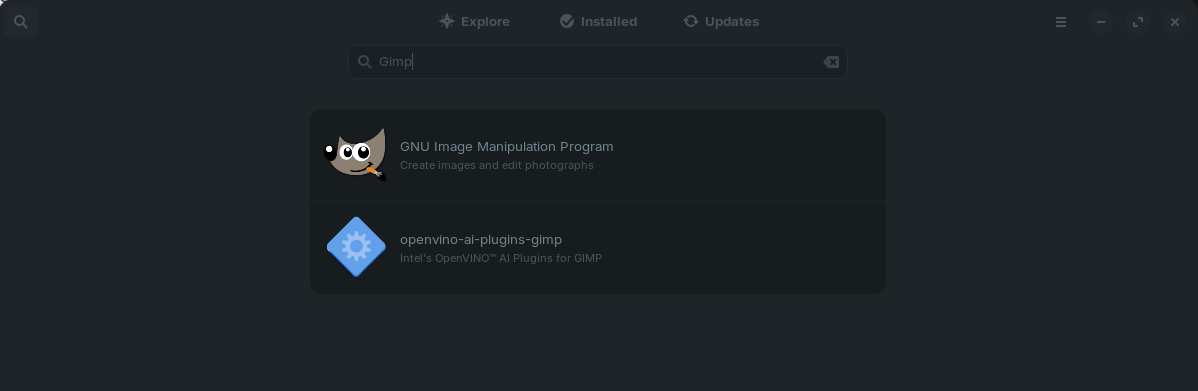
But I can search for APPs, so I am not going to worry about it.
If it works for others, then I might have done something wrong as part of the install. So not to worry, I might try a re-install another day.
The key thing is that Updates are now Automatic and not "Paused", which was the key end result
Thank you for all the help
This topic was automatically closed 90 days after the last reply. New replies are no longer allowed.