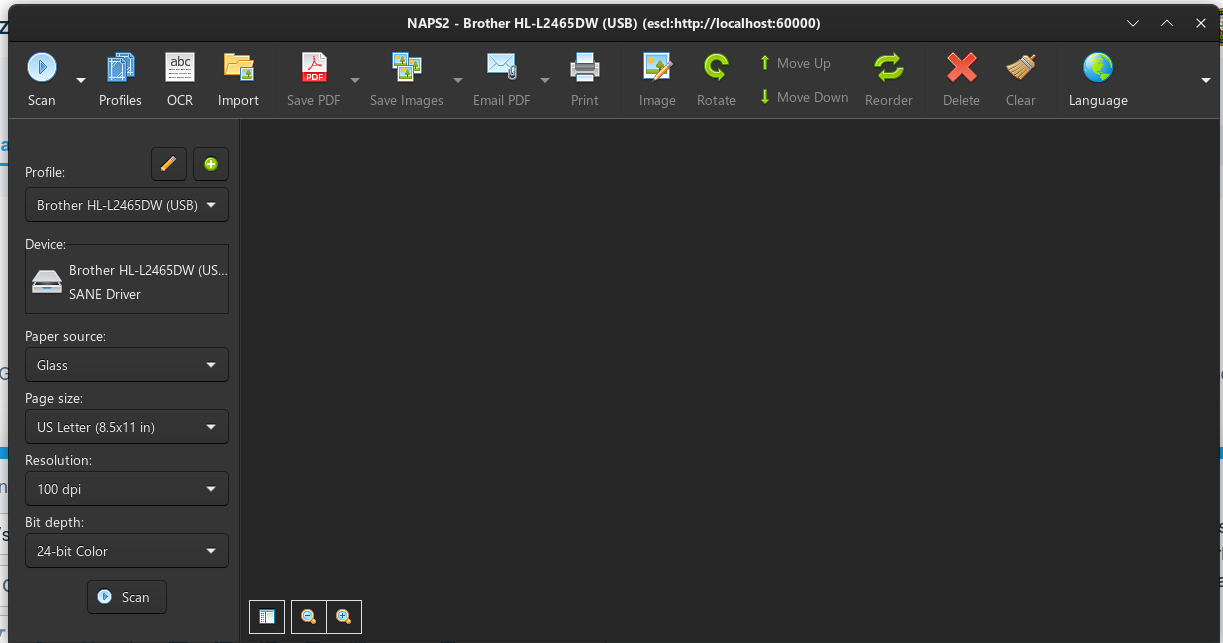
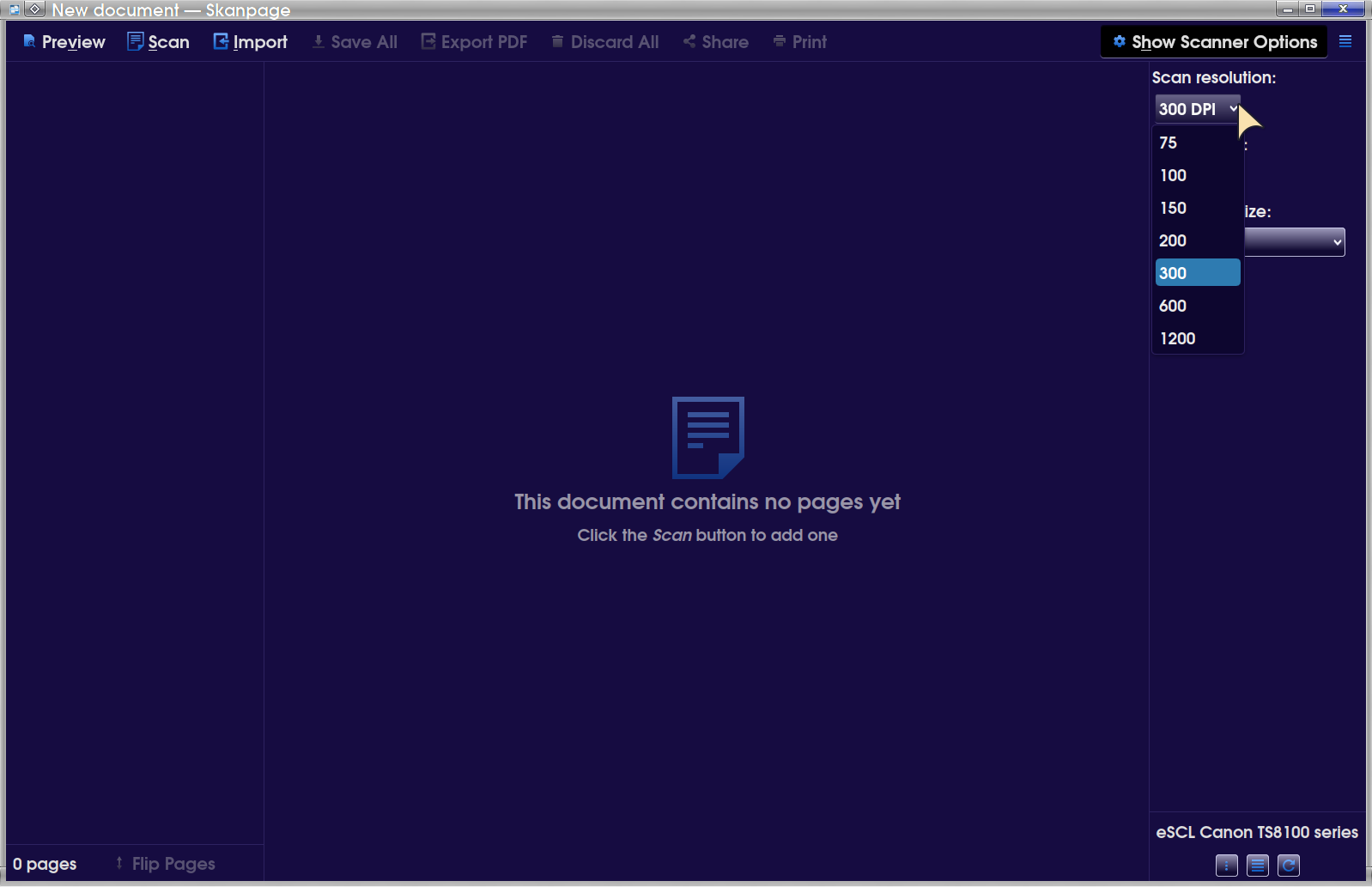
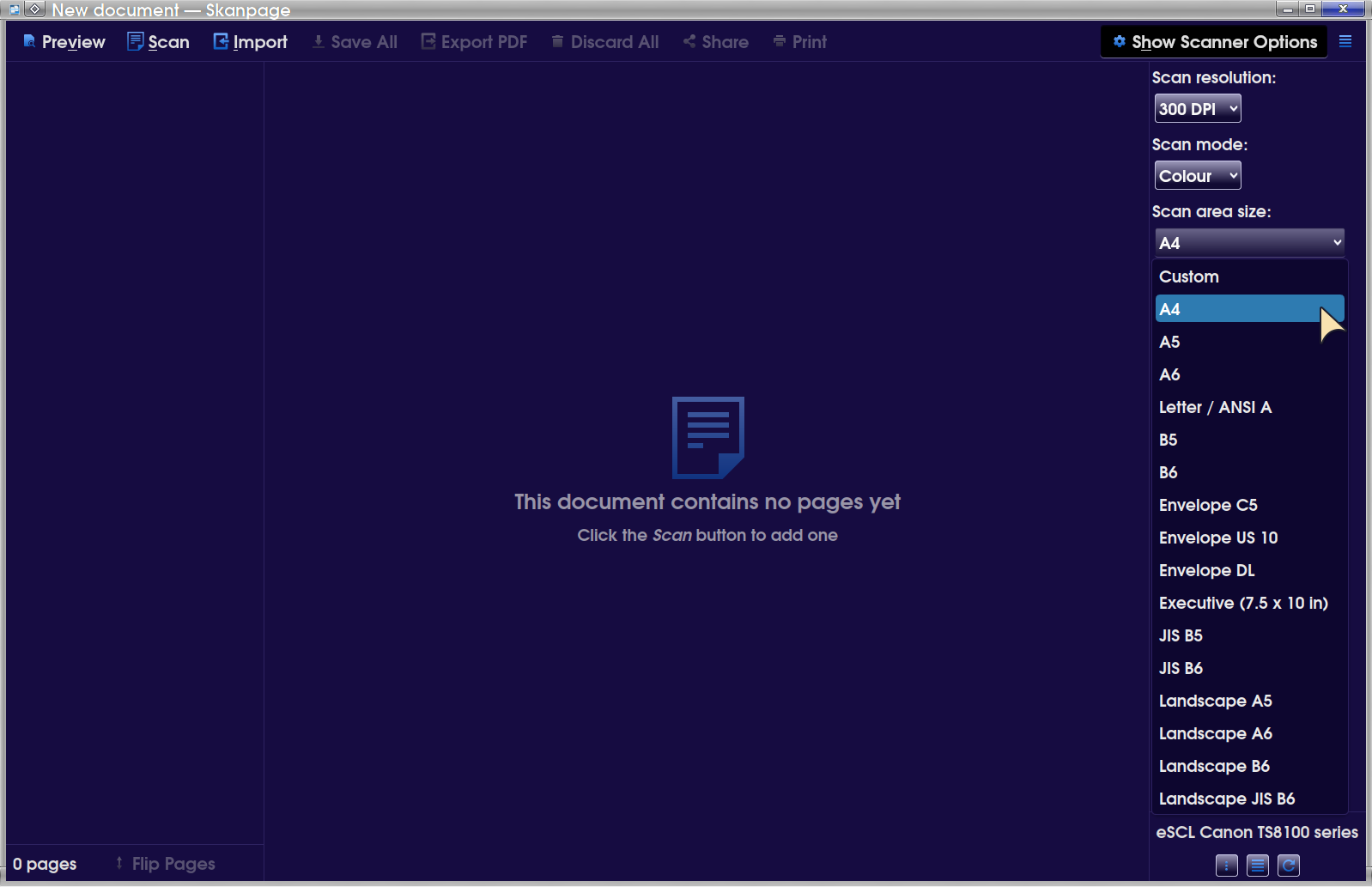
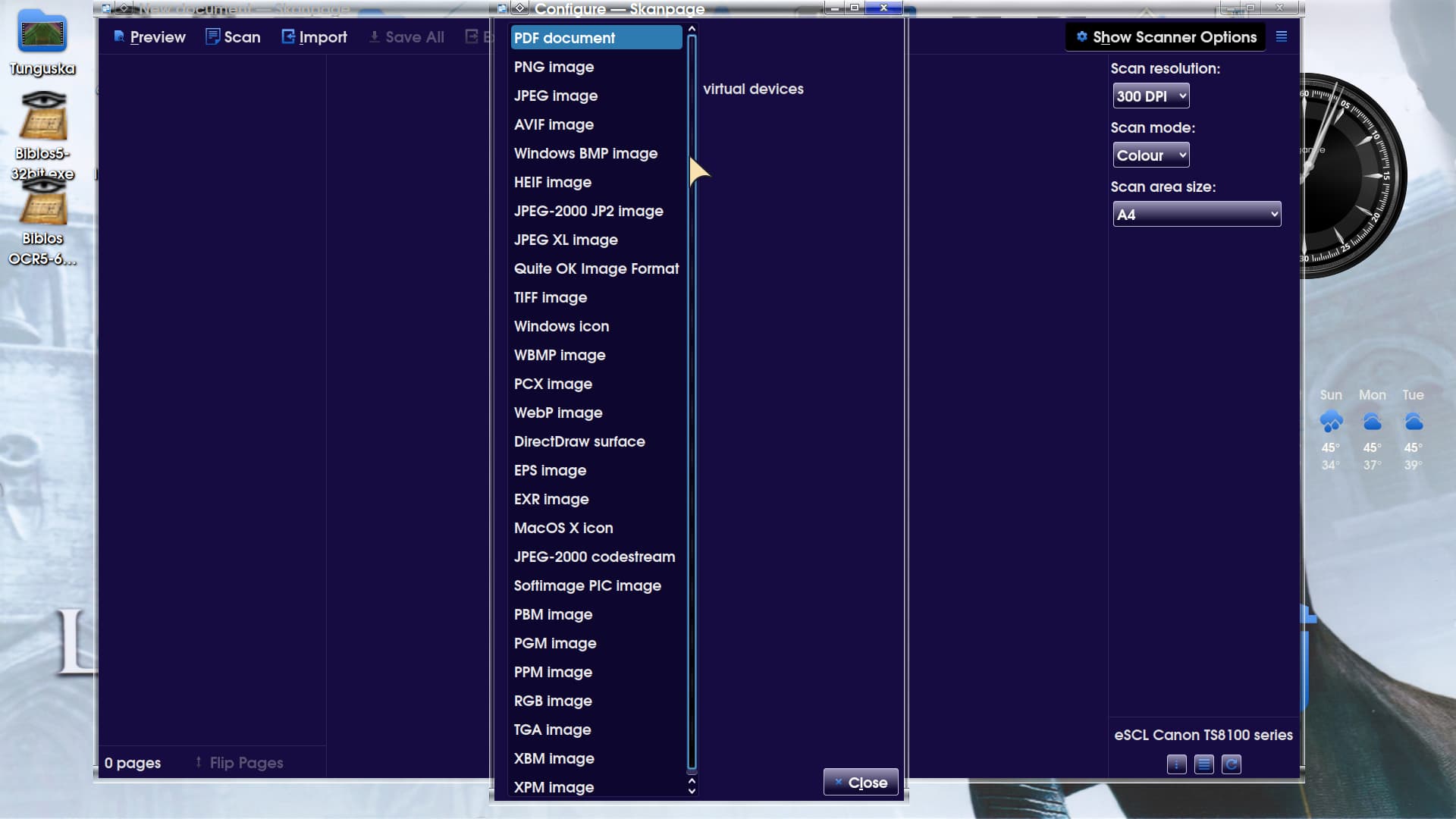
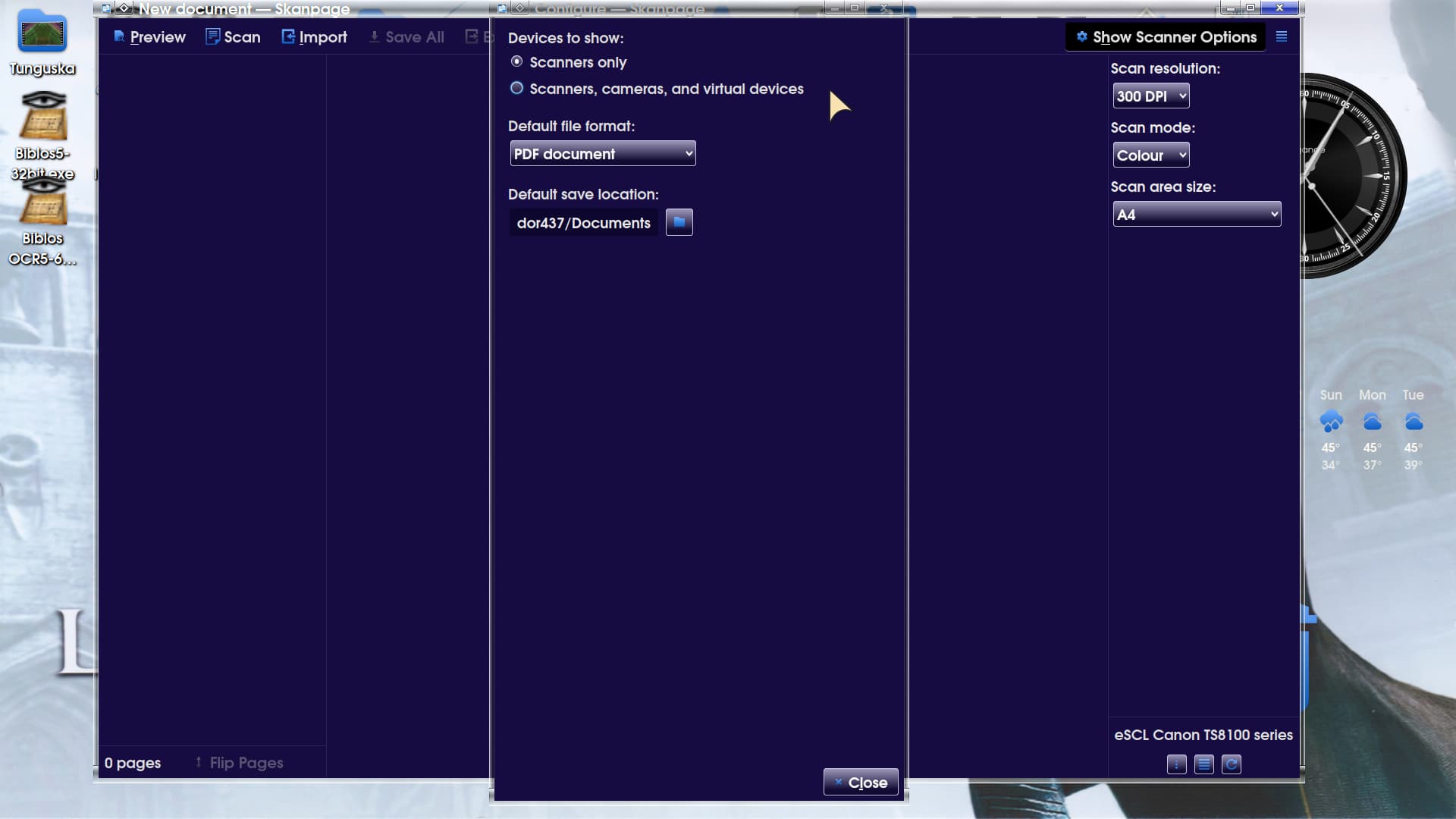
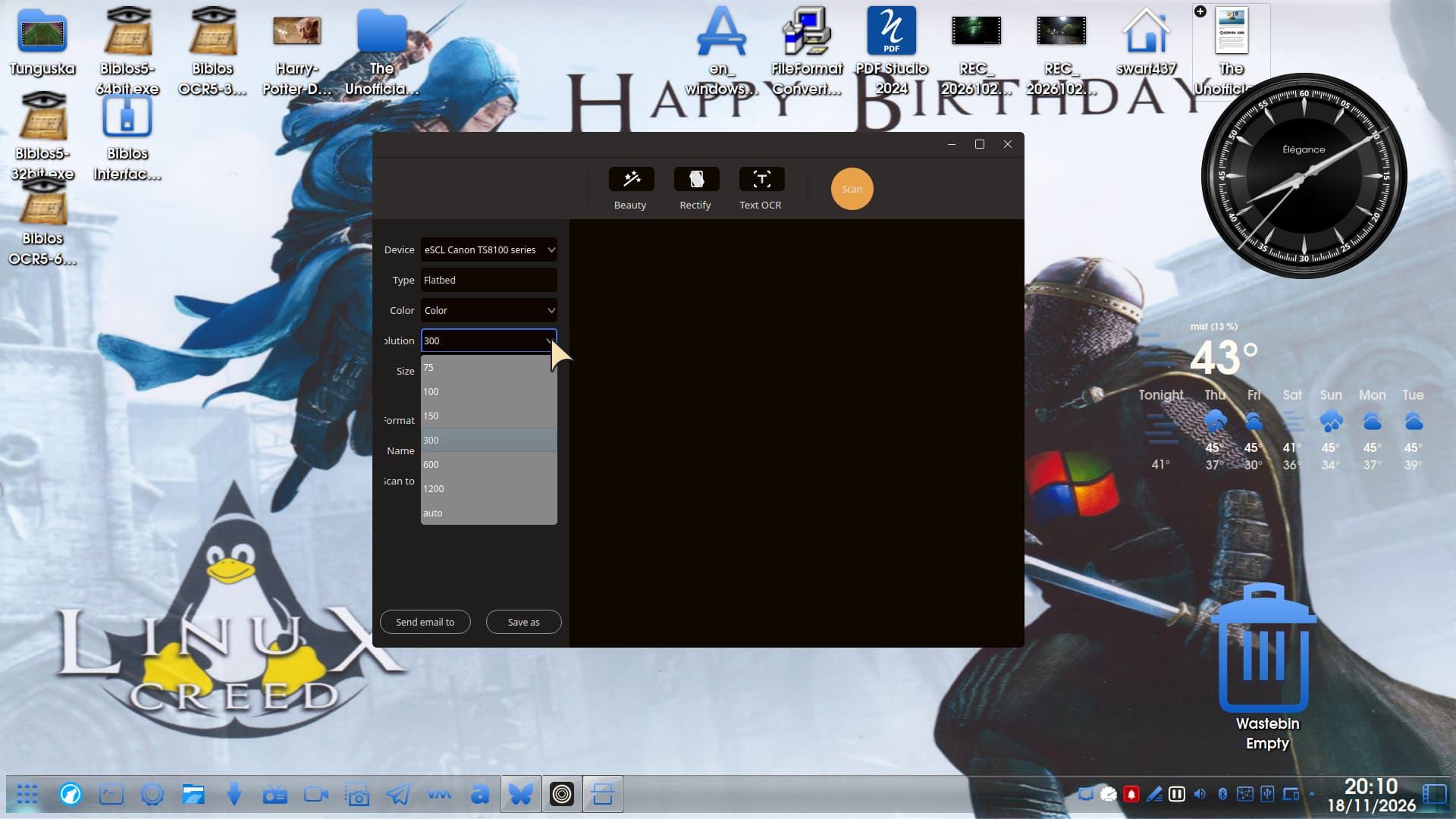
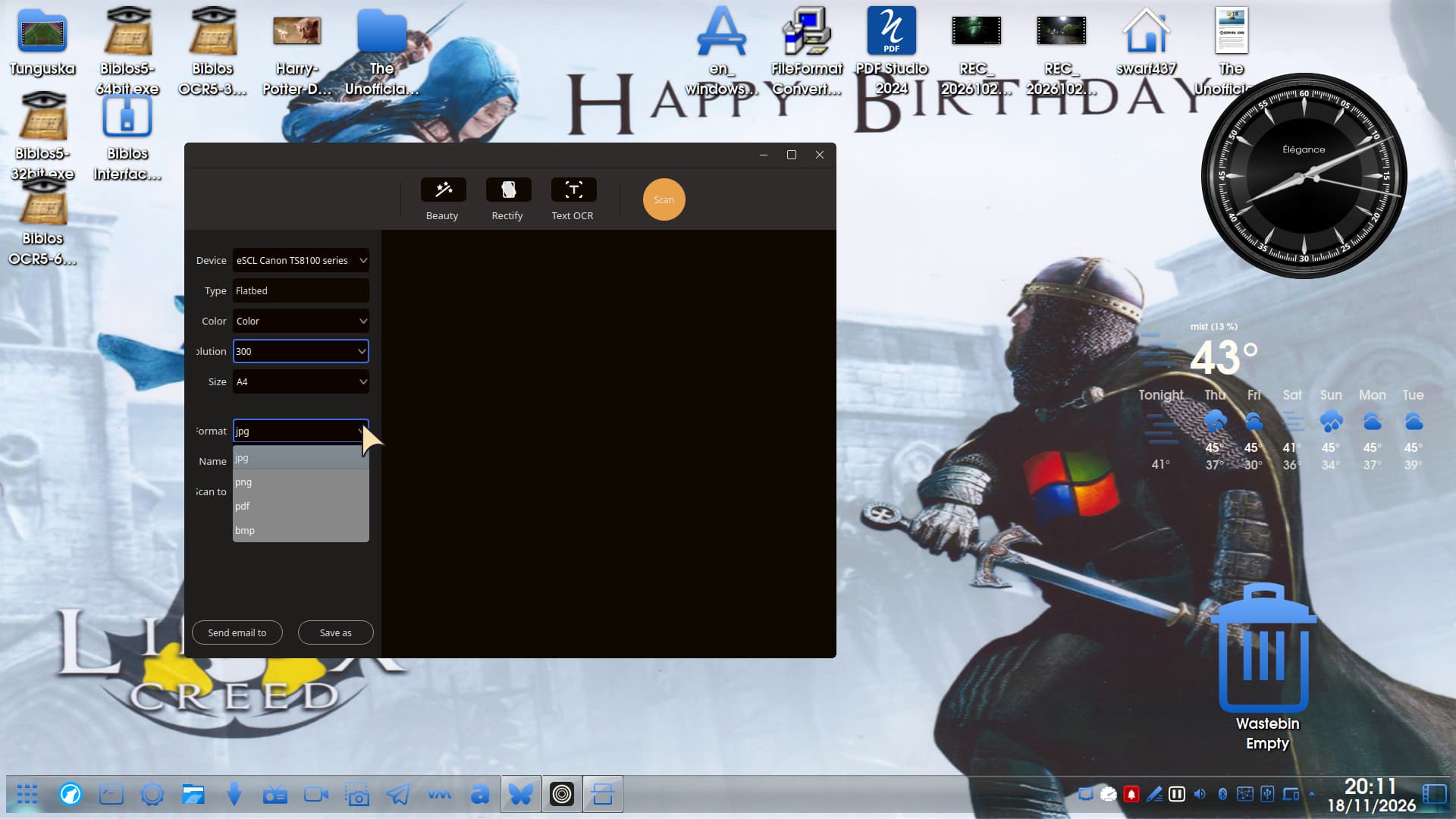
Morning all. I was crusing throught youtube as I usally do and found a new scanner Printer app that uses the sane driver called NAPS2. I have installed it and it works wonderful. here is a pic of the app after I added in my Brother HL-L2465DW printer/scanner/copier.
If the scanner in use is current and the drivers have been installed to the LInux kernel then it is fine, but if you have an old scanner it won't work:
I have the Pro version of VueScan as i needed it for work during lockdown.
One that already exists for GNU/Linux users in Zorin already is Document Scanner for basic scanning.
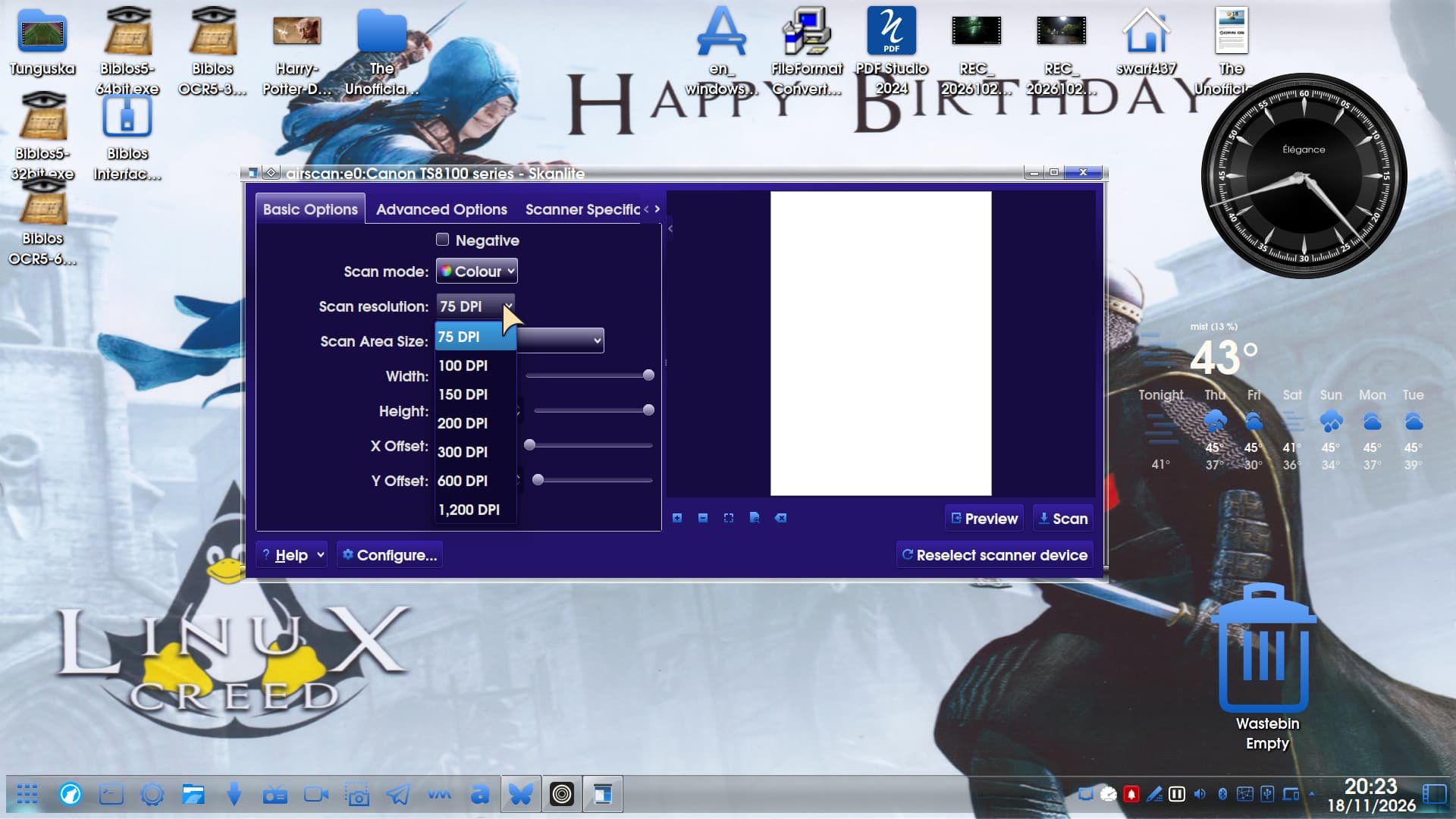
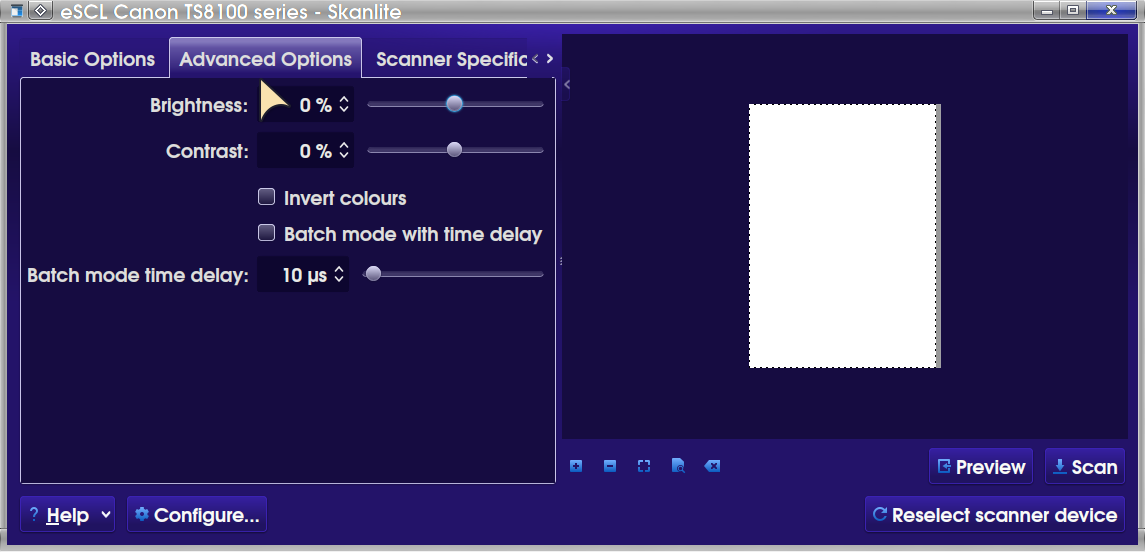
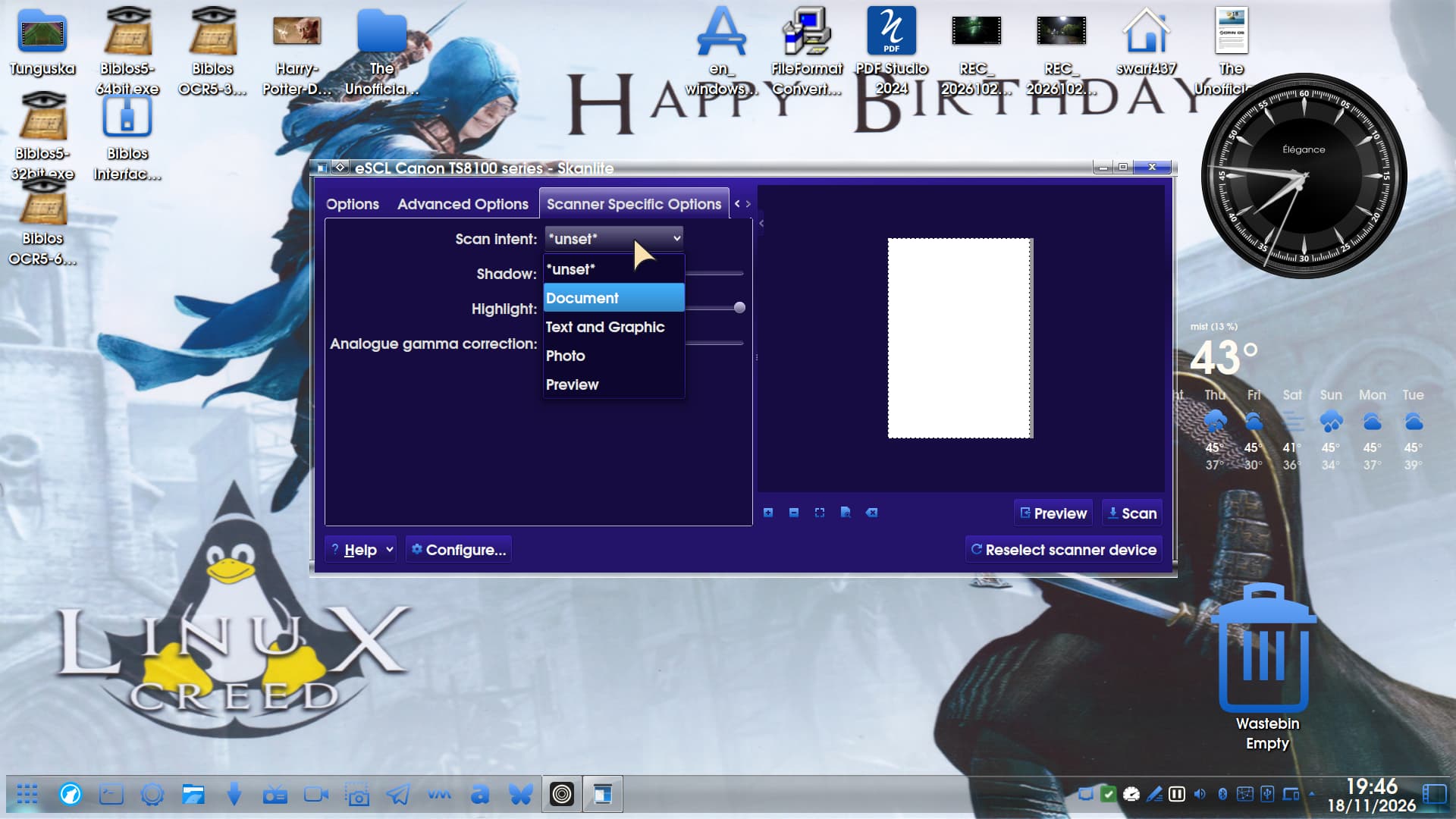
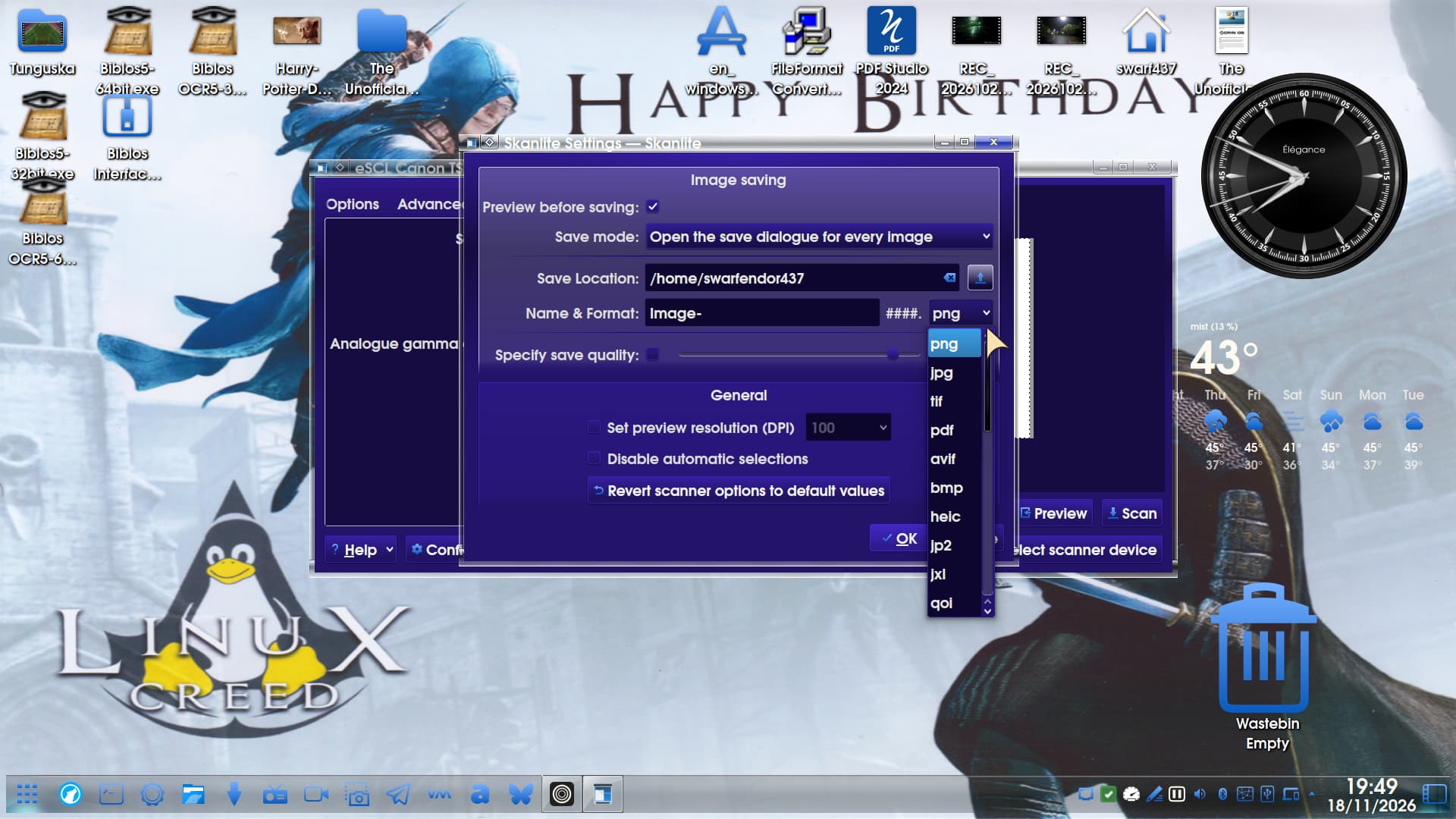
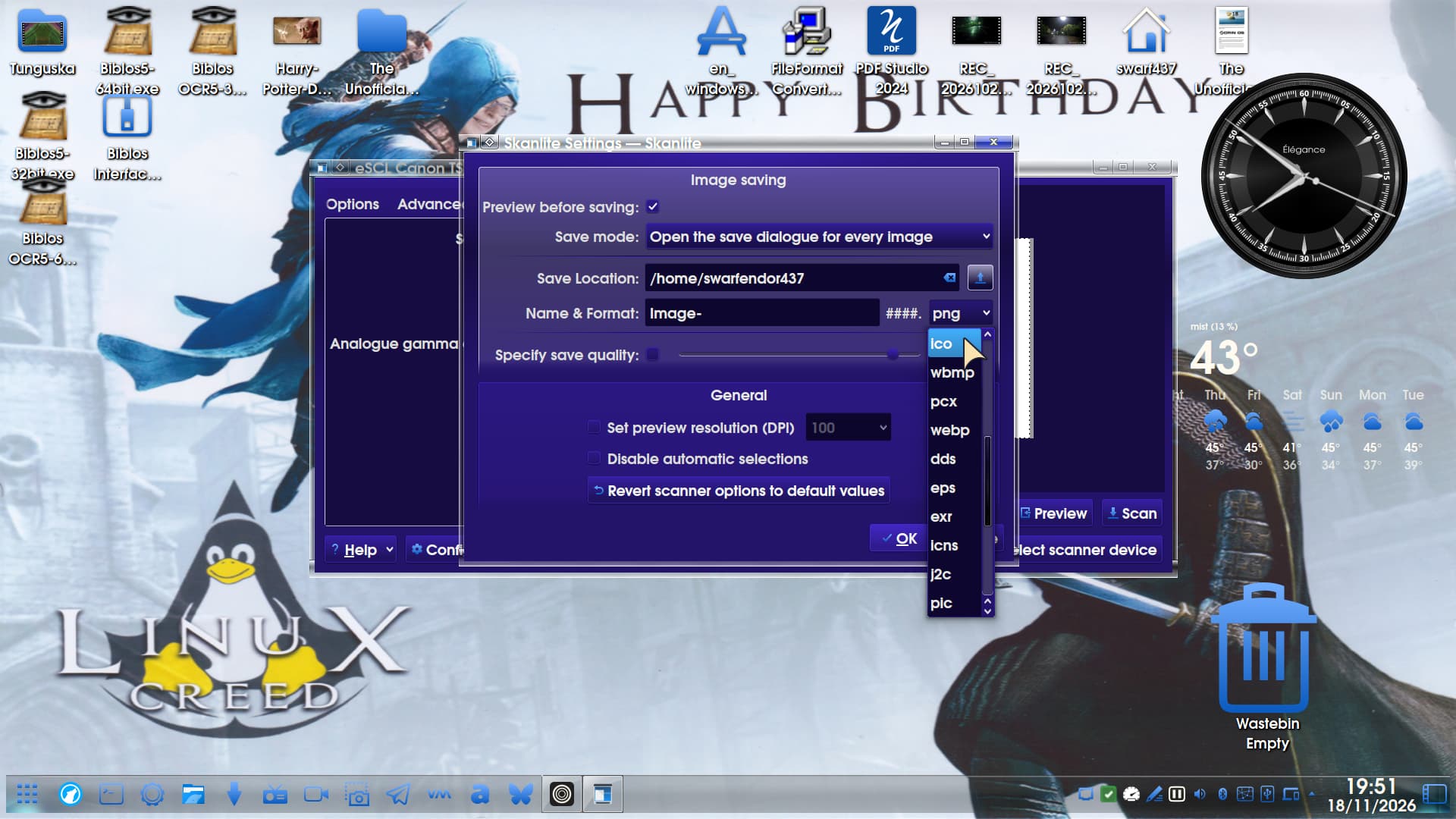
Now I have an old Canon LiDE 600 F Flatbed Scanner as well as the all-in-one Canon TS-8151. The former would never work under GNU/Linux. While I was contemplating putting PCLOS xfce on M'Lady's rig I built in 2006 I discovered Skanlite which was the first GNU/Linux Scanning software to pick up my LiDE 600F.
Ya the one i was using was a canoscan u650 now its built into the brother printer/scanner/copier it does use the same xsane driver too. and at 1 time i was using vuescan, but this is linux isnt there something free yes xsane worked just fine but then I saw this and just had to share it
OK, so installed it, was very quick. It did not pickup the networked all-in-one instantly but it did recognise that it was networked and also offered me to enter the IP address manually.
Scans pretty quickly.
The only negative I could find was the OCR. I selected a page from the Unofficial Manual for Zorin 18 Core and selected Okular - Ctrl+ F was greyed out from the options.
If I opened the pdf as is in Okular, Ctrl+ F worked instantly, so that is a minor bug. I thought it might have picked up pdfStudio Pro but it didn't, or StirlingPDF.
I removed the old version, installed 8.6.1 and still not picking up pdfStudio Pro or StirlingPDF. As I have VueScan I don't really need it. It is a nice free alternative, provided the drivers are installed.
In respect of view scan I find it to be superfast, especially when scanning multiple pages (I don't have a feeder) in that it can save preview scans.