Hi there, not sure which 'category' this should be in.
However, I am sure there is a simple fix for this.
Replaced router, default IP is now slightly different, 1.1 instead of 0.1, now Remmina (RDP) doesn't connect and windows shares (in fstab) also, even though they are identified by their name not their IP.
Firewall is disabled already.
A pointer please!
cheers CD
I just moved this to more general help rather than install.
Sometimes connections get cached and your system may be keeping the old route that would be included for your other systems (windows by the sounds of it), so that instead of the new address (example 192.168.1.20) it points to the old one (192.168.0.20), presuming your router is giving out this address range for its DHCP. Are you able to remote to the computer and connect to the shares if you manually use the IP rather than the name?
Hi there, thanks for your reply.
Well, until now I thought that I had finally got the mounting of shares in Z sorted, but now what I thought I knew has been dashed.
When I installed the new router and opened Win11, all the Win PC and Nas shares under DHCP were setup automatically, as expected, using the same 'names'.
And RDP worked first time, to all the network PC's.
When I opened Zorin 17.3 Pro, none of shares I had previously set up in 'FSTAB' worked. Also not even RDP in Remmina.
I could ping the Nas' successfully with their new IP.
I could also successfully ping the win10 PC's.
I have replaced the entries in FSTAB for the Nas to the IP instead of the 'names', and they now work.
However even though I can ping the win10 PC's I cannot connect through RDP or directly through the "Other Locations" box at the bottom of file manager [nautilus]
I don't understand what windows has to do with the problem. Both the OS are on different SSD's and which one to open is selected at the bios boot list.
I am stumped here, and now doubt what I thought I understood. can someone please explain why simply replacing a router with a diff IP has screwed me up??
Cheers CD
Sorry, I've been a bit busy lately. I'm just wondering if your system has cached the DNS entries from before the router swap and isn't allowing the new ones to come in. You could try flushing your DNS to see if that has any effect:
sudo systemd-resolve --flush-caches
Then to verify you could run:
sudo systemd-resolve --statistics
You should see 0 entries immediately after flushing them. That should allow the new entries, tied to the new IP, to come through (if that's the problem).
When you're using anydesk, are you using the computer names or the ip addresses of those machines to ensure connectivity?
sorry about the bold text - can't find how to make it normal.
Hi there, thanks for your replies.
I'm pretty sure that Anydesk uses the IP when you first add a client PC, but then assigns its own system number.
Remmina will connect to the win10 PC's using the IP, so all is not lost. But not ideal.
The command to flush the DNS caches returned "systemd-resolve: command not found".
But "sudo resolvectl flush-caches" did run and this is the result of statistics.
DNSSEC supported by current servers: no
Transactions
Current Transactions: 0
Total Transactions: 682
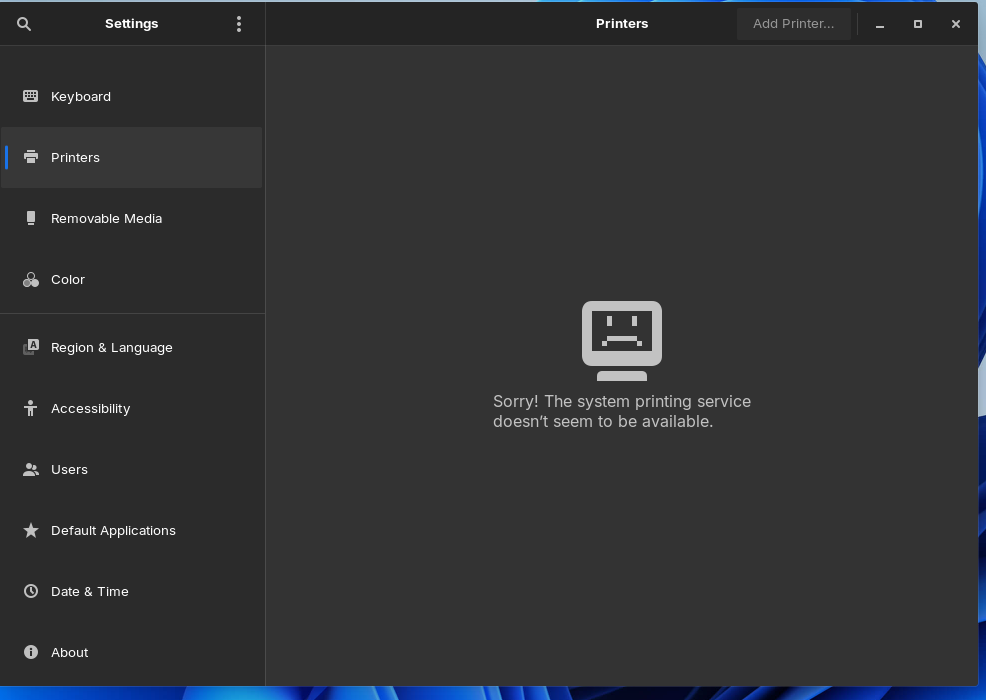
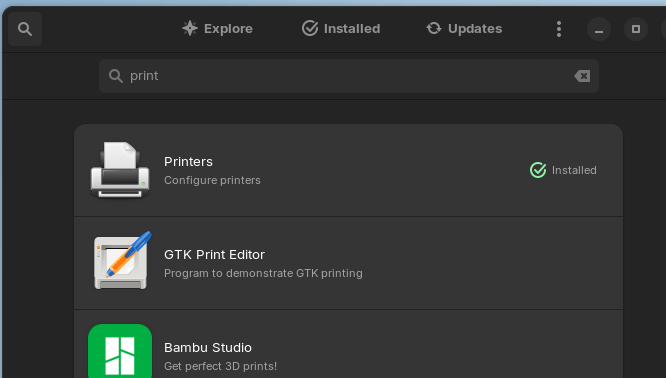
The disappearing printer issue is worrying. After a while my printer returned on its own. But still doesn't actually print, I get "printer is unreachable" after it reports as "sending data to printer".
I ran the CUPS commands, not fixed.
I thought that 17.3 Pro was free from these weirdness happenings, but starting to doubt Z as a fulltime replacement now. Sorry
cheers CD
I noticed another load of CUPS updates listed when I chose Software Updater on Z17.3 Core today.
From my experience, that is the second batch of CUPS updates in about a week, but I do not update daily. Maybe this lot fixes the last lot of CUPS updates.
I don't print from Z17.3 so cannot test that myself.