Hello everyone from the Zorin OS team, I started using the new Zorin, I'm coming from Windows 10. They made it relatively easy. I copied it with Rufus and used it as Live, tested it, and then installed it on a disk partition previously spaced with W. I'm using an HP Helite 705 g1 SFF. I haven't had any blue screens of death or anything. Everything has worked decently. Congratulations on that, because so far the drivers work. I don't know what other drivers are necessary. Previously, I used a program called DriverEasy. The fan, however, is very quiet, almost inaudible, so I made sure it was working by removing the cover and yes, it's running continuously. There's a Linux app called Fan for the fans, but I don't understand how to use it properly. Do you recommend using it? And what precautions should I take? I had a question about when I use a live USB, I was trying Zorin 18 live yesterday, my question is when I turn off the system a message appears that says to press "enter and then eject", I don't know what function this instruction or final message performs and if the order is correct, first turn off, remove the USB and press enter or remove the USB and press enter? Please clarify the order because in other systems it seems to be the other way around, I have that question since I am careful not to damage the USB, I appreciate your comments in advance, have a nice day 
Yes.
Changing Operating System Environments will come with a learning curve. The best way to face that curve is to enjoy the benefits it brings.
I use the fan control, too.
Tap the enter key then select to eject the USB drive.
Tapping enter only is to Acknowledge the warning; The warning is to properly eject the drive to prevent data corruption should the drive still be in use (Read/write).
In the 1990's, it was common knowledge for both Windows & MAC users, that you had to initiate a shutdown sequence, before you could flip the big toggle switch, that killed the computer's power.
Now days, the PSU's have greater integration with the motherboards, and do all this automatically, were no longer flipping toggle switches in back of the computer, the size of your thumb lol.
It is true however, you don't want to eject a USB drive, before its been unmounted, and in that way, its like the 1990's SOP procedure, to shutdown a PC. Its amazing how as tech keeps changing, some things stay the same.

Aravisiano apologizes for asking Ok I turned off the operating system that is in live USB with the normal off button of the OS program then the message appears I remove the USB and I give enter is wrong?
If that action is the reverse of the on screen instructions, then yes.
I would not worry about it, too much. It is a new burn of the .iso - if it did go faulty, you can just reburn it.
Glad the app of Fans discussed. Will ensure this is added to the new manual.
Ok ; está mal si no sigo las instrucciones en orden que sale en pantalla, me quedo claro y entendi, Pero sonó como: es al revés de lo que dijiste al revés lol:smiley:
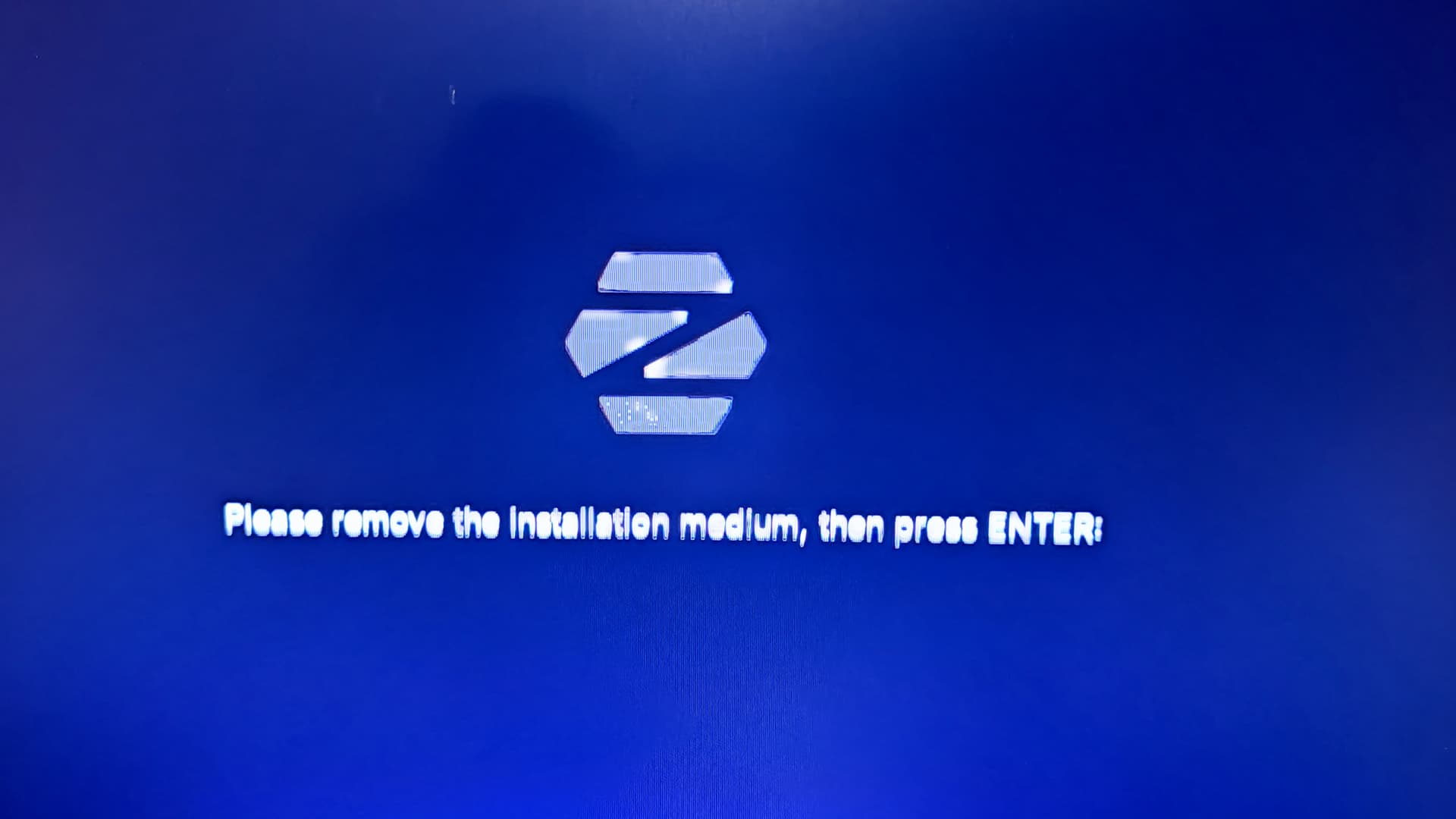
Le pregunté a Aria además,contesto que está acción es para prevenir que se reinicie nuevamente y se cargue el sistema,
This topic was automatically closed 90 days after the last reply. New replies are no longer allowed.