i installed zorin core free version. i deleted windows. the keyboard keys are different not like my ketters and cant fix them and when i plug usb internet nothing works. it shows connected. i tried all the menus i have there. nothing. brave doesnt open anything. no updates. cant open boot menu. no key works.cant enter the nenu. cant install again from flash ,"disk on key". nothing. many days. i am no exspert.
Did you take a look at settings > keyboard >input sources
to change the keyboard layout to your language?
1 Like
Welcomke to the Forum!
Did You tested Zorin on USB Stick in the Try Zorin Mode before You have installed it? If yes: Did it worked?
When You have installed it, what Keyboard Layout did You choose? Like @Forpli already wrote, You can adjust that now, in the Settings, too.
- Can You specify that a bit more? Do You use a USB to Ethernet Adapter?
- Did You checked the ''Additional Drivers'' Tab in Software & Updates if there maybe is a Driver for Your Network Card offered?
- Can You post the Output of
sudo lshw -C networkandrfkill listplease? - Are Secure Boot and Fast Boot in BIOS disabled?
- If Windows is installed: Is Fast Start-Up in Windows disabled?
yes i tried all the menus available few times.nothing moved no change. and nothing could be added when the internet connection doesnt work though written "connected" . specifically. i will ve able to enter the computer later and answer you precisely the reaction. thank you
i checked now again. it doesnt let me add. it shows many places around the world but doesnt let add or change.
written there on top only "english(classic dvorak)
wow thank you just now saw . i wasnt on phone. i did not test zorin on usb stick but installed right away and deleted windows because windows i had remote computer connected without me allowing i thought it was hacked. and exsperts recommended zorin i thought it was safe. on the keyboard i probably did not take time on the instalation it just-all the characters are different from my keyboard and mine is lije the onscreen keyboard i had put on zorin. cant know what will come up.
additional drivers tab,checked now,"no additional drivers available"
its a usb connection to cellular modem with charged sim
windows is not installed. i tried close and open as written to enter the boot nenu. nothing shows on screen to enter the boot menu when i start the cimuter and all keys i pressed from f,delete,esc,didnt give me enter boot nenu. maybe because the keyboard keys have changed
on keyboard menu where written
english(classic dvorak) when pressing +it opend a big menu but what i choose it diesnt let add or change.
the bottons on top of "add an input source "or "add" dont respond and do not move and only the cancel on keft returns me to only classic dvorak. and the no internet is worse cause i put on screen key board that is like mine but never was internet.
i tried restart with pressing shift ,too. nothing. only zorin started to my password. as always. no internet though shows "connected" and i tried 2 working charged sim cards. nothing.
where should i write these lines of input,please?
Enter the commands in terminal.
Okay, Step by Step. Go to Settings>Keyboard and Click on Input Method:

In the next Window choose Your Type of Language (in my Case German ''Deutsch'') and click on it:

and in the next Window choose the specific Type of Layout and click on it because only when You click on it, it will enable the ''Add'' Button in the upper right Corner:

thank you very much friend. i tried now again. it diesnt let me add. when i click on the region with english the add botton on upper right doesnt work.
so i tried again your suggestion,pressed on it and it gave me various options-not mine. as in top line it didnt give me. i chose now ( english(mail,us,macintosh) and removed dvorak ,maybe it will give me my keyboard layout in english,though i use other languach it did not enable me to click the add. only to english.
yes. i opened now libre office and typed a-z and it gave me only english.
here. did i put it correct? the first phrase i took screen picture and the results when i pressed enter. i have no clue and
no internet though it shows connected. pictures did not upload here.
i typed after the $ sudo lsshw -c network
and enter it shows ne [sudo] password for yy: and square
i put my password it gave ne nany lines on network. i pictured them but it diesnt upload here nany minutes. i will try sgain share ouctures?
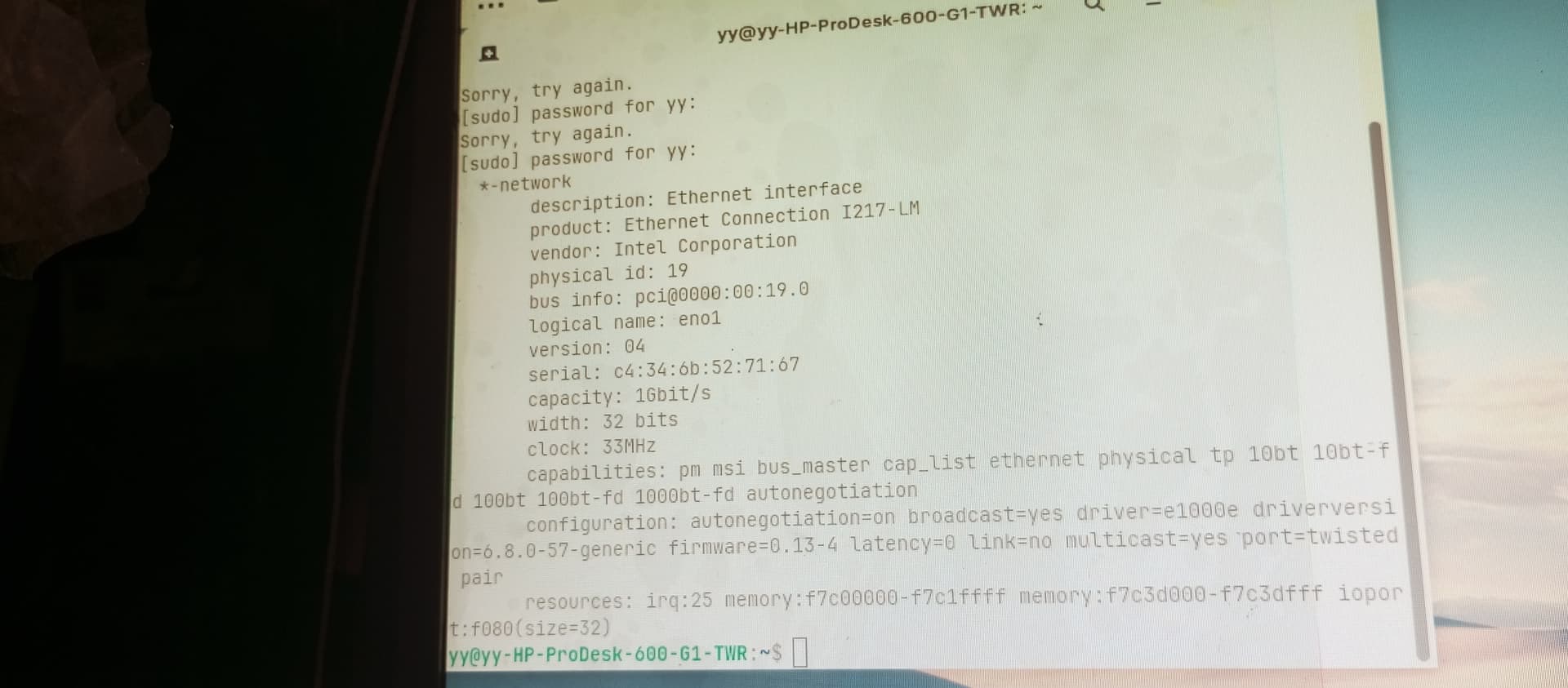
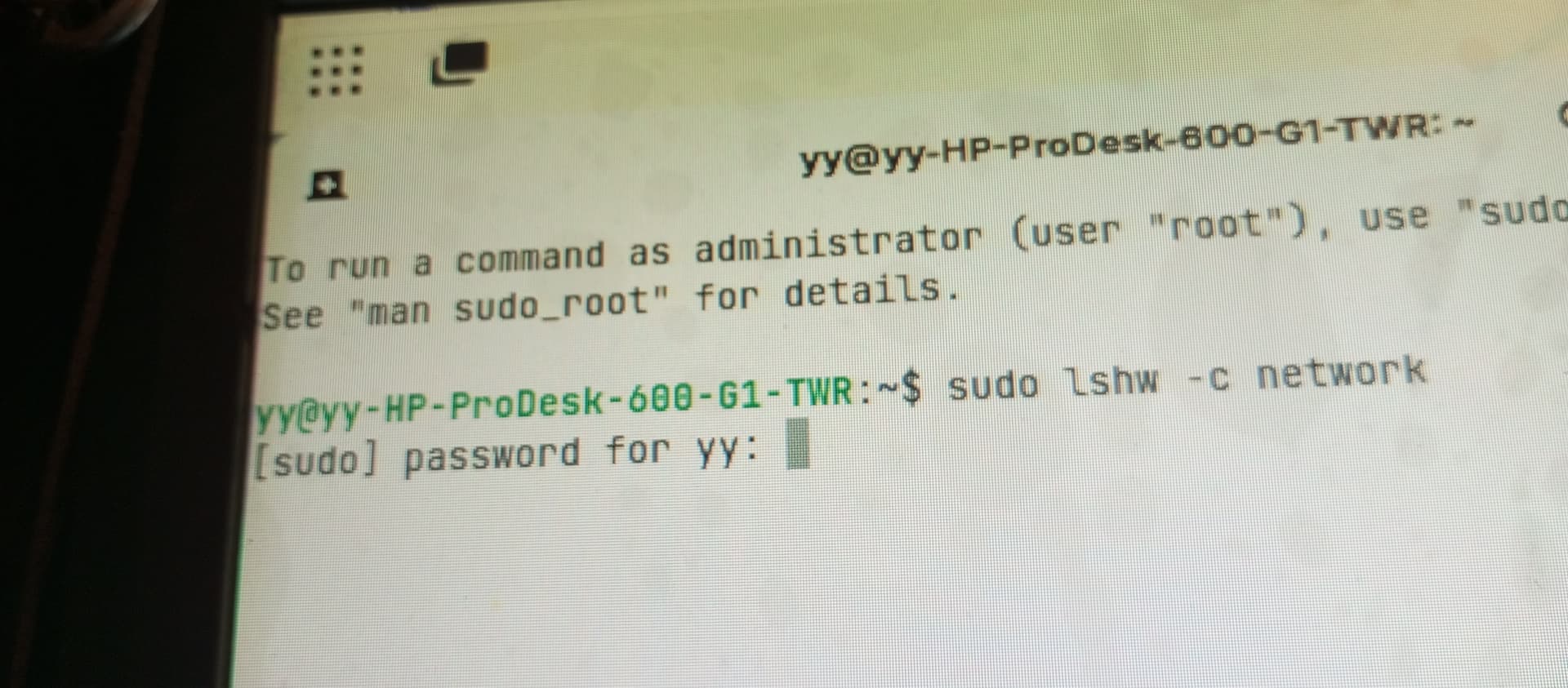
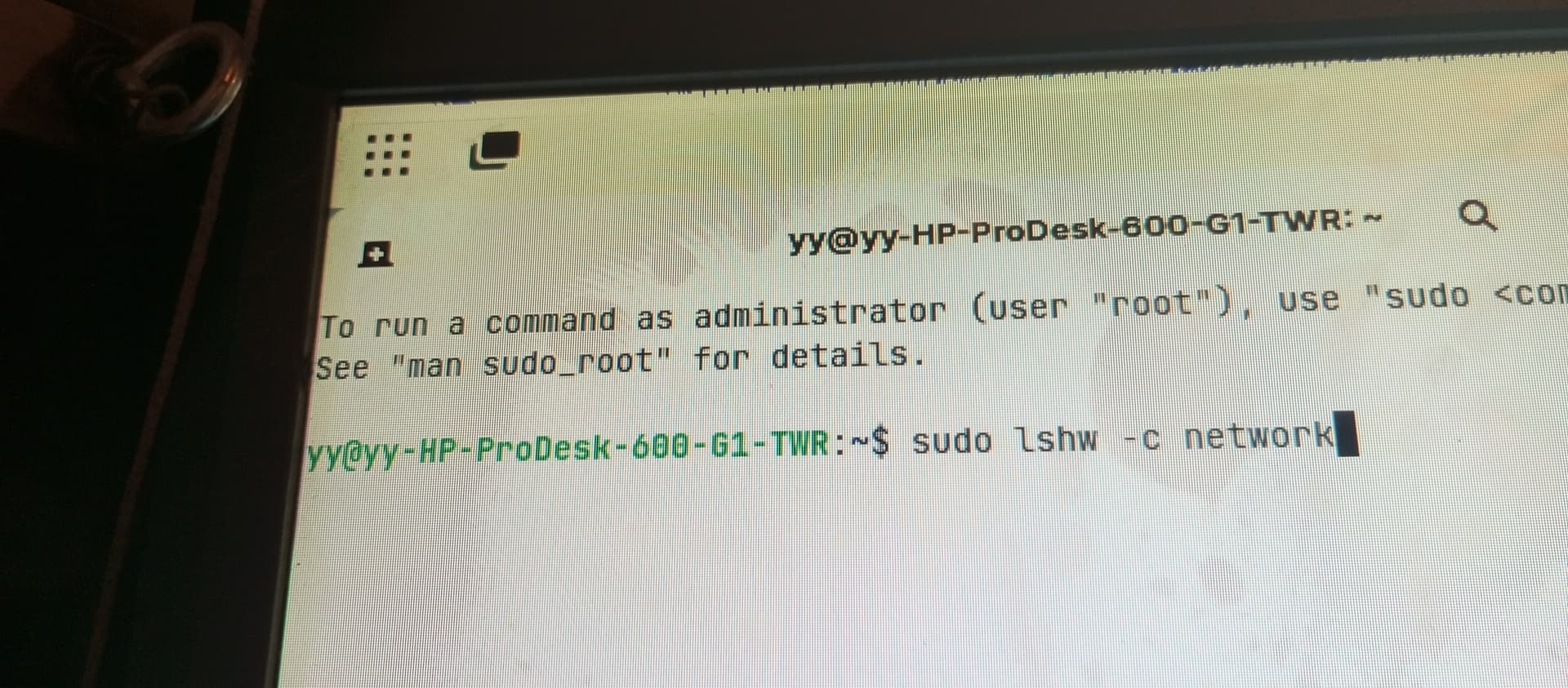
Hmm ... I would make now the Suggestion to try it with a Reinstallation. And during this take Care of Language and Keyboard Layout Settings. And when You choose one, You have there a Line where You can test it and type in.
But in Your first Comment, You wrote:
So, You are not able to start the USB Stick with Zorin on it? Can't You get in the BIOS?
no dear. i tried put the zorin usb instalation disk in and restart,restart while pressing shift and hold it. and close and turn on again. while pressing the end of f bottons or esc or delete ir space. actually the turn on screen did not show me any key to enter any menu and the restart whith shift pressed,-neither. always it opened zorin regularly and asked my password. no nenu. so i couldnt install again. and what about the no internet apart from the keyboard? it writes as connected but brave can open nothing.
i belive if you start it then hold down the F10 key it should take you into bios
yes it did! now can i help have internet from my usb modem charged sim card for surfing?
on the security menu i entered now,secure boot is disabled. and fast boot disabled. still.no internet on brave or updates or any download. and do the pictures i shared above reveal my connections computer and network to phone spys? can i keep my computer secret from my phone while searching help to have safe computer and internet ? thank you!