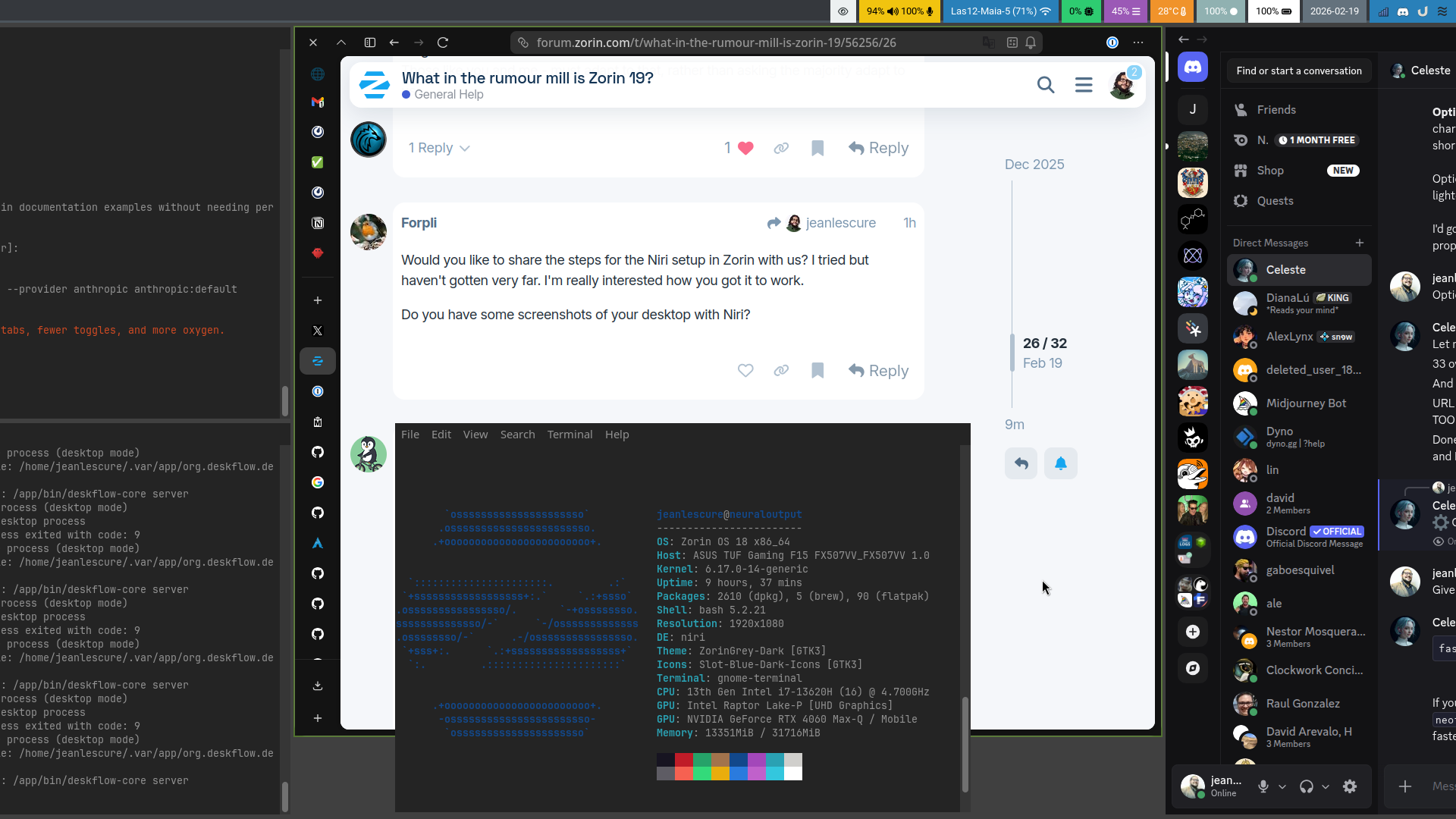
Glad to share my notes, although some things have changed since I last updated them a few hours ago (i.e. I replaced fuzzel with ulauncher):
To run the Niri Wayland compositor on Zorin OS, you will primarily need to
Install it from source as it is not in the default Zorin repositories. Niri works well with GDM, the default display manager in Zorin OS.
- Prerequisites
Ensure your system is up to date and you are running a Wayland-compatible session.
sudo apt update && sudo apt full-upgrade
- Installing Niri
You must install dependencies first:
sudo apt install -y gcc clang libudev-dev libgbm-dev libxkbcommon-dev libegl1-mesa-dev libwayland-dev libinput-dev libdbus-1-dev libsystemd-dev libseat-dev libpipewire-0.3-dev libpango1.0-dev libdisplay-info-dev rustup
rustup default stable
Then, download and compile via cargo.
git clone https://github.com/niri-wm/niri.git
cd niri
cargo build --release
cd ..
sudo mv niri /opt/niri
sudo ln -s /opt/niri/target/release/niri /usr/local/bin/niri
sudo ln -s /opt/niri/resources/niri-session /usr/local/bin/niri-session
sudo mkdir -p /usr/local/share/wayland-sessions
sudo ln -s /opt/niri/resources/niri.desktop /usr/local/share/wayland-sessions/niri.desktop
sudo mkdir /usr/local/share/xdg-desktop-portal/
sudo ln -s /opt/niri/resources/niri-portals.conf /usr/local/share/xdg-desktop-portal/niri-portals.conf
sudo ln -s /opt/niri/resources/niri.service /etc/systemd/user/niri.service
- Installing Required Components
Niri is not a full desktop environment, so you need a bar and a launcher for a usable experience:
sudo apt install waybar fuzzel xwayland-satellite
- Waybar: For the top panel.
- Fuzzel: Application launcher (mapped to
Super+D). - xwayland-satellite: For running X11 apps.
- Post-Installation Configuration
- Default Configuration: Niri will create a default configuration file at
~/.config/niri/config.kdlon the first run. - Keybindings:
Super+T: Open Terminal (Alacritty).Super+D: Open App Launcher (Fuzzel).Super+Shift+E: Exit Niri.
- Fixing Double Bars: If you use Waybar, the default niri config might spawn another bar. Stop it with
pkill waybarand remove thespawn-at-startup "waybar"line in~/.config/niri/config.kdl. - If you have an NVIDIA GPU, ensure your drivers are updated and Kernel Mode Setting is enabled (
nvidia-drm.modeset=1).
- Running Niri
- Log out of your current Zorin session.
- On the login screen, click the gear icon (usually bottom-right) and select Niri.
- Log in.
If you run into issues, the Niri Wiki is the best resource for configuration.