I installed Zorin on one of my old Core 2 Duo PCs. The installation completed successfully, as I received the final message confirming that the installation was complete and was prompted to remove the installation USB drive.
When the PC restarts, Zorin does not appear!
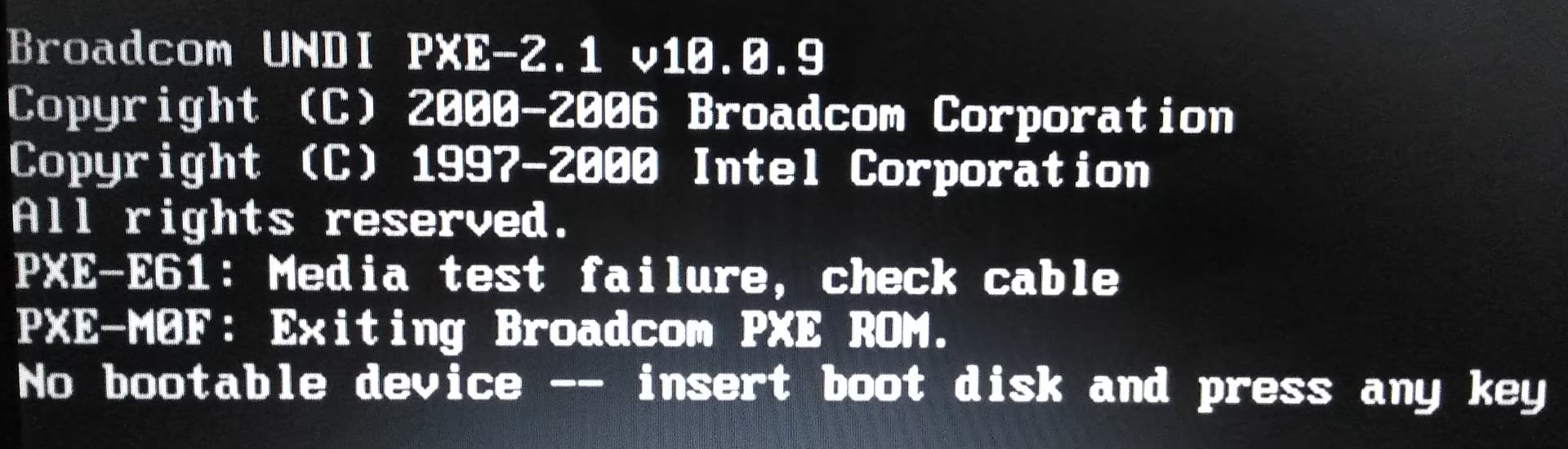
I get this message on the screen:
What the message is telling you is that no bootloader was installed, so the BIOS operating system cannot see a bootable User Operating system to load.
After following the steps suggested above, I would recommend reinstalling and you can use this thread to take it step-by-step to ensure that installing is going smoothly.
For example, checking if installing as MBR or EFI - if installing as EFI, is MBR (Legacy) disabled in your BIOS settings, and so on.
If you boot from your live media and run GParted and post a screenshot it might indicate that '/' partition has not been labeled as such (no bootable flag made).