I installed Zorin 18 Core and had been running sound on my Thinkpad T480 with no issues for a month using pipewire. Turned on my computer a few days ago and now it doesn't play any sound, in settings no output devices are found. The internal microphone still reads fine.
I tried rebooting, uninstalling and reinstalling pipewire, plugging in a pair of headphones which also weren't read in output. Pretty new to the world of linux and would appreciate any tips.
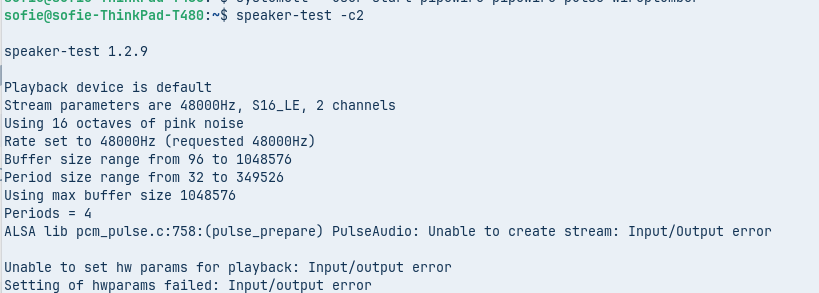
i also did a speaker test which came back with this:
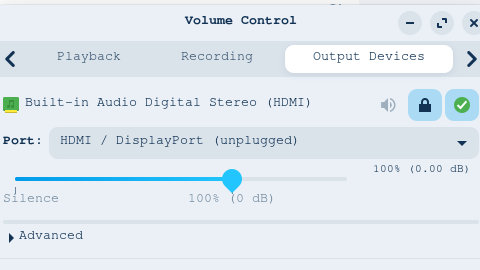
Did You received any Updates before this happened? Did You tried Pulse Audio Volume Control? It is a Tool for set up Audio Input and Output. You can install it with the Terminal Command sudo apt install pavucontrol
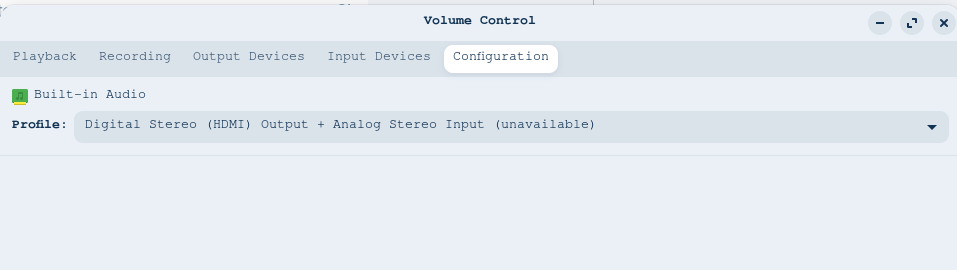
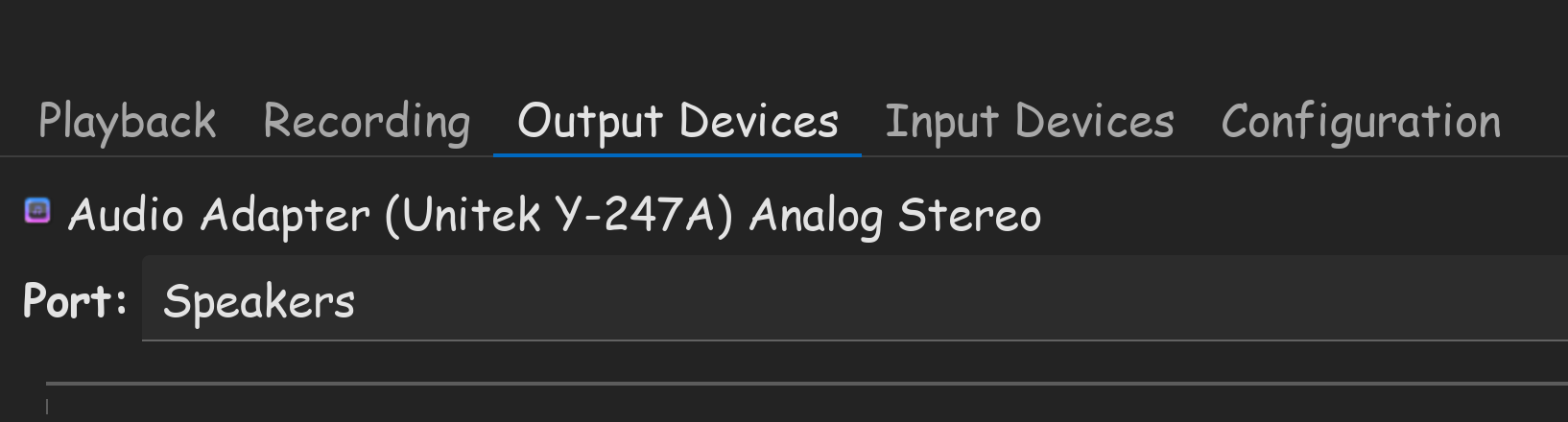
When installed, check the Configuration and Output Tab and see what Audio Profiles are shown to You.
HDMI is a display port protocal that includes audio. From my experience, built in speakers doesn't use HDMI output. You need to choose this one for output, if you want to hear out of built in laptop speakers.