Uso Zorin 18.1 Core y no puedo actualizar, permite actualización parcial, pero se reinicia.
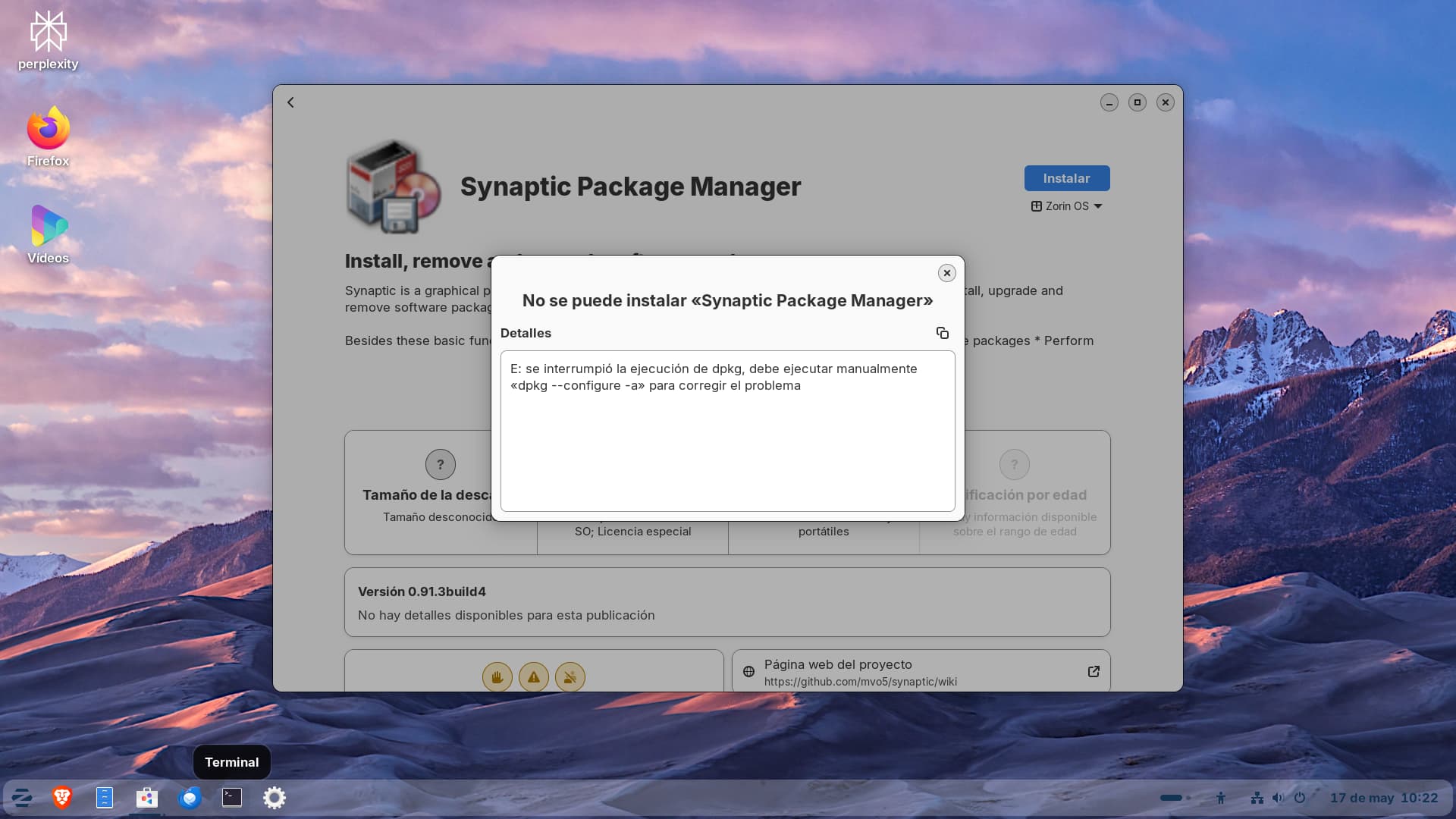
Okay, try it with opening the Terminal and type sudo dpkg --configure -a
After that make a sudo apt update && sudo apt upgrade and post the Output here please.
se reinicia y no puedo capturar lo que indica el terminal

Okay, that looks like an Issue with the Google Chrome Repo. Do You have Google Chrome installed?
No tengo Google Chrome actualmente. Si lo instale por Flatpak, pero no funcionaba y lo quite.
Hmm ... Okay, then let's check this first. Open the Terminal and type flatpak list to see if You have an Entry for Google Chrome. You might have to expand the Terminal to get the full Name shown. The flatpak Package Name are a bit longer. So, when it doesn't fit, expand the Window and then use the Command again.
Also type apt list google-chrome in Terminal to see if - however it might happen - the .deb Version is installed.
Then next let's check the Sources. Open the File Manager and go to /etc/apt/sources.list.d and check what Content the Folder has. The best would be to post that here.
Alternatively, You can type in Terminal cd /etc/apt/sources.list.d to come in the Directory and then ls to get a List of the Files.

Debería ser suficiente:
sudo apt-get install -f
sudo dpkg --configure -a
Si no:
´´´
sudo rm /var/lib/apt/lists/lock
sudo rm /var/cache/apt/archives/lock
cd /var/lib/dpkg/updates && sudo rm *
sudo apt-get update
Si despues tienes error de E: Could not get lock /var/lib/dpkg/lock deberías reinicar con:
sudo reboot
The command for Flatpak is:
flatpak list
You can simply copy it from my Comment.
That in Your sources-list.d Folder is nothing concerns me a bit. Coud You double-check that in the File Manager please?


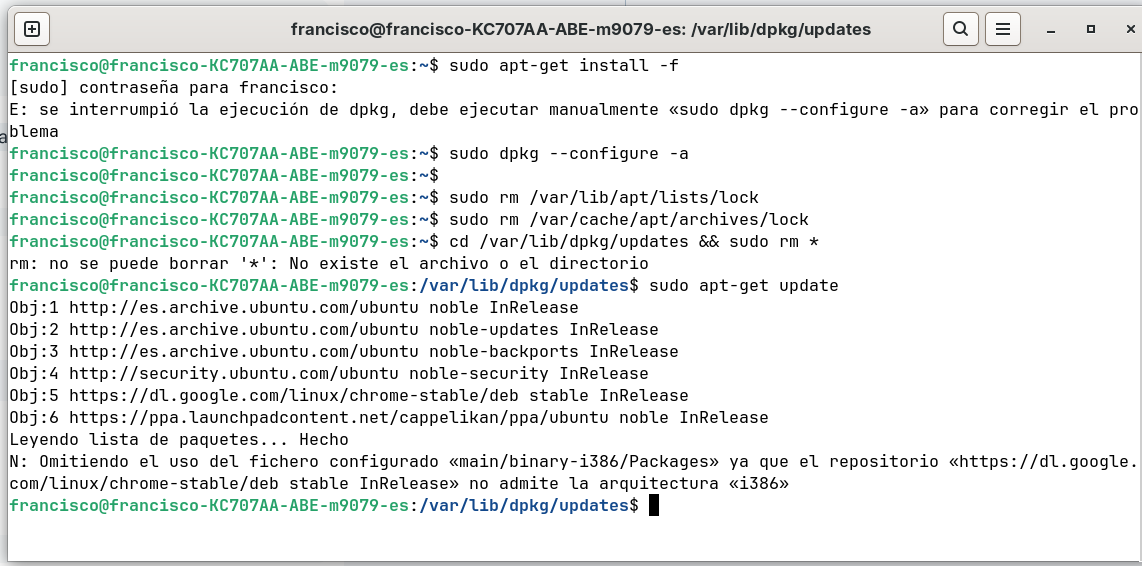
Okay, no Google. Then we have to check the Sources. Open the File Manager and copy the Path /etc/apt/sources.list.d in the Directory Bar of it and press Enter:

Then make a Screenshot of the Files and post it here please.
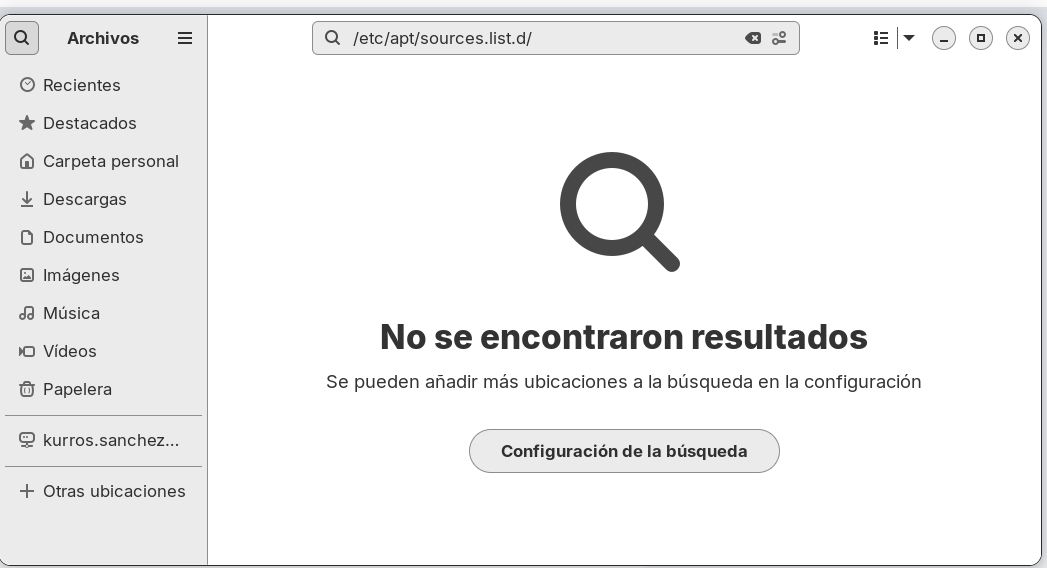

That nothing is shown in the File Manager is weird. But we have the Terminal Output. What doesn't look quite right, too. Did You upgraded from Zorin 17 to 18?But there are google-chrome Files. So, we should start with deleting them.
To delete them type in Terminal first sudo rm /etc/apt/sources.list.d/goggle-chrome.sources and after that sudo rm /etc/apt/sources.list.d/goggle-chrome.sources.save and when that is donne, type in Terminal sudo apt update && sudo apt upgrade
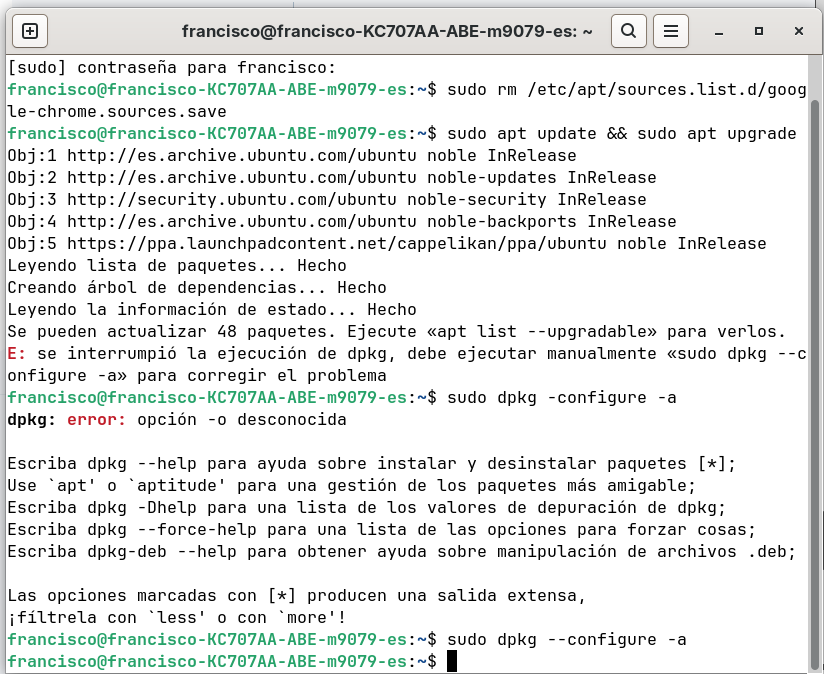
Hmm ... I think Your Sources are messed up. We could work through this manually but it would mean a bit tinkering to clean that up. Do You want do that? The Alternative would be to save Your Data and make a fresh Install of Zorin 18.
Podemos intentar arreglarlo manualmente sii me vas indicando. Gracias.
