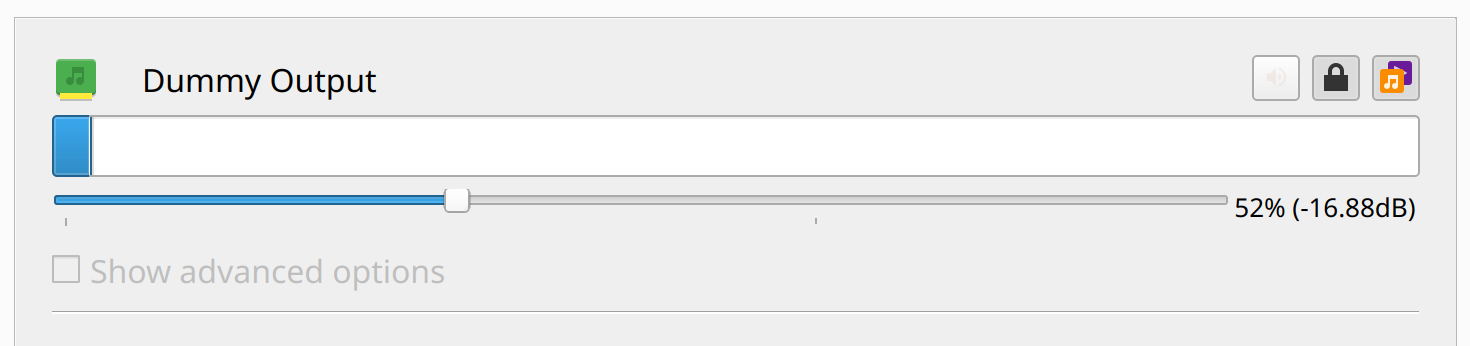
No sound (Dummy output)

Just installed Zorin OS 18 on my iMac19,1 and realized I am not getting any sound... it is detecting music being played in a browser tab but I'm not really sure where to go from here.


I've tried a few solutions here and there from the forum with no luck.

I am fairly new to Linux and I'm not all that tech-savvy in general, so I apologize in advance for any missteps

Hi and welcome.

Zorin 18 is a fork of Ubuntu 24.04 so this askubuntu thread (last post) might give you the solution:

Welcome to the Forum!

  • Did You tried it with a Reboot?
  • What is the Output for the Command sudo lshw -C multimedia

Attempts with the following commands resulted in

sudo apt-get install kernel-source =

E: Unable to locate package kernel-source

git clone GitHub - egorenar/snd-hda-codec-cs8409: Linux Kernel Sound Driver for Cirrus Logic CS8409 (e.g. for iMac27 5k)
(said "command git not found, but can be installed with: sudo apt install git", so I did)

E: Unable to locate package egorenar (Alexander Egorenkov) · GitHub

*-multimedia
description: Audio device
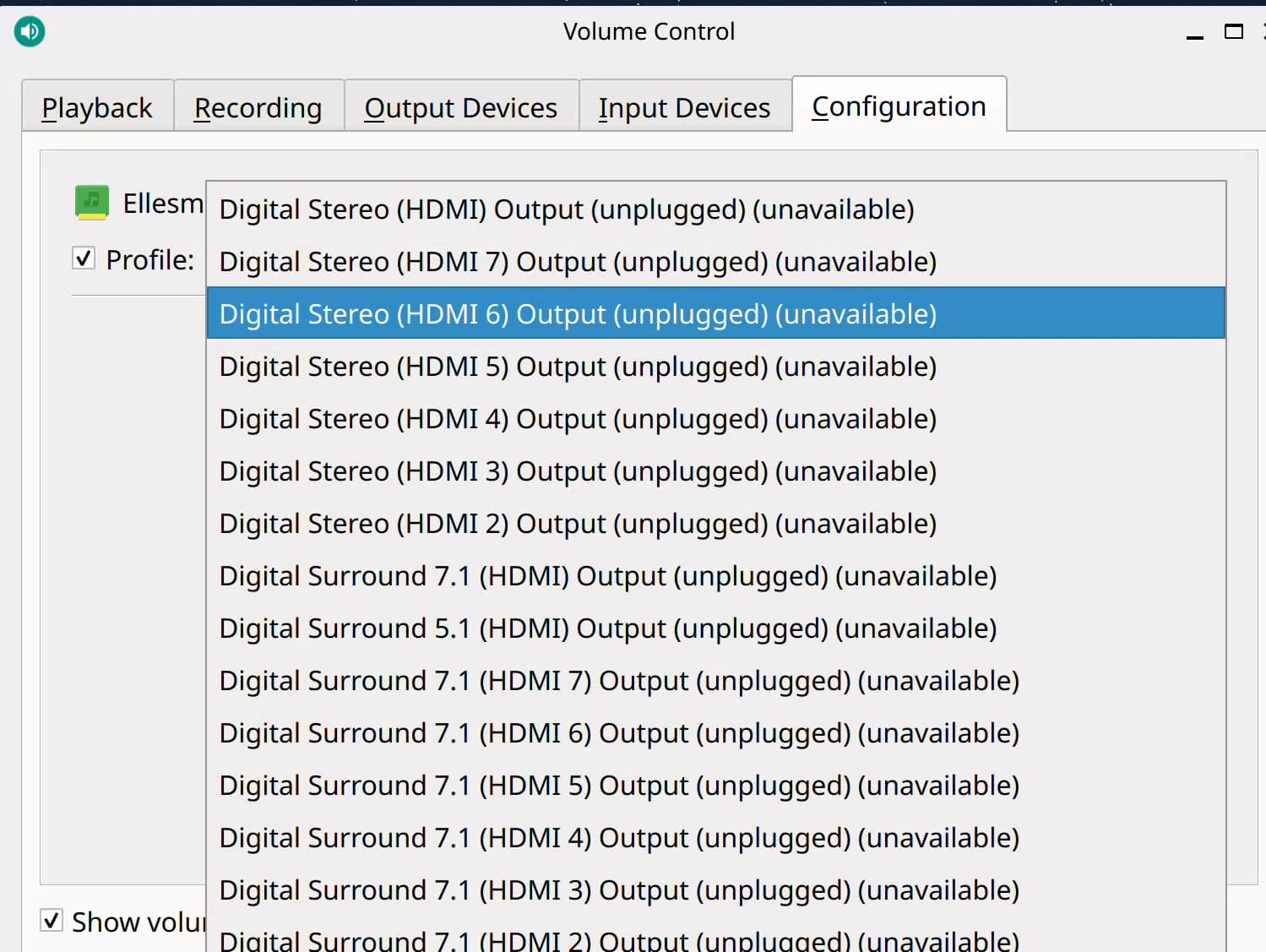
product: Ellesmere HDMI Audio [Radeon RX 470/480 / 570/580/590]
vendor: Advanced Micro Devices, Inc. [AMD/ATI]
physical id: 0.1
bus info: pci@0000:01:00.1
logical name: card1
logical name: /dev/snd/controlC1
logical name: /dev/snd/hwC1D0
logical name: /dev/snd/pcmC1D10p
logical name: /dev/snd/pcmC1D11p
logical name: /dev/snd/pcmC1D12p
logical name: /dev/snd/pcmC1D3p
logical name: /dev/snd/pcmC1D7p
logical name: /dev/snd/pcmC1D8p
logical name: /dev/snd/pcmC1D9p
version: 00
width: 64 bits
clock: 33MHz
capabilities: pm pciexpress msi bus_master cap_list
configuration: driver=snd_hda_intel latency=0
resources: irq:65 memory:81760000-81763fff
*-usb:4
description: Video
product: FaceTime HD Camera (Built-in)
vendor: Apple Inc.
physical id: d
bus info: usb@1:d
version: 72.52
serial: CCG9125002GH34FFM
capabilities: usb-2.00
configuration: driver=uvcvideo maxpower=500mA speed=480Mbit/s
*-multimedia
description: Audio device
product: Cannon Lake PCH cAVS
vendor: Intel Corporation
physical id: 1f.3
bus info: pci@0000:00:1f.3
logical name: card0
logical name: /dev/snd/controlC0
logical name: /dev/snd/hwC0D0
version: 10
width: 64 bits
clock: 33MHz
capabilities: pm msi bus_master cap_list
configuration: driver=snd_hda_intel latency=64
resources: iomemory:400-3ff irq:66 memory:81810000-81813fff memory:4000000000-40000fffff

Did another search and still comes up with the same solution.

" Ellesmere HDMI Audio on Ubuntu 24.04 for iMac19,1 requires a specific kernel module to enable audio output through the AMD Radeon RX 470/480/570/580/590 GPU.

The snd-hda-codec-cs8409 driver from the GitHub repository egorenar/snd-hda-codec-cs8409 is the recommended solution for fixing the "Dummy Output" issue.

Steps to Install:

  1. Install required build tools and headers:
sudo apt update
sudo apt install -y linux-headers-generic build-essential git gcc-13
  1. Clone and compile the driver:
git clone https://github.com/egorenar/snd-hda-codec-cs8409.git
cd snd-hda-codec-cs8409
make
sudo make install
  1. Reboot the system:
sudo reboot

After rebooting, audio should appear in the sound settings. If audio stops working after a subsequent reboot, the module may not be loaded automatically. To fix this, ensure the module is loaded at boot by adding it to /etc/modules :

echo "snd_hda_codec_cs8409" | sudo tee -a /etc/modules

:white_check_mark: Note : This driver is specifically designed for iMacs with the Ellesmere HDMI audio chip and is confirmed to work on Ubuntu 24.04 and 25.04. The issue is not with ALSA, PipeWire, or PulseAudio configuration, but with missing or incorrect audio codec support in the kernel.
AI-generated answer. Please verify critical facts."

Did you install git first with:

sudo apt install git

?

This worked!! Thank you so much :slight_smile:

2 Likes