No upgrade to Zorin OS 18.1

Hello folks,

after applying any updates, my Zorin OS is still 18.0 instead of 18.1:

$ hostnamectl
Static hostname: XXXXXXXXXXXXX
Icon name: computer-desktop
Chassis: desktop :desktop_computer:
Machine ID: 87abb4ff07394e3b9171bb0f01912709
Boot ID: 5d8ee34482ee4e31b74ca4f8861e3974
Operating System: Zorin OS 18
Kernel: Linux 6.17.0-20-generic

$ cat /etc/lsb-release
DISTRIB_ID=Zorin
DISTRIB_RELEASE=18
DISTRIB_CODENAME=noble
DISTRIB_DESCRIPTION="Zorin OS 18"

What can I do to upgrade my OS ?

Best regards
Inga

I would not worry too much just yet. it should get through via Software Updater eventually, just check for updates in next few days. There have been reports of heavy server burden in past few days, which may be a factor.
Is your update source set to "Main Server"?

3 Likes

Thank you for your fast reply. Yes it's set to main. On three other devices, the upgrade was successfully. Which kernel version is the current one for 18.1 ?

The one, You use:

You could try in Terminal the Command:

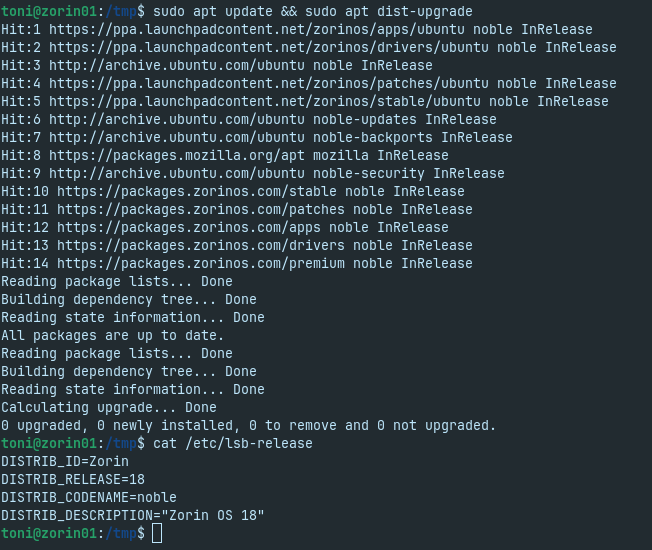
sudo apt update && sudo apt dist-upgrade
1 Like

Thinking the device is already on 18.1 but /etc/lsb-release is not updated. Is there any other hint to very if OS 18.1 is already installed instead of /etc/lsb-release and hostnamectl ? After newly upgrade the kernel version is vmlinuz-6.17.0-22-generic

What is your terminal output for

...please...

Here we go

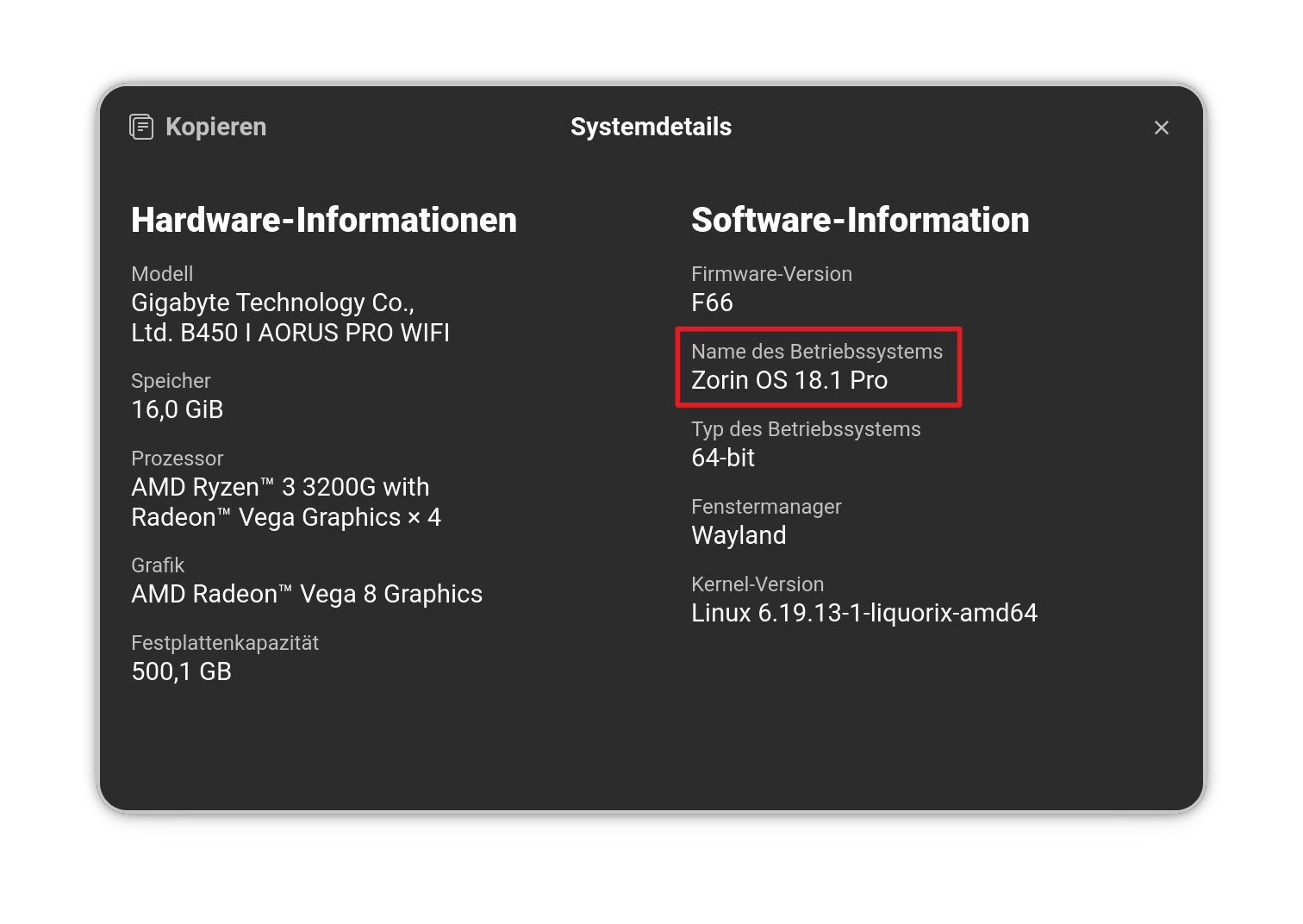
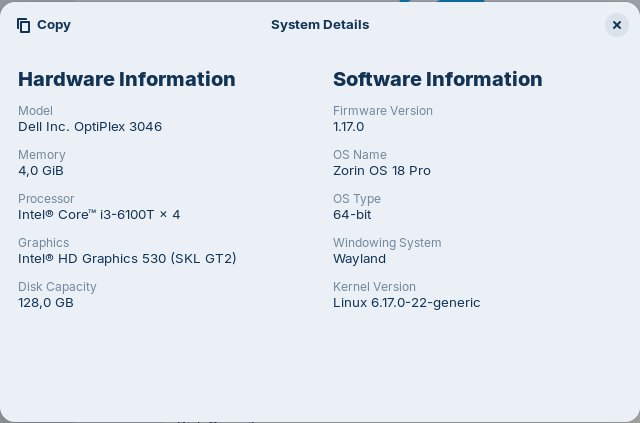
When You go to Settings>About>Info>System Details, do You see there Zorin 18.1:

Still on OS 18 :frowning:

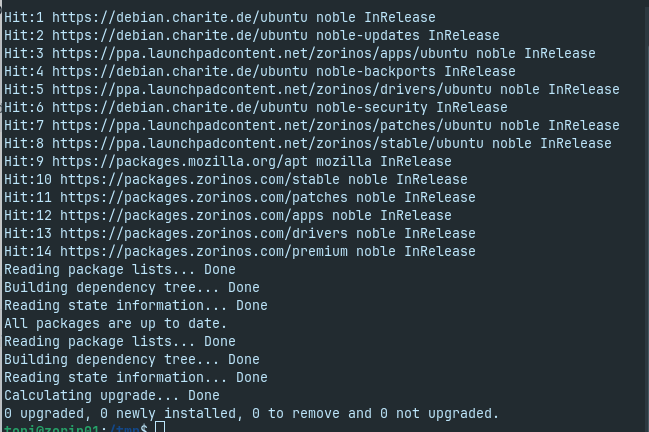
You wrote that your software & updates app is set to main server, but your terminal output of post #7 doesn't show that (your downloads come from the charite in Berlin). I would first try to set it to main server and then update the software sources.

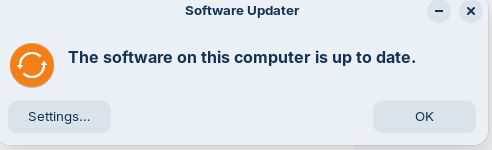
Yes thats right. I switched to german server to verify if this works. Now switched back to main:

What shows the file
/etc/os-release
?

$ cat /etc/os-release
PRETTY_NAME="Zorin OS 18"
NAME="Zorin OS"
VERSION_ID="18"
VERSION="18"
VERSION_CODENAME=noble
ID=zorin
ID_LIKE="ubuntu debian"
HOME_URL="Zorin OS - Make your computer better."
SUPPORT_URL="https://help.zorin.com/"
BUG_REPORT_URL="Send Feedback - Zorin OS"
PRIVACY_POLICY_URL="Privacy Policy - Zorin"
UBUNTU_CODENAME=noble
LOGO=zorin-logo

1 Like

That looks okay ... What LibreOffice Version do You have installed?

Sorry, no LibreOffice is installed. I've uninstalled all not used apps from my clients.