I would like to recommend you not to allow the user to fully load its hard drive.
Making the system unable to start (unable to reach the grub menu).
We have an information about an upcoming lack of space in our drive.
But you can ignore it !
I would like to suggest you not to allow the user to ignore this message.
I see Zorin OS as a system for everybody. Without technical skills.
In the situation mentioned above, it was not possible to reuse its system for a common user.
Thank you again for Zorin OS and for your interest in this proposal.
I would also like to add that it would be really helpful for linux beginners if the grub menu would be displayed by default for some time at startup in the case of a non-dual boot or a dualboot with separate bootloaders on different drives.
The number logs or size of logfiles could also be limited by default so that they do not fill up the entire storage space in the event of an error.
The strange thing to me is that system logs have a limit by default, according to the man pages for journald. I'm sure there's some reason I'm overlooking that allows them to get out of hand, but I feel like the default should be changed from percentage based (which is the default for journald) to fixed size on a desktop-focused distribution where the odds of a user needing multiple gigs of log files is extremely low.
According to the manual page, logs on disk should normally be capped at 4G, no matter how large the file system is. I can't fathom needing that much. You can edit /etc/systemd/journald.conf to uncomment SystemMaxSize and RuntimeMaxSize and set them to 200M to limit logs to 200 MB in size, which should keep them small. You can also uncomment MaxRetentionSec and set it to 1w which will delete logs after they're a week old. 1m holds for up to a month, if that's more comfortable.
Step by step, that'd be:
sudo nano /etc/systemd/journald.conf
Use the arrow keys to find the lines that start with a # and the names above (SystemMaxSize, RuntimeMaxSize, MaxRetentionSec).
Delete the # in front of any line you want to change.
After the name, put =200M for the size options, or =1w for the retention option (or longer if preferred).
Press Ctrl-O to save changes.
Press Ctrl-X to close the text editor.
Reboot, so the changes are loaded, or do systemctl restart systemd-journald.service
With the example sizes I gave above, the lines in question would look like this:
All that said, I agree that it shouldn't be possible with defaults for a user to get their system to an unbootable state due to lack of HDD space unless the user has overridden a default. By the same token, I think it's important that the user be able to override defaults, even at risk to their system, if they explicitly choose to. A lot of us are here because we're tired of Microsoft telling us how our computers should behave, after all.
I concur, when I had an issue with the correct password not being recognised post-install I had to run Repair Disk from live version in Ventoy to get GRUB to show.
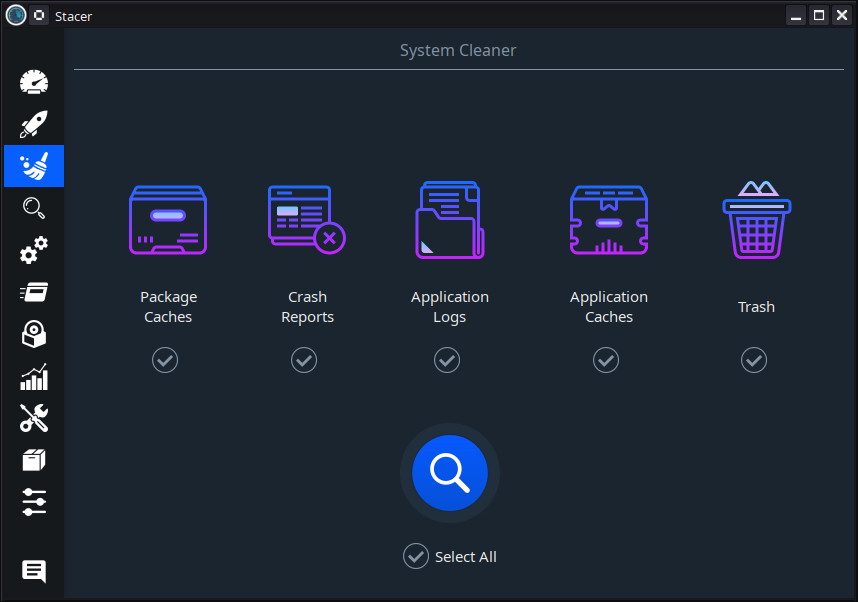
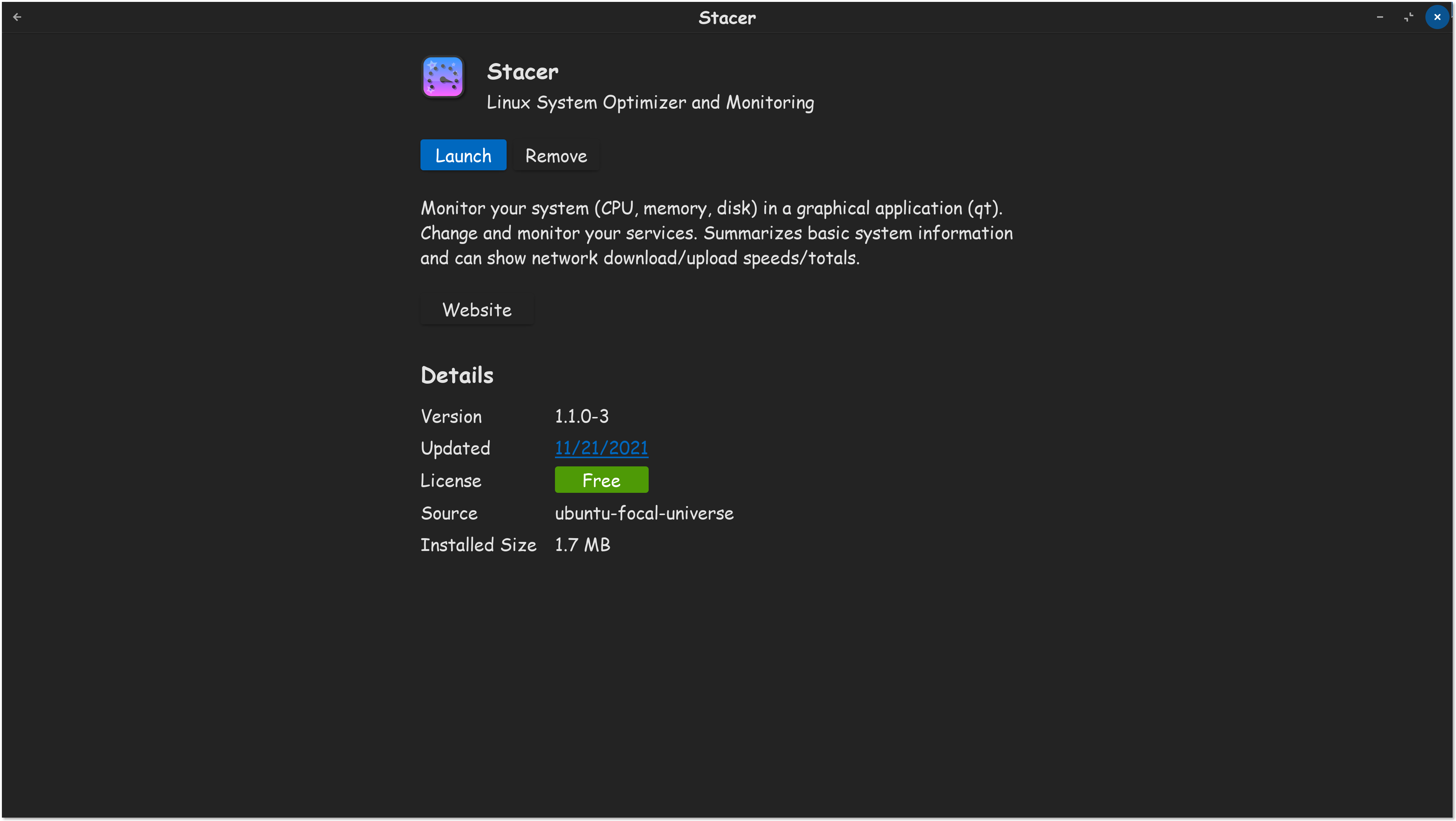
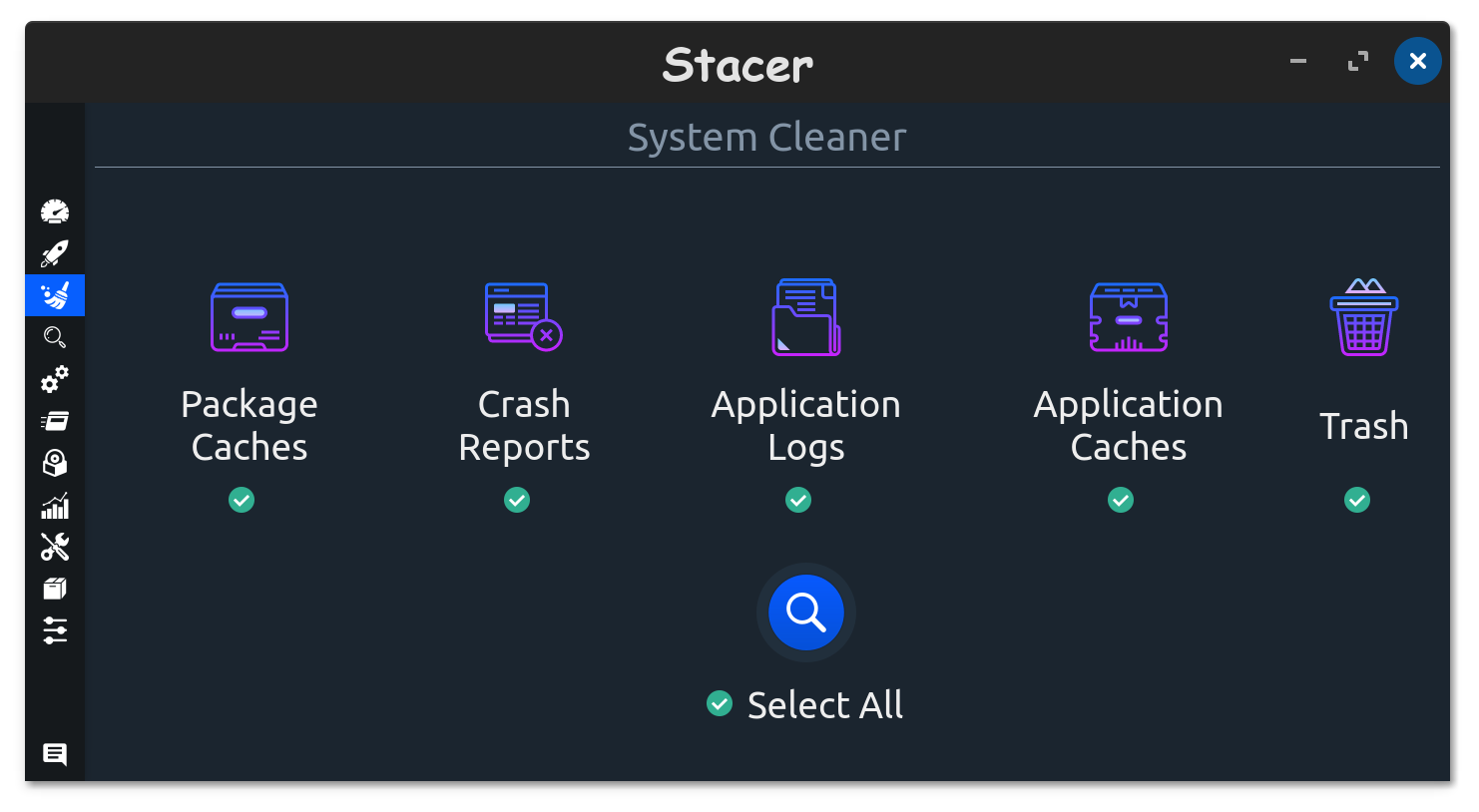
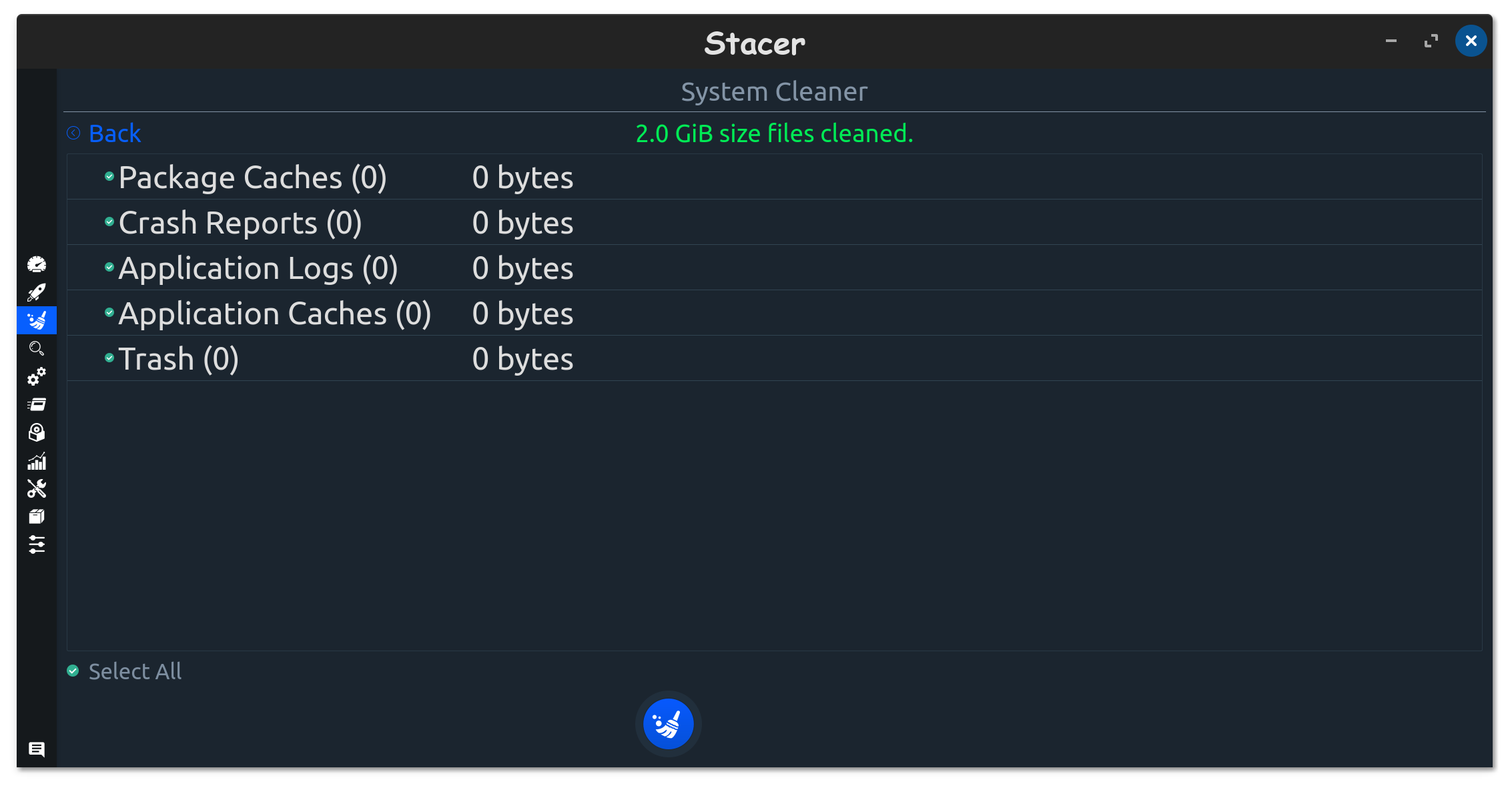
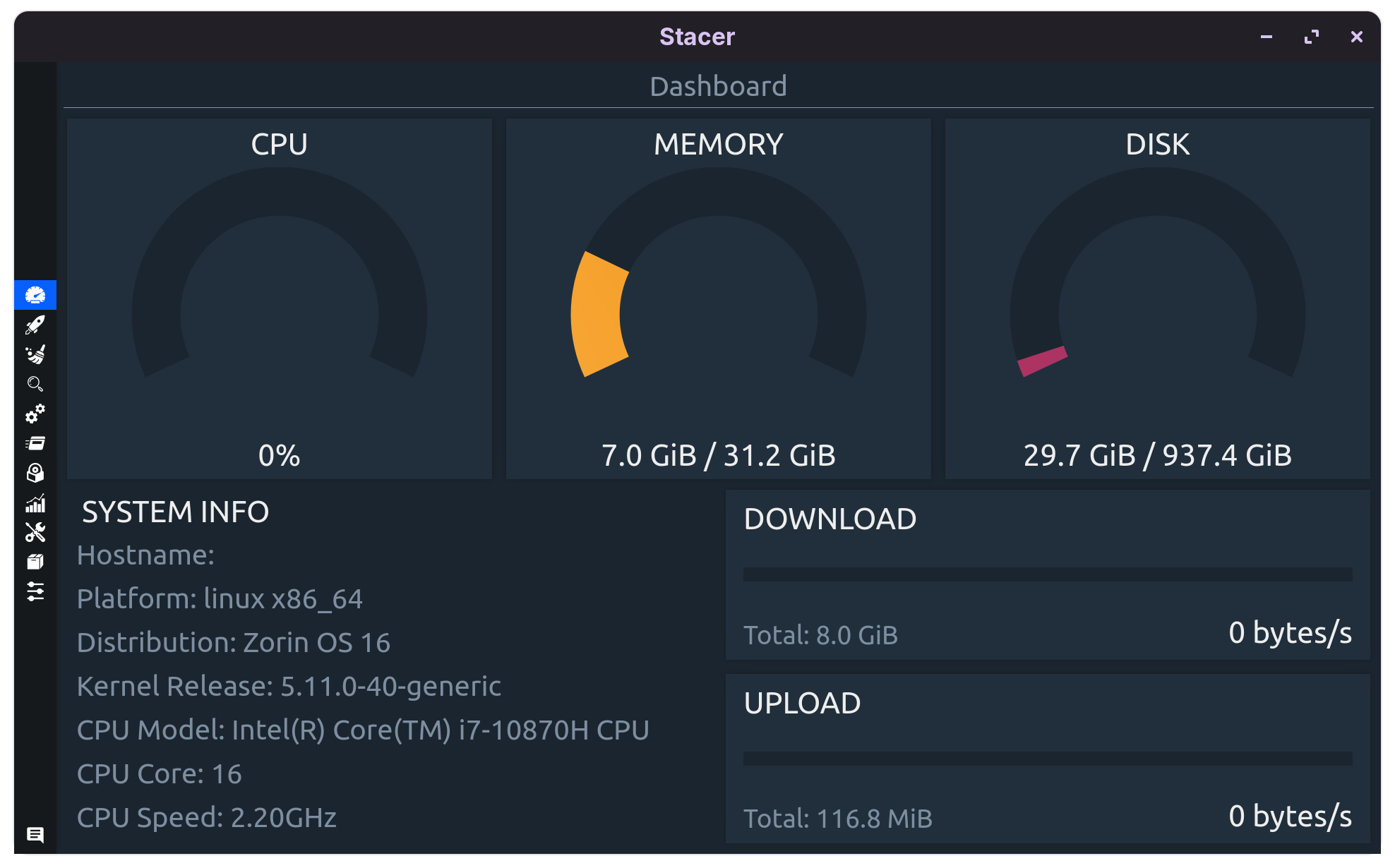
I think in terms of cleaning up disk space, Stacer is a good place to start:
I just bookmarked your post, this is absolutely necessary for small drives. I have plenty of space on my internal drives, but I wanted to do it anyways. There is another computer that only has a 128GB drive, and I foresee having to do this, for that computer for sure eventually.
 and for your interest in this proposal.