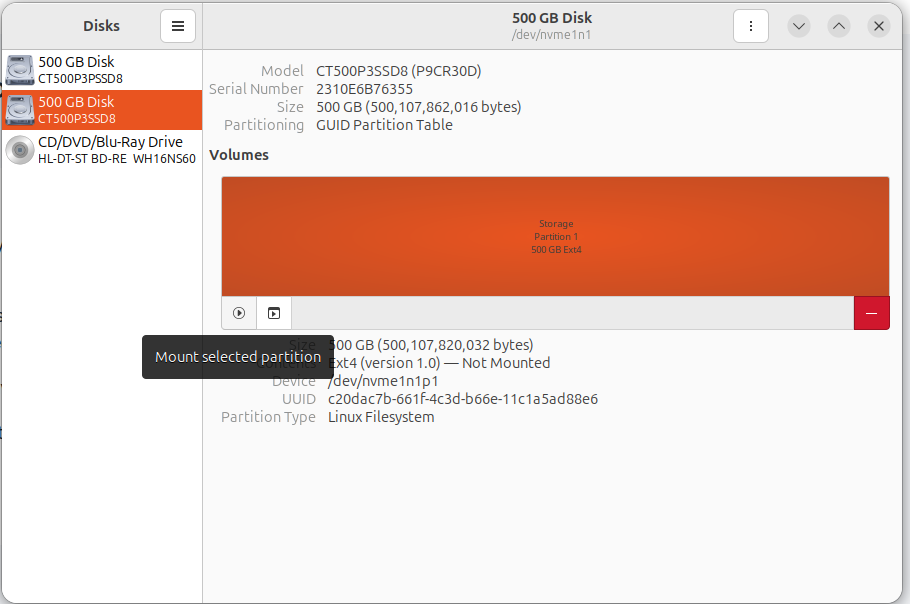
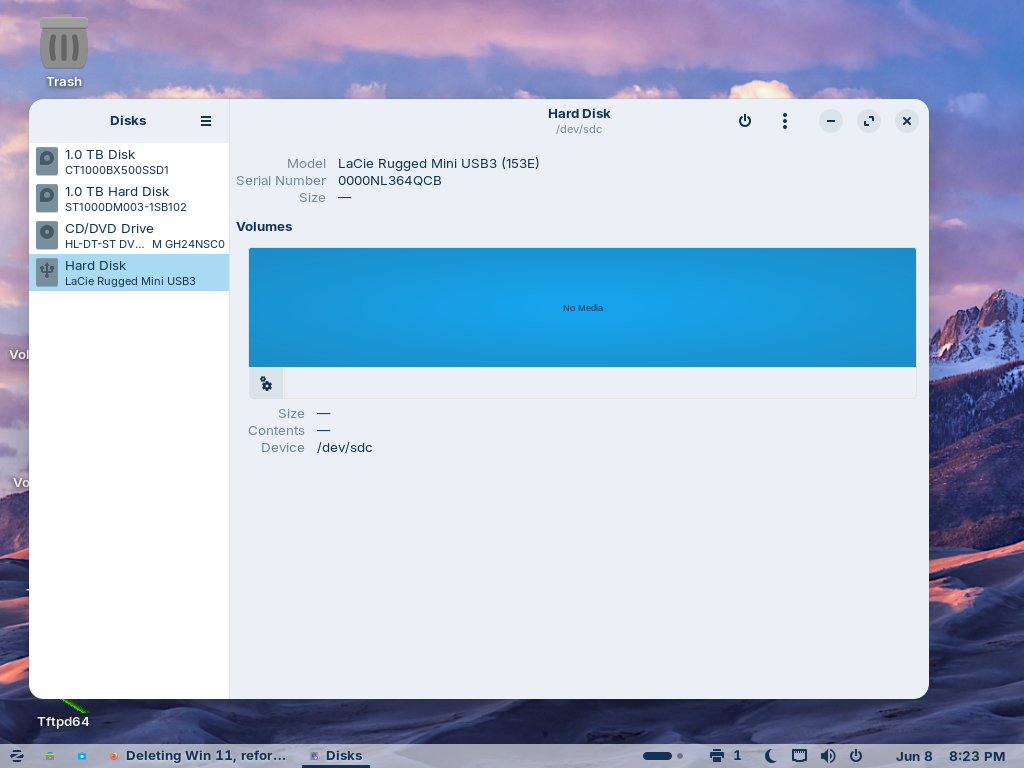
Hmm ... at least it sees the Drive. But it doesn't get any Infos about it. How are the Drives formatted? Are tehy connected directly with a Cable or over a HUB?
All my external drive were connected to the front of my old desktop computer, which has 2 white USB ports, but those external hdds have blue connectors.
I placed those external hdd, which were not mounted or taking long to mount, to the back of the cpu, where the usb ports are blue. Those drives were mounted instantly and the data read.
What a little effort can achieve.
Thanks community for your inspiration.
Here reminds me of the movie: Matrix. Most people are so wired to Microsoft and Windows that they don't want to disconnect.
I will never throw away my old working computer. Never, when they are alternatives.