lspci -nnk | grep -A3 VGA
00:02.0 VGA compatible controller [0300]: Intel Corporation CometLake-S GT2 [UHD Graphics 630] [8086:9bc5] (rev 05)
Subsystem: ASRock Incorporation CometLake-S GT2 [UHD Graphics 630] [1849:9bc5]
Kernel driver in use: i915
Kernel modules: i915
also to note that the gpu is not being recognize like at all, so i have to have the drivers ready then it will? i legit have an extra fan set up cause the gpu keeps getting hot without doing anything also theres no fans spinning on it
This card... you said that someone gave it to you?
The fans won't spin and it is not being fully recognized...
You might reseat the card in the PCI slot. Ensure the cable connectors are all properly plugged in.
Check your power supply wattage (At least 550Watts).
In your BIOS settings, check if there is a Display option and that it is set to PCI and not to IDG.
1 Like
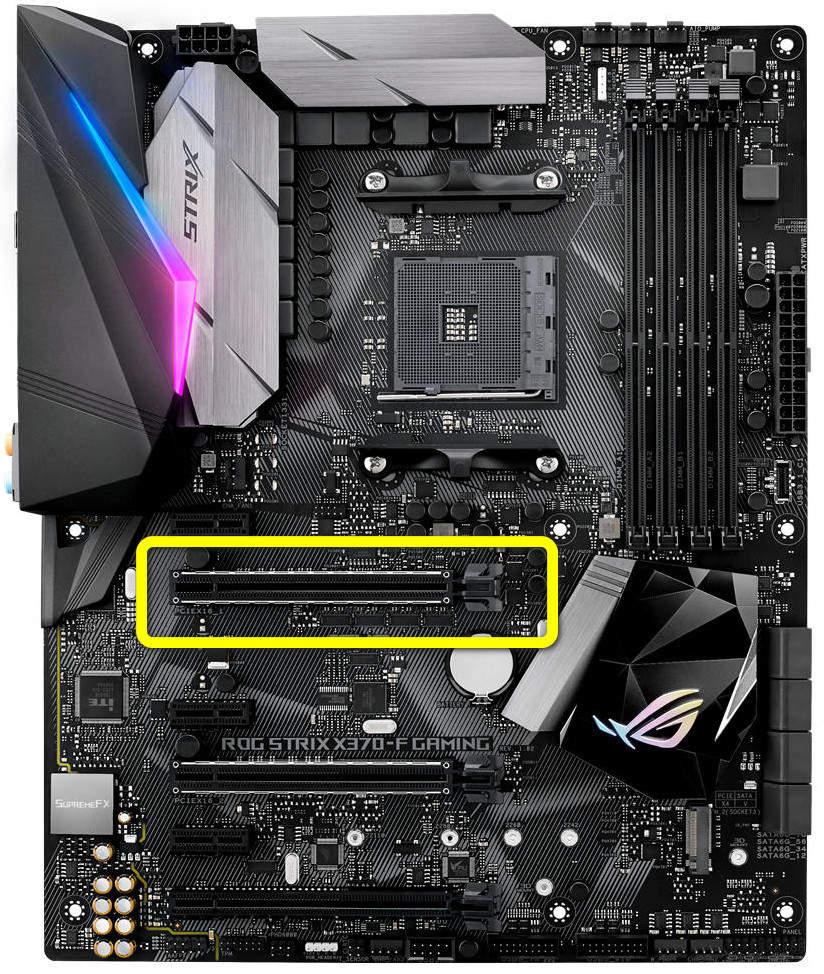
I know this is going to sound weird, but I really need to double check, that you put the GPU in the correct slot, on the motherboard. The GPU needs to be installed in the slot you see in this picture, and the power plug/plugs need to be properly plugged in and fully seated, into the GPU.
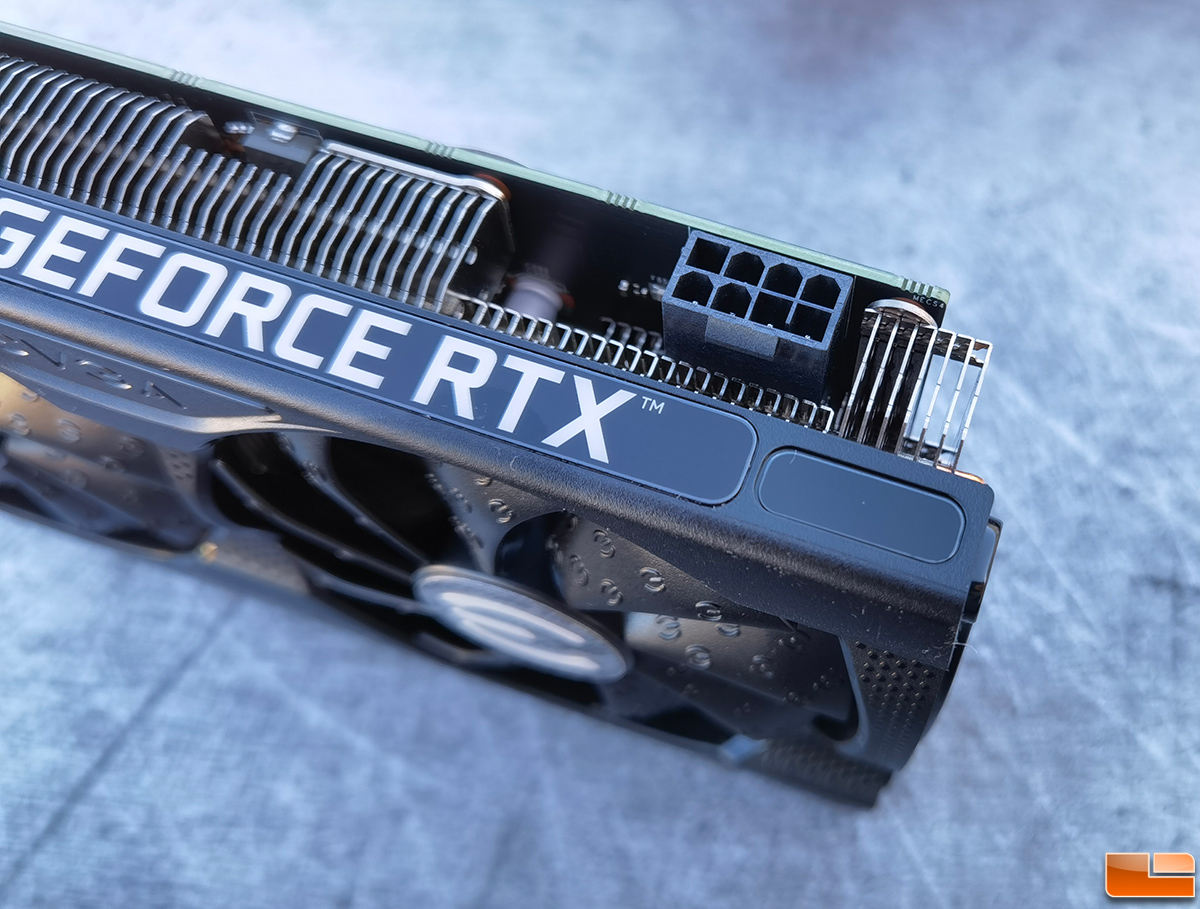
Please confirm you did infact buy a brand new GPU from a reputable retail store too BTW.
And Lastly:
I was as well. That person joined 1-hour ago just to say that unhelpful garbage. Unbelievable.

my friend bought it to me as a gift. and it did not come from the regualr packging. but i think it was still from gigabyte but refurbished in amazon. ill double check tgis when they answer.
dont know where exatly that option is. i see PCI Express Native control
That is an ACPI handoff toggle, so that is not what we want.
What motherboard do you have?
this what it says when i purchased it
ASROCK B560M PRO /AC LGA1200 mATX MB
intel socket
Ok, in your BIOS, you may need to toggle F6 for advanced mode: Advanced > Chipset Configuration.
Look for Primary Graphics Adapter.
Choices: Onboard, PCI Express, Auto.
Set it to PCI Express.
You may set IGPU Multi-Monitor to disabled, if you see it - this will put you on Nvidia GPU only, though. I would wait on this - especially as there is uncertainty as to why your NVidia GPU is not being recognized.
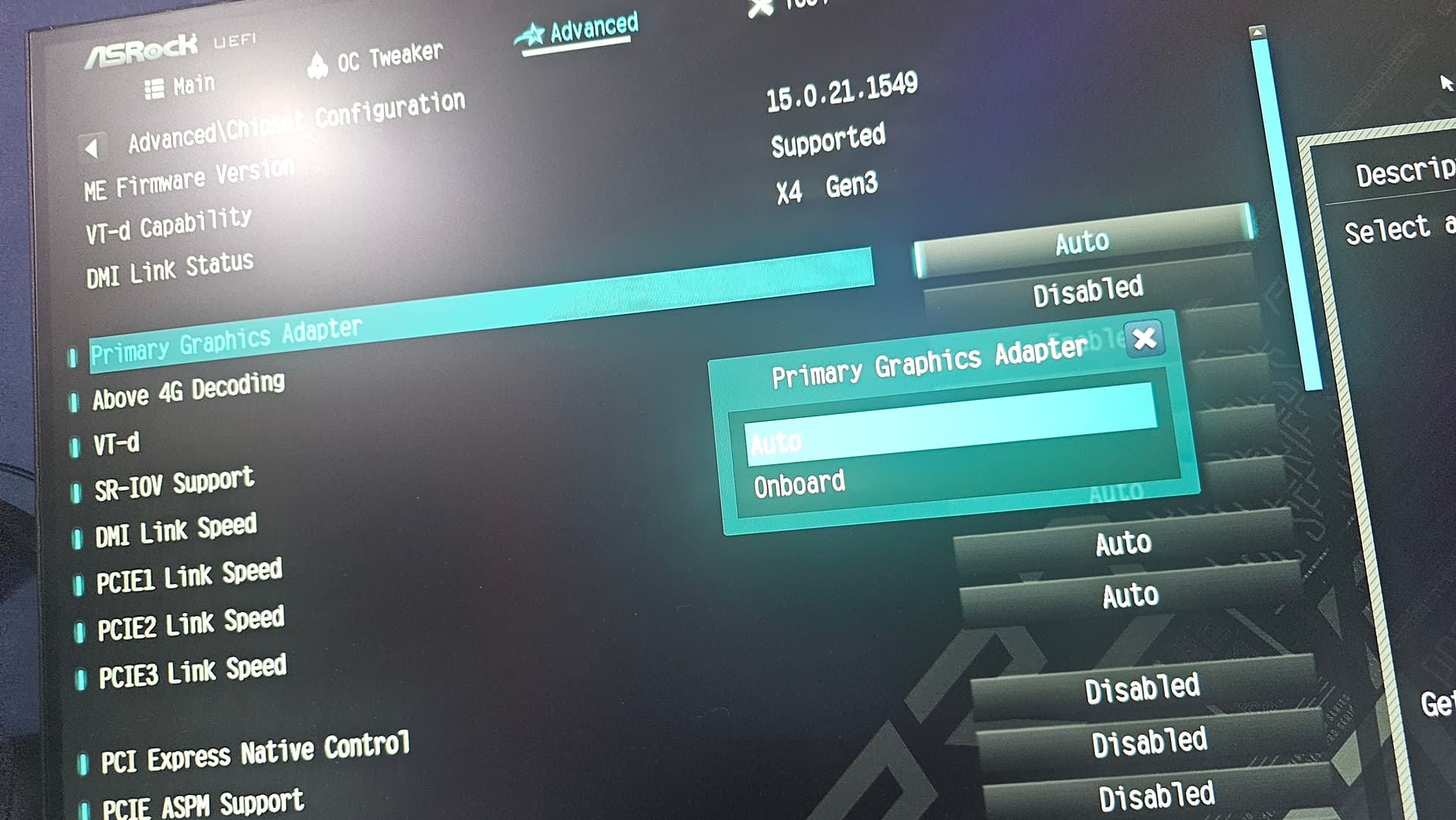
IGPU before i had it diabled then i was told to enable it so far no chnage when i did
also isisnt pci the power cable? is onboard the slot?
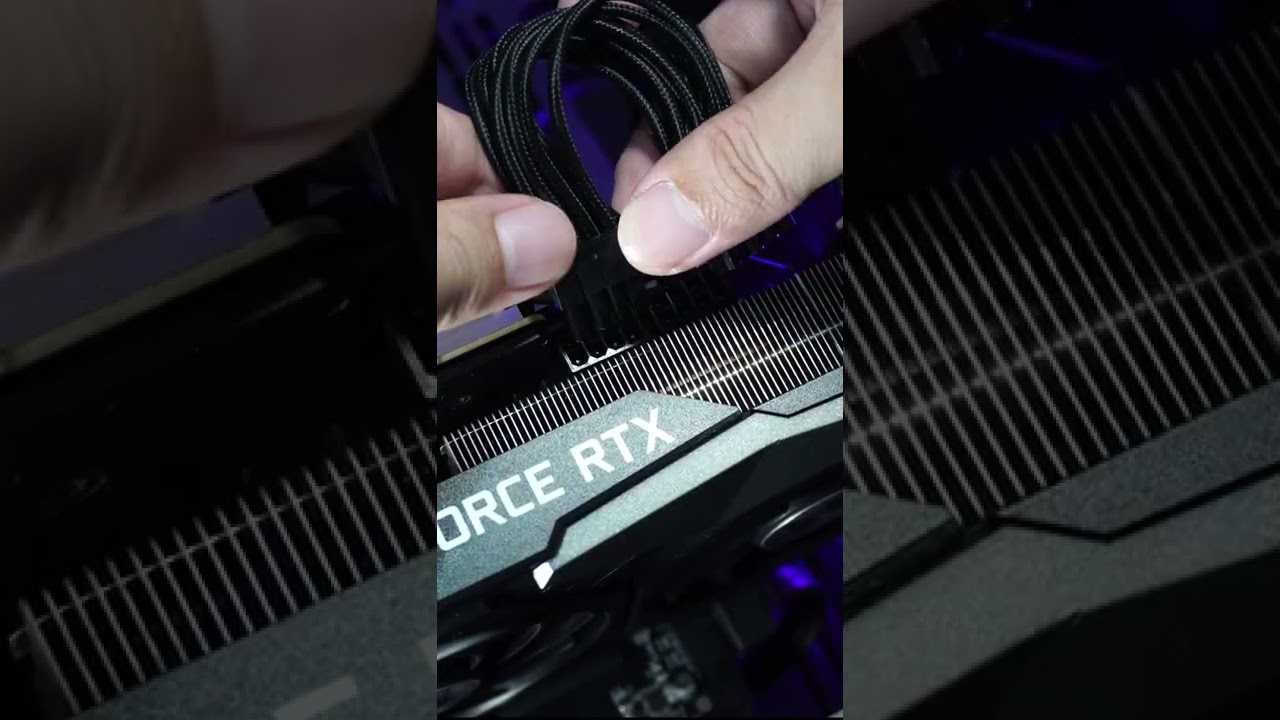
Your card likely only has the 1 power plug port, but this video is a great guide to explain what I mean.
EDIT: The whole reason I brought this up, was your description that fans were not turning on. I was concerned that the card was not getting its required power, based on that.
Please also keep in mind that modern GPU cards, usually have their fan curves set, to also not spin the fans, until a substantial load is applied to the GPU, to warrant cooling the card. This is to minimize fan noise.
1 Like
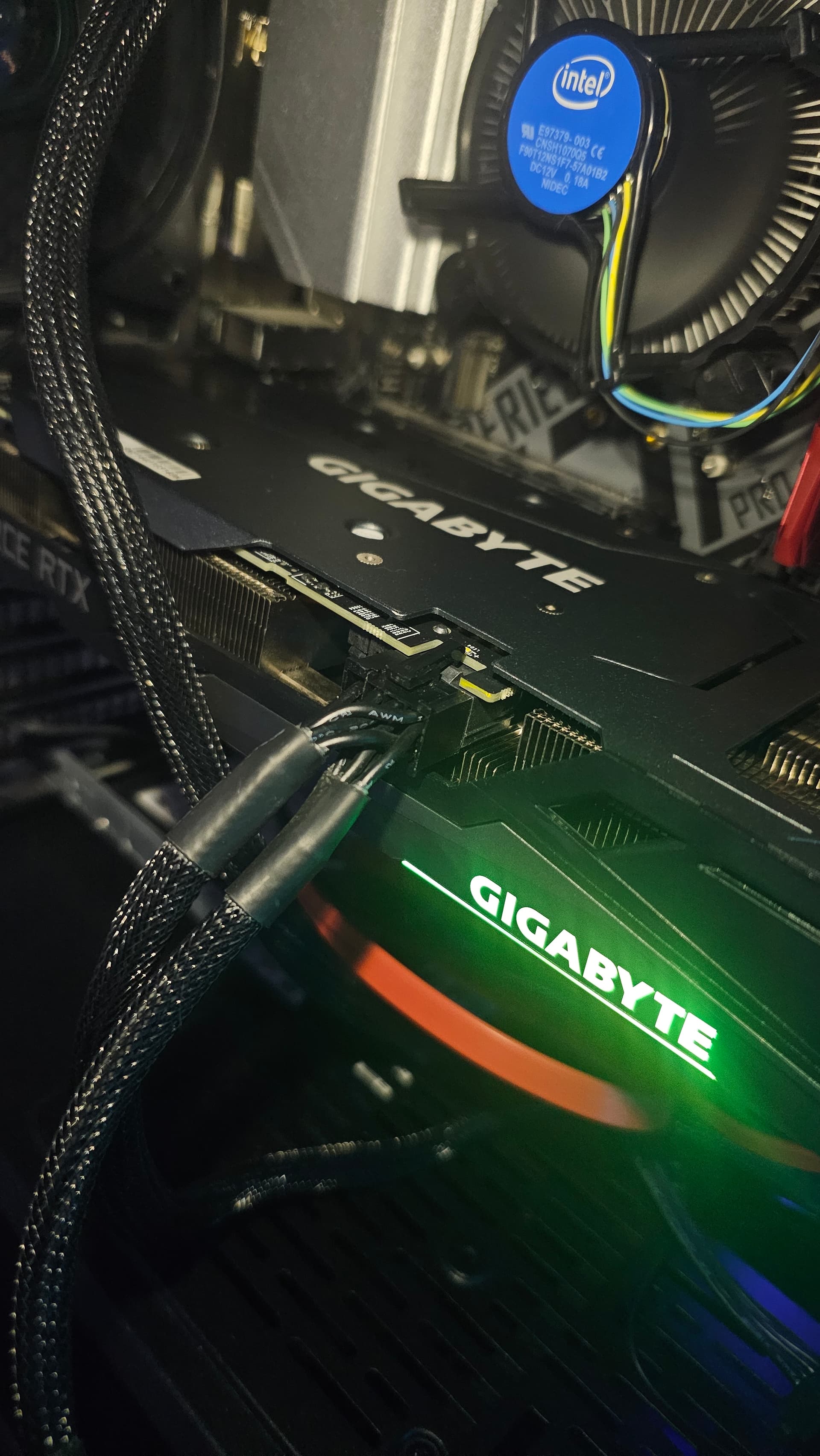
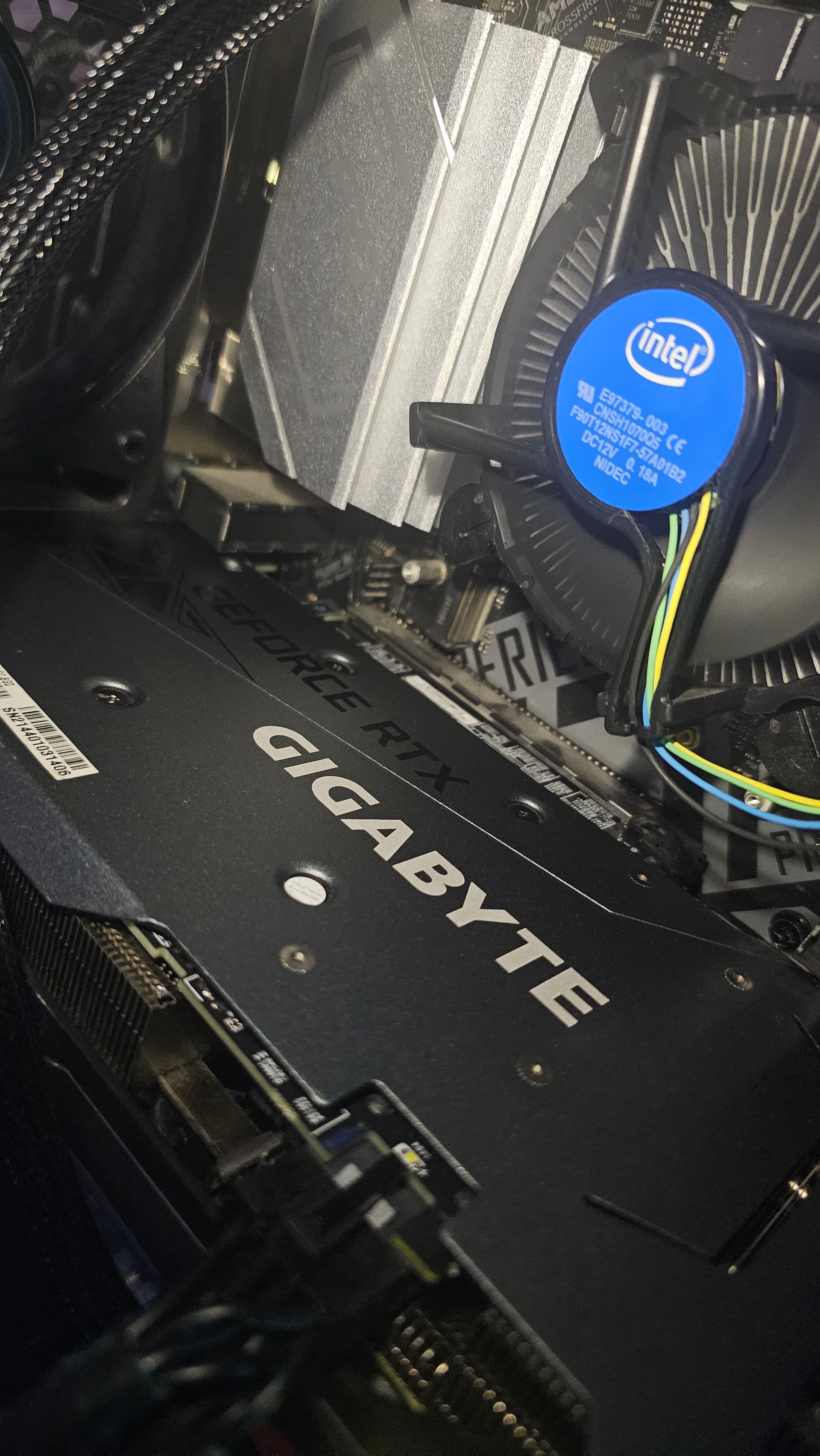
Yep, looks great to me, perfect infact! And you said you have a 750 watt power supply? Thats more then enough wattage to power the whole computer, since the Nvidia 3060, only requires 170-watts peak, for the non-TI card, which is what you have, the standard version. 
the standard version? so my friend got scamed? the package says ti... i new it obly having 1 ports was weird
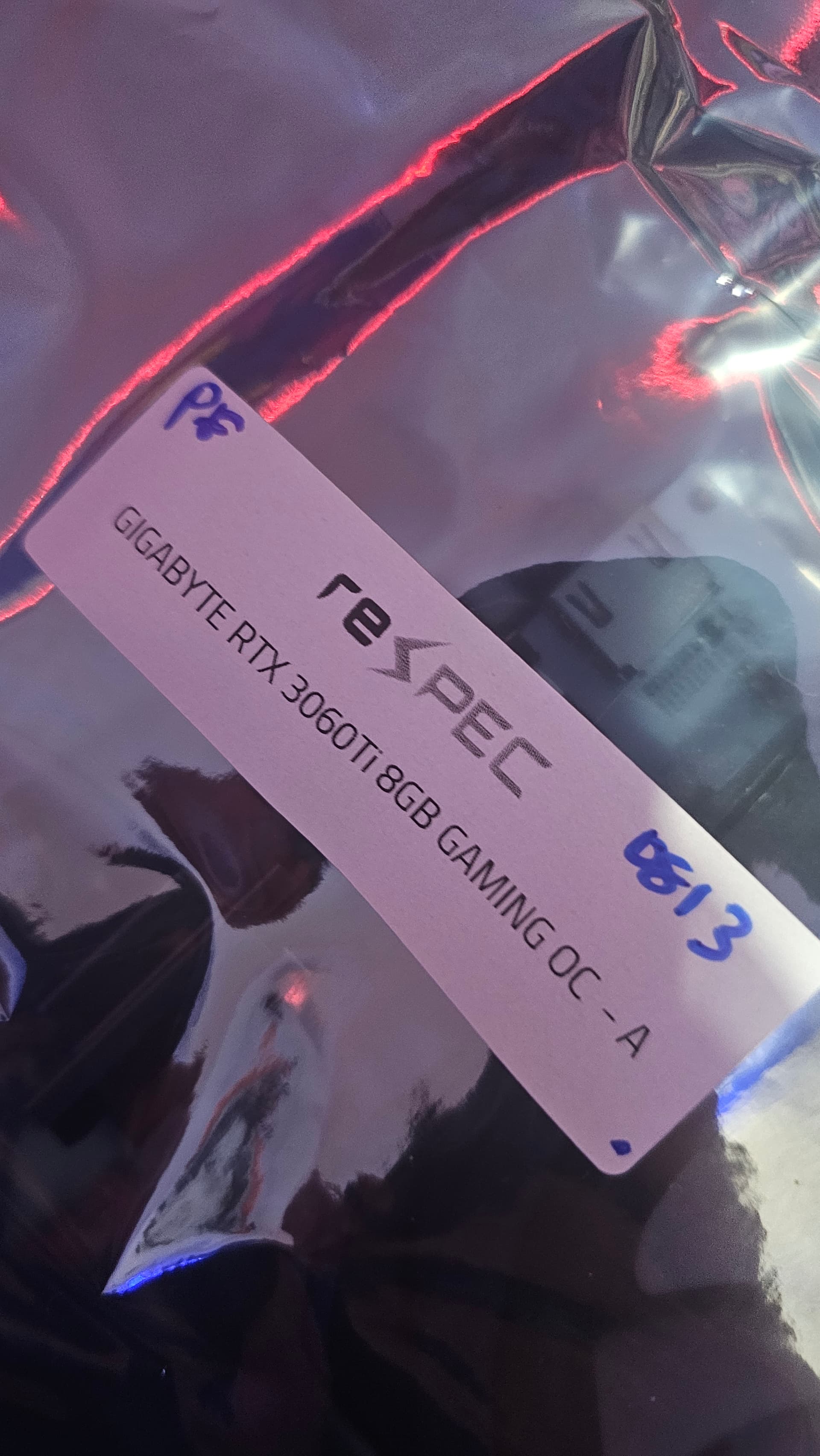
Odd.... but - Auto.
"Onboard" would use only the Intel.
The Nvidia 3060 TI, is the better version of the card, and has 2-power ports on the card, as seen in the video I posted. Let me get a pic of a TI card version for reference.
This picture is an Nvidia Gigabyte 3060-TI card.
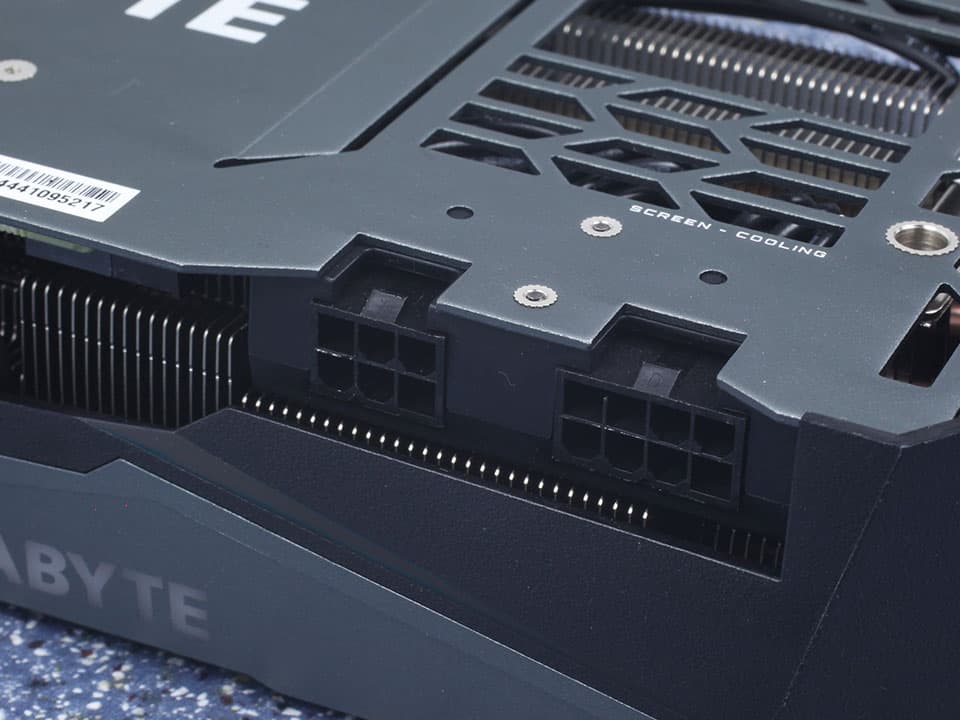
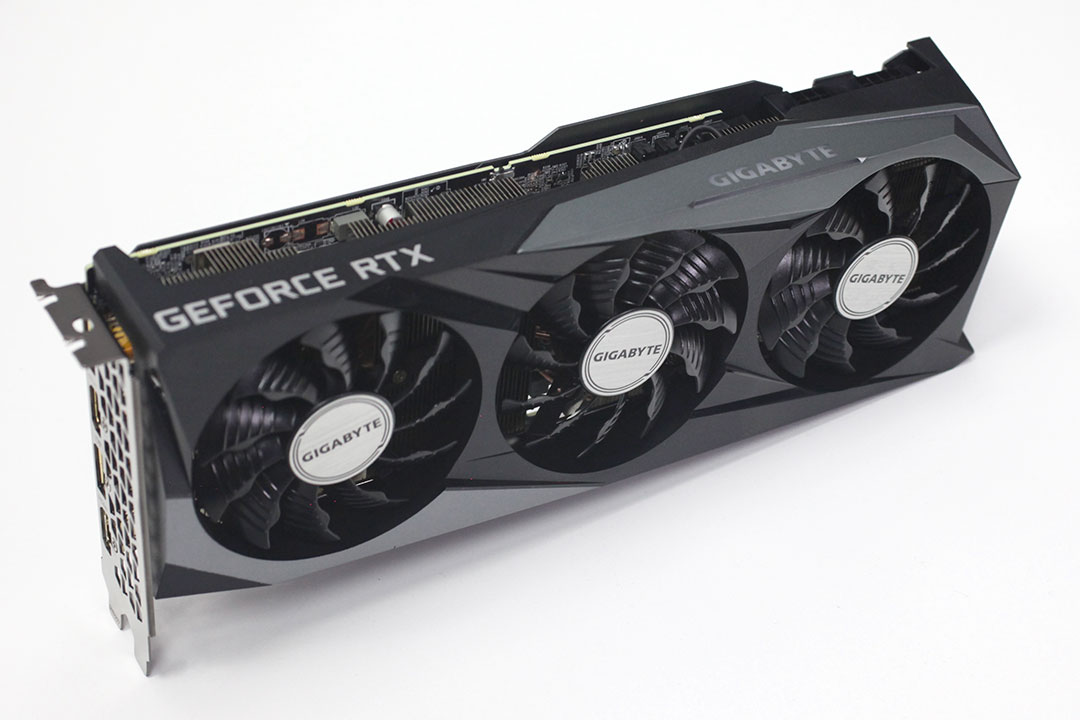
If yours don't have these two ports, I think its a distinct possibility you got scammed. If you were scammed, and this is a burnt up card, that would explain the odd behavior, and issues you've been facing.
You could try your card in another computer to confirm, short of that, I am out of advice at this time. Also, strange to learn the 555 driver is no longer available for some others, I guess it got deprecated for the 570-580 driver sets now.
I watch a lot of Tech channel's, channels like Linus Tech Tips, Gamers Nexus, Jayz2Cents, so I'v been following the journey of all these cards for awhile now.
1 Like
When You type in the Terminal sudo prime-select nvidia and after that nvidia-smi what Output do You get?
1 Like