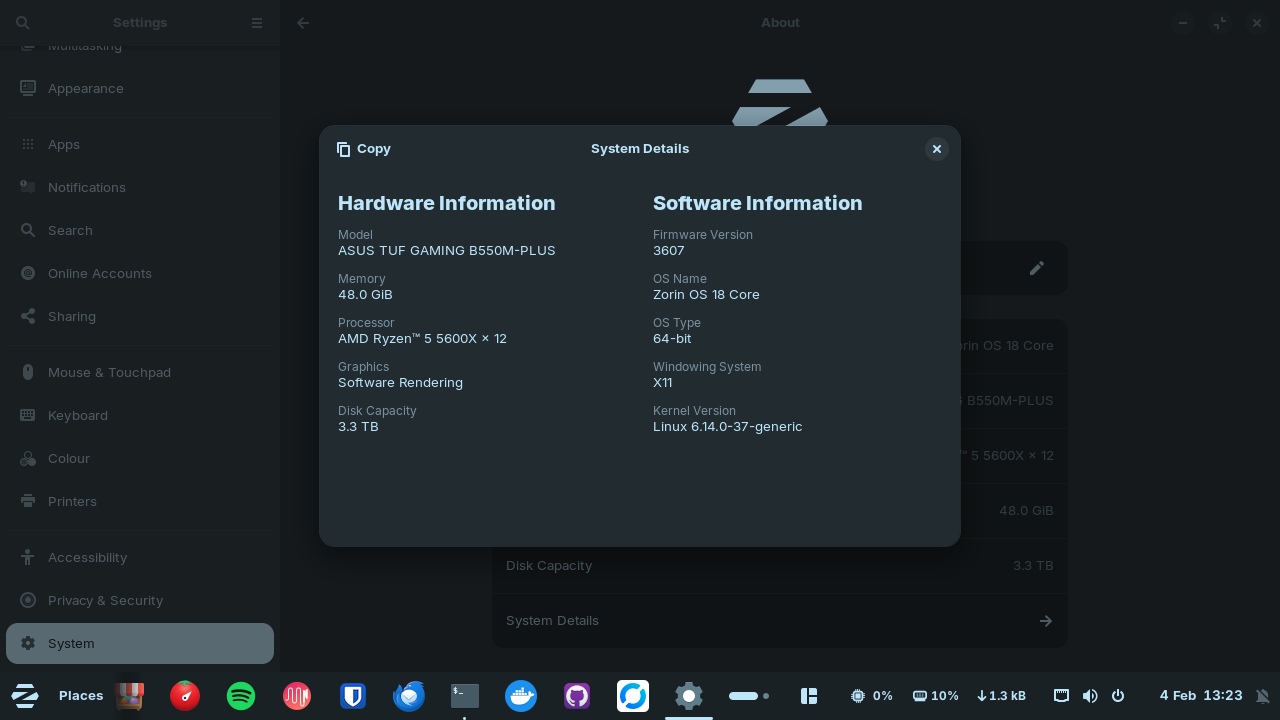
Hi everyone, I was using Zorin OS 18 Core for almost a month without any problems, but yesterday I updated and apparently my NVIDIA driver stopped working. I use a setup with 3 monitors and now only my main monitor is working at 1280x720 resolution and I can't change it. I tried some steps suggested in other posts here on the forum but without success.
In my system I have an RTX 3070 TI and I use dual boot with secure boot enabled because of some games that require secure boot.
Steps performed:
sudo apt purge nvidia* libnvidia*
sudo apt autoremove
sudo apt install nvidia-driver-580
nvidia-smi
NVIDIA-SMI has failed because it couldn't communicate with the NVIDIA driver. Make sure that the latest NVIDIA driver is installed and running.
It seems that this package was already installed. However, I restarted and the Nvidia driver still doesn't work.
➜ sudo apt install nvidia-dkms-580
[sudo] password for guru:
Reading package lists... Done
Building dependency tree... Done
Reading state information... Done
nvidia-dkms-580 is already the newest version (580.126.09-0ubuntu0.24.04.1).
0 to upgrade, 0 to newly install, 0 to remove and 4 not to upgrade.
Many thanks @Aravisian and @Ponce-De-Leon after gaining a better understanding of the problem and through much trial and error, with the help of ChatGPT and some internet research, I managed to sign the Nvidia driver and it started working again.
I have an RTX 4070 Super and it didn't work with the automatically installed 580 driver, laggy and stuttering Mouse and Video.
After de installing all of Nvidia and cleaning the system tried to install 570 instead but it failed completely.
So I de installed and erased all of Nvidia files again.