Hello,
I need help to get NVIDIA On-Demand (hybrid graphics) working correctly on my Dell Vostro 5490 (GeForce MX250) running Zorin OS.
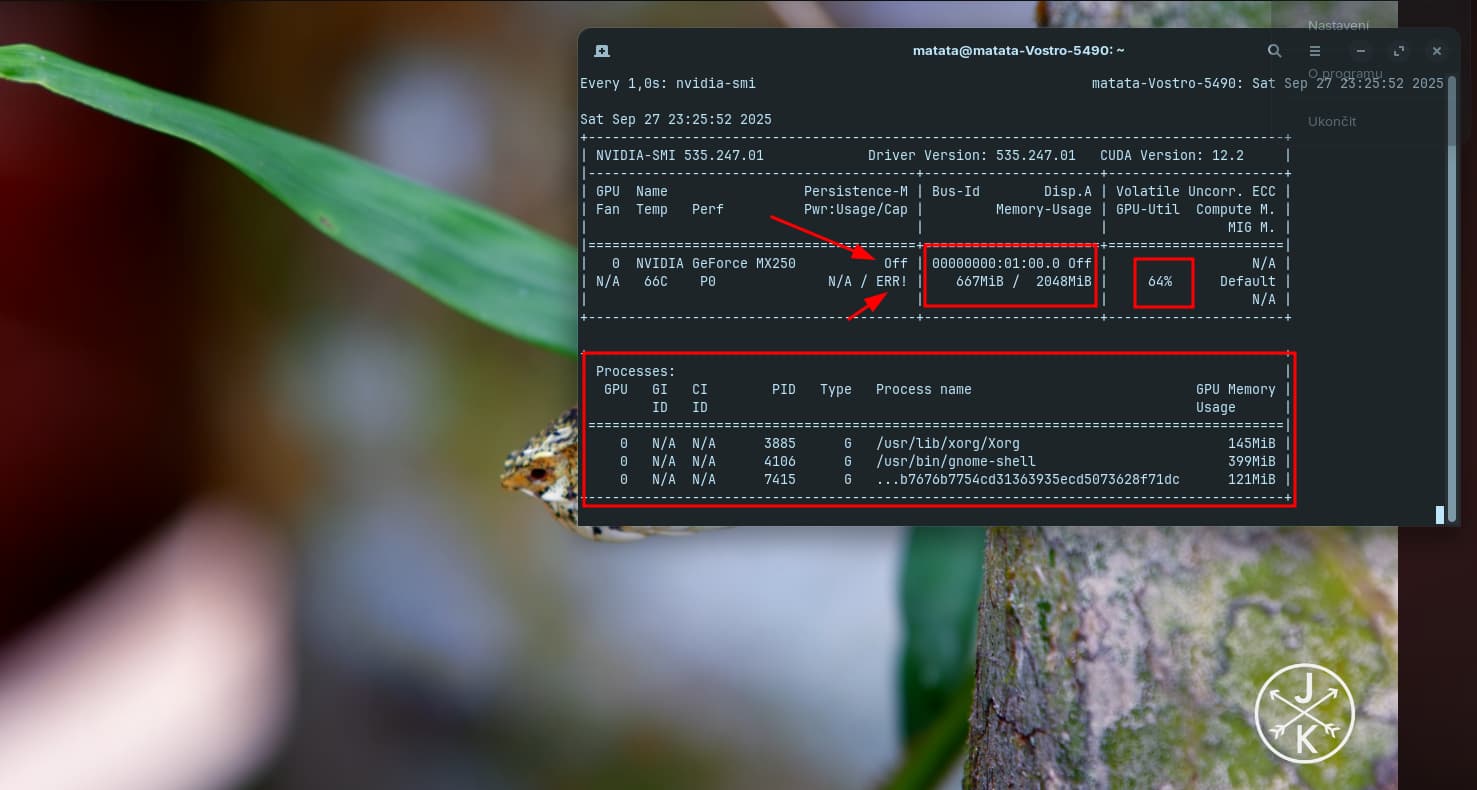
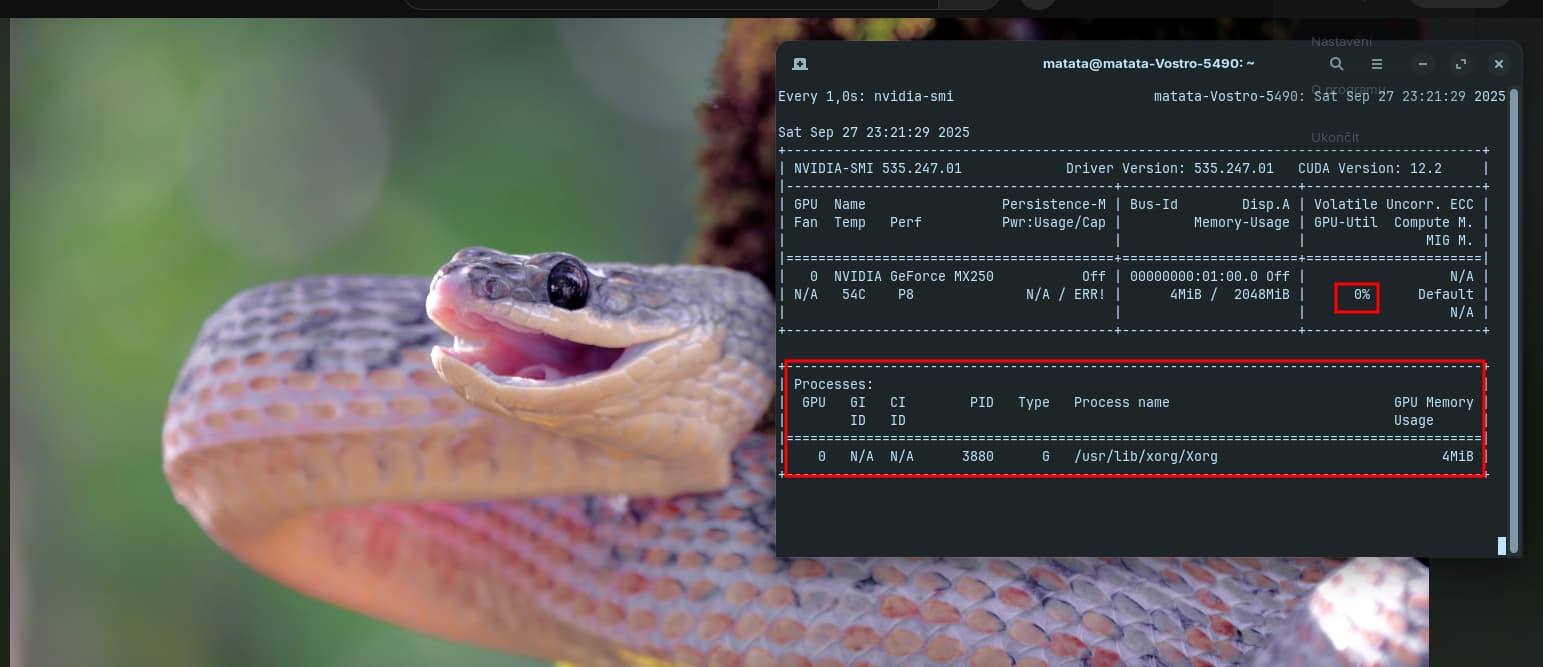
I am facing a strange issue. I can see the right-click option "Launch using Dedicated Graphics Card" in the application menu. However, when I use this option, the application still runs on the integrated Intel GPU. I have confirmed with nvidia-smi that the GPU utilization stays at 0% and the application process does not appear.
The root cause seems to be that the prime-run command itself is missing from the system.
When I run which prime-run in a terminal, the output is completely empty.
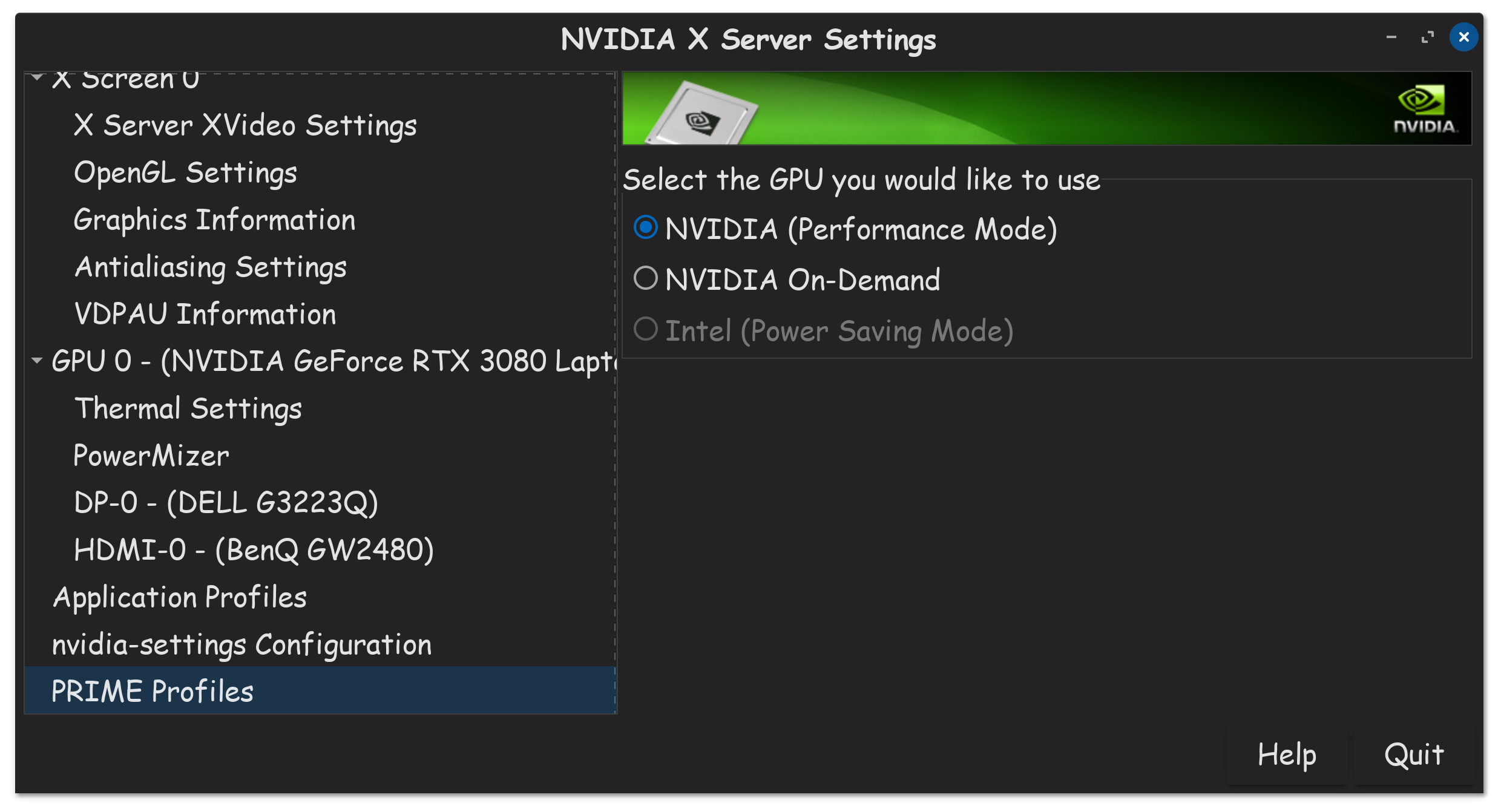
Additionally, the NVIDIA Settings application is missing the "PRIME Profiles" section.
Here is what I have already tried to fix this:
- A full purge and clean install of
nvidia-driver-550andnvidia-prime. - A full purge and clean install of the long-term support
nvidia-driver-535andnvidia-prime. - After both attempts,
which prime-runremains empty, even after a full reboot. - I have confirmed that Secure Boot is disabled.
prime-select querycorrectly reports that the system is inon-demandmode.
It seems like the nvidia-prime package is only partially installing (providing the desktop menu integration) but failing to install its core executable file at /usr/bin/prime-run.
Has anyone seen this specific issue before on Zorin OS? Any help would be greatly appreciated.
Thank you.
Every 10,0s: nvidia-smi                                                                                                                                                                    matata-Vostro-5490: Sat Sep 27 15:24:49 2025

Sat Sep 27 15:24:49 2025
+---------------------------------------------------------------------------------------+
| NVIDIA-SMI 535.247.01             Driver Version: 535.247.01   CUDA Version: 12.2     |
|-----------------------------------------+----------------------+----------------------+
| GPU  Name                 Persistence-M | Bus-Id        Disp.A | Volatile Uncorr. ECC |
| Fan  Temp   Perf          Pwr:Usage/Cap |         Memory-Usage | GPU-Util  Compute M. |
|                                         |                      |               MIG M. |
|=========================================+======================+======================|
|   0  NVIDIA GeForce MX250           Off | 00000000:01:00.0 Off |                  N/A |
| N/A   43C    P8              N/A / ERR! |      4MiB /  2048MiB |      0%      Default |
|                                         |                      |                  N/A |
+-----------------------------------------+----------------------+----------------------+

+---------------------------------------------------------------------------------------+
| Processes:                                                                            |
|  GPU   GI   CI        PID   Type   Process name                            GPU Memory |
|        ID   ID                                                             Usage      |
|=======================================================================================|
|    0   N/A  N/A      3858      G   /usr/lib/xorg/Xorg                            4MiB |
+---------------------------------------------------------------------------------------+