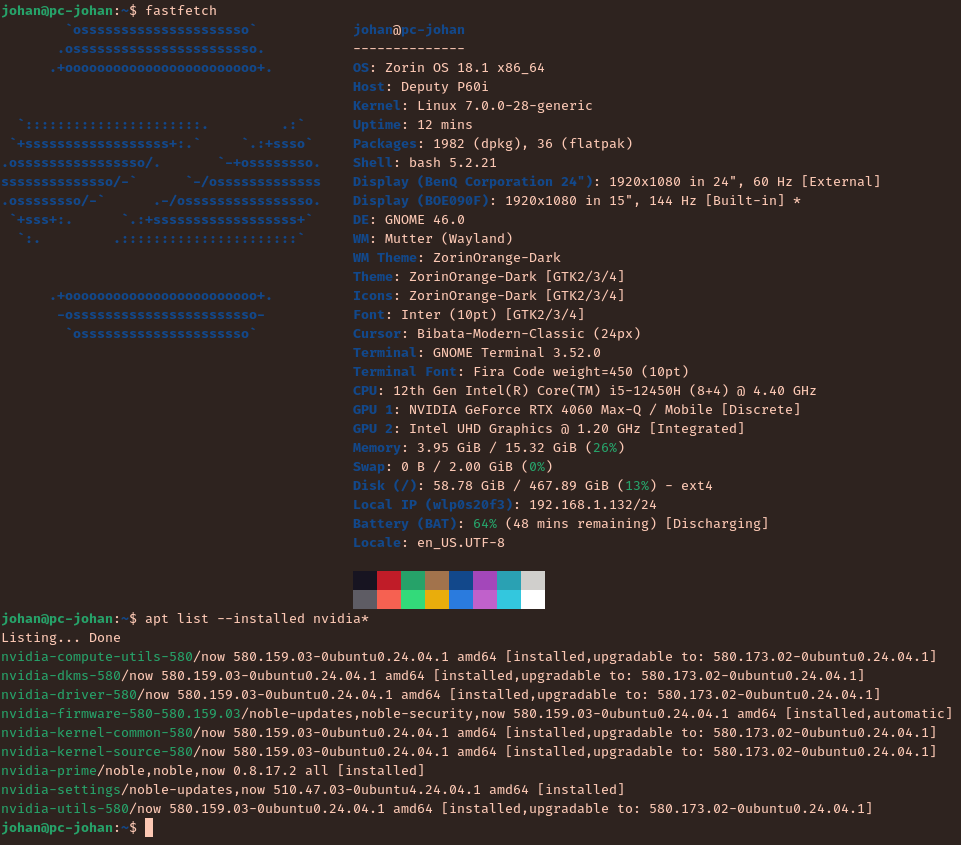
Since I upgraded to Zorin 18, I have this issue where the nvidia driver does load my nvidia graphic card only half of the time.
If the boot uses X11, nvidia modules are properly loaded (even if then I switch to a Wayland session when I log in).
But if the boot uses Wayland, the nvidia devices (/dev/nvidia*) are not created and the udev process that spawns "/sbin/modprobe nvidia-drm" is killed because of a time out.
Also, when the nvidia devices (in /dev) are not present, the graphic card is well detected by fastfetch or lspci, but just not usable.
I attach logs files (one when the nvidia devices are created/loaded, the other one when they're not).
Final note:
Changeing the nvidia driver's version (for exemple use 590/595) has not effect, and the last time I changed it I had to reinstall Zorin OS because it broke my wifi, touchpad and other drivers
Don't know what other things I can add to help, don't hesitate to ask me !
Thanks !
Nvidia and Wayland is a bit difficult when You don't have a current Wayland Implementation. If it runs fine on X11, I would simply suggest to stay on it.
If You prefer Wayland ... I see, You run the new 7.0 Kernel. Did you tried it with switching back to the older 6.17 Kernel to check if it behaves different? If not, I would suggest to try that.
There was an update to the 580 driver yesterday went from 580.159.03 to 580.173.02....and as @Ponce-De-Leon suggested using X11 with the nvidia driver works better
Yep it's a laptop GPU.
I'm using the 580 driver but with the 595 I have the same issue (I recently reinstalled Zorin OS and it automatically selected the 580, while before the reinstallation I was on the 595)
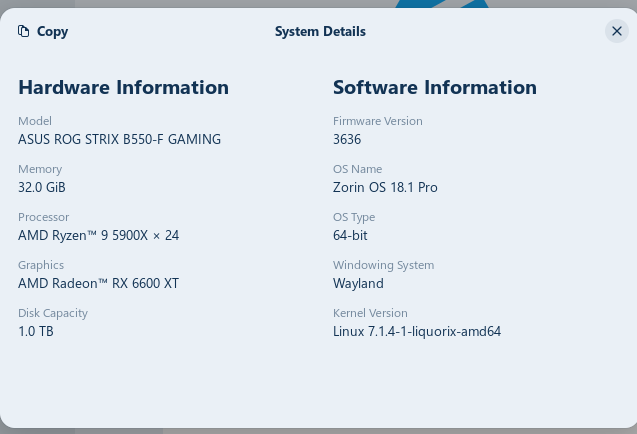
ah ok just saw what nvidia had there and my 3050 is in the backup comp had the 470 till it got changed to whatever it was it has ubuntu 26.04 on that an it uses the zink VULCAN driver and works with wayland fine this machine had that card but i got an amd RT 6600 XT thats works either way it is on wayland
It seems that the guy has a very similar configuration to mine, and the same issue (the logs are the same when he success/fails to load nvidia driver).
But the solution for her was to set modeset to 0, which I saw somewhere to be counterproductive.
I'll make my tests next week and keep you up to date !
Update :
After the zorin's updater installed the new linux kernel version (7.0.40 I think, I'm not on my pc currently), this issue apparently disappeared.
Don't know why it solves it but as long as it works