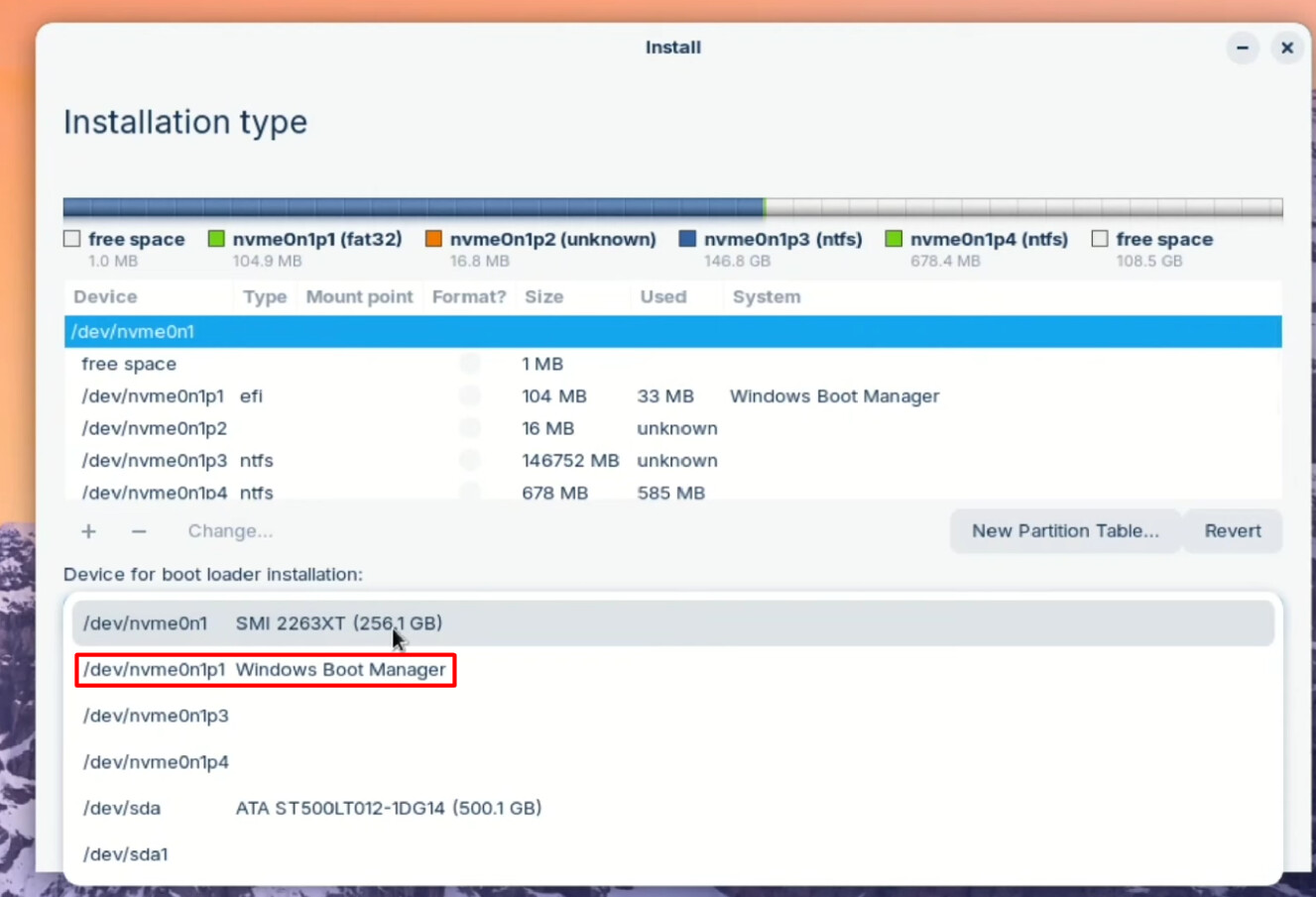
I tried reinstalling Zorin and did the something else option to get rid of the secondsecond efi partition just leaving the one with windows boot in it and include the free space into the Zorin partition.
It failed in the usual place with the grub install so I went into the live usb and checked there were items in the boot directory. There were except the kernel files had a red x on them.
Then I rebooted but instead of going to the boot menu that I was getting before it just took me to a command prompt type screen headed grub and with a comment about bash commands being available. No way of getting into either Zorin or windows unless perhaps I can restart again and get back to the boot menu.
I did try doing the bcdedit command that originally gave me the menu before but it said incorrect syntax etc.
Only thing noteworthy is that windows did an update this morning. It all went fine and I was able to get into windows through the grub menu each time it restarted during the process. It’s only after trying to reinstall Zorin that the grub menu has gone away.
I picked the non=partition specific drive which comes up by default. The install instructions said that was what to do. I think in past attempts I've done either way with no difference.
I can get into windows by going through the F9 startup menu and picking the windows manager. If I pick the ubuntu manager it puts me to the grub edit or whatever you call the command prompt type screen.
I tried doing the same bcdedit command from within windows which is how I got the dual boot menu about a week ago and it said it completed successfully but still boots me to the command prompt type screen instead of anything else.
start the Zorin Usb Stick and choose the Option ''Try Zorin''. that starts a Live Mode and Zorin runs on the USB Stick. In the Live Mode search for Boot Repair and let it run.
I can try that. I'll have to switch this tread to my ipad. BTW when I've tried the boot repair process before it always crashes and says NVram is locked which was why I started this discussion string in the first place and that led me to the ubuntu forum post with the bcdedit suggestion that at least got me a menu even if the Zorin option failed to get me anywhere which was what Aravision was trying to help me with yesterday.
Reinstall failed as usual. I guess I will go back to restart in a few minutes and see if the menu magically appeared. If not at least I can get into windows through the boot menu and probably without it if I go back and make windows the first choice instead of Ubuntu until I get this menu issue fixed. My worst fear this morning was that I’d lost windows too but that seems to be unfounded
The boot menu magically reappeared. Don’t know why but thanks for your help and I’m now back to original troubleshooting like last night. Can get into windows but not Zorin. Going to take a break for a while.
I think I managed to get Zorin installed and mostly working. I wanted to thank @Aravisian@Ponce-De-Leon and all the others who helped.
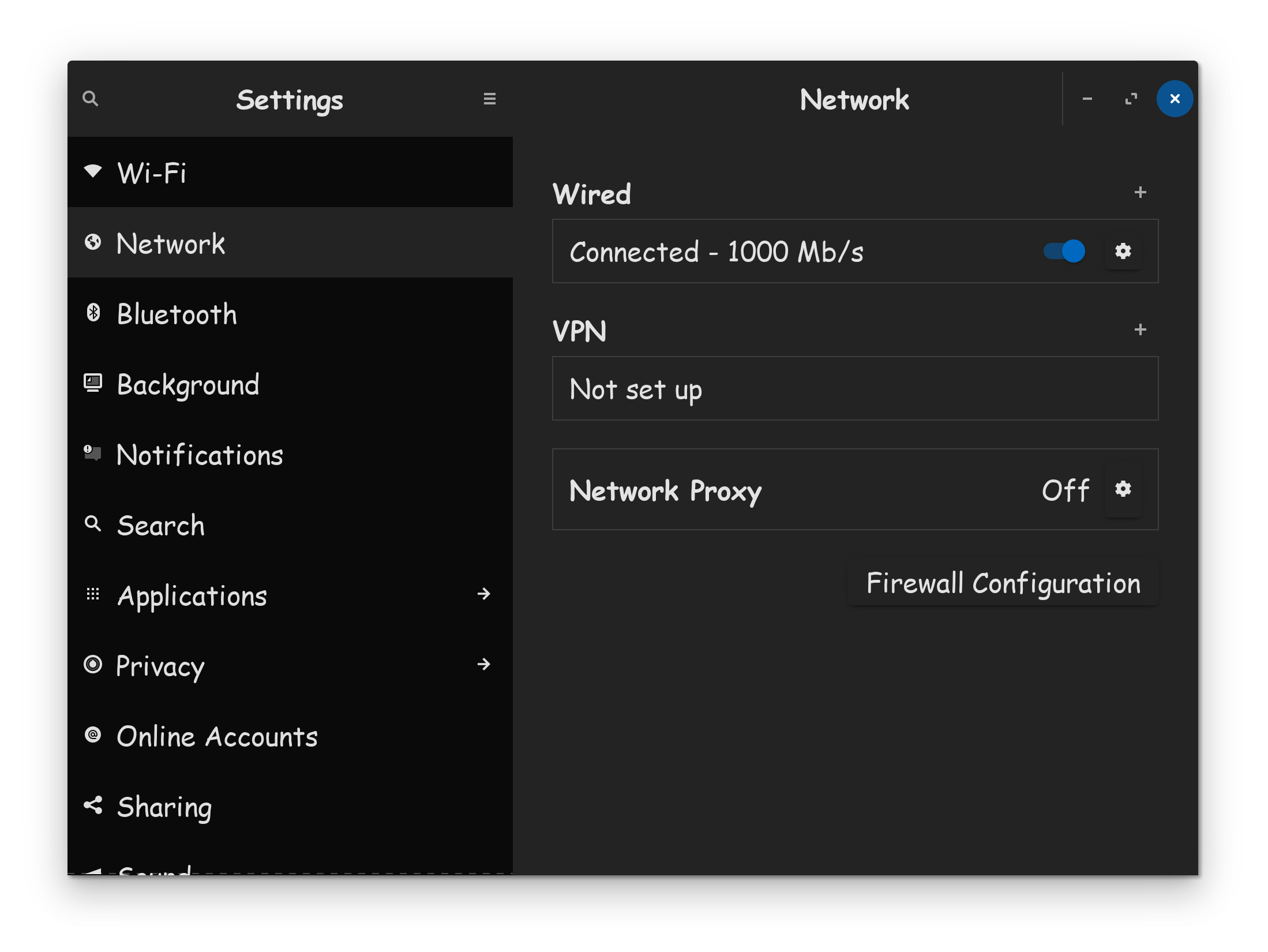
My next challenge is to get all the software working. As described in a number of other threads, the extreme slowdown of my gigabit Ethernet connection is a problem but Wi-Fi seems to be doing better. I’ll try to speed up the Ethernet later. Meantime I’m going to leave the software updater running overnight.
If it says 100GBps, thats suggests your not connected via 1000GBps, and you need to unplug your ethernet cable, and re-plug it in. If you still don't see 1000GBps showing up, power-cycle your modem/router.
I hope you have at least confirmation, that your receiving a gigabit signal from your ISP provider. You should be receiving at least 800MB down off a 1-GB line.
Sorry for the delay; I was out of town for the weekend.
If you have the particular boot/setup of installing Zorin OS resolved; please start a new thread for individual questions post install.
It makes it hard to find solutions if many or all bundled together in one thread.