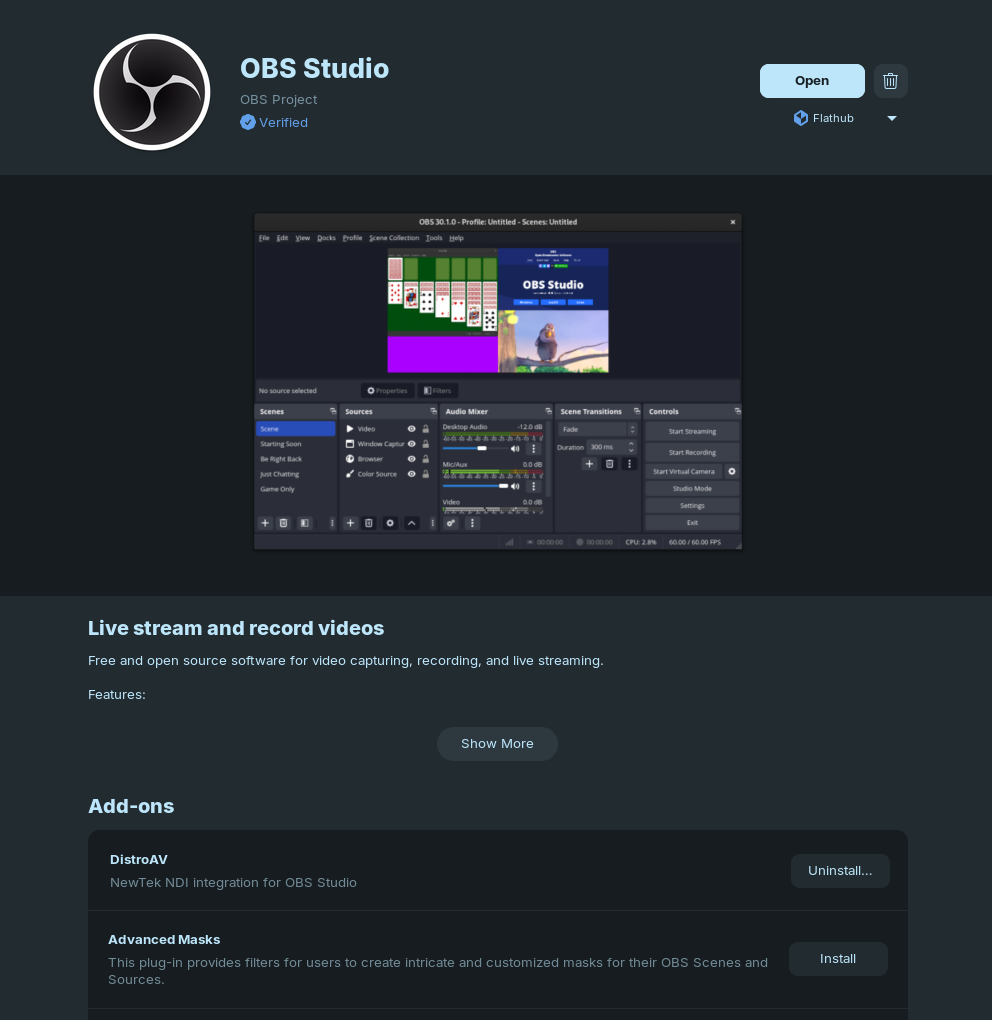
I am currently experiencing an issue enabling NDI in OBS. I have installed the latest version of OBS from the official GitHub repository, but the NDI functionality does not appear to be working as expected.
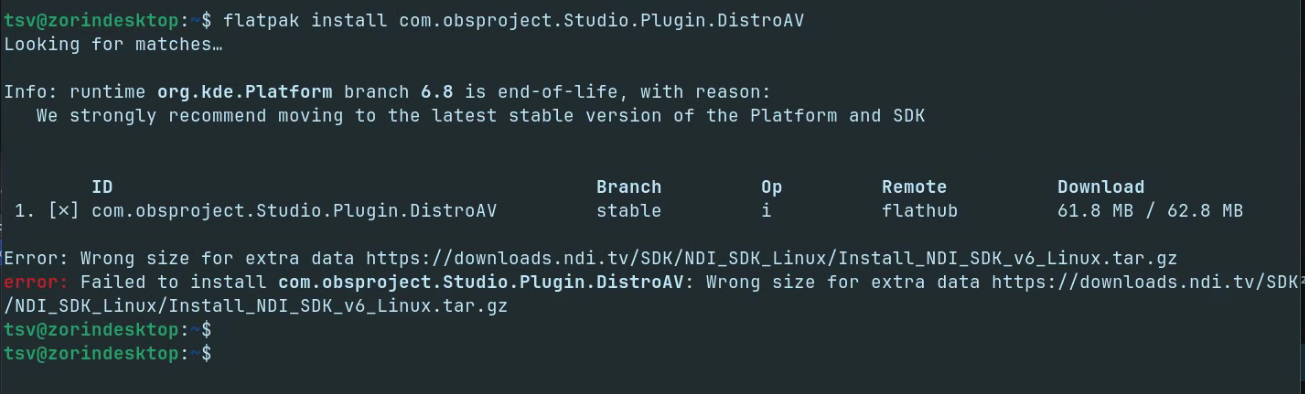
As part of the setup process, I needed to install DistroAV. I have attempted multiple installation methods, including the Flatpak package, deb package, and compiling from source; however, none of these approaches were successful.
When installing via Flatpak, I consistently encounter the following error: “Error: Wrong size for extra data.”
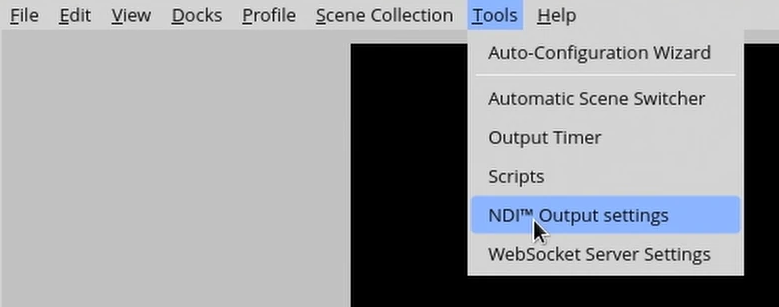
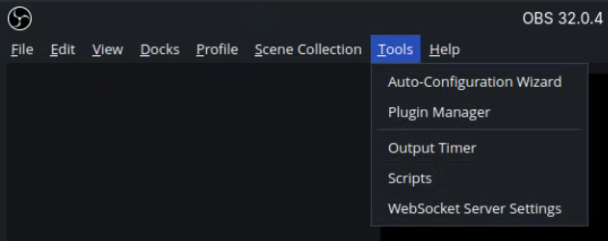
When installing via the Debian package or by compiling from source, the installation completes without any reported errors. However, after installation, there are no visible NDI settings or options available within OBS.
You need to avoid Flatpak on this one, because it will only give headaches and no solutions.
The NDi plugin is not included by default because of licensing. To use it, you must install OBS as a .deb - which you have (Remove any flatpak's for OBS you also installed if you have not already).
Then download the Linux NDI SDK, right click and extract the tar.gz
Open a terminal in the extracted directory or Change Directory into it (Change the NDI folder name in this command to the name as it appears in your Downloads directory) :
~/Downloads/NDI_SDK_Linux_XX/
Then each command, one at a time: git clone --recursive https://github.com/Palakis/obs-ndi.git
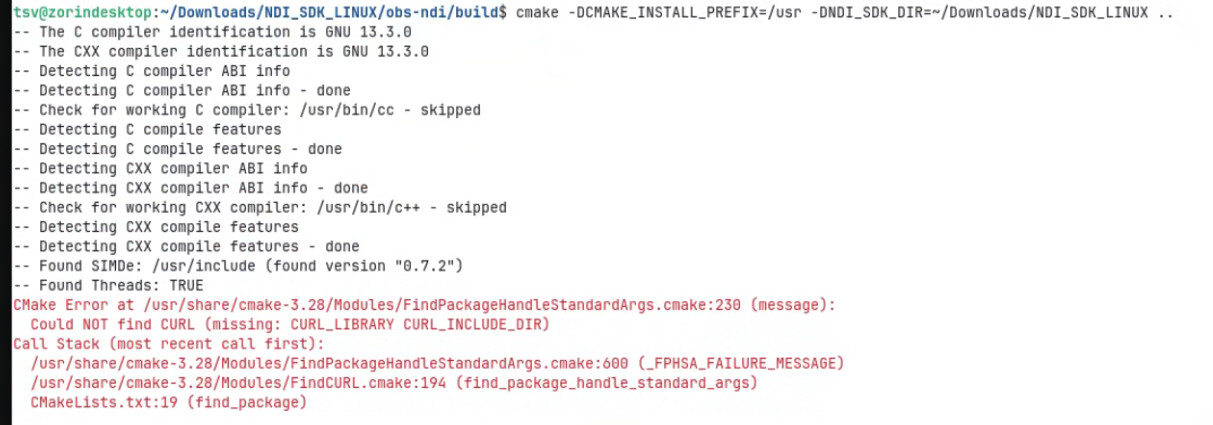
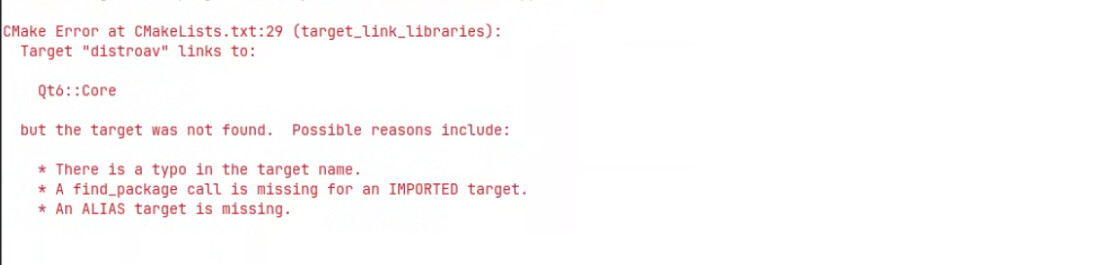
Based on research, the issue appeared to be resolved by installing libcurl4-openssl-dev. However, after installing the package and re-running cmake, a different error surfaced, this time related to DistroAV.
Are you running Wayland? Zorin defaults to the display protocol of Wayland which means you can't stream. Logout, choose your username and a cog appears lower right. Click on it and select Zorin on xorg, afterwards enter your password to login.
I used Brave A.I. search using Ubuntu 24.04 in search criteria as that is what Zorin 18 is a fork of and found:
" NDI plugin not working on Ubuntu 24.04 is a known issue affecting both DistroAV and Palakis' obs-ndi plugins, with multiple root causes identified in recent reports.
The most frequent cause of NDI decoding failure on Ubuntu 24.04 is the absence of the required libavcodec.so.58 library, which is needed by NDI 5 (used by Nimble Streamer and some NDI HX sources).
Solution : Manually build and install the missing library from FFmpeg:
sudo apt install build-essential nasm
git clone https://git.ffmpeg.org/ffmpeg.git
cd ffmpeg
git checkout n4.4.5
./configure --enable-shared --disable-static
make -j12
DESTDIR=staging make install
cd staging/usr/local/lib
sudo cp -v $(ls | grep '\.so.[0-9]*
After this, NDI H.264/H.265 streams should decode properly.
2. DistroAV Plugin Crashes on Source Selection
Users report instant crashes (segfaults) when selecting NDI HX sources (e.g., Android NDI HX cameras) in OBS 31.0.1 with DistroAV 6.0.0.
Cause : A known bug in DistroAV 6.0.0 on Ubuntu 24.04.
Workaround : Use DistroAV 5.0.1 or earlier, or wait for a patched release. Check the GitHub issue #1192 for updates and crash logs.
3. Plugin Not Detected in OBS
If the NDI source doesn't appear in the source list:
Confirm the plugin is in the correct directory: /usr/lib/x86_64-linux-gnu/obs-plugins/ or /usr/lib/obs-plugins/ .
If using a custom OBS build, copy obs-ndi.so manually to the plugins folder.
Recommended Steps
Install missing FFmpeg decoder using the build script above.
Use DistroAV 5.0.1 if stability is critical.
Verify plugin location and ensure both .so and .deb files are installed.
Check OBS logs for errors like NDI. Video decoder not found .
Note : Official NDI support on Linux is reverse-engineered (via Palakis/obs-ndi). NewTek does not provide native Linux NDI SDK. Always use the latest obs-ndi and DistroAV versions from GitHub.
known issue: The library is not in the correct location. simply create a symbolic link.
sudo ln -s /usr/lib/x86_64-linux-gnu/obs-plugins/distroav.so /usr/local/lib/x86_64-linux-gnu/obs-plugins/distroav.so
 Common Issues and Fixes
 Recommended Steps
 Note : Official NDI support on Linux is reverse-engineered (via Palakis/obs-ndi). NewTek does not provide native Linux NDI SDK. Always use the latest obs-ndi and DistroAV versions from GitHub.