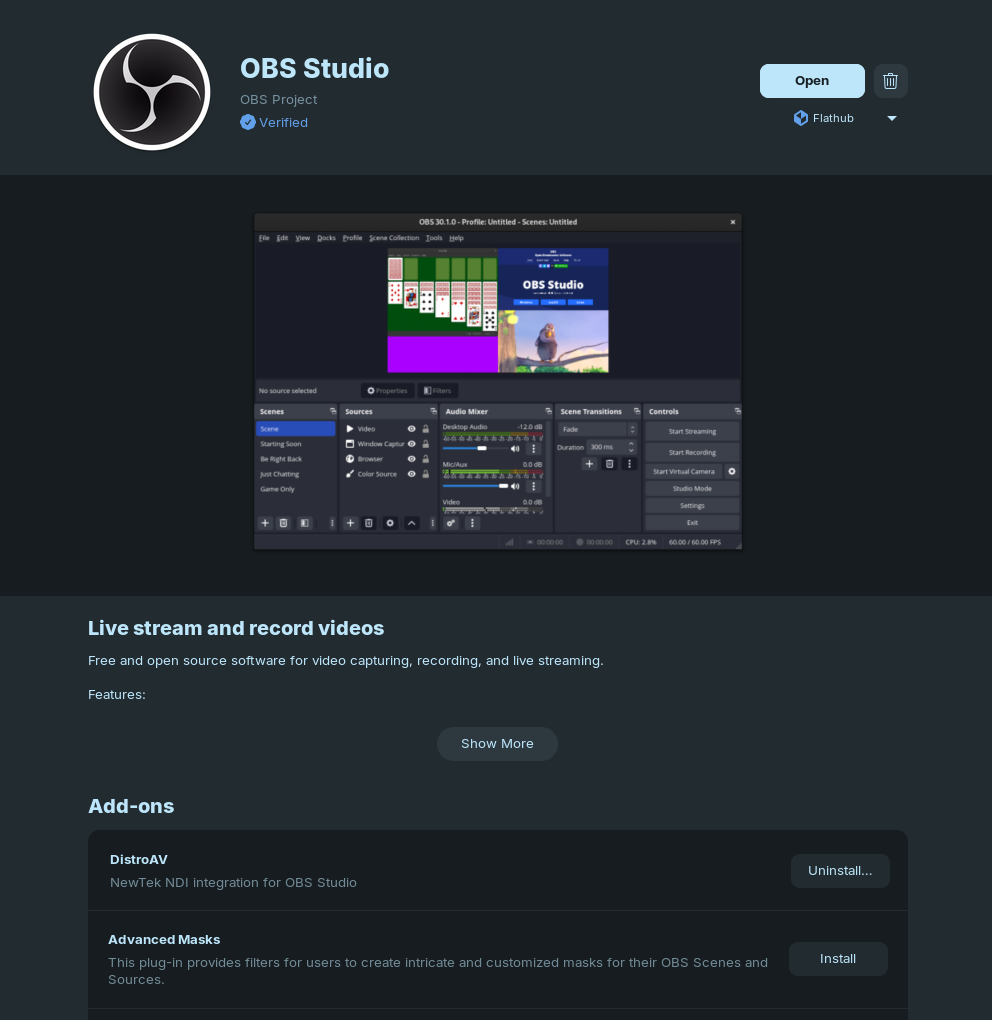
Thanks for the insights, its just seems the library is not on the proper place. Below method works for me.
Step 1: Download and install the latest OBS Studio .deb package from the official GitHub repository. As of this writing, the current available version is 32.0.4.
https://github.com/obsproject/obs-studio/releases/download/32.0.4/OBS-Studio-32.0.4-Ubuntu-24.04-x86_64.deb
Step 2: Download and install the NDI SDK for Linux. As of this writing, the latest available version is NDI SDK v6.
wget https://raw.githubusercontent.com/DistroAV/DistroAV/refs/heads/master/CI/libndi-get.sh
chmod +x libndi-get.sh
./libndi-get.sh install
Additional Requirements for NDI to work on Linux:
sudo apt install avahi-daemon ffmpeg
sudo systemctl enable avahi-daemon
sudo systemctl start avahi-daemon
sudo ufw allow 5353/udp
sudo ufw allow 5959:5969/tcp
sudo ufw allow 5959:5969/udp
sudo ufw allow 6960:6970/tcp
sudo ufw allow 6960:6970/udp
sudo ufw allow 7960:7970/tcp
sudo ufw allow 7960:7970/udp
sudo ufw allow 5960/tcp
Step 3: Download and install DistroAV for Linux. 6.1.1 as of time of writing
https://github.com/DistroAV/DistroAV/releases/download/6.1.1/distroav-6.1.1-x86_64-linux-gnu.deb
known issue: The library is not in the correct location. simply create a symbolic link.
sudo ln -s /usr/lib/x86_64-linux-gnu/obs-plugins/distroav.so /usr/local/lib/x86_64-linux-gnu/obs-plugins/distroav.so
reference: 1. Installation · DistroAV/DistroAV Wiki · GitHub
Additionally, I recently observed that GNOME Software now supports add-ons for Flatpak apps, making plugin installation more straightforward.