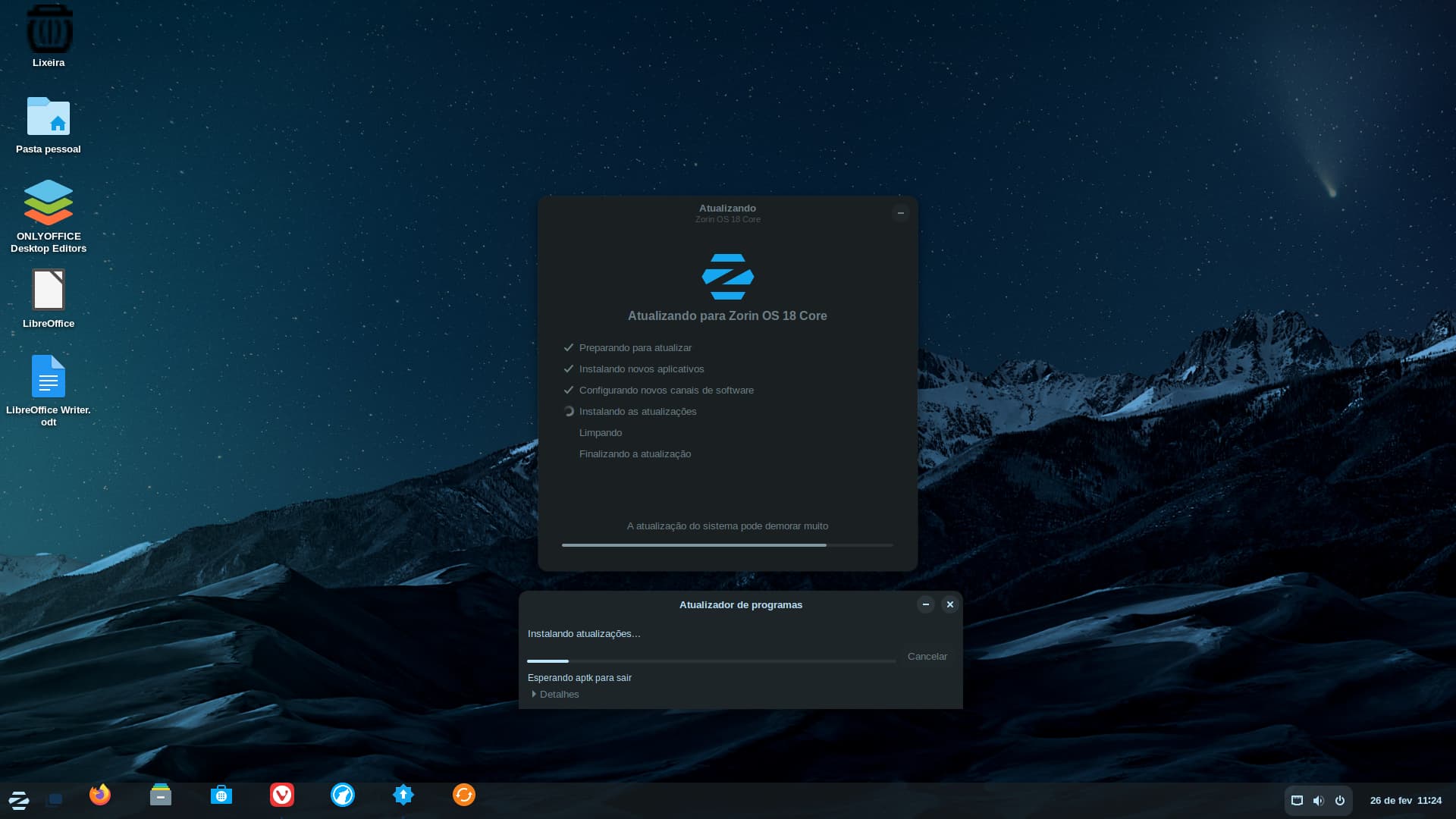
I started the official upgrade process from Zorin OS 17 to Zorin OS 18. During the initial steps, a warning message appeared stating that not all programs could be updated. I acknowledged this warning and chose to proceed.
During the process, the "Software Updater" window got completely stuck displaying the message "esperando aptk para sair" (waiting for aptk to exit). At the same time, the entire desktop environment started glitching, losing its visual configuration, and the file manager would not always open.
Eventually, the upgrade process finished, but a message appeared informing me that it was completed with some errors, and an error report was automatically sent.
I am not an advanced Linux user; I am just trying to gradually migrate from Windows to Linux. Currently, this device is set up in a dual-boot configuration with Windows as a test for my adaptation.
I would like to receive guidance on the following:
Is there any built-in OS tool or simple command that allows me to check if the system installation is fully functional after this?
Is there a way to repair the errors that were caused during the upgrade, or does the system handle these corrections on its own? Any step-by-step help for a beginner would be appreciated.
When You go to Settings>About>Systemdetails>Info: Is there shown that Zorin 18 Pro is the OS? When You type in Terminal sudo apt update && sudo apt upgrade what Output do You get?
Thank you for the suggestion! I ran sudo apt update && sudo apt upgrade and the output showed that everything is up to date, but it suggested running sudo apt autoremove.
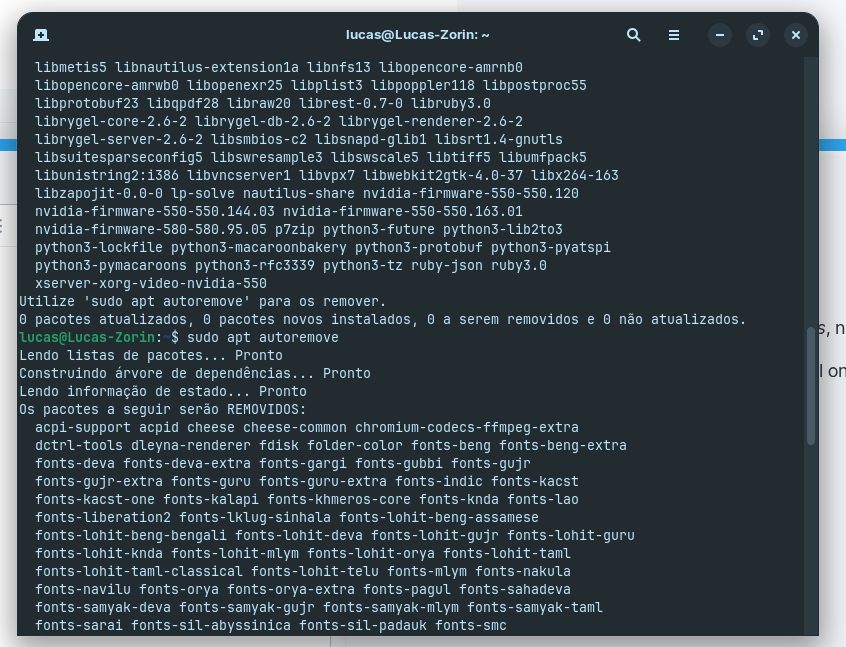
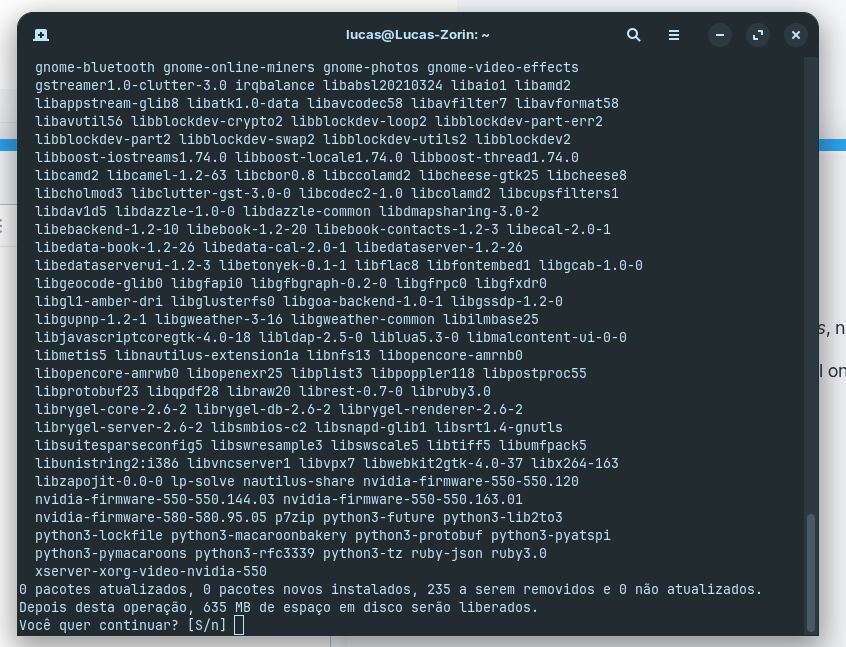
When I tried sudo apt autoremove, the terminal informed me that 235 packages would be removed, freeing up 635 MB of disk space. As a beginner, I’m a bit concerned: is it safe to proceed with this? Will it only remove obsolete packages from the previous version (Zorin 17), or is there a risk of deleting something essential for Zorin 18?
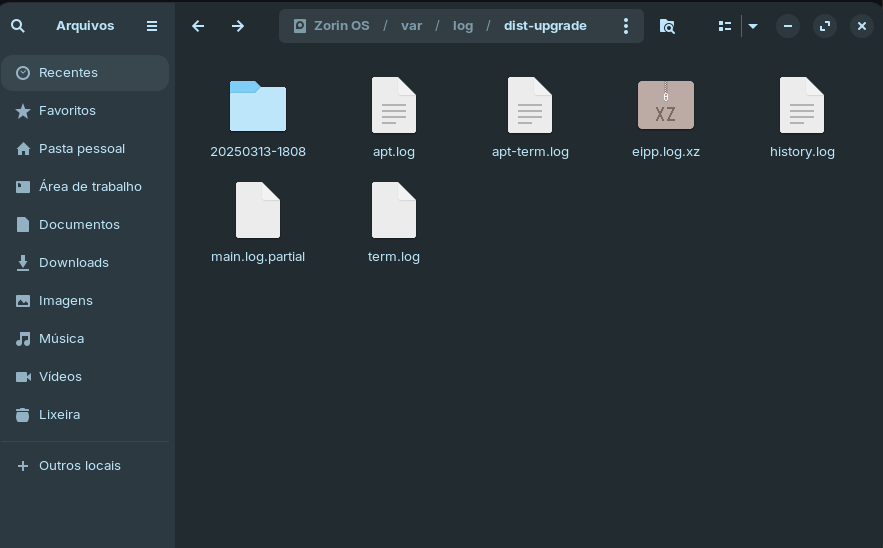
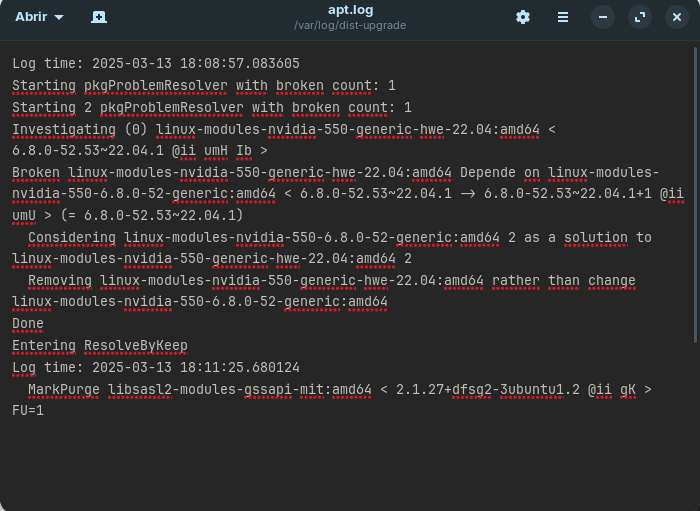
As I mentioned, my upgrade from Zorin OS 17 to 18 finished with some errors. I have located and attached the log files from /var/log/dist-upgrade/
I'm attaching apt.log, term.log, and main.log.partial.
Since my main.log has a '.partial' extension, does this indicate the upgrade was forcefully interrupted? Could you please help me analyze these files to see what went wrong and if my system is now stable?
I can understand that. On the first Picture, I see that it wants primary remove a lot of Font Stuff. Looks like indian Fonts - at least some of them. the 2nd Picture would be a bit more problematic in my Optinion. there are a lot of lib Packages and some Python Stuff. Depending if the System is still need that, You could break Your System. Theoretically, You would have to control every single Package if it is fine to delete it. Which isn't really practional with this amount ... I wil tag @Aravisian here. so, he can take a Look at the List. I can't tell if there are any critical Packages.
the Error seems to be related to the Nvidia Driver. IYou could uninstall it and then install it again to make it fit to the new Kernel.
All of them are non-critical as far as Zorin Core files - the system should boot.
But...
Removing the Nvidia driver may be a problem if there are no other graphics to fall back to. @Luartes, what is your terminal output for
nvidia-smi
And a lot of those, while technically non-critical - may be essential to the user like Gnome-Bluetooth - which would remove some Bluetooth functionality.
Gnome-bluetooth, gnome-photos, gnome-video-effects, gnome-online-miners and Nautilus-Share are all optional addons but that they are to be autoremoved is strange to me.
If you want to preserve them, just to be sure, you can run