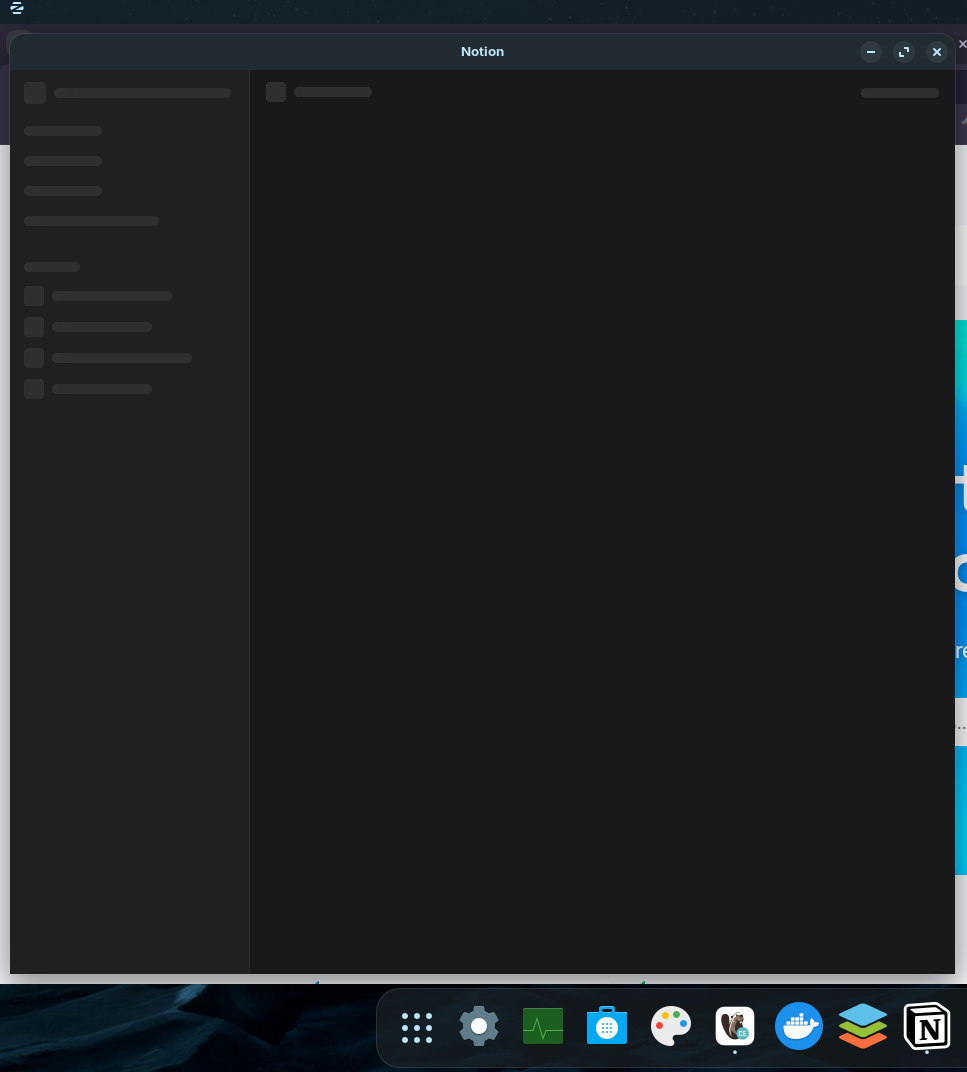
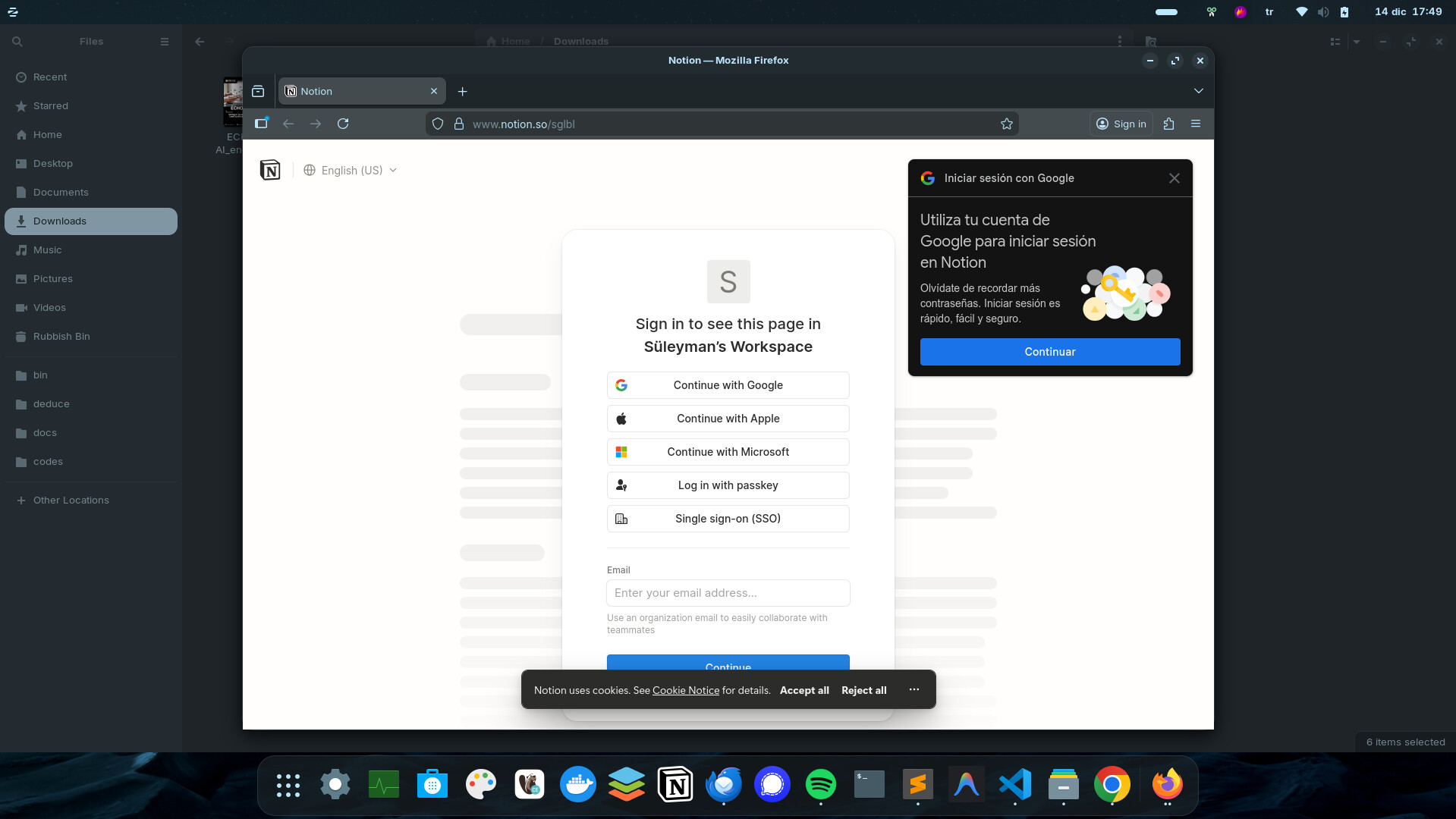
Unfortunately, I couldn't find a solution - no matter how I edited the .desktop file of Notion.
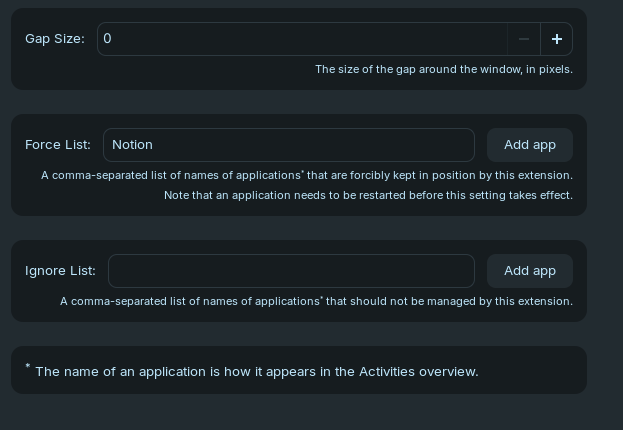
What works is the gnome extension "One Window Wonderland", but this extension opens all apps maximized unless exceptions are specified in the extension's ignore list. I'm not sure if you would like this. You can set the gap size to 0.
If you're on Zorin OS 18, try disabling the tiling assistant. I think that might play a role as it tries to place windows in a predetermined location as per the tiled layout selected.
Having all applications started as maximized and not remembering is not something I want. I checked the issues and unfortunately it doesn't look like they will update it soon.
Is it only the web apps or do other native programs also have this same faulty behavior? It would also help to test with other browsers if you have the chance just to rule them out as being a factor here.
I tried to add some parameters I saw on the internet such as "--file-forwarding org.mozilla.firefox" and "--new-window --start-maximized" but they don't work.
I'd like to know this as well. I haven't looked deeper into it, but since firefox web apps actually open centered I imagine this is somehow related to chromium browsers, or Xorg. Or both. I don't want to use Wayland just like you since web apps don't behave properly in other ways (titlebar doesn't match system theme, opened apps are decoupled from those pinned in taskbar, also no proper icons showing). Also the windows open in the left not fully maximized even when I don't use the tiling manager. At least when I do use it I can make it so that they tile where I want them to be at first launch xD
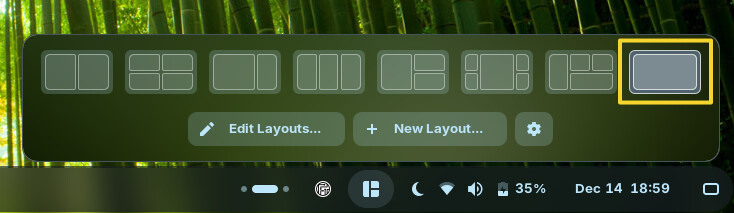
You can create a layout with only one tile using Zorin's tiling manager. Select it in the app indicator, and it will be the default in each new workspace unless you select a different tiling layout.
@MidnightRose I created the new layout (maximized) from Zorin Appearance -> Windows -> Advanced Window Tiling -> Settings -> Edit Layouts section. (I don't know why it shows 2 tiles line)