Good day
You all know the box that pops up and sends your whole world into a panic, cause a app takes a little longer then usual to open or work.
It is not the OS going in to panic mode it is Gnome.
The fix:
Longer time out
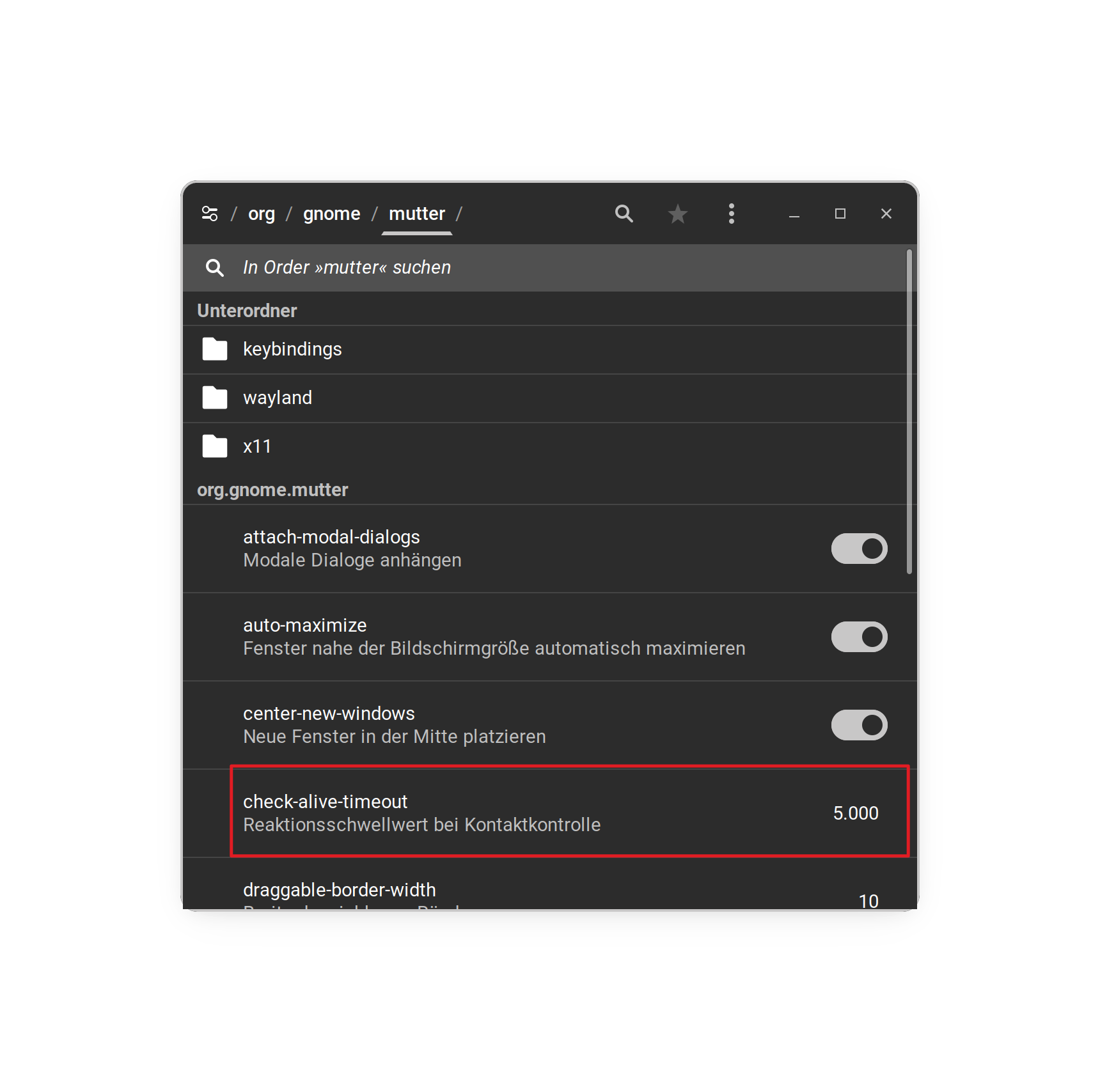
gsettings set org.gnome.mutter check-alive-timeout 60000
Disables the prompt
gsettings set org.gnome.mutter check-alive-timeout 0
Wish the Devs would change the defaults on this to 60sec. Ubuntu has the same problem.
In my case the 3D Printer software takes a while to load/manifest and Gnome goes into panic mode. (well not anymore)
Thank you