I have a few extensions on my panel (taskbar); one to customize the date/time display, one to display weather, and one to display cpu/ram/network status.
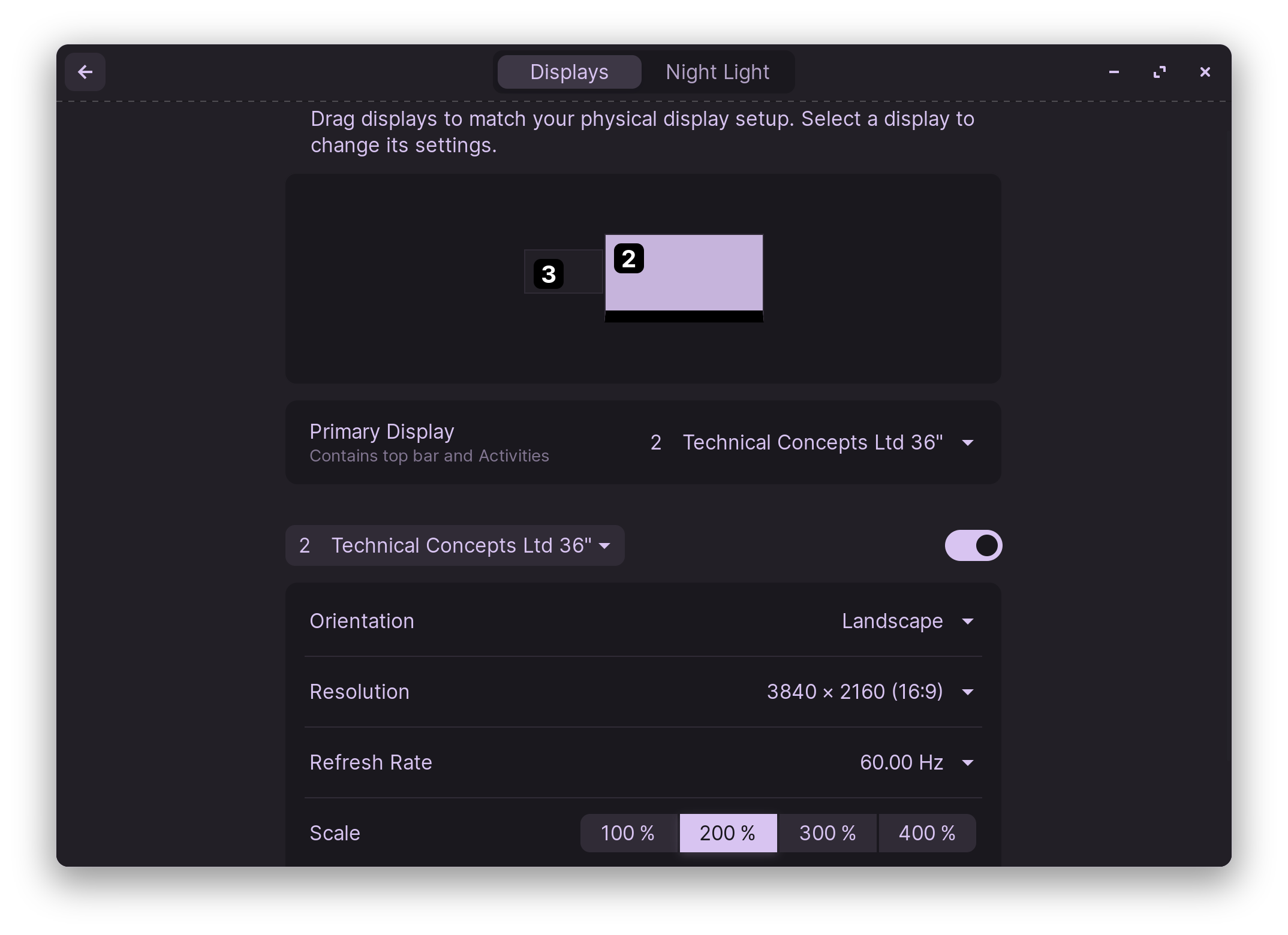
The issue is if I customize the panel settings to display panels on all monitors, only the primary monitor has the extensions in effect.
The down side of this is when launching games they always launch on the primary (apps like Lutris and Heroic Game Launcher don't have any settings to change this behavior). Its a slight inconvenience, but I always move games to my second monitor that is actually newer and has a higher refresh rate.
If I had the ability to move the "primary" panel to the second screen (or another screen in general for those with more than two screens), it would then allow me to set my primary screen for gaming so they launch there by default and not lose out on the usefulness of the extensions.