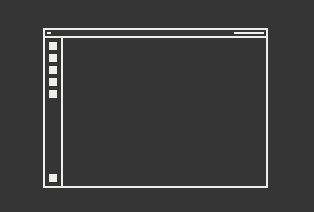
This desktop style looks like the Ubuntu panel on the left, it suits touchscreens very well. But the ubuntu panel could be configured in size. I installed gnome tweaks, but there is only an option to change desktop icons.
When installed open it and check the Settings for the ... when it is the streched Dock, look for the Zorin Dash Extension. When it is the Taskbar, look for the Zorin Taskbar Settings.
But when they handle it like Ubuntu, it should be the Dash.