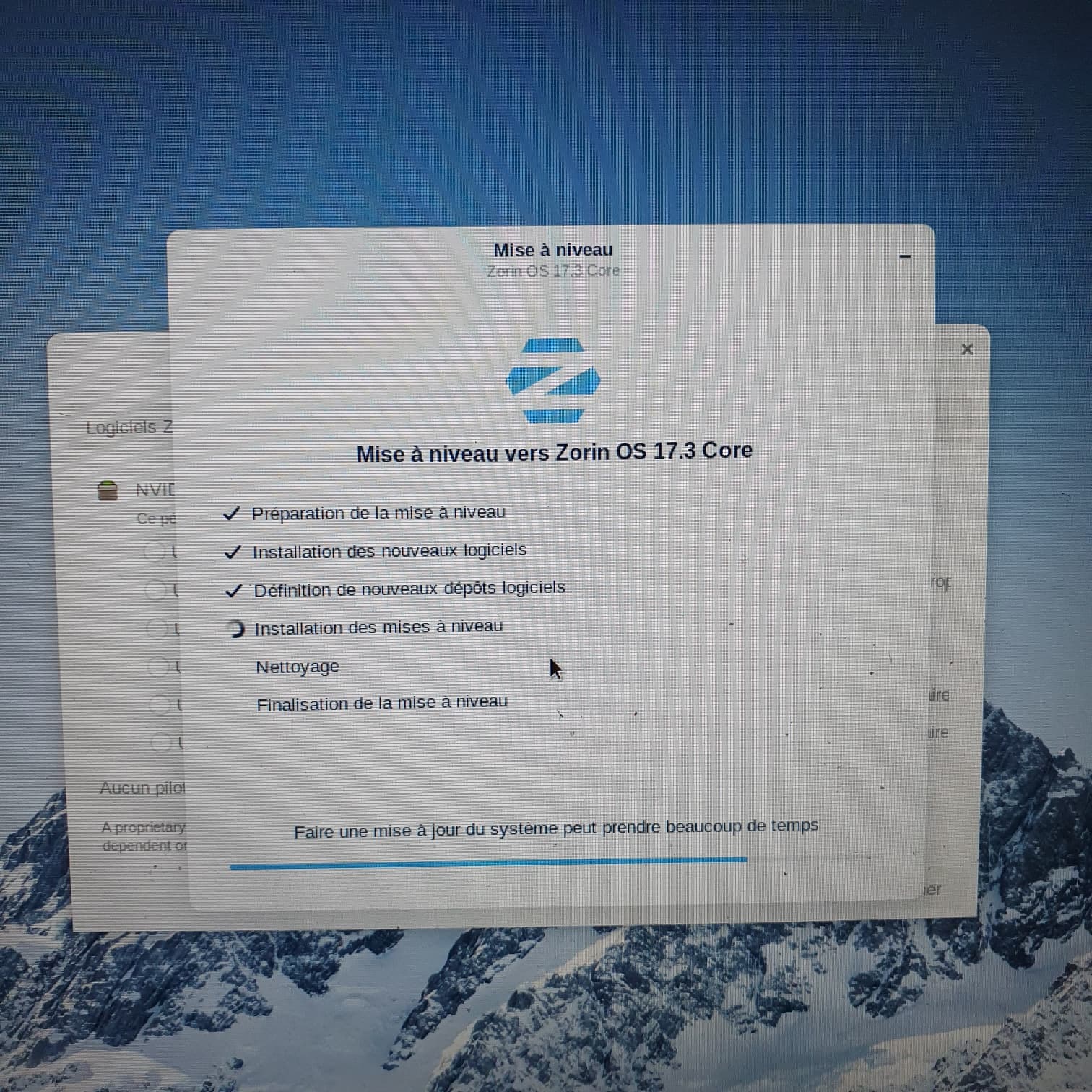
"Le programme d'installation a planté.
Nous sommes désolés ; le programme d'installation a planté. Lorsque vous fermerez cette fenêtre, nous vous permettrons de remplir un rapport de bogue à l'aide de l'outil de rapport de bogue intégré. Cet outil rassemblera des informations sur votre système et sur votre processus d'installation. Les détails seront envoyés sur notre outil de suivi de bogues et un développeur prendra ce problème en charge le plus tôt possible."
"The installer crashed.
We're sorry; the installer crashed. When you close this window, we'll allow you to file a bug report using the built-in bug reporting tool. This tool will gather information about your system and installation process. The details will be sent to our bug tracker, and a developer will take charge of this issue as soon as possible."
Lite 17.3 : "Le programme d'installation a planté.
Nous sommes désolés ; le programme d'installation a planté. Lorsque vous fermerez cette fenêtre, nous vous permettrons de remplir un rapport de bogue à l'aide de l'outil de rapport de bogue intégré. Cet outil rassemblera des informations sur votre système et sur votre processus d'installation. Les détails seront envoyés sur notre outil de suivi de bogues et un développeur prendra ce problème en charge le plus tôt possible."
"The installer crashed.
We're sorry; the installer crashed. When you close this window, we'll allow you to file a bug report using the built-in bug reporting tool. This tool will gather information about your system and installation process. The details will be sent to our bug tracker, and a developer will take charge of this issue as soon as possible."
Okay, there was a lot happening here ... I would suggest the Following:
When I read right here Secure Boot is disabled and Fast Start-Up in Windows, too. You should let this disabled. If You have TPM in BIOs enabed, disable that, too. Then look if Your BIOS is in UEFI or Legacy Mode. When it is in UFEI Mode use in Rufus GPT and when it is in Legacy Mode, use MBR.
In Windows, You can add the free Partiton to Your System again. To be sure, download the Zorin ISO again and check the Checksum (Yes, I know; it is a bit annoying). Then use Rufus and create the bootable USB Stick and use the Fat32 Format for the Stick.
Then start the USB Stick and install Zorin with the ''Install Zorin alongside Windows'' Option. Then the Installer makes everything automatically. When You have choen it, You have to choose how much disk Space you want use in the next Step of the Installer with a Toggle. You have a splitted long Line - one side is Windows, one side is Zorin. Move it so that the space is like You want to have it.