Hi everyone, i needed some guidance. I have an old laptop from 2007 with no EUFI or legacy boot. On the 240gb SSD i have 2 partitions: C drive 95gb for Windows 11 and E drive 120gb for Media. I want to install Zorin OS on the empty E drive while also keeping Windows (on C drive) and have the option of dual boot OS selection. If i normally select the full E drive it doesnt let me proceed saying i need an EFI boot partion. Please help with step by step instructions. Thank you!!
Welcome to the Forum!
It should have one of it. Could You name the Brand and the Model?
As a common Advice, I could give You the Following:
Because You want to replace a Partition, I would suggest to not take the ''Install Zorin alongside Windows'' Option and instead use the ''Something else'' Option (the marked One):
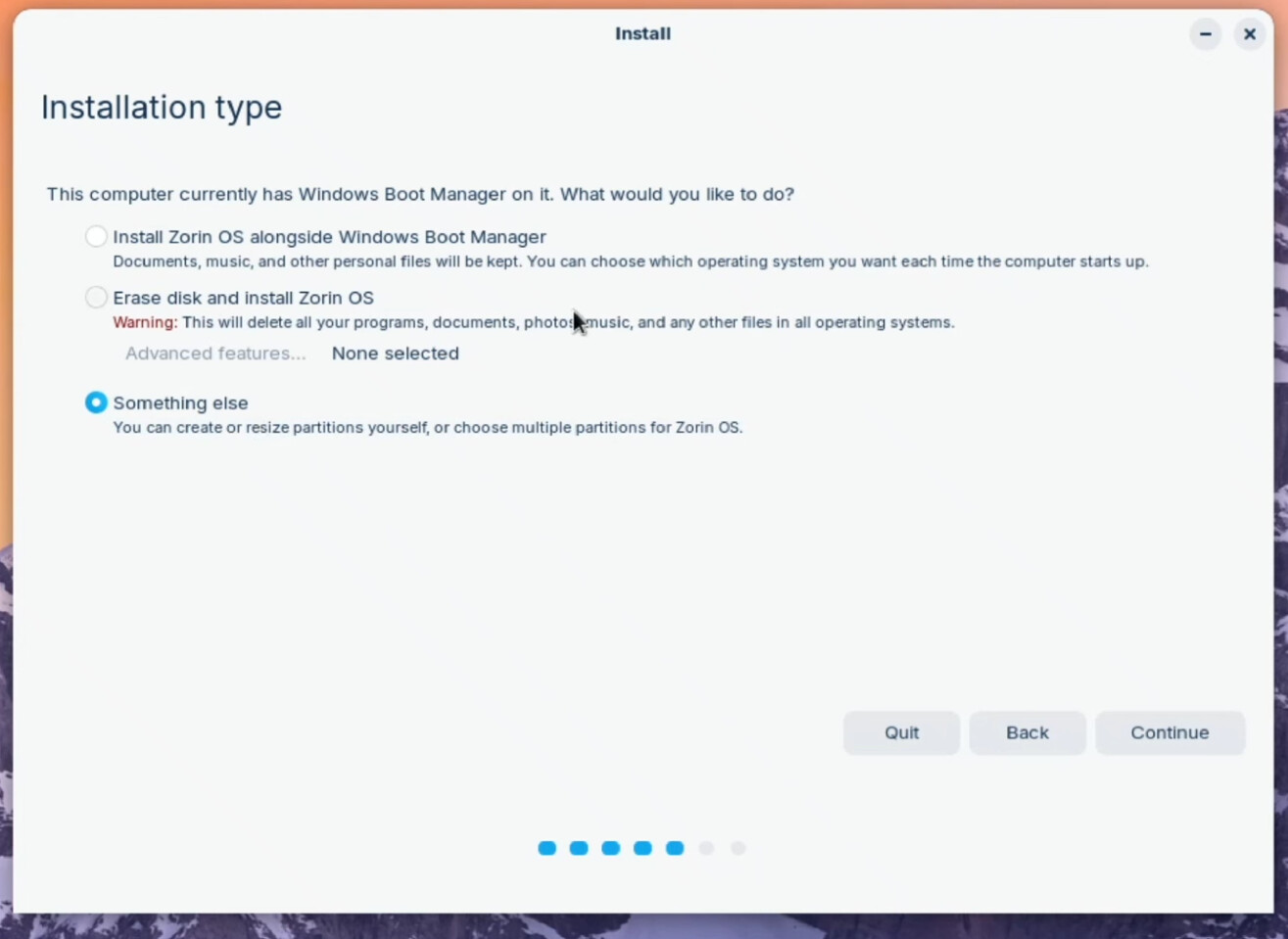
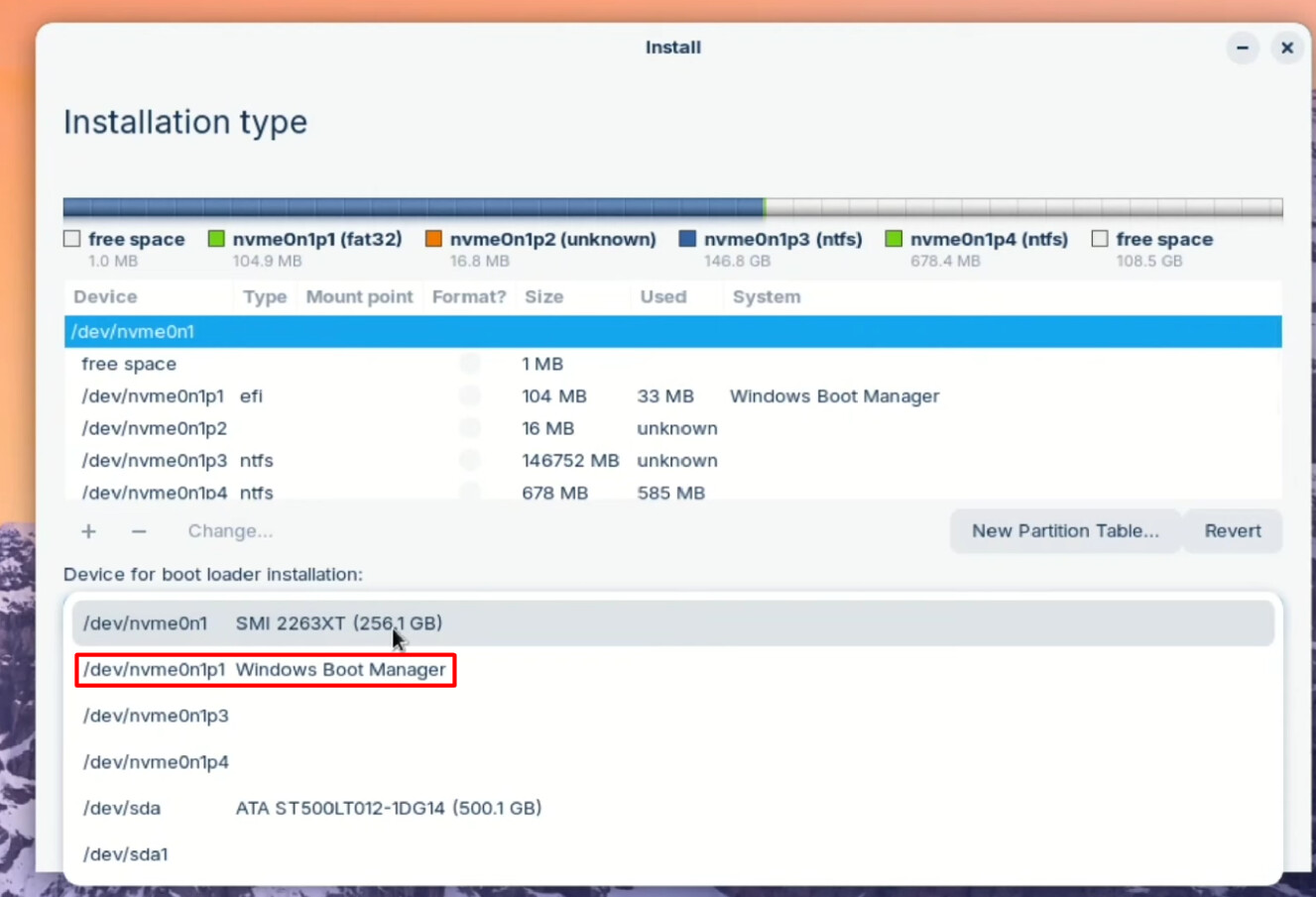
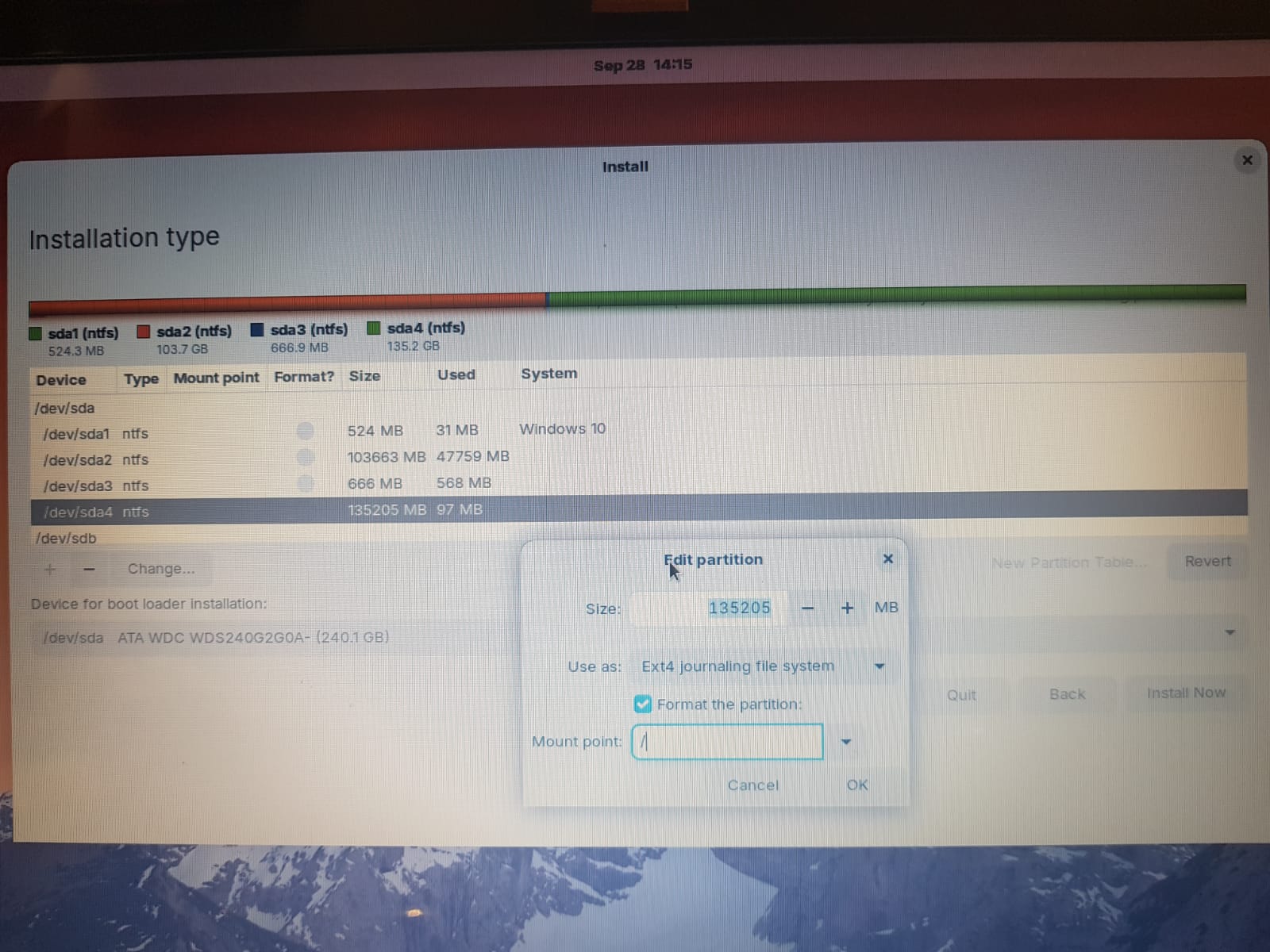
In this Option, You get a Partition Table. The Partition that You want use for Zorin, You have to delete and then format it to ext4 and add the Mounting Point / to it.
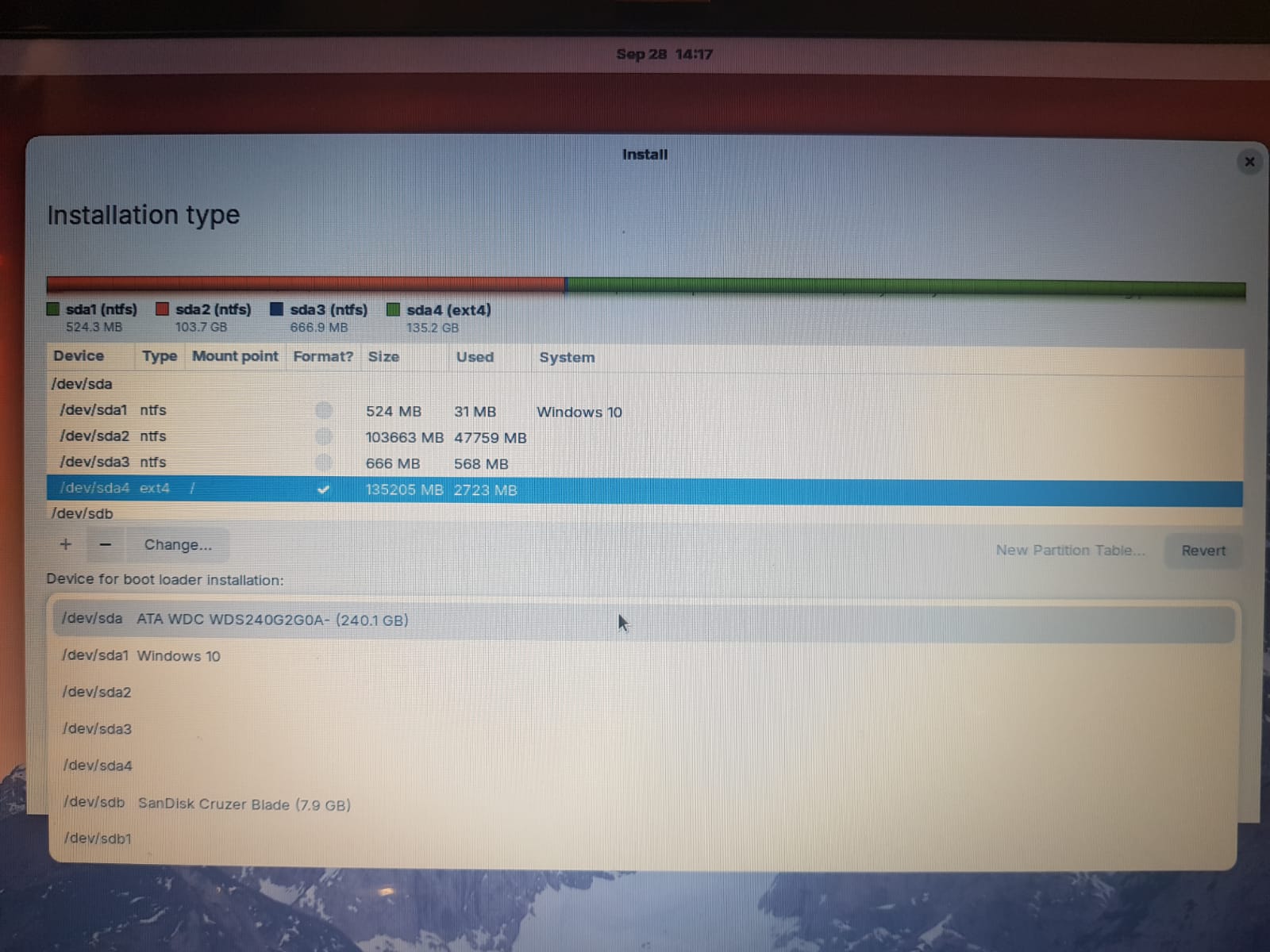
Under the Partition Table, You have the Option ''Device for boot loader installation''. There You should use in the Dropdown Menu ''Windows Boot Manager'':
Thanks for your reply.
I am using a HP Pavilion dv7-1264nr. Windows 11 starts fine. BIOS screens below.
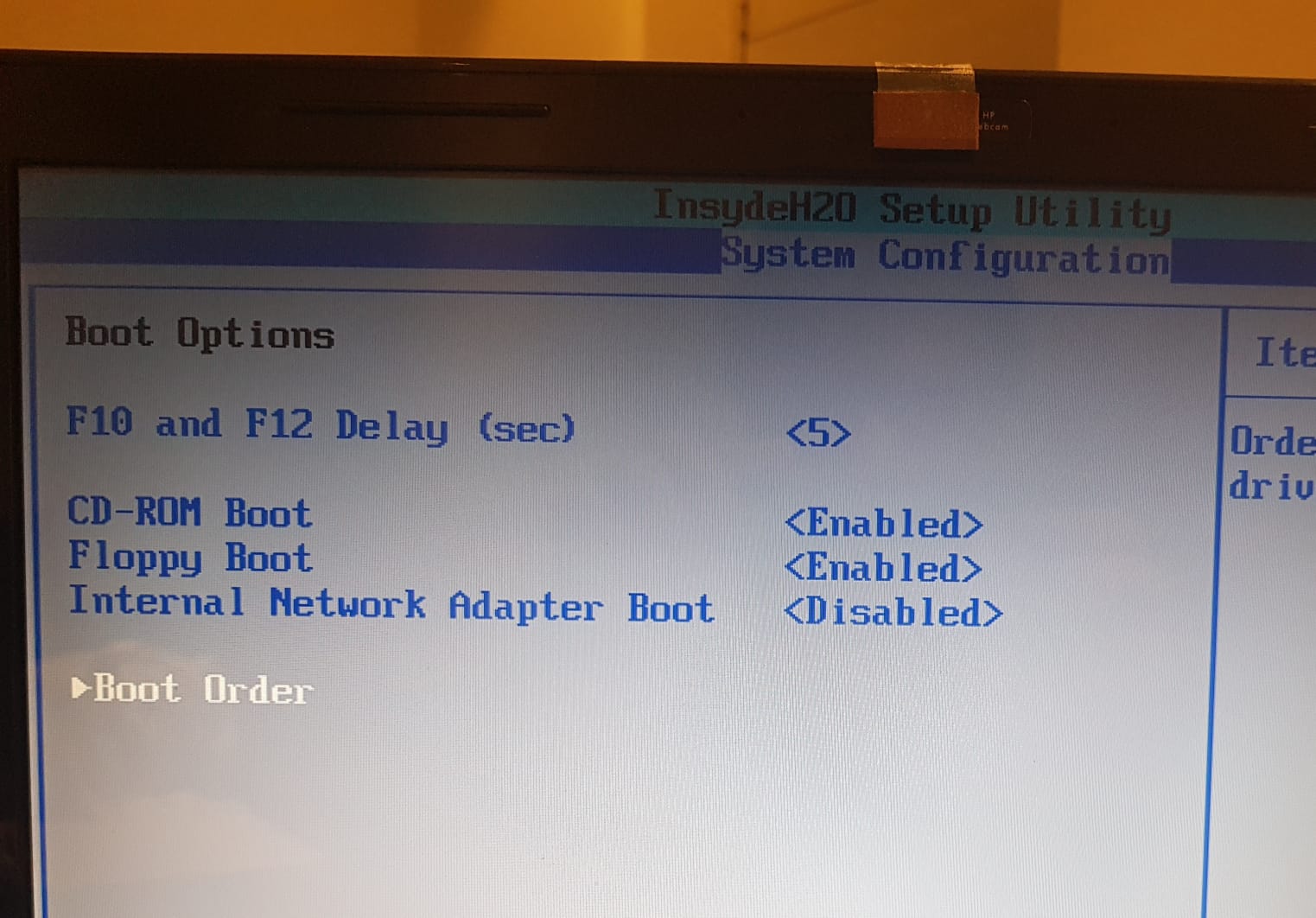

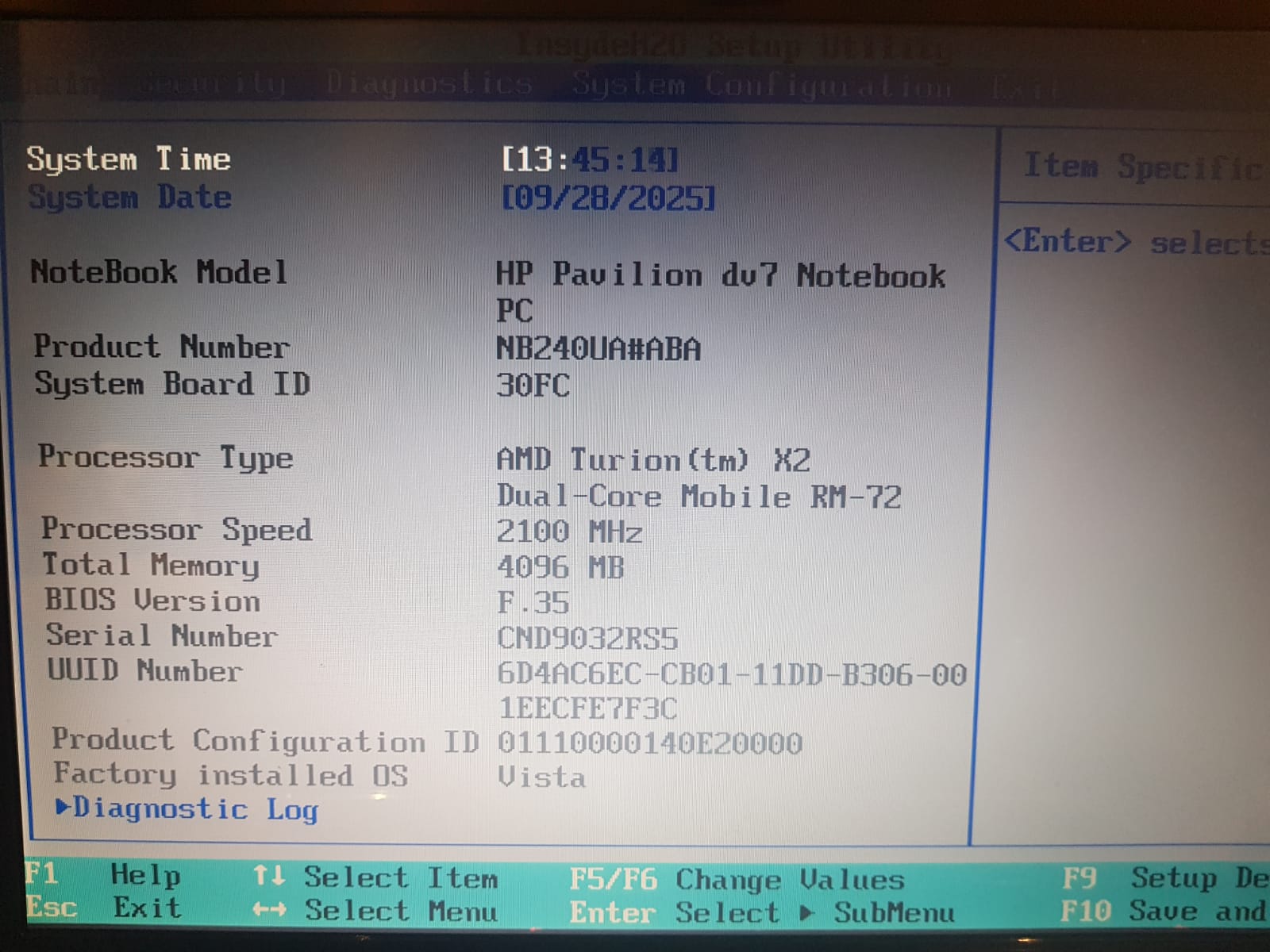
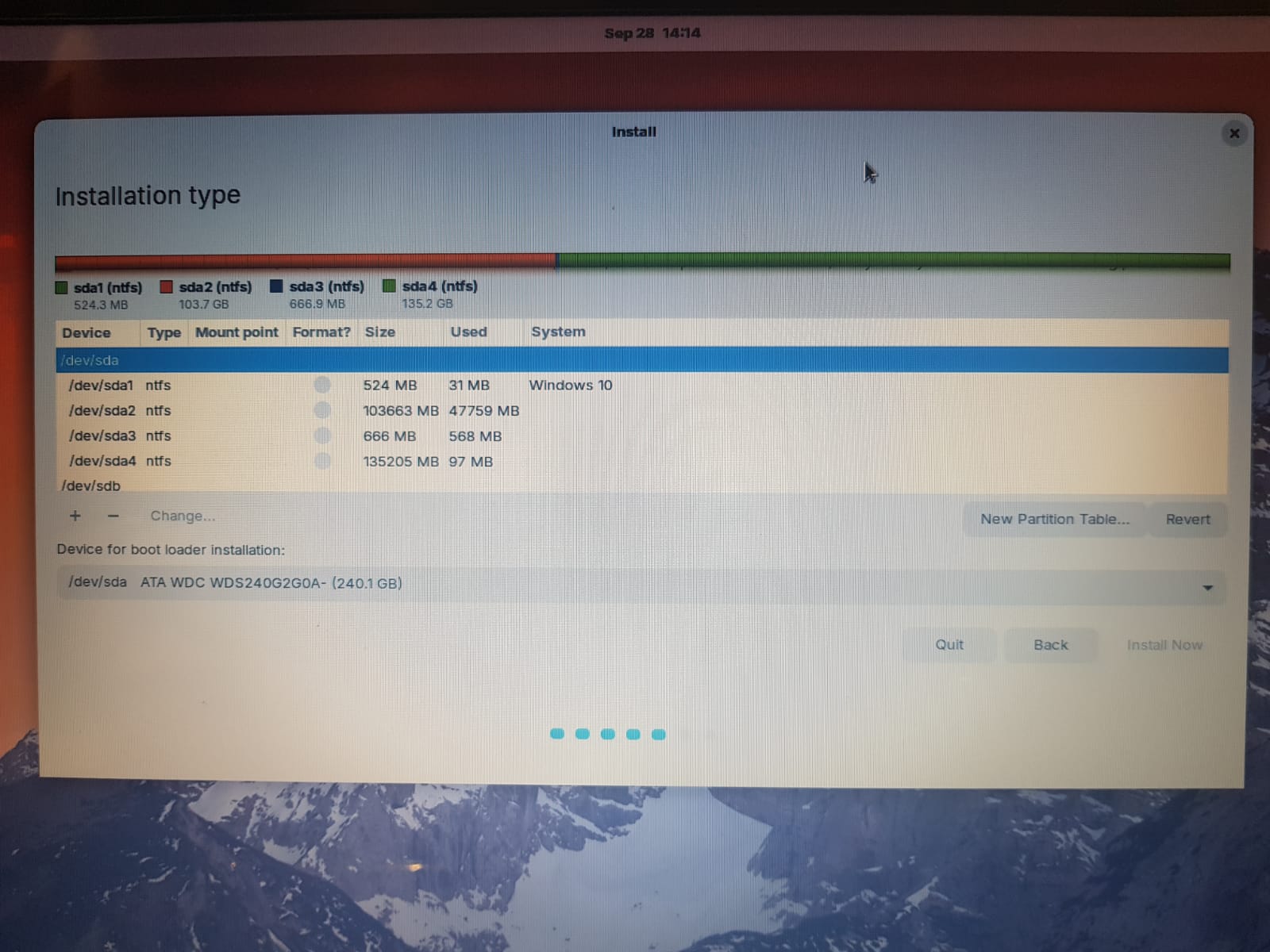
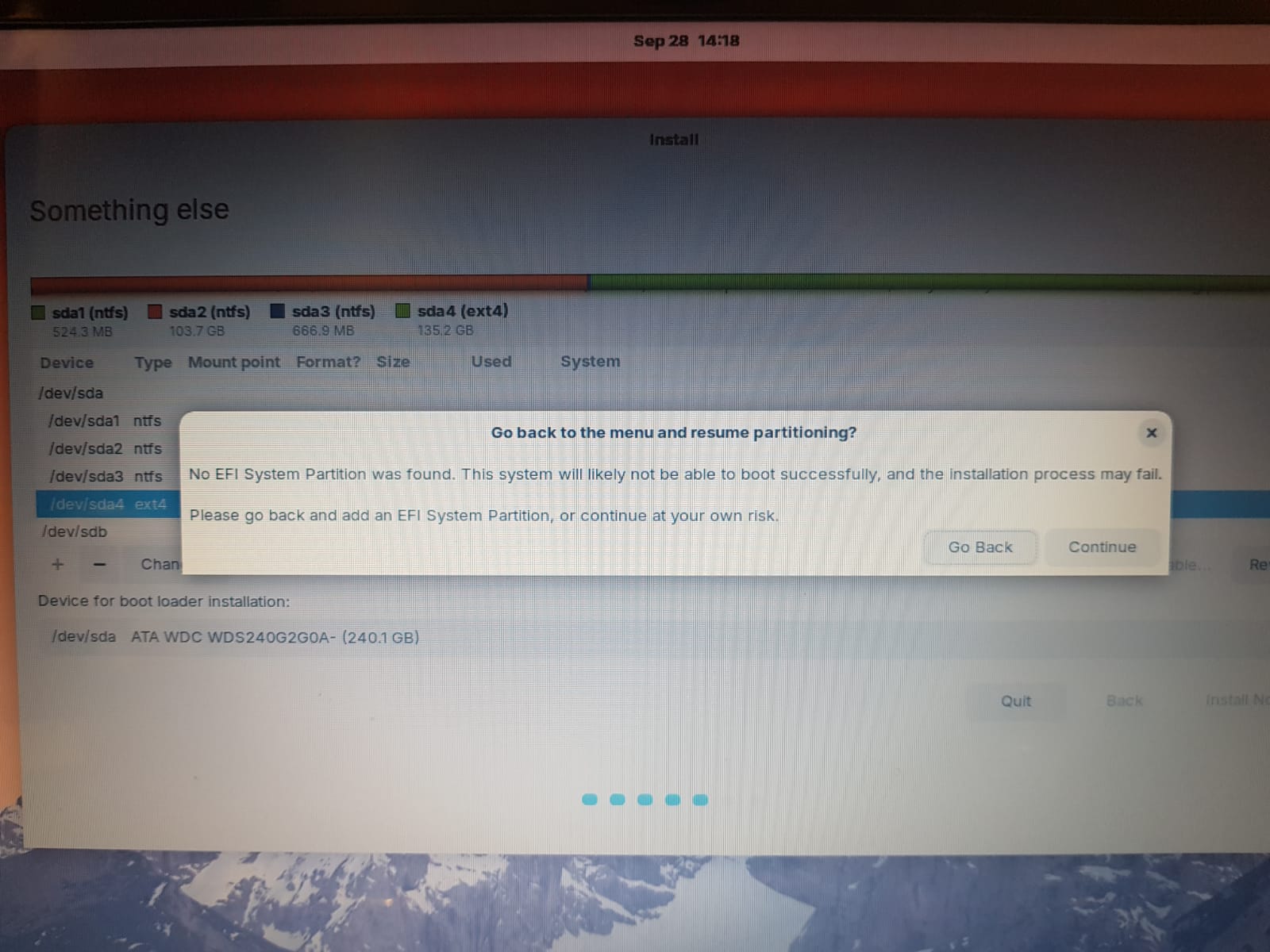
I tried your steps but there is no Windows Boot Manager in the drop down and it gives the error message saying No EFI System Partition was found . Below are the screens.
What Tool did You use to create the bootable USB Stick with Zorin on it? I would recommend for Windows Rufus.
When using this, in Your Case, I would suggest to choose on the Option ''Partition Sheme'' MBR for Your BIOS:
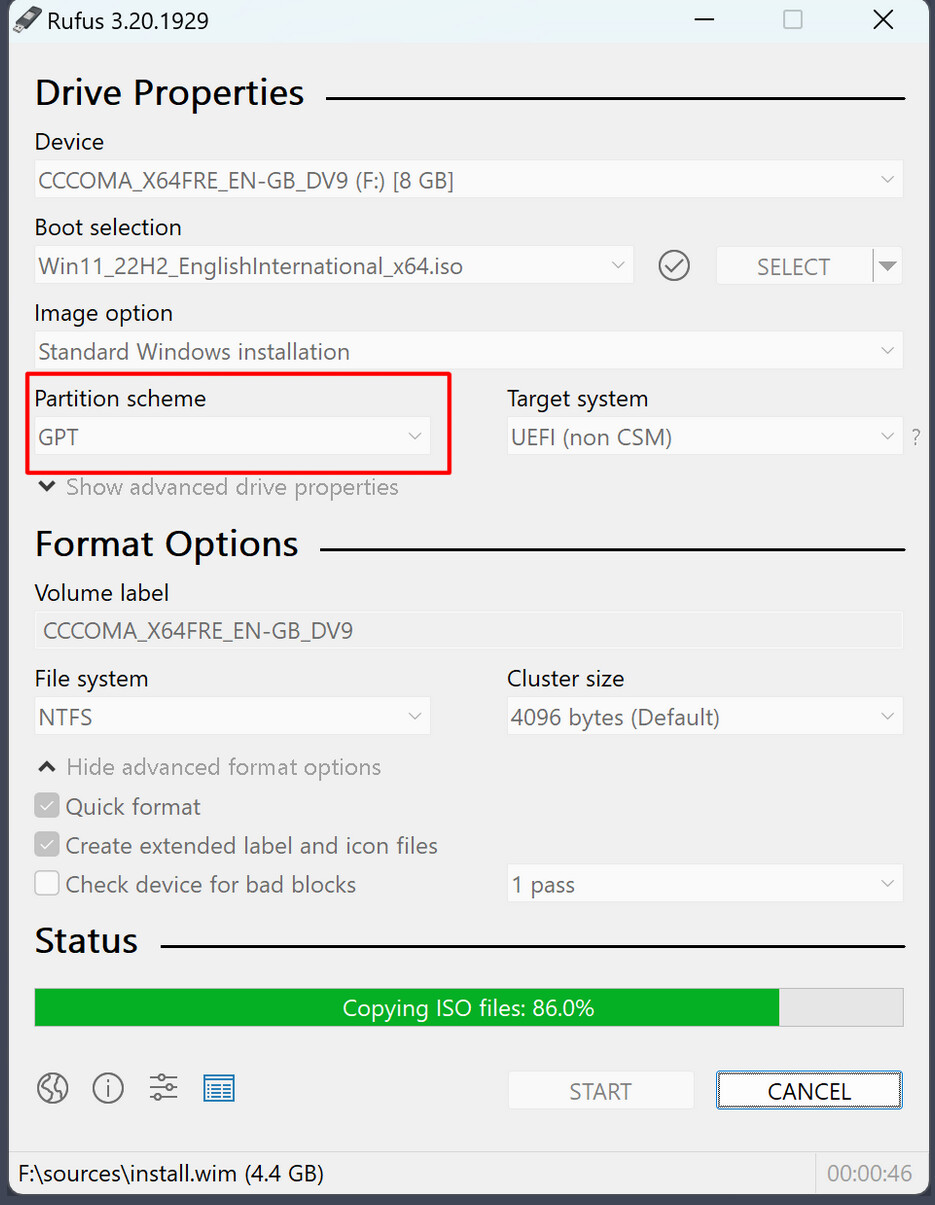
Yes i used Rufus and set it to MBR. And then loaded the USB and entered Zorin OS install.
But i am a bit of a beginner and dont know what EFI is and how to set it to clear the error im getting in the last screen above. My windows boot partition /dev/sda1 is not EFI though.
I would really appreciate some step by step instructions on what to do on the last installation screen.
Okay, first take the Partition that You want to use for Zorin, mark it and click on the - Button. That will delete the Partition! So, when there is something on it, save it before! there is no turning back after it.
Then ake something from Your free Space - 512mb. And on this Screen:
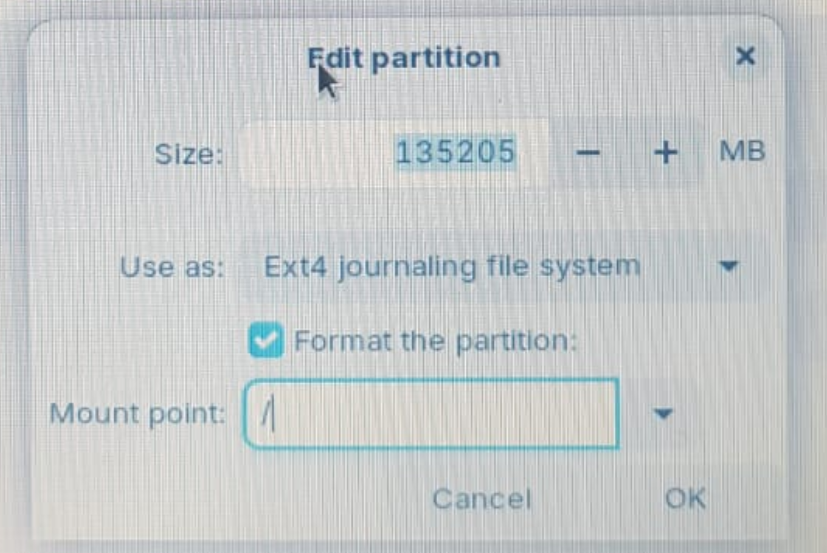
choose in the Dropdown Menu from ''Use as'' EFI-Partition. That will be the Boot Partition. And for the Rest of the free Space, You make it like on Your Picture. choose
/ and ext4.
1 Like
Thanks but it didnt work. As soon as i made the EFI partition, the rest of the volume free space was showing as unusable. So i just ended up formating the full SSD (deleted all partitions) and did a fresh install of Zorin OS which worked.
This topic was automatically closed 90 days after the last reply. New replies are no longer allowed.