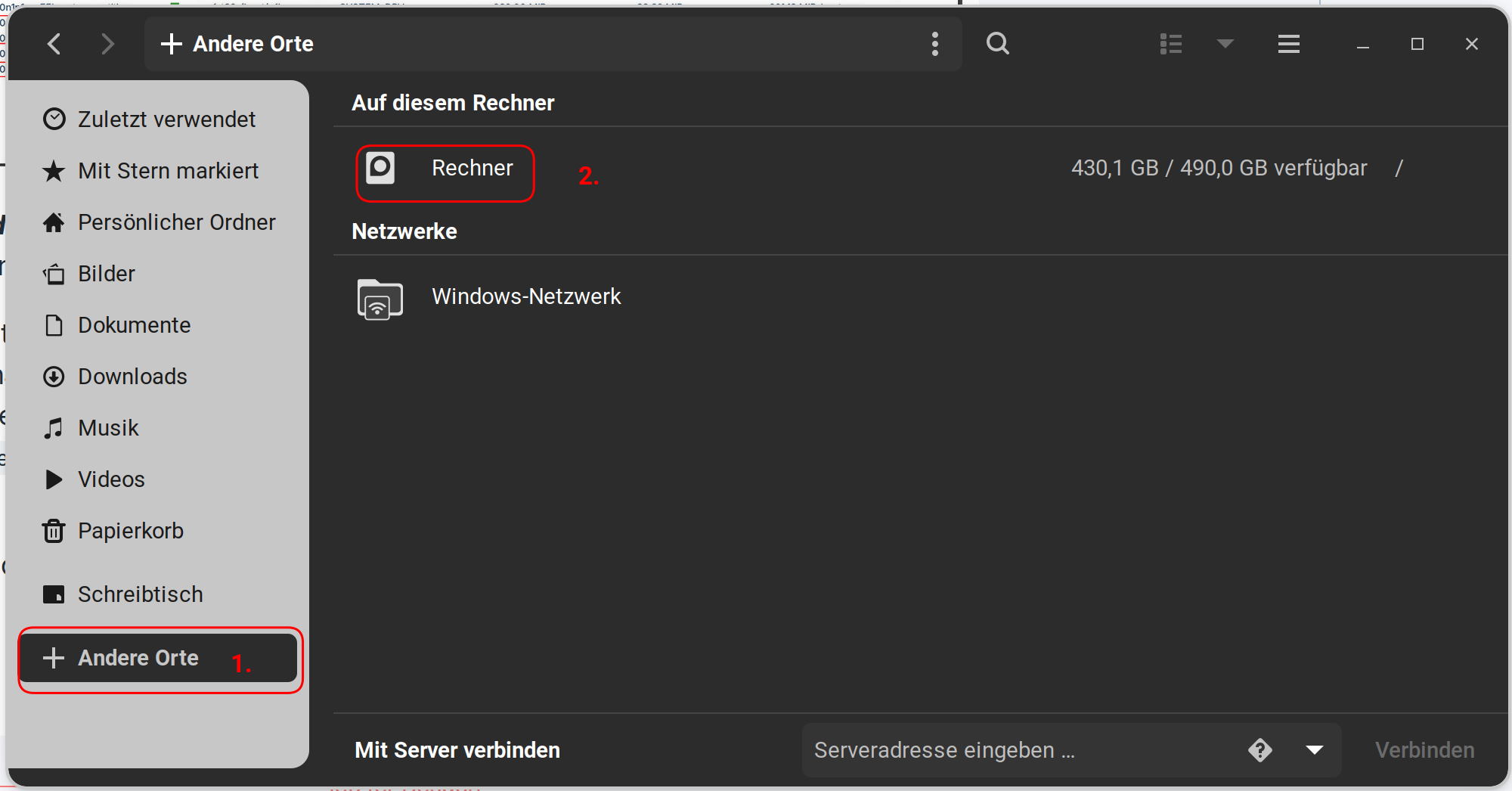
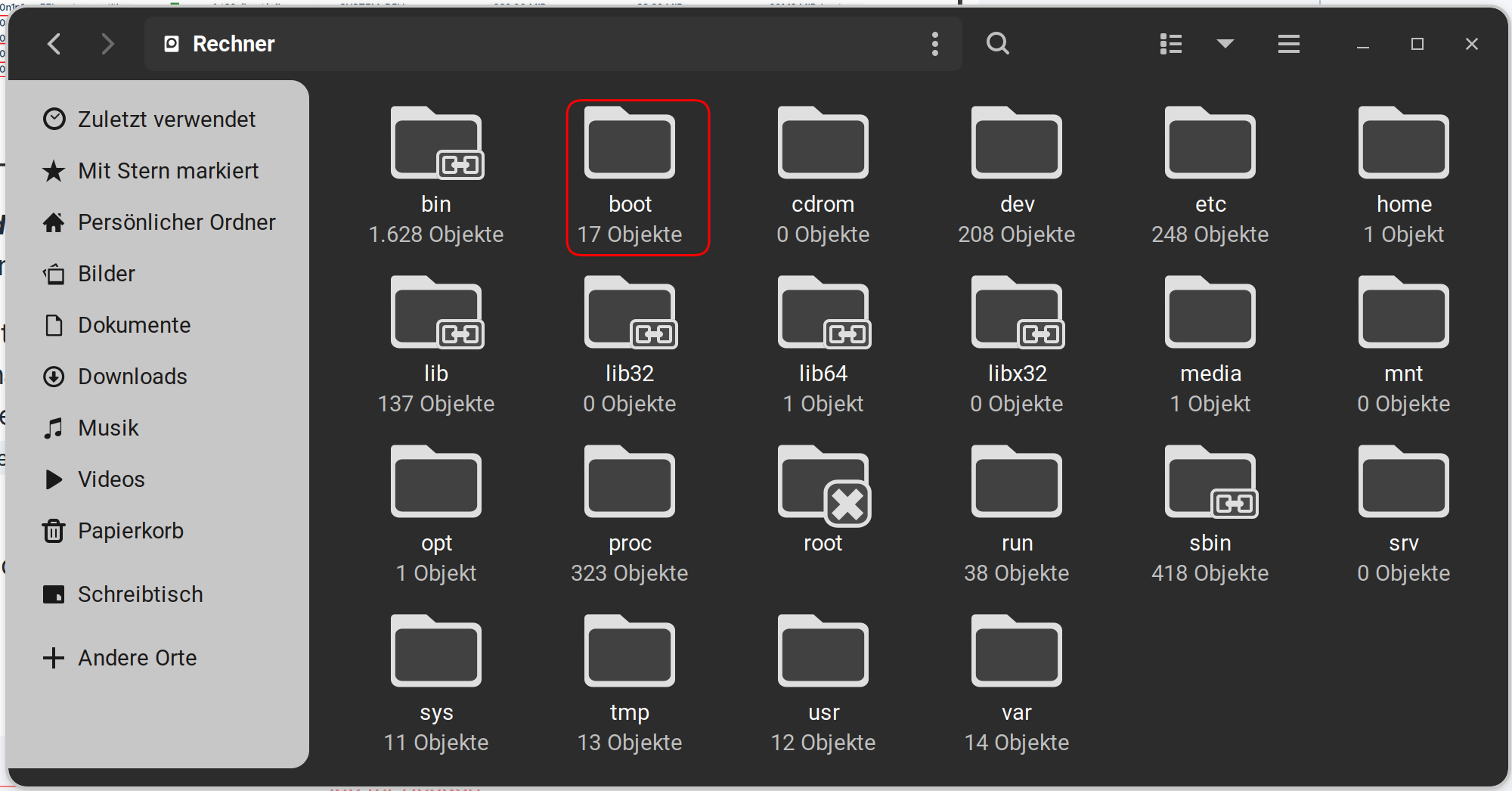
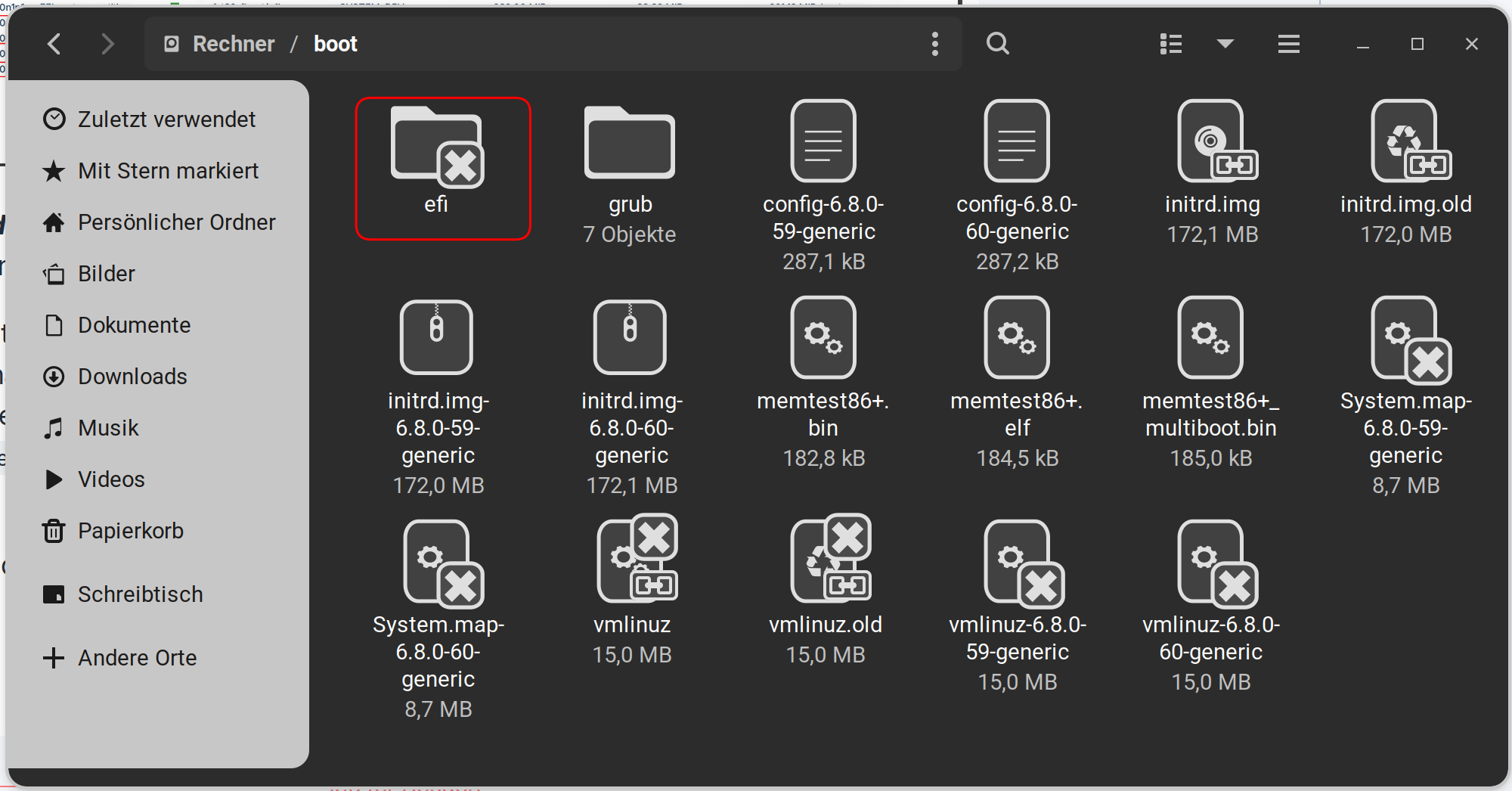
You can try it without deleting it. But if You should get Issues, I explain how You can delete it if neccessary. First, you open the Nautilus (the File Manager) and You navigate normally to the Directory. So, You got first at the left side to ''Other Places'', then left to Your Machine and the to boot>efi>EFI. When You go into efi, You have to type in 2 Times Your Password.
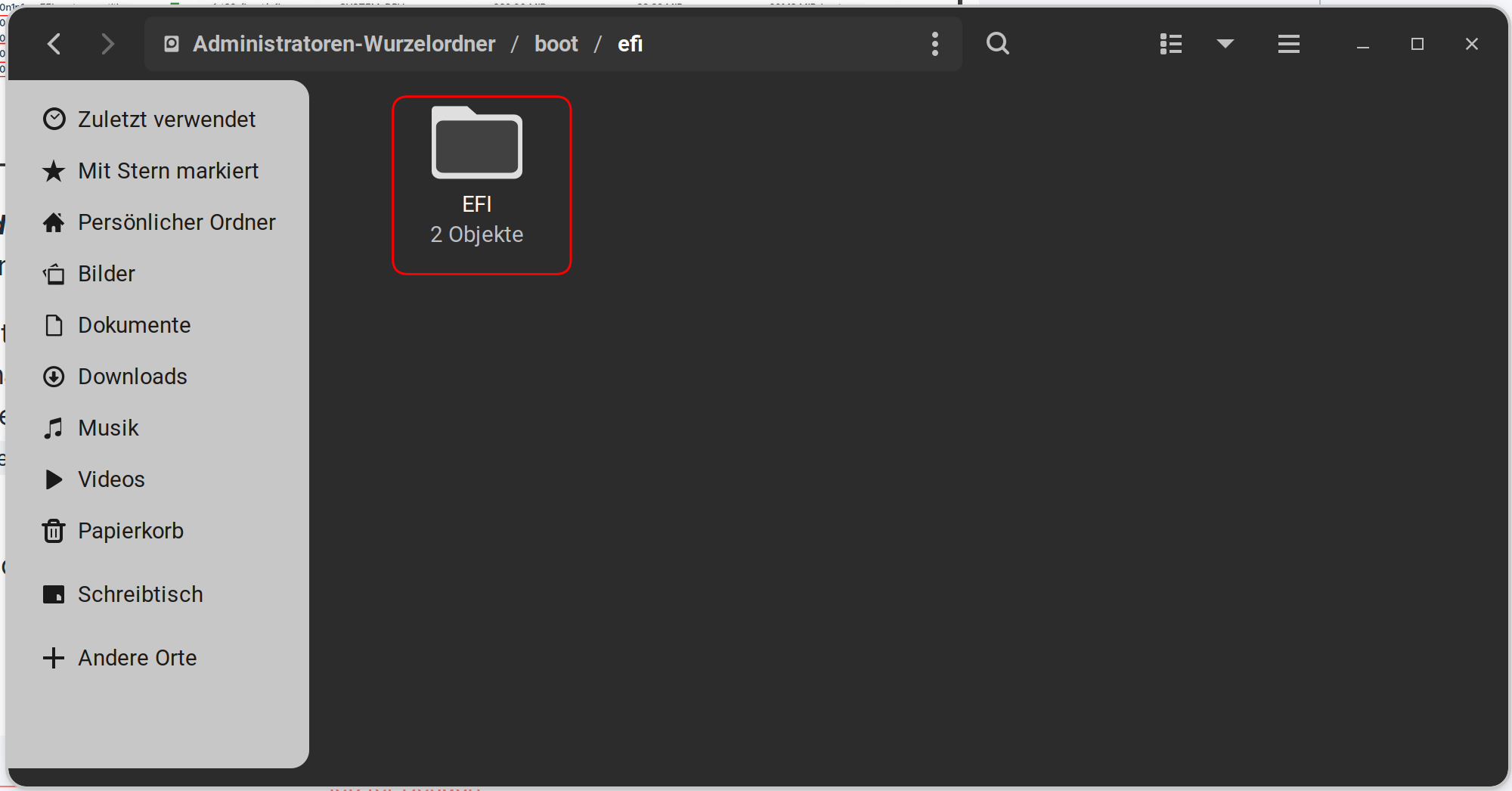
An in the EFI Folder it looks like this:
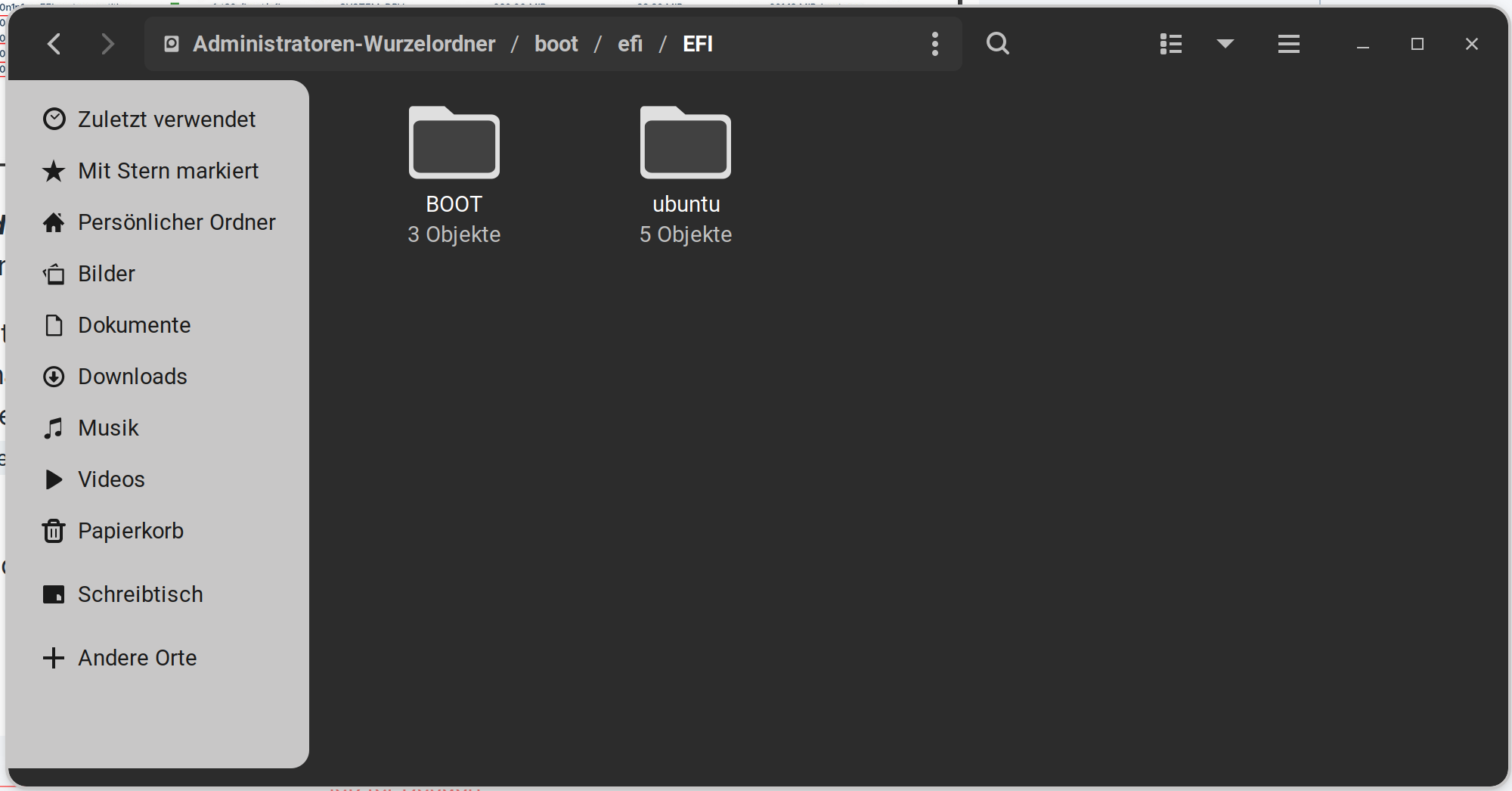
In Your Case there should be a Microsoft Folder. Check that and if it is written with a M or a m. The Command to delete this Folder is:
sudo rm -r /boot/efi/EFI/Microsoft
or:
sudo rm -r /boot/efi/EFI/microsoft
And again: Only the Microsoft Folder! Not the others!