I know that if you give an AI the task of taking a bowel movement, it will stand on the toilet with its feet and do it without taking off its pants. But I assumed a machine could solve a machine's problems. I was wrong.
For a week now, the AI has been giving me stupid owls, which have only increased my battery consumption and made my mouse lag a bit.
What I need: To redirect the video card to a virtual machine (running Windows 11), but so that when the virtual machine is shut down, the video card returns to Linux (since I want to use neural networks locally). I will be working with 3D Max, Substance Painter, Photoshop, and other demanding programs on the virtual machine.
At the moment, following the AI's advice, I was able to start the virtual machine and install Windows, but Windows doesn't recognize the video card's BIOS. I managed to find the BIOS file, but I can't get it into Windows.
Also, the AI created a "hook" based on instructions, but I'm not sure it works. First, I need to make Windows see the card. Then, I'll address the issues with increased battery consumption and the Hook's functionality.
As far as I understood from the recommendations (I know nothing about Linux), emulation programs don't provide sufficient access to the hardware. But I do know that 3D graphics programs are very demanding on hardware. That's why I initially didn't consider emulation programs that are primarily suitable for gaming.
This is doable, but last I did it, you're going to need two graphics cards
one for your OS
one for the VM
They don't both have to be dedicated (one can be integrated on the cpu, for example) but there has to be two (unless some newer software has released that makes using 1 for both tasks viable).
There's a guide here someone made for Ubuntu QEMU GPU Passthrough - Tutorials - Ubuntu Community Hub
But I cant verify on Zorin at the moment. What youre going for is a fair bit involved, so no matter what you do, I recommend backups so you can revert if necessary and try again.
@applecheeks37 the O.P. is using a notebook so can't fit a secondary card.
I would recommend Winboat in this instance because I only learned from another post on here is that it is its own dedicated VM, pulling in Windows 11 without the need of a Microsoft account to create a user and stripped of all the Bloatware.
@REB I don't understand what the 'hook' is you referred to. Sometimes there can be an issue with the Graphics side of things in virt-manager. The three options you should limit graphics options to are:
virtio (default)
VGA
QXL
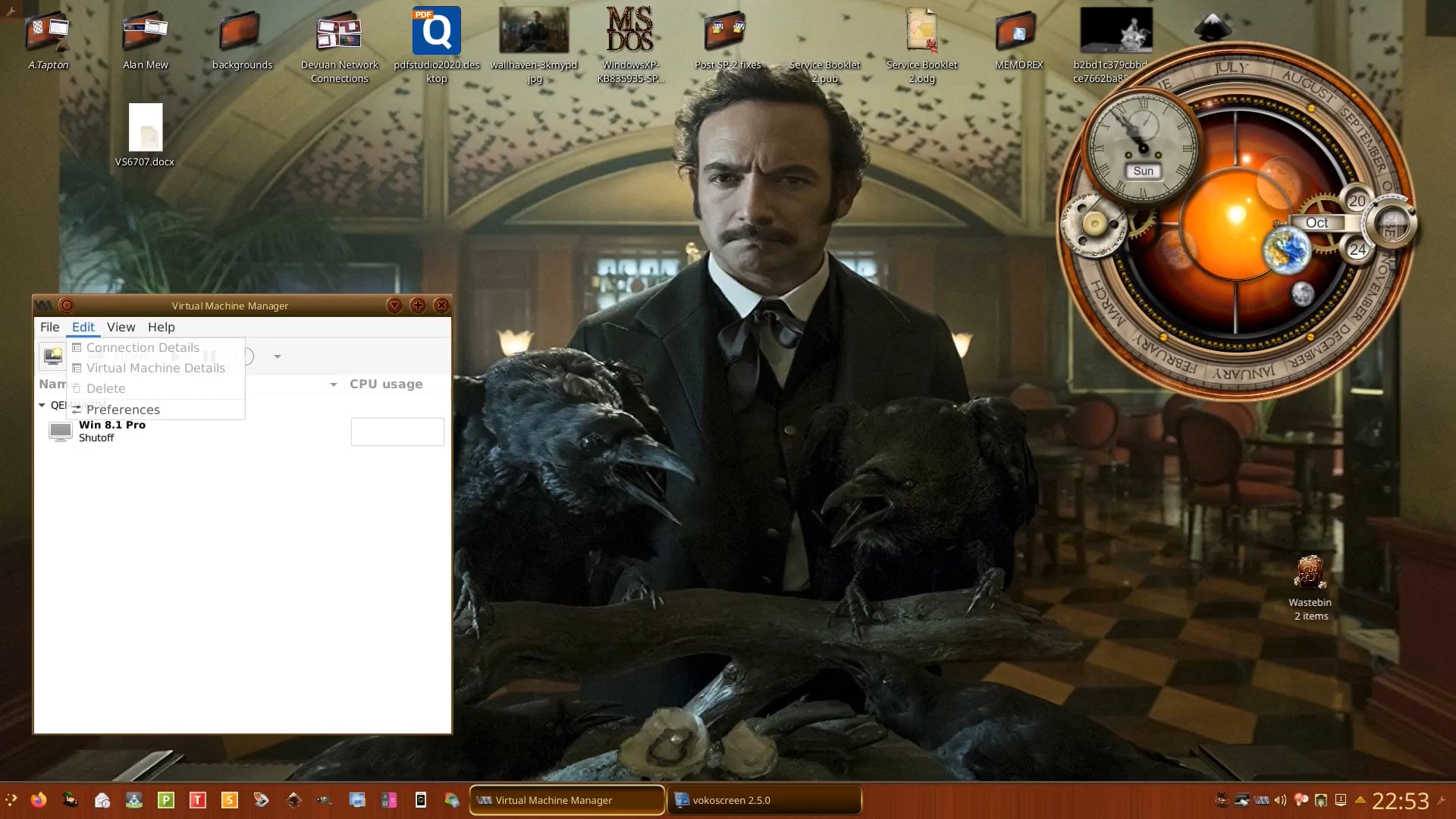
Also take time to experiment with all the settings in Virtual Machine | Details which I briefly go through in this video when I was working from home running Devuan with a VM of Windows 8.1 Pro 32-bit:
Isolation: Bound to vfio-pci via GRUB: intel_iommu=on iommu=pt vfio-pci.ids=10de:2d19.
Hooks: Used libvirt hooks to trigger a PCI remove and rescan before VM start to ensure a clean power state.
IOMMU Groups: GPU (01:00.0) and Audio (01:00.1) are in the same group and passed through together.
XML Configuration (Libvirt)
Stealth/Anti-Detection:
Applied <feature policy='disable' name='hypervisor'/> in the CPU block.
Applied <kvm><hidden state='on'/></kvm>.
Configured <hyperv mode='custom'> with vendor_id value='lenovo', relaxed, vapic, and spinlocks.
SMBIOS Spoofing: Full spoofing of Lenovo system tables (Manufacturer: Lenovo, Product: 15IRX10, Baseboard: LNVNB161216) to match the host hardware.
Topology: Defined static topology (1 socket, 7 cores, 2 threads) for 14 vCPUs.
Addressing: GPU and HDMI Audio unified on the same bus (01:00.0 and 01:00.1) using multifunction='on'.
QEMU Arguments: Attempted to force Subsystem IDs via qemu:commandline (x-pci-sub-vendor-id=0x17aa, x-pci-sub-device-id=0x800b), though Libvirt occasionally overrides these.
VBIOS / ROM
Dump: Extracted native Blackwell VBIOS (1.87 MB) via GPU-Z in guest.
Passthrough: Applied via <rom file='...'/>. Permissions and AppArmor exceptions (rw) are properly configured.
Observation: GPU-Z sees the card but BIOS version remains "Unknown" or "0.00.00...".
Hardware & Physical Setup
HDMI Dummy Plug: Used a physical HDMI dummy plug to provide an EDID signal and "wake" the GPU.
MUX Switch: Tested in both Hybrid and Discrete modes (Hybrid is preferred to keep the host display active).
Guest-Side (Windows 11)
Registry: Applied SkipStandardSetting, DisableErrorReporting, and DisplayPowerControl (set to 1).
Interrupt Management: Forced MSI mode (MSISupported=1) via Registry and MSI Utility V3.
Device Conflict: Disabled "NVIDIA Platform Controllers and Framework" (Code 31) to prevent power management conflicts.
Software Patches: Ran various "Error 43 Fixer" scripts (NVIDIA-patcher).
Current Status:
Error 43 persists. The device is visible in Device Manager, and GPU-Z detects the PCIe 4.0 x8 link, but the driver fails to initialize the 3D core.
Question for the community:
Are there any Blackwell-specific (RTX 50-series) ACPI requirements or Resizable Bar (Bar 1) issues that need to be addressed in the XML for 2024 Lenovo laptops? Is there a specific vendor_id or subsystem_id mask required for these new mobile chips?
 )
)