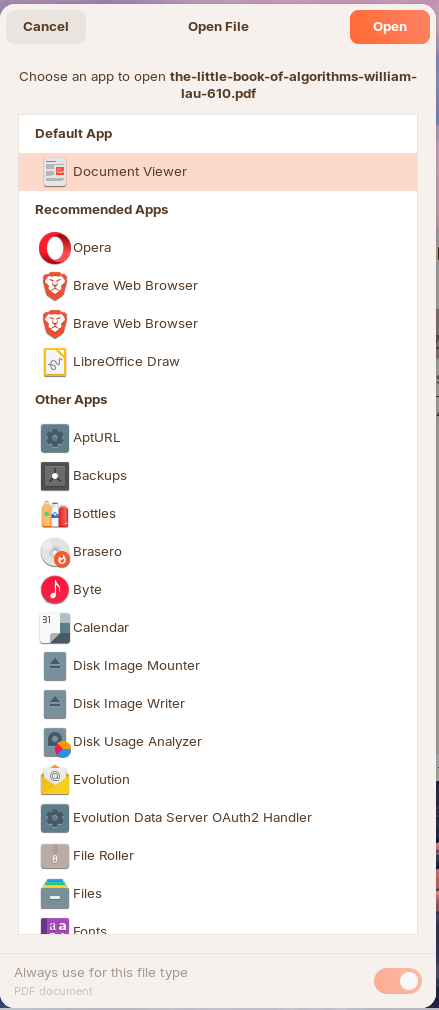
Did a search using Perplexity search engine which came back with:
"To associate PDF files with PDF-XChange (Viewer or Editor) running under Wine, create a small wrapper script and a desktop entry, then use your desktop’s “Open with” settings.
1. Create a wrapper script
- Find the path to the PDF-XChange executable in your Wine prefix, e.g.:
~/.wine/drive_c/Program Files/Tracker Software/PDF Editor/PDFXEdit.exe or similar.
-
- Create a script, for example
/usr/local/bin/pdfxchange:
bash
#!/bin/bash

WINEPREFIX="$HOME/.wine"
EXE_PATH="$WINEPREFIX/drive_c/Program Files/Tracker Software/PDF Editor/PDFXEdit.exe"

# Resolve absolute path of the PDF
if [ $# -lt 1 ]; then
  wine "$EXE_PATH"
else
  FILE="$(readlink -f "$1")"
  wine "$EXE_PATH" "$FILE"
fi
- Make it executable:
bash
sudo chmod +x /usr/local/bin/pdfxchange
This lets you open a PDF via pdfxchange somefile.pdf, and the file gets passed correctly into the Wine app.
2. Create a .desktop launcher
Create a desktop file, e.g. ~/.local/share/applications/pdfxchange.desktop:
text
[Desktop Entry]
Name=PDF-XChange
Comment=PDF-XChange via Wine
Exec=/usr/local/bin/pdfxchange %f
Type=Application
Terminal=false
MimeType=application/pdf;
Categories=Office;Viewer;
Then update the desktop database (varies by distro, often automatic, but you can run):
bash
update-desktop-database ~/.local/share/applications 2>/dev/null || true
Desktop environments detect apps via these .desktop files and use the Exec line with %f to pass the clicked file path as an argument.
3. Set as default PDF handler
Use your desktop’s default application settings:
-
On KDE:
- System Settings → Applications → File Associations → search “pdf” → select “application/pdf” → add or choose “PDF-XChange” and move it to the top.
-
-
On GNOME-based desktops (including Zorin, Ubuntu, etc.):
-
Right-click a PDF → “Properties” → “Open With” → choose “PDF-XChange” and click “Set as default”.
-
Now double-clicking any .pdf should open it directly in PDF‑XChange under Wine, with the file path correctly passed to the application.
If you share your distro and desktop environment (KDE/GNOME/Xfce, etc.), more exact commands and paths can be provided."
I appreciate you don't want to fork out for another editor. Because I have been a GNU/Linux user for some time, when I needed an Editor I decided to look at Applications that support GNU/Linux as well as other platforms. There are only two, Master PDF Editor and pdf Studio Pro - I opted for the latter and used it successfully to modify A Level Mock Physics Paper and an RS Paper that needed interactive response fields editing to match students with low-vision preferred font size.