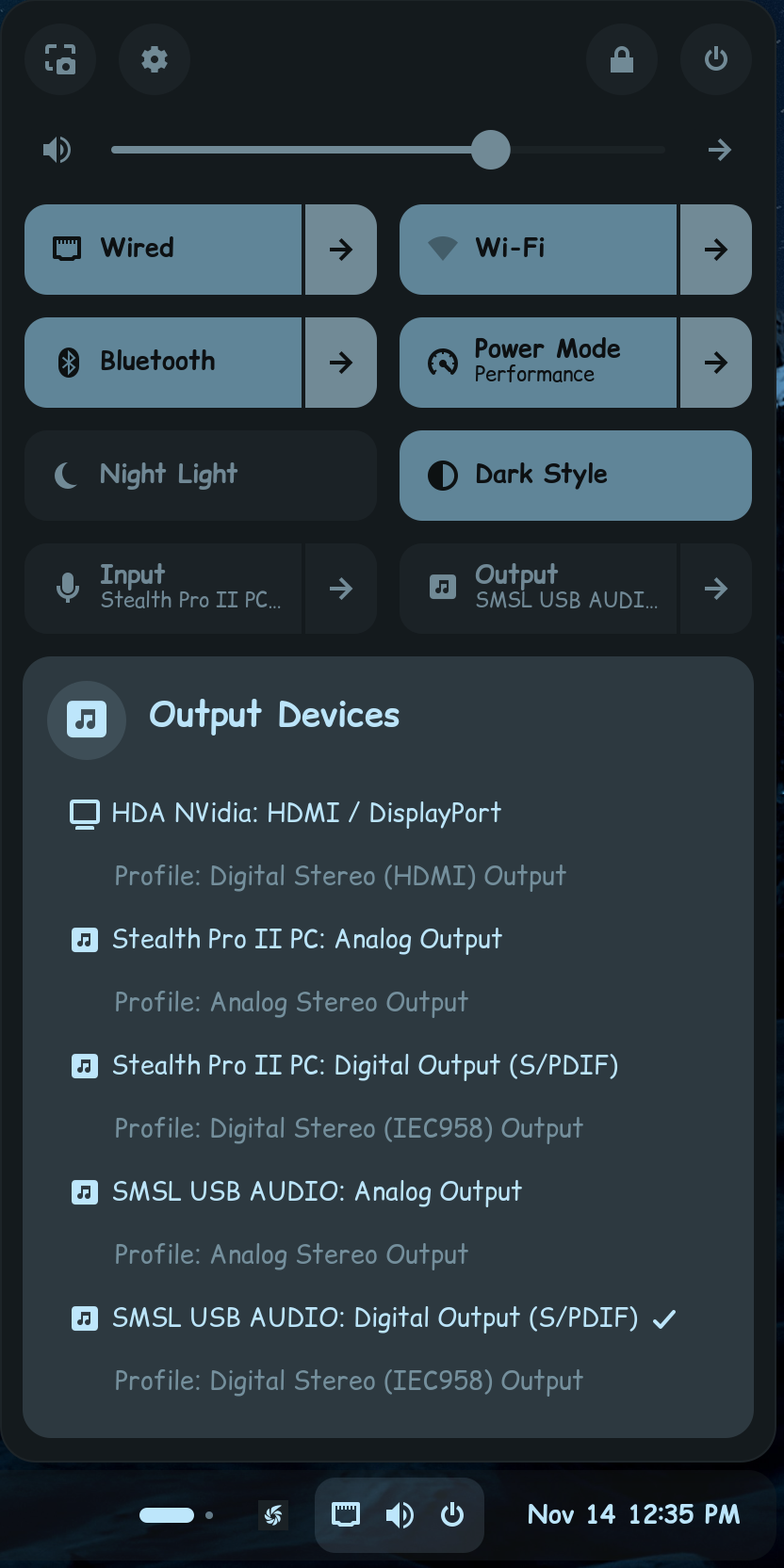
Title: Persistent GNOME/PipeWire audio sink reversion: HDMI sink overridden by onboard ALC897 controller on Zorin OS (1.0.5)
Environment:
OS: Zorin OS (PipeWire 1.0.5 / WirePlumber)
Hardware Controller 1: AMD GPU (HDMI Audio) [PCI 0000:0c:00.1]
Hardware Controller 2: AMD Starship/Matisse HD Audio Controller (Realtek ALC897 Onboard) [PCI 0000:0b:00.3]
Symptom / Behavior: The system consistently forces the onboard ALC897 digital stereo sink as the default audio output (*) on login, session restart, or service reload. Even when the HDMI output is explicitly set as default via wpctl set-default, the GNOME Shell Volume Control / WirePlumber policy layer immediately reverts the default sink back to the onboard controller upon desktop initialization.
Troubleshooting Steps Taken:
- WirePlumber Lua Scripting: Attempted to disable the onboard card via
device.disabled = true rules in wireplumber.conf.d/. Result: Overridden/ignored by GNOME Shell volume control hooks.
- Modprobe Kernel Blacklisting / Indexing: Attempted
blacklist snd_hda_intel and options snd-hda-intel enable=0,1. Result: Caused the system to fall back entirely to "Dummy Output" as the HDMI device failed to initialize properly.
- Manual / Scripted Workarounds: Created dynamic ID-fetching aliases and fallback scripts (
wpctl set-default), but session-level policy managers overwrite the default sink state on every desktop focus/re-login event.
Expected Behavior: The user should be able to permanently assign the AMD GPU HDMI audio output as the system-wide default sink without the desktop environment or session manager actively overriding it back to the onboard controller.
PS: I am no programmer, nor do i have a handle on command line with terminal. my only option was to work with AI and i didn't get anywhere. This is my story...
1 Like
Welcome to the Forum!
You could try it with Pulse Audio Volume Control. It is a Tool to set up Audio Input and Output. You can install it with sudo apt install pavucontrol via Terminal.
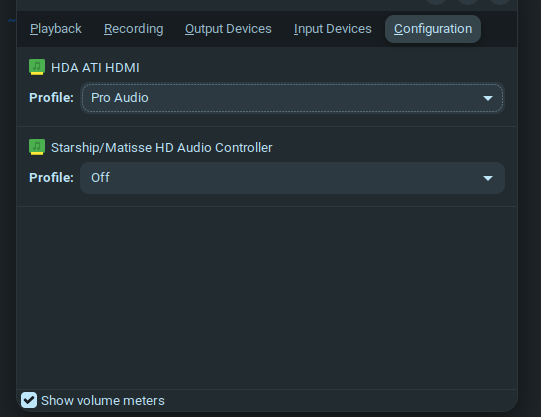
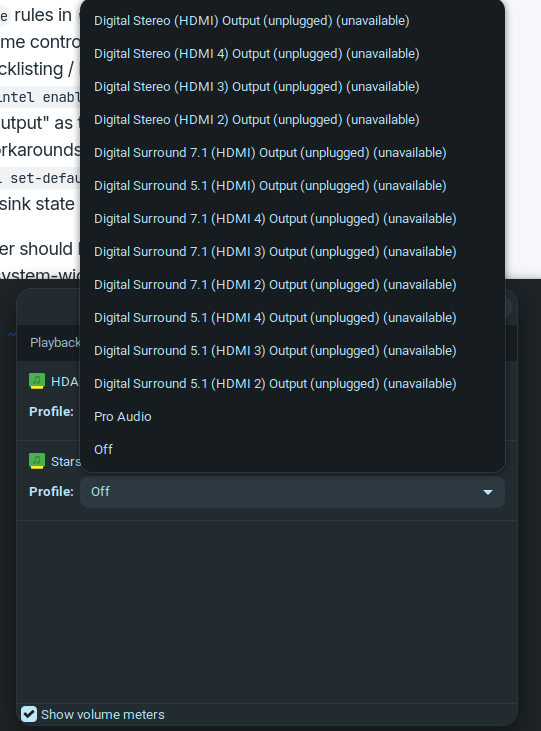
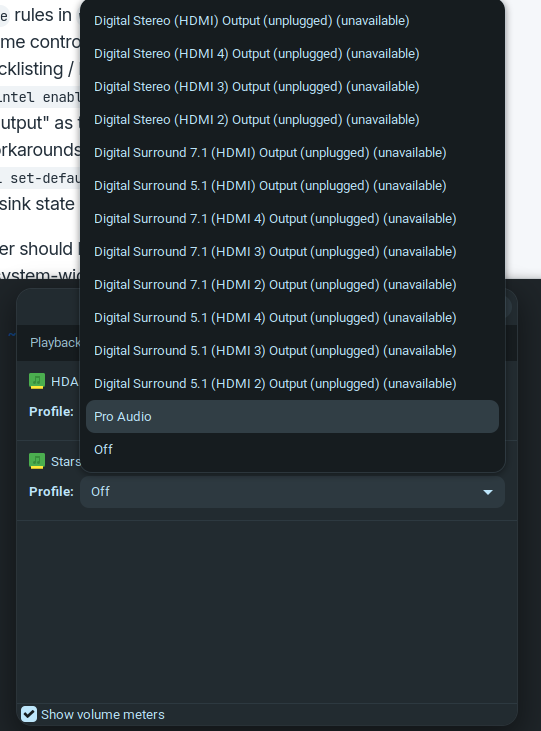
When installed, open it and go to the Configuration Tab. there disable the ALC897 Option through the Dropdown Menu. Look there for ''Off''.
1 Like
Thank you very much for reply. I appreciate the attention and your time!
All the above mentioned steps were in parallel with "pavucontrol" (configuration and output settings adjustments). Nothing helped. The Kernel automatically picked the "sink" audio output instead of the HDMI (I have only my HDMI cable connected to the screen with the speakers).
In pavucontrol I can see sound levels moving, there is just no output... Not sure if I make myself clear, since I do not know the exact lingo for this. I just have a vague understanding.
I worked with Ai through a lot of steps (mentioned above) and it was going in circles for about 4hours or so. The GRUB always reset the (*) on back to the "sink" audio output device instead of the chosen "HDMI" device, no matter what we did.
Are there more than one HDMI Port at Your PC and Your Monitor? If yes, try different Ports. Also, trying a different HDMI Cable would be good. And try to avoid any Adpaters or HUB's.
Another Thing: Does You System run in Wayland or X11? You can check that with the Command echo $XDG_SESSION_TYPE via Terminal. Are Secure Boot and Fast Boot in BIOS disabled? If Windows is still installed: Is Fast Start-Up in Windows disabled?
1 Like
I've had the same issue as you before, its very difficult, to get the system to stop reverting the sound output. What anyone sane would expect in this world is, when you select your sound output, it makes the change permanent, and doesn't change upon reboot.
Make sure you disable the onboard audio, from your screenshot, it looks like you have done this already.
Zorin OS uses WirePlumber on its back end. You could try these commands to reset the cached state.
rm -rf ~/.local/state/wireplumber/*
systemctl --user restart wireplumber pipewire pipewire-pulse
Then you just have to re-select your HDMI sound output in PulseAudio.
A problem I personally had, I needed to setup a delay, try this as well...
Find your sync...
pactl list short sinks
Open your startup applications, and ADD this...
bash -c "sleep 5 && pactl set-default-sink <YOUR_HDMI_SINK_NAME>"
Replace YOUR_HDMI_SINK_NAME with what your sync name is. Set the command to wait 5-seconds.
If all else fails, you can do what I do, to speed up the manual selection process. Install Quick Sound Switcher extension, its a nifty bit of kit, allows you to switch your audio from the lower right system menu...
2 Likes
Hello! Thank you. I tried different ports, cable, not using adapters and HUBs. No avail. I tried running my system in both Wayland and X11.
I have not checked Secure and Fast Boot in BIOS,
BUT:
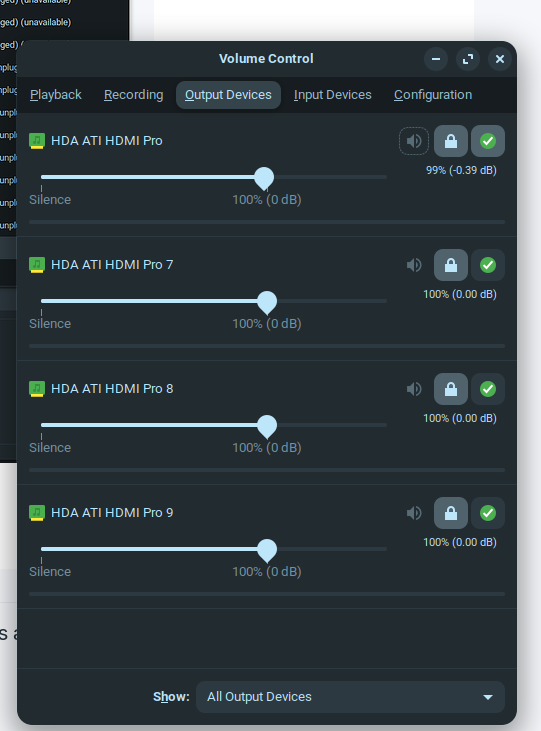
Since the last update, the output of my HDMI Port 2 appeared and now sound works again. I have no Idea how or why it is working now. I am sorry, that I can't provide why it is working, it just is... I can now choose with the App "Audio Volume Control" (Pavucontrol) the HDMI output (which last time resetted automatically to sink instead of HDMI) and now everything works.
1 Like
Thank you very much for your advice and all the effort you put it. Right now, it works, but I saved your suggestions for if (hopefully not "when") it pops up again.
FYI: Since the last update, the output of my HDMI Port 2 appeared and now sound works again. I have no Idea how or why it is working now. I am sorry, that I can't provide why it is working, it just is... I can now choose with the App "Audio Volume Control" (Pavucontrol) the HDMI output (which last time resetted automatically to sink instead of HDMI) and now everything works.
1 Like
Well, when it works now, good.