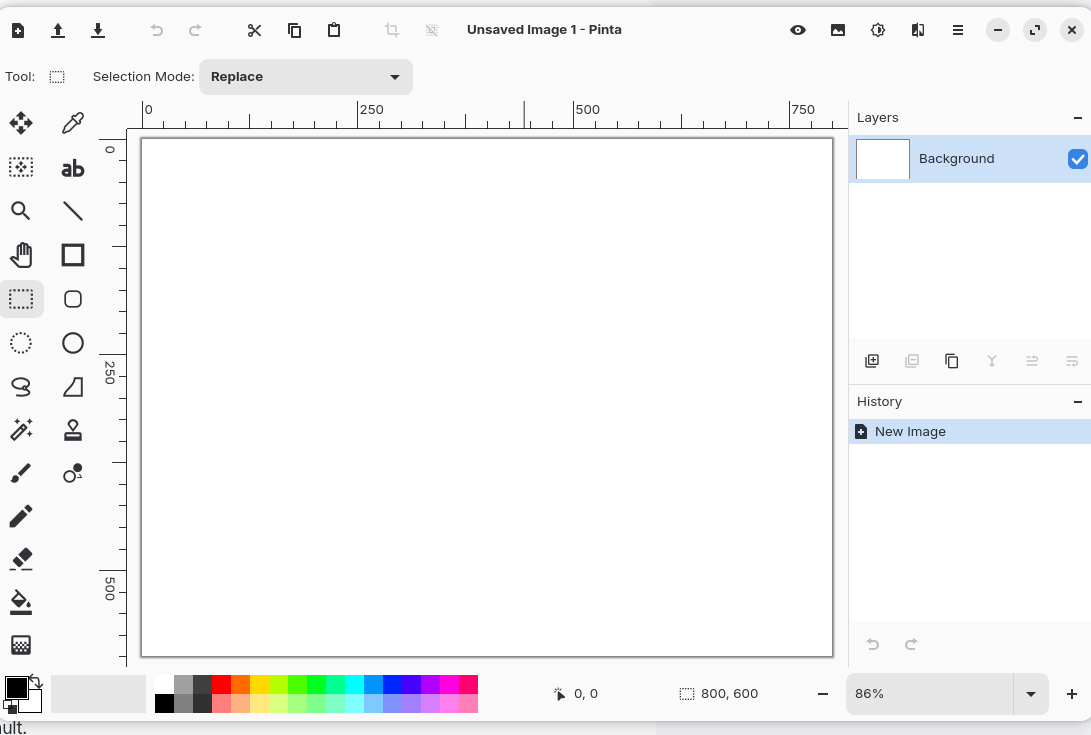
This is how Pinta looks without the Menu Bar enabled.
strong text
Click on the "eye" icon
Click on "Show/Hide"
Click on "Menu Bar"
Restart your program.
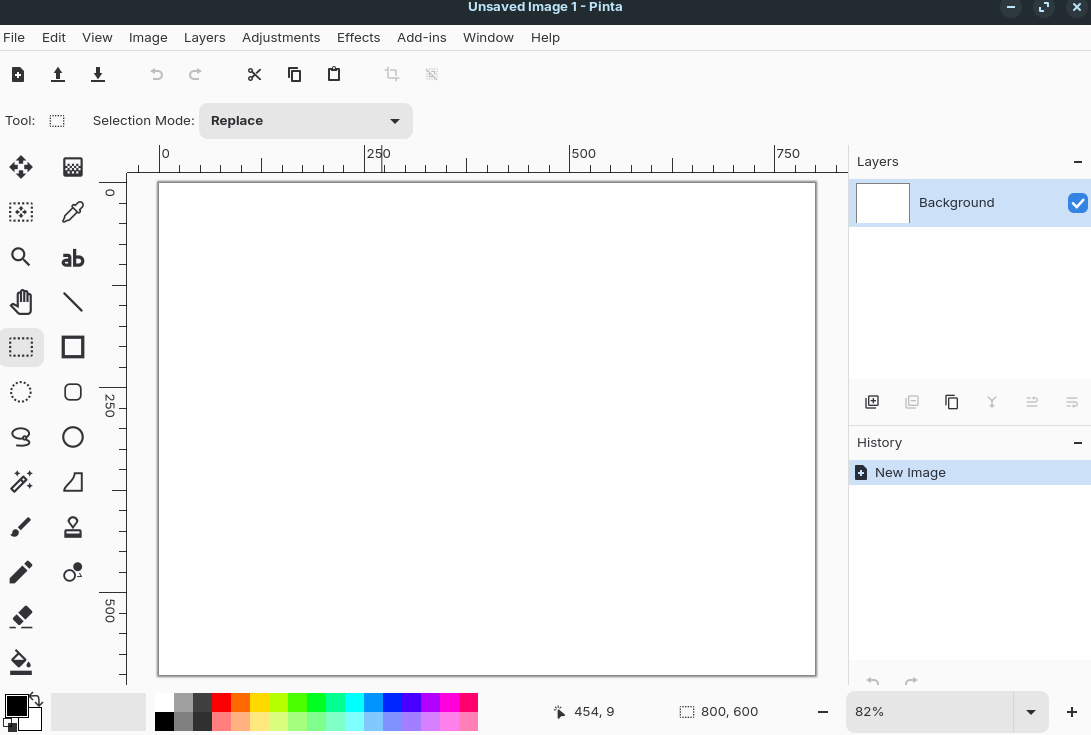
this adds in a text menu bar similar to paint.net instead of the vague icons used by default.
Enjoy