Plex on zorin os 18.1

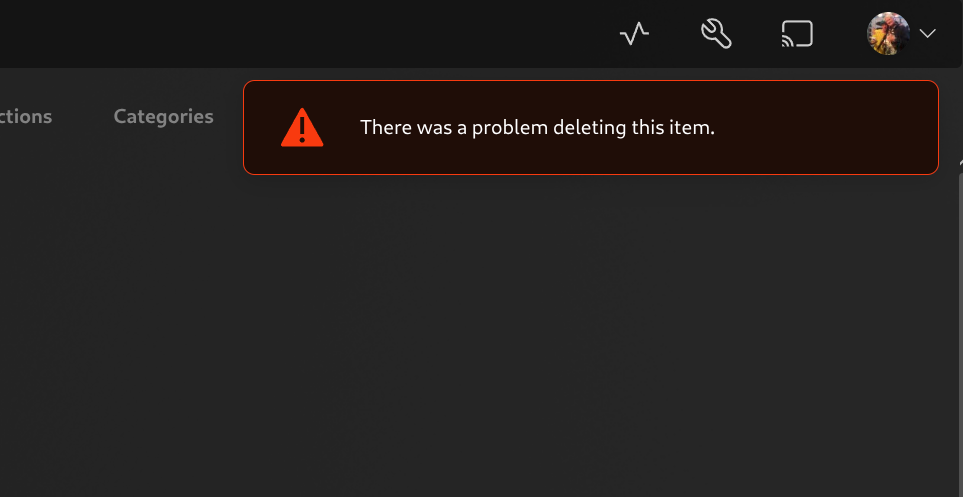
hi every one I new on zorin OS I install it as my mini pc plex server still getting used to it but I notice there is some pramsion problem there like when I try to delete A file inside plex web app ..it's says there was problem as shown in the photo

also it seems plex on zorin can can't evening show skip button . I thght maybe from pramssion on files I tried from my NTCS extranl hard drive then formatted it to ExFAT and didn't want to formatted it 3rd time so add some movies on download section but still cant delete them ....is there a fix ?

mind my English not first language

update :slight_smile:
I install it from snap store to give an idea

Hello, if you installed from Softwares it's a flatpak version, better uninstall it and install the deb file you can find it here
https://downloads.plex.tv/plex-media-server-new/1.43.2.10687-563d026ea/debian/plexmediaserver_1.43.2.10687-563d026ea_amd64.deb

I see and how do I install this type of file ? and will I lose the medata that I created now ? and file structures ?

it is the risk... maybe there is a backup option
For the file you can double click and install or open a terminal in the downloaded folder and do

sudo dpkg -i plexmediaserver_1.43.2.10687-563d026ea_amd64.deb
2 Likes

first of everything thank you

I tryed the sudo dpkg -i plexmediaserver_1.43.2.10687-563d026ea_amd64.deb
and it's like the docker version doesn't have premssion to read my files and I need to add command for each movie and tv show and this is heard for my brain I returned to flatpak version it's more easier and like windows this why I switched to zorin

if there is way to let the flathup to work I will be pleased

You didn't talk about Docker, it's difficult to help if you don't give the all context

You can try to install the app flatseal and in flatseal set the permissions for plex to have access to your users files (at category file system). You can set the paths to the files there where your medias are saved.
yeah you are right, but if I known he had docker it had be my first think !

wow .. so .deb is not docker ? sorry for that I though they are the same

OK i reinstall it as flathup it's much easier and sorry for the confusion I new on zorin and linux

did but plex server flatpak don't show up there ....

also I install it from snap store to give an idea about everything

If you want to have permission on your files 2 options

  • install Plex as deb file an you will have permission
  • install as flatpak and you need no install Flatseal to give permission to Plex for your files

I read that flatseal doesn't help for plex server.

Edit: Sorry, that wasn't right.

1 Like

So the install with deb file is the way, thank you @Forpli

1 Like

thank you ...I think will stick with flatpak for know it's much easier