Hello!!
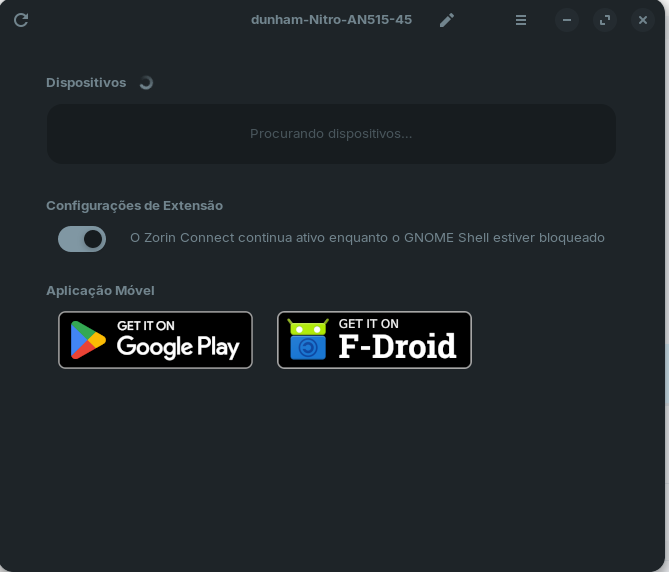
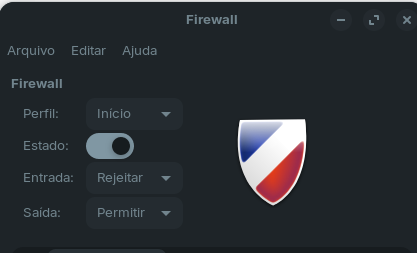
I tried connecting Zorinc Connect between my computer and phone. I opened the app on my phone and computer, but the computer keeps searching for the device but can't find it. See the images below, which also show the firewall settings.
Hello!!
I tried connecting Zorinc Connect between my computer and phone. I opened the app on my phone and computer, but the computer keeps searching for the device but can't find it. See the images below, which also show the firewall settings.
If you have your firewall enabled and the default settings, it will block Zorin Connect by default. To check, you could disable your firewall for a bit while testing the connection, and see if your phone can see it at that point.
I disabled the firewall but it didn't work.
I don't think you need bluetooth, just the Wi-Fi will do but you have to be on the same network.
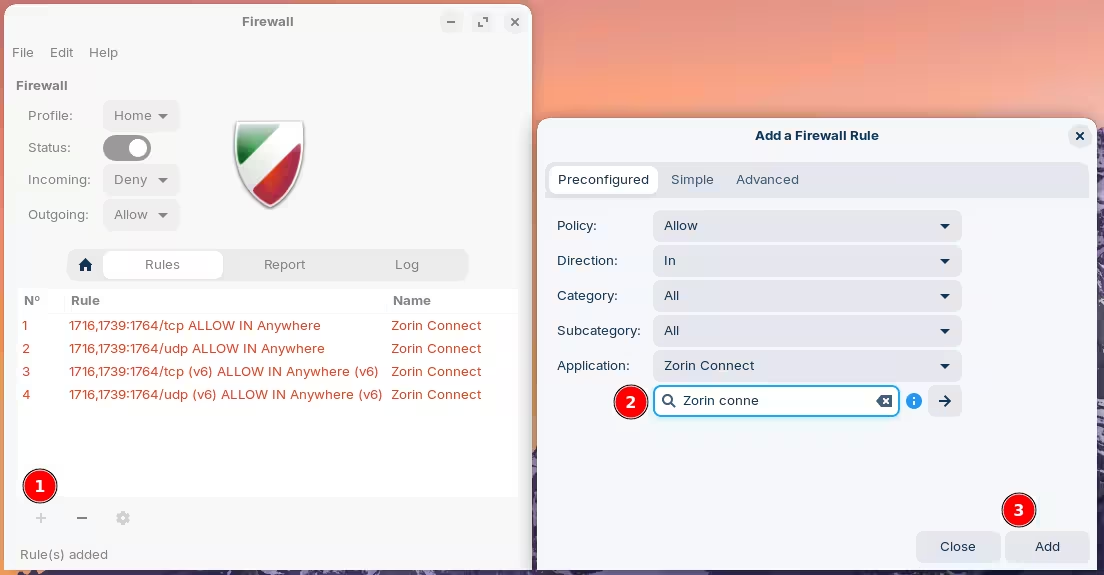
As for the firewall, you can add rules to allow this:
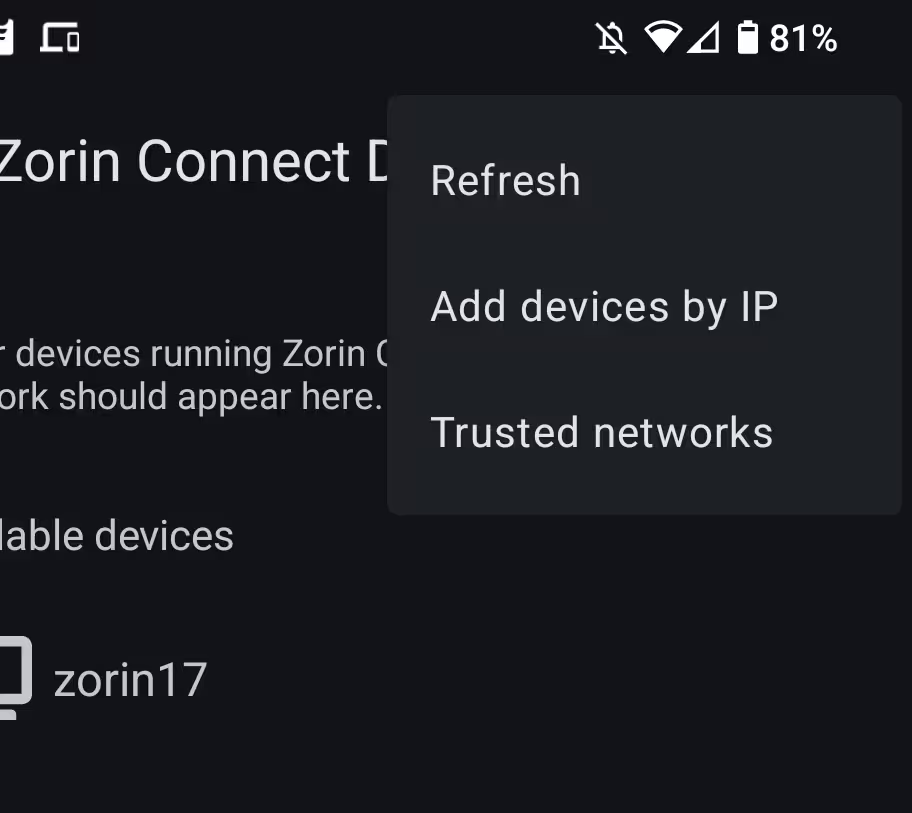
You can also try adding the IP manually if it doesn't detect it for some reason:
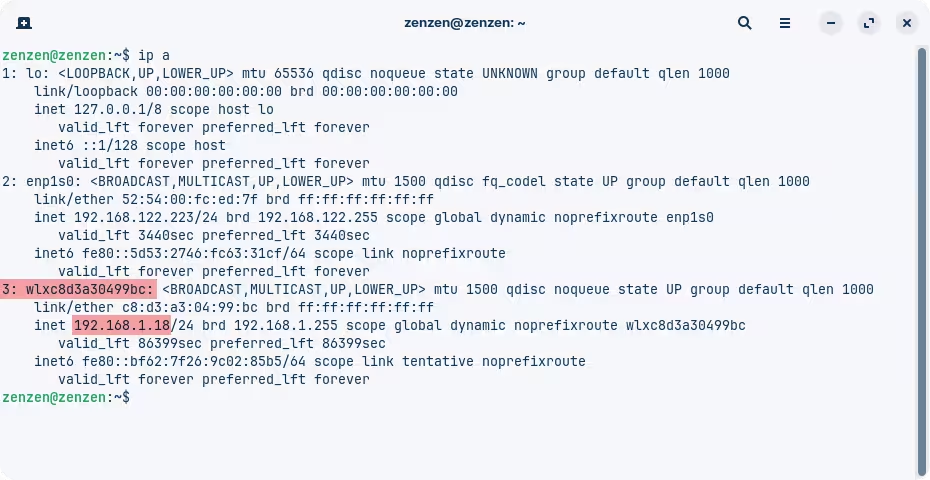
And to find out your IP address from your computer, launch a Terminal and run the command ip a. The address you're interested in is the one belonging to the wireless adapter:
The name of the wireless adapter might look different to you, it might also be called "wlan0" or something similar.
This topic was automatically closed 90 days after the last reply. New replies are no longer allowed.