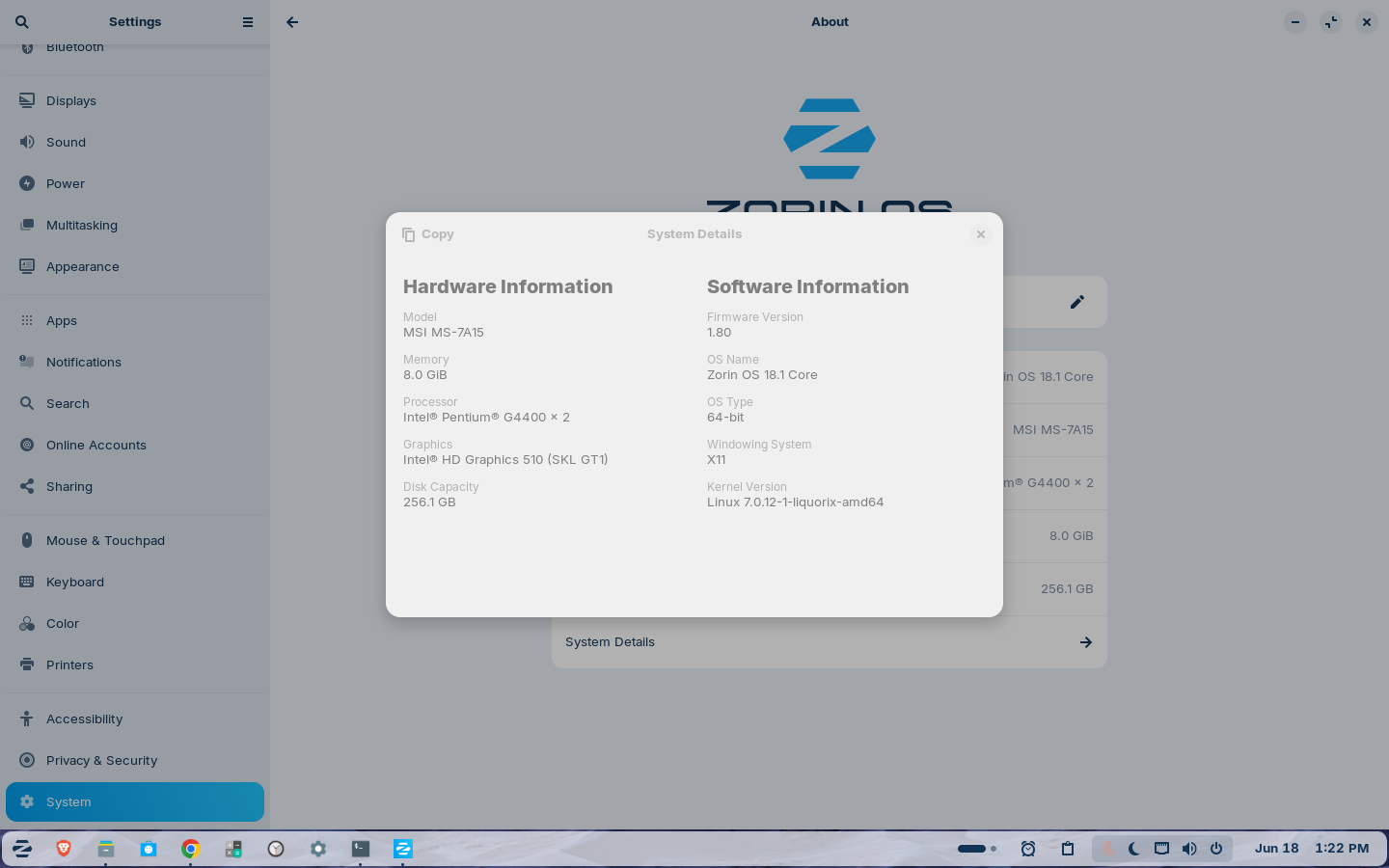
My specs are
I have downloaded the driver but it is still struck in Bus 001 Device 007: ID a69c:8d80 aicsemi AIC Wlan
My specs are
3 topics for the same problem ?!
what same problem
I think i asked this before but at that time i use standard kernel but today i use custom kernel
Yes but that was not a custom kernel and also i have downloaded the driver correctly but it is not even loading also
Gemini AI and CHATGPT said it may work thats i tried it last time only
I don't understand...
What is your problem ?
What you did for with AI ?
If you don't explain your problem and just put a nebulous sentence, how we can help you ?
And in the others topic you never answered to say if it work or not, we are here to help but not at your service...
Please accept my apologies. You are completely right—I haven't been clear in my posts, and I am sorry for not following up on my older threads. I used an AI tool to write the text earlier but didn't realize how vague and confusing it came across to human readers. I really appreciate your time and help.
To clarify, I do not have Bluetooth on this system. My actual problem is purely with getting the Wi-Fi working on my Arvox AX900 USB adapter under Zorin OS. I have already compiled/installed the driver manually, but it is not working.
I ran the diagnostic commands in the terminal, and here is what my system shows:
1.:
rfkill list alloutput
text
0: phy0: Wireless LAN
Soft blocked: yes
Hard blocked: no
(It looks like my Wi-Fi is currently software-blocked).
2.
lsusboutput:
text
Bus 001 Device 004: ID 0bda:f179 Realtek Semiconductor Corp. RTL8188FTV 802.11b/g/n 1T1R 2.4G WLAN Adapter
Bus 001 Device 011: ID a69c:5721 aicsemi Aic MSC
(The Arvox AX900 device
a69c:5721seems to be stuck in Mass Storage Mode 'Aic MSC' instead of switching to WLAN mode).
3.
lshw -C networkoutput:
text
*-network DISABLED
description: Wireless interface
physical id: 9
bus info: usb@1:7
logical name: wlx002e2d306b0f
serial: 00:2e:2d:30:6b:0f
capabilities: ethernet physical wireless
configuration: broadcast=yes driver=rtl8xxxu driverversion=7.0.12-1-liquorix-amd64 firmware=N/A link=no multicast=yes wireless=IEEE 802.11
How can I safely unblock the wireless state and force
usb_modeswitchto trigger the Arvox adapter out of storage mode so the AIC driver can claim it? Thank you for your patience with me!"
try to read this
and this
and this
Thank you very much for your assistance and for providing those troubleshooting steps. I appreciate your time and guidance.
Unfortunately, after executing the commands, the solution did not resolve the issue. Given that the hardware remains trapped in mass storage mode and the system cannot properly activate the interface, I do not believe this specific adapter is going to work under Linux.
I have decided to look into alternative hardware options that offer native Linux compatibility instead. Thank you again for your patience and expertise throughout this thread