Hi!
I'm having trouble installing a game (Tibia) on Zorin while using Lutris or Bottles.
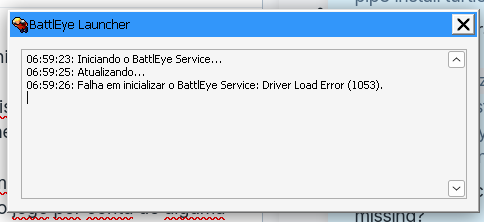
Even trying to use different versions of Proton, of Windows or other misc. configs on both Lutris or Bottles, I've been getting the same error message from BattlEye (Tibia's anti-cheat software) which prevents me from logging in. The error is as it follows:
I'm new using Linux and Zorin is my first OS. I've been using it since July and it was pretty challenging using those applications to run games such as World of Warcraft or Cyberpunk but i'm getting it done looking for Reddit posts or YouTube videos. But for running Tibia, this one problem i couldn't solve.
I would appreciate it if someone could help me learn how to solve this. Thank you!
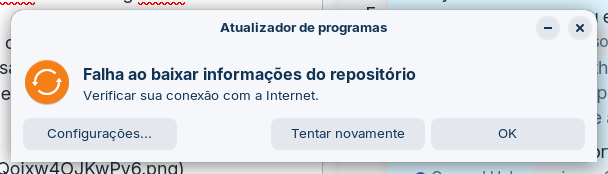
I'm of no use when it comes to games, but I think it's worth checking that other error message related to the software updates. Let's try this: launch a terminal from the applications menu and enter the commands (one at the time):
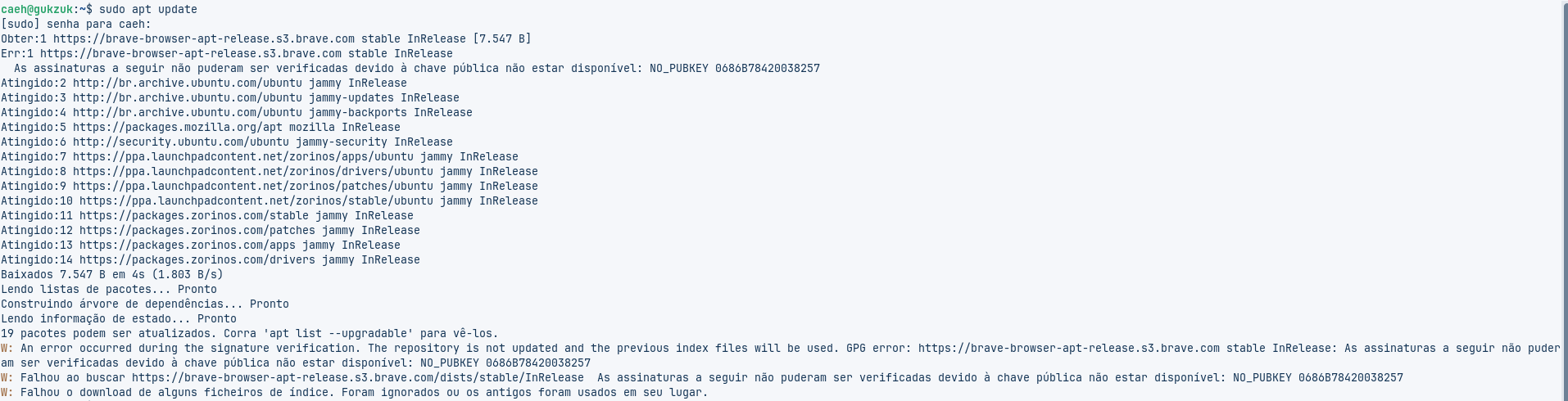
sudo apt update
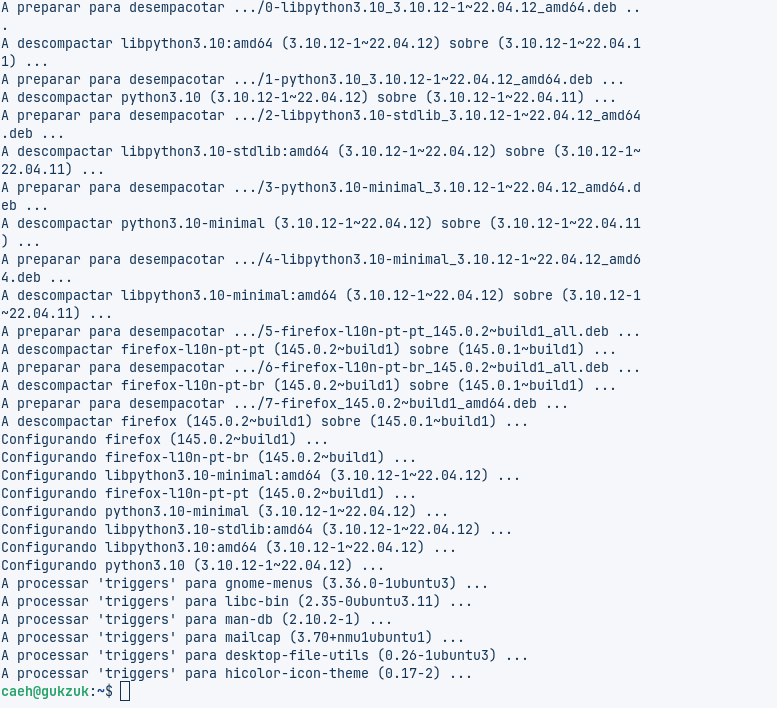
sudo apt upgrade
I'm expecting some kind of error on the first one already. If the output is too long, you can use an online service like pastebin.com to paste it there, and share the link here.
Did you uninstall Brave Browser? That's the only issue that I see based on the output you shared.
The software upgrade utility in Zorin OS always shows an error because it doesn't make a distinction between harmless warnings and actual errors, but you should be able to continue with the install or update by simply clicking "Ok" on the prompt window.
So, if you removed it you still need to take a couple extra steps to completely uninstall it (this is something that could definitely be improved). One at the time: