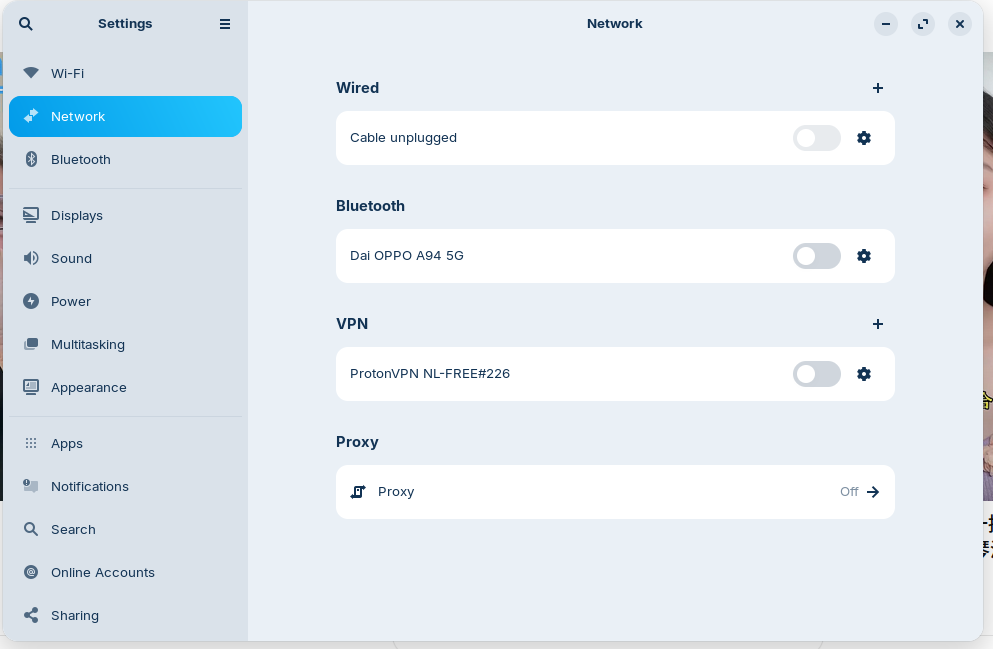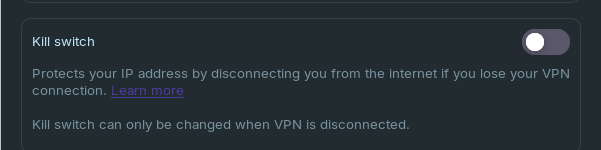
Sorry - I missed this. I still believe that it's the kill switch, since that meets the criteria of the symptoms. Try disconnecting, switching on the kill switch and advanced option (you will, from memory, get a warning that it will completely kill your connection even when the VPN is inactive), try everything again, reboot, disconnect from VPN, go back to the standard kill switch, and finally switch off VPN again. I still think that it's kill switch option that's causing the problem, and toggling the options may jar it loose.
Perhaps something mentioned in this thread can help:
https://www.reddit.com/r/ProtonVPN/comments/1r0wie6/internet_doesnt_work_when_i_turn_off_vpn/?tl=en
Did you try to reboot your router, because if proton mail make a connection it could be a DNS problem
got bigger problem uninstalled proton VPN now can't install it again. need help.
What is the problem? In which package format was Proton installed?
Is it shown as installed?
If it was a .deb package you could try to remove the Proton folders at ~/.cache and ~/.config (press ctrl + h to show the hidden files) to see if that helps.
looked up terminal command to remove proton and repository now can't install it no matter what I try.
Been on proton site run all commands but nothing seems to work. need help. Can't get flat pack not installing.
Are you able to provide screenshots or anything? A generic comment of "It doesn't work" is quite useless for troubleshooting.
Imaging your car won't start and you say, "My car doesn't work." The mecahnic will say, "They could be *anything. Can you narrow it down?"
PRotonVPN is notorious about its Routing and its firewall rules, along with that is supplies its own DNS Sservers.
1 Like
did you reboot your router ?
do you have fierewall activated ?
At the moment there is no proton VPN installed and the only two sites my computer connects to is proton mail and calendar or any proton site from within these. no other sites connect. I can live without proton VPN but not the internet.
rebooted router no firewall.
Removing ProtonVPN likely would not restore internet as removing the package leaves behind its Routing Rules. Which were the very thing blocking your access.
Was Firewall enabled?
For testing, check if disabling it allows Web Access:
sudo ufw disable
Then try webpages.
If not, we really need to know if ProtonVPN left behind IpTable rules or Firewall rules. The terminal output of
sudo ufw status verbose
sudo nft list ruleset
You can just copy and paste using right click.
Don't worry if the output looks like gibberish, it often does to us, too. 
just says:
type filter book input priority filter; policy accept for all of it.
What is the terminal output of
ip route
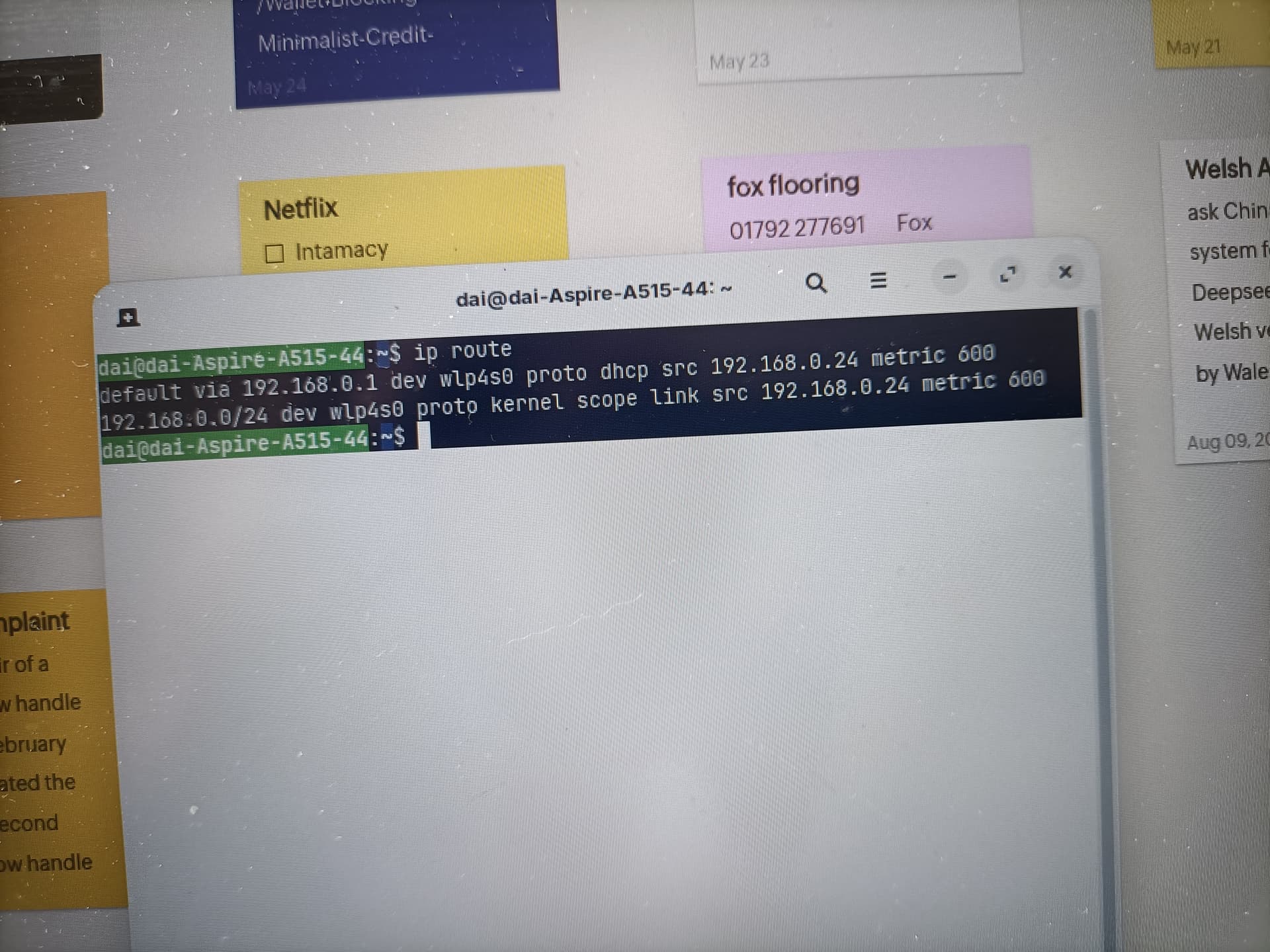
Just tried to sync notes app with phone and computer tells me I'm off line but I'm actually connected no idea what's going on
Can you run
sudo dhclient -r wlp4s0
sudo dhclient wlp4s0
sudo systemctl restart NetworkManager
Then test webpages?
all it says is dhclient: command not found
ugh... is everything completely SystemD integrated with Gnome, now?
Ok what about
nmcli device show wlp4s0