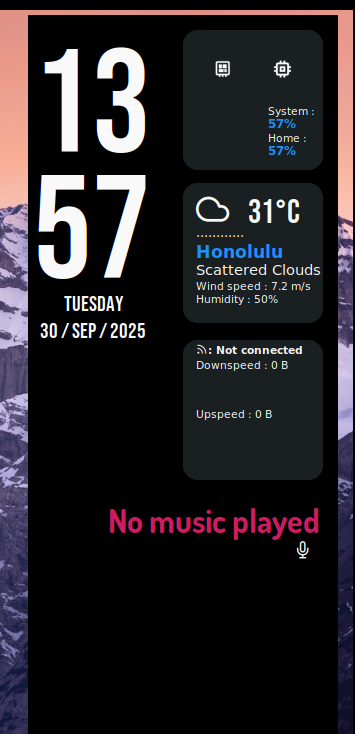
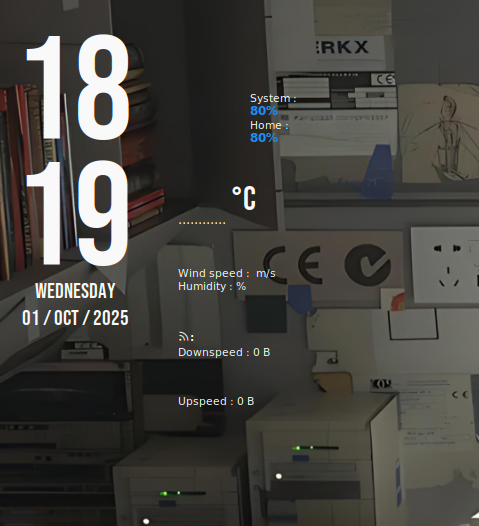
How do i turn on location services fro Zorin OS Lite, i need it for a conky widget. It seems like i need to turn on my location services so the weather will show up in the conky widget.
Thanks!
How do i turn on location services fro Zorin OS Lite, i need it for a conky widget. It seems like i need to turn on my location services so the weather will show up in the conky widget.
Thanks!
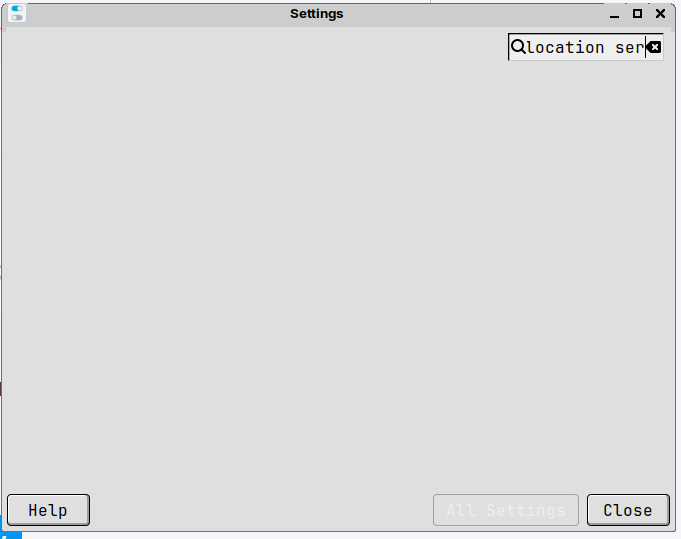
When You open the Settings, isn't there a Searchbar? You could use that to search the Location Service.
What's the widget? You may be able to provide the location and/or coordinates directly at the configuration file as well.
Its the Regulus Dark --> Regulus Dark - Conky theme - Gnome-look.org
This widget doesn't rely on the system location, but rather on the a third-party service:
Weather module notice:
Due to OpenWeatherMap's API limits, it's recommended to use your own API key.
You can get it for free at OpenWeatherMap.org, then replace the default key in either weather-v3.0.sh or weather.sh to avoid "Null" errors.
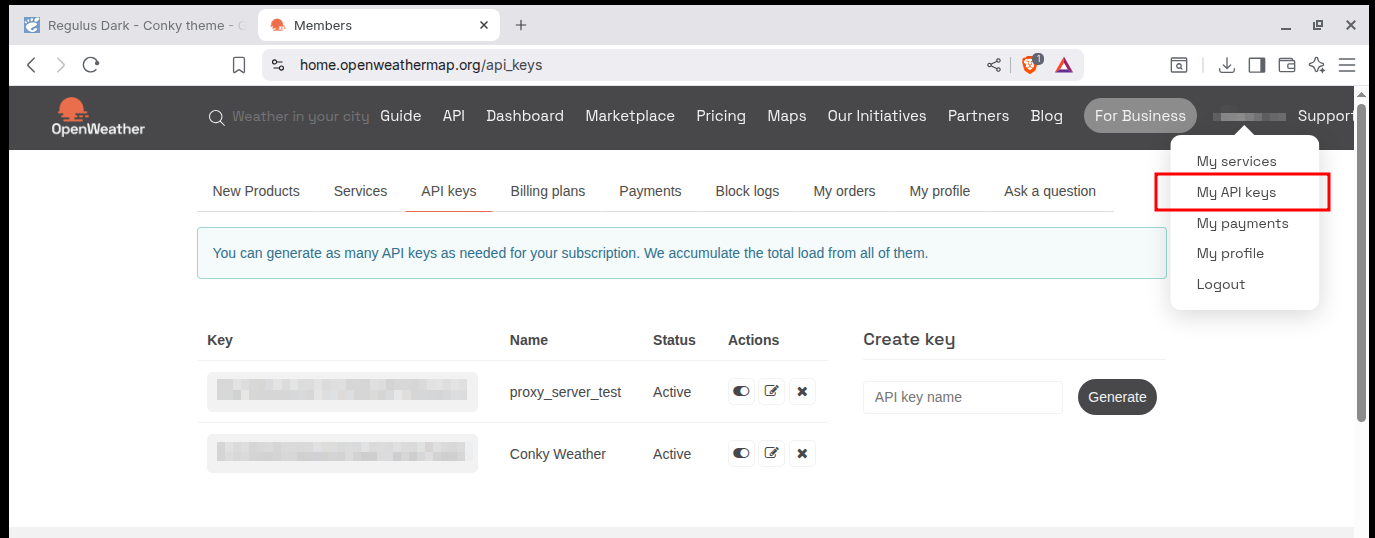
You need to sign up there and get an API key. It should be fairly easy to do, once you have an account head over to My API keys, and generate a new one:
According to the documentation, it might take up to 2 hours for the API key to become active. It might be ready to use by the time you finish setting this up, though.
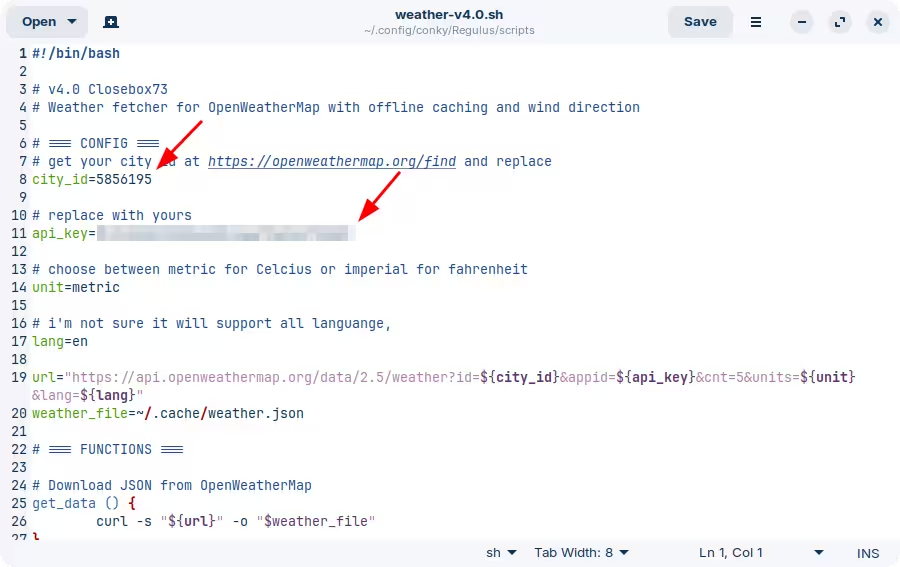
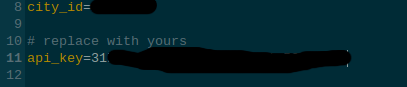
Next, download the zip file containing the theme and extract its contents. Inside it you will find a scripts folder with a file named "weather-v4.0.sh". Here you update the variables for the API key that you just created, as well as the location that you're interested in (use the link provided there to figured out the city ID):
As you can probably guess, the API key should remain private.
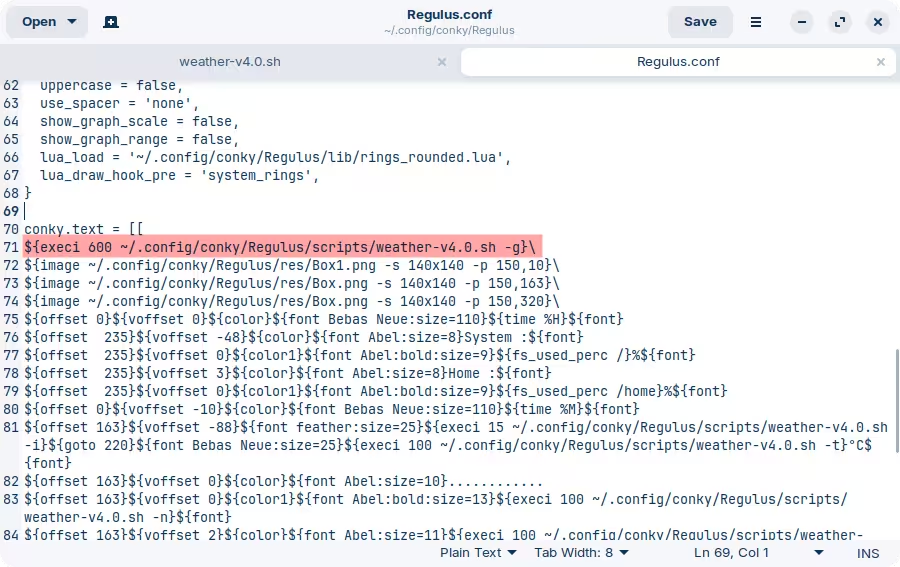
While you're here, you might want to also edit "Regulus.conf" and increase the interval to run this script. Currently it's set to run every 100 seconds, which seems a little excessive to me as weather doesn't change all that often. It would be better to increase this to something like 600 (10 minutes) or something around those lines:
The reason I recommend this is because API providers can decide that you're abusing their service if you make request too often. Even if there's no performance penalty on your side, it's better to play it safe.
And that should be it, enable it and it seems to be working:
It can take a little bit for the API key to actually become active. You can test it manually by visiting the URL directly in your browser, replacing the placeholders as needed. That would be the one from the weather script.
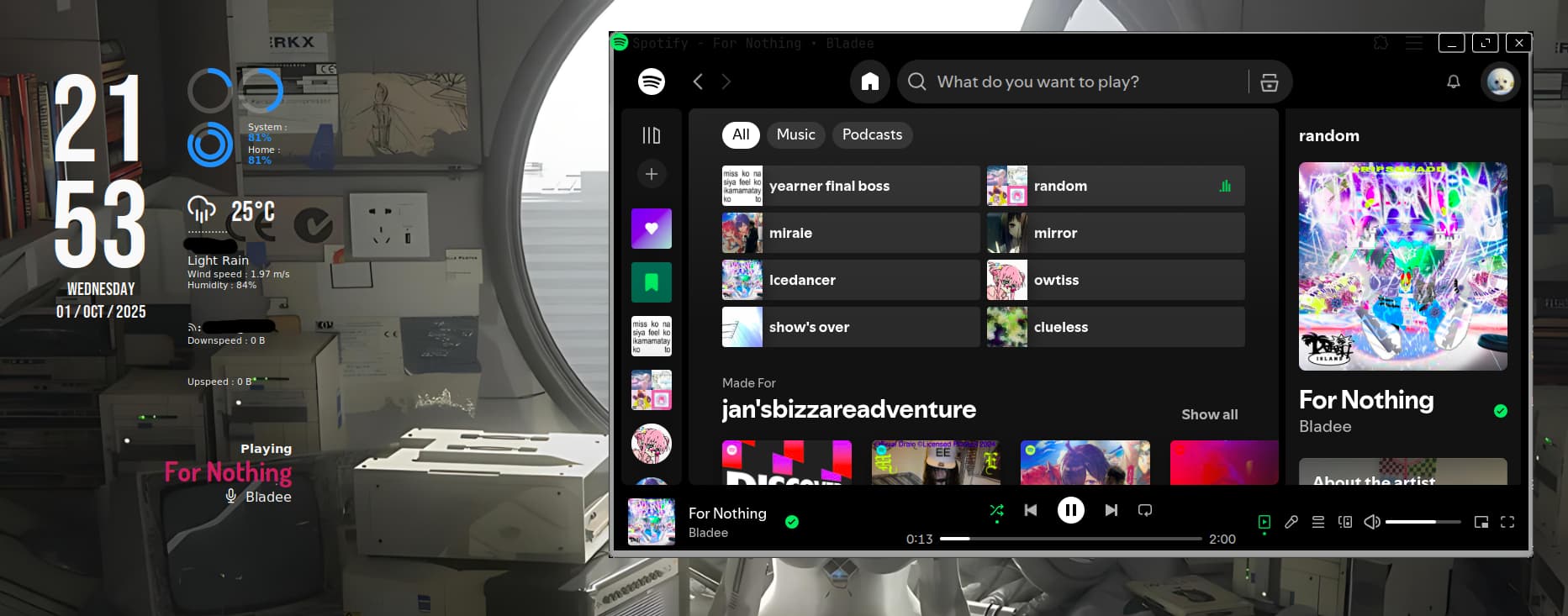
I got working along with the music player thingy
I ran into some problems, I had ChatGPT help me for a bit. Here i let ChatGPT summarize what happend:
- Installed the theme under
~/.conky/Regulus/.- My config file is
~/.conky/Regulus/Regulus.conf.- When I run Conky with:
conky -c ~/.conky/Regulus/Regulus.conf &I get this error:
conky: llua_load: cannot open /home/jann/.config/conky/Regulus/lib/rings_rounded.lua: No such file or directory
- I realized the theme is calling resources from
~/.config/conky/Regulus/, but my files are actually in~/.conky/Regulus/.- I tried running the weather script manually and it works (
~/.conky/Regulus/scripts/weather-v4.0.sh).
So yeah i didn't know if conky files are supposed to be stored in the .config folder. Maybe I could've avoided that if the conky folder was stored in the .config folder instead of it being stored in Home and named as .conky.
The conky folder was stored in Home because I followed a YouTube tutorial on how to install conky and the conky folder was stored in Home thats why its set up that way.
Anyway, Thanks to everyone who was willing to help.
Nicely troubleshooted. A good reminder to always read the instructions from whatever piece of software you download  I've marked this last post as the solution for the thread, which I'm also going to rename slightly to reflect what the main topic is actually about (feel free to change it back if you want, this is just to help others that may run into this issue in the future, and to avoid misleading them towards a separate issue).
For reference, the XFCE desktop environment doesn't itself have a location services like Gnome does, which anyway still relies on external sources. Depending on the software, this may or may not be a problem, as we've seen with the example of this Conky widget.
This topic was automatically closed 90 days after the last reply. New replies are no longer allowed.