Hello, my name is Dpes, I have been facing a problem since I migrated from windows to zorin the 18, my problem is related to the mic of my realtek, it is a set that worked right in windows, but the moment I changed to zorin, they stopped, but I managed to arrange the phone but not microphone, in short it does not appear as an incoming device.
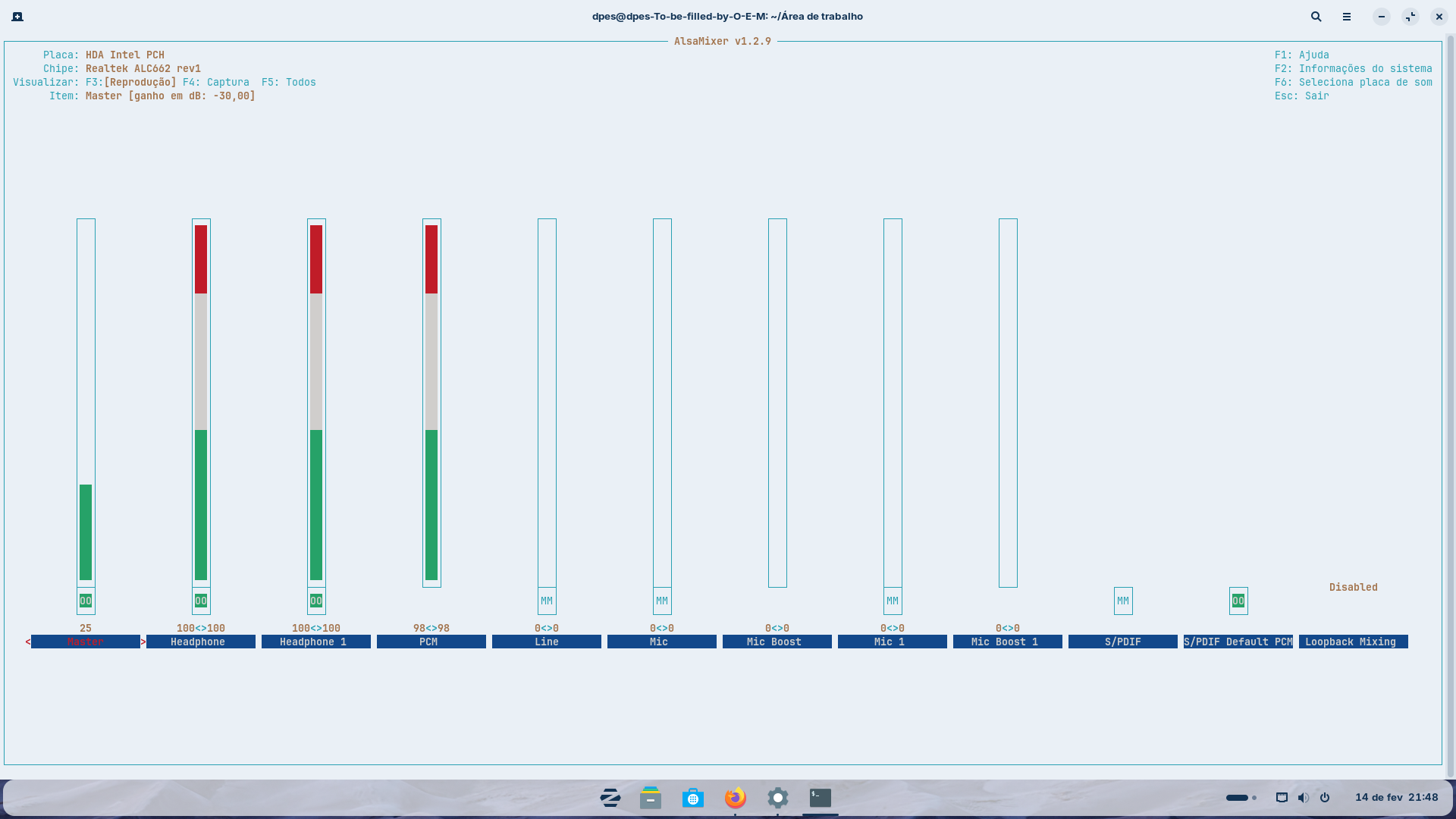
In your Alsa mixer output, your mic shows it as muted. Can you unmute it with the Up Arrow?
Is your mic analog?
sudo apt install pavucontrol
pavucontrol
are you able to set it as Analog device in Pavucontrol?
do I change in the input devices or settings?
If you mean in Pavucontrol, from input devices.
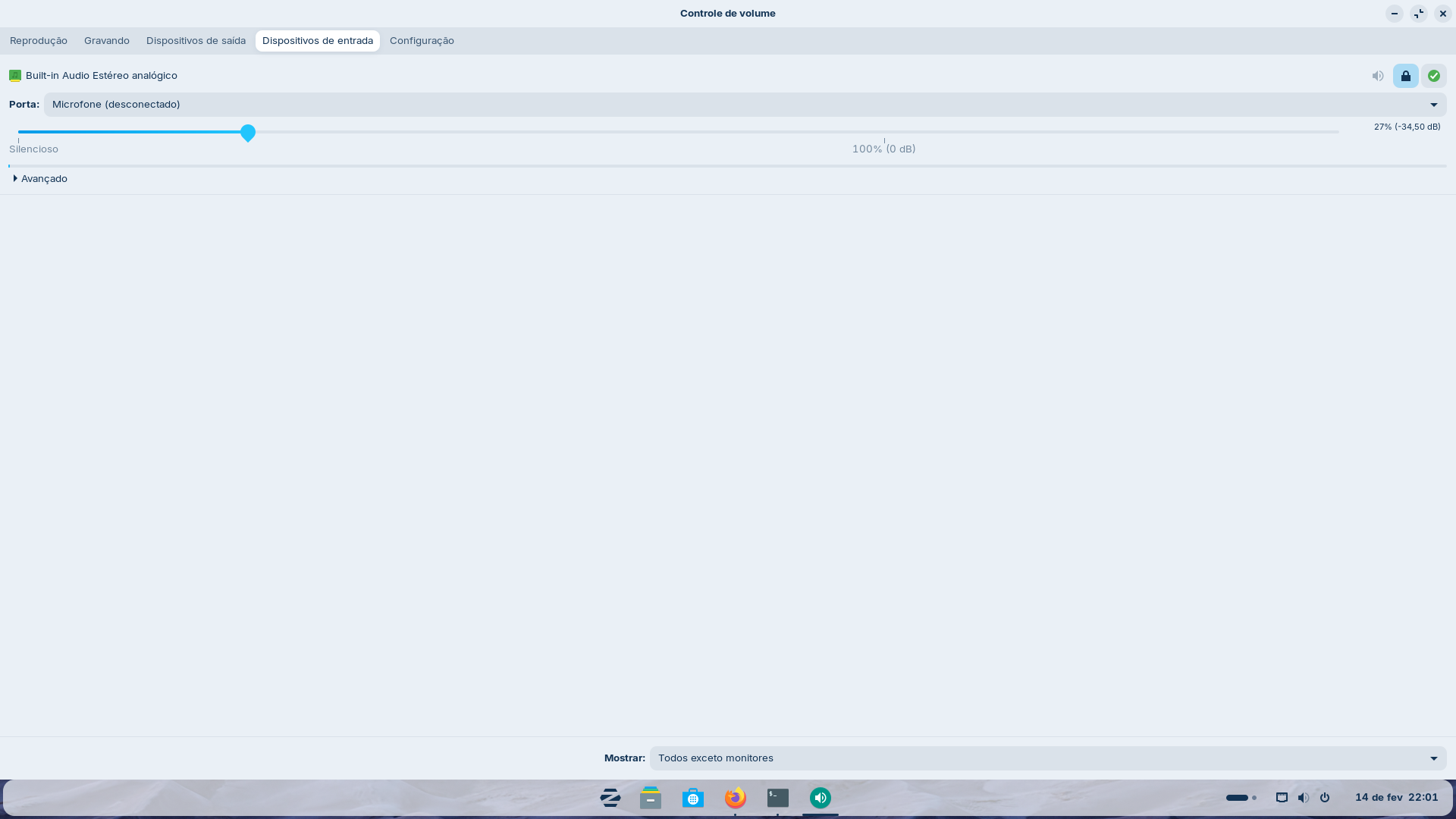
In AlsaMixer, did you hit F6, then unmute the mic?

What about the input source?
Maybe it is not being seen due to the port it is being plugged into - This may be due to a fault there (if a sound jack or USB) or it may be due to hardware Recognition on the Linux side. Have you tried checking the hardware side, yet?
Welcome to the Forum!
What Options do You see in the Dropdown Menu and on the Configuration Tab?
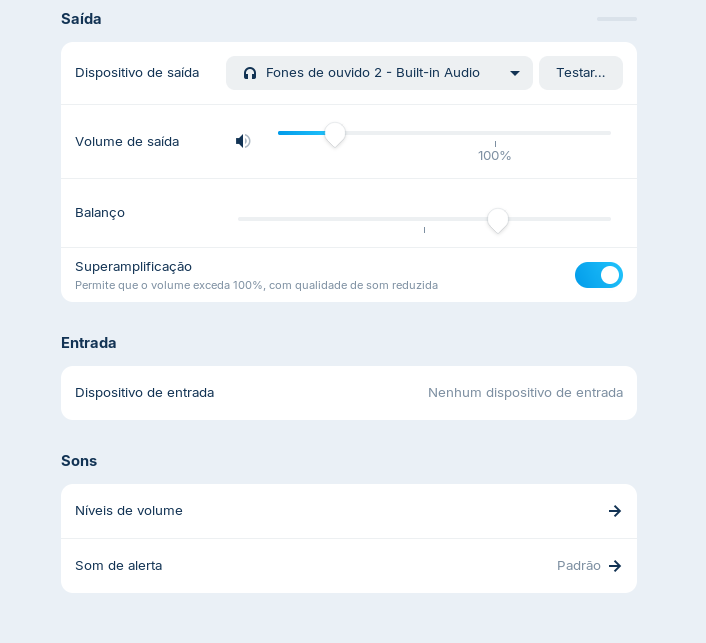
Is the Mic internal or external plugged in? If plugged in is it 3.5mm or USB ?
In alsamixer Hit F5 to show all sound channels.
Go to any Mic and Line channels and unmute using "M" then up-arrow to increase volume. If in doubt just unmute all channels you see marked [MM]
Have a play with [Loopback Mixing] channel options and see if any effect.
Gente muito obrigado pela ajuda, mas eu acebei descobrindo que o problema era no JackRetask, em JackDetection. Estou muito agradecido a vocês que tentaram me ajudar
2 Likes
@Dpes Can you please give more details or link to advice that fixed the problem. That will help others seeking help for ALC662.
FYI. My websearches using "Realtek ALC662 No Mic Ubuntu 24.04" was unproductive.
1 Like