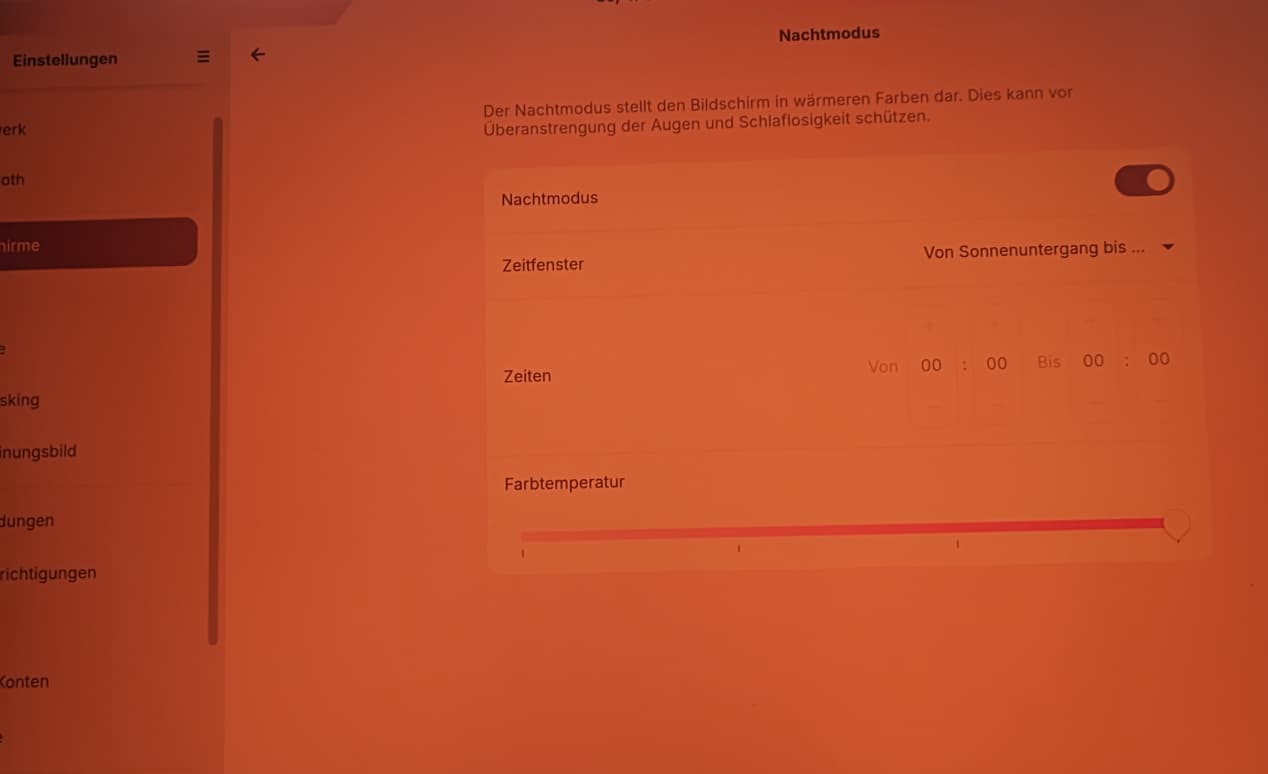
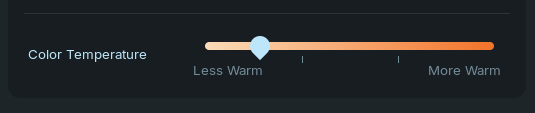
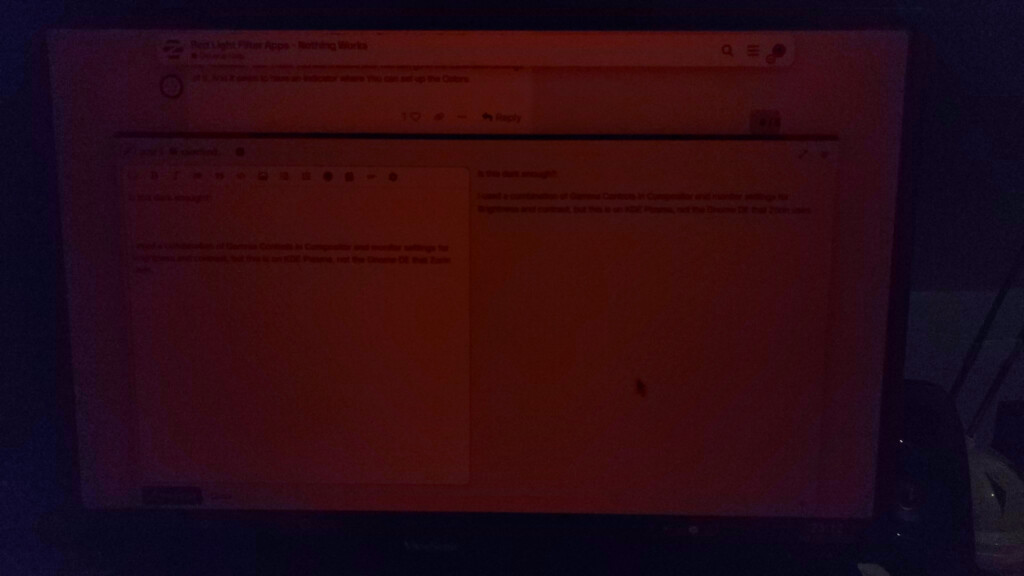
I use the default 'night light' shifted to it's warmest color temperature (1000k) but frankly it isn't enough for me. I am used to using Iris when I was on Windows (and also similar apps for iphone/android) that allow you to shift completely into the red end of the spectrum at night.
Unfortunately Iris just does not work on my version of ZorinOS. It will not install. Basically, the dev of Iris has not updated his installation package for Linux since I think 2018 or something.
I've had a hell of a time trying to find alternatives and so far nothing works. Neither f.lux, red shift, gammastep, some other clone of gammastep, etc. etc.
The process is basically, I try something and it doesn't work out of the box, so I query AI, and then it sends me down a literally never-ending rabbit hold of Terminal commands that I need to perform to ostensibly get it to work or implement some workaround, but I have literally not found an end to these things, it's just one thing after another: I install it, it doesn't work, Ai: you need to run this command. Doesn't work. AI: Sorry, you need to install this repository (is that even the right word?) .. doesn't work. AI: you're missing something else, try this: etc. etc.
I made the jump to ZorinOS as I thought I wouldn't have to become a programmer. I've flexed quite a bit already in getting used to using the Terminal and doing lots of stuff, but I have to draw a line. I mean, when I say I've spent hours and hours, that's not exaggeration, and literally stone walled at every turn just trying to find a simple red light filter program.
I am not looking for help at this point, because if spending hours with AI hasn't gotten me there, I'm not going to go back and forth on a forum. I suspect you're going to think it's something simple: "try running this command". Trust me bro, I've tried it.
What I need: Someone to understand that thousands of people on similar Linux systems to mine are slowly destroying their eyes and mitochondrial health because they don't have a good solution to this.
Sorry I don't really use AI, except to the extent that I've described, but I hear everyone shouting about 'vibe coding' from the rooftops and how it's so easy to game up a tool or application in hours (minutes?). Wonderful. Show me the money. Who can vibe code a red light filter for the Linux masses that works on Wayland (or whatever it is that's preventing my system from playing nice).
Sorry for my tone of frustration, but I throw my head against the wall at this problem for a few hours over a day or two, then give up, then come back to it a few weeks/months later, then the same, then give up. I don't have it me to strongarm this system to do something it's not going to do (proven by experience).
Someone needs to either vibe code up a program that 'just works', or else the Zorin/Linux devs need to rewrite some code on the OS so that existing programs (Iris, f.lux, redshift, gammastep, etc, etc) 'just work'.