Mom's computer suddenly doesn't boot properly. She's tech illiterate and so can't tell me what she did if anything. I'm not much better myself, so I tried to reinstall zorin to hopefully fix it, but now the trackpad and mouse don't register either.
did you delete all partitions and format the drive before you reinstalled.
as this is new install i would use the Zorin install USB
delete all partitions and then format them before reinstalling again.
best of luck Steve ..
I'm trying to use the usb install, but I can't click anything with the demo environment because the trackpad and mouse aren't registering.
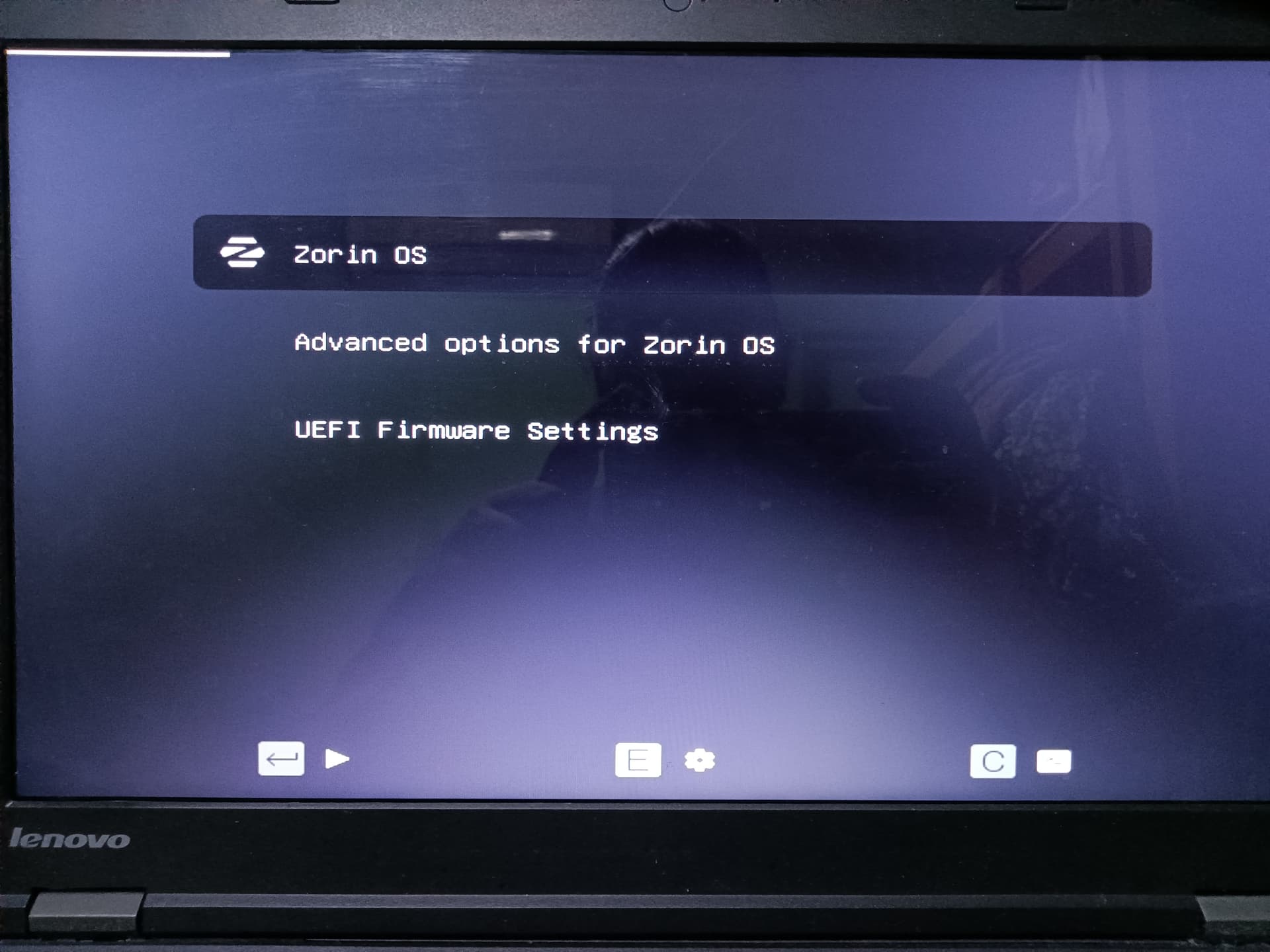
You can try to select "Advanced options for Zorin" at grub menu (shown in your first screenshot) if your key arrows of the keyboard work and select an older kernel to boot from.
3 Likes
I am thinking to change thread title to something more descriptive.
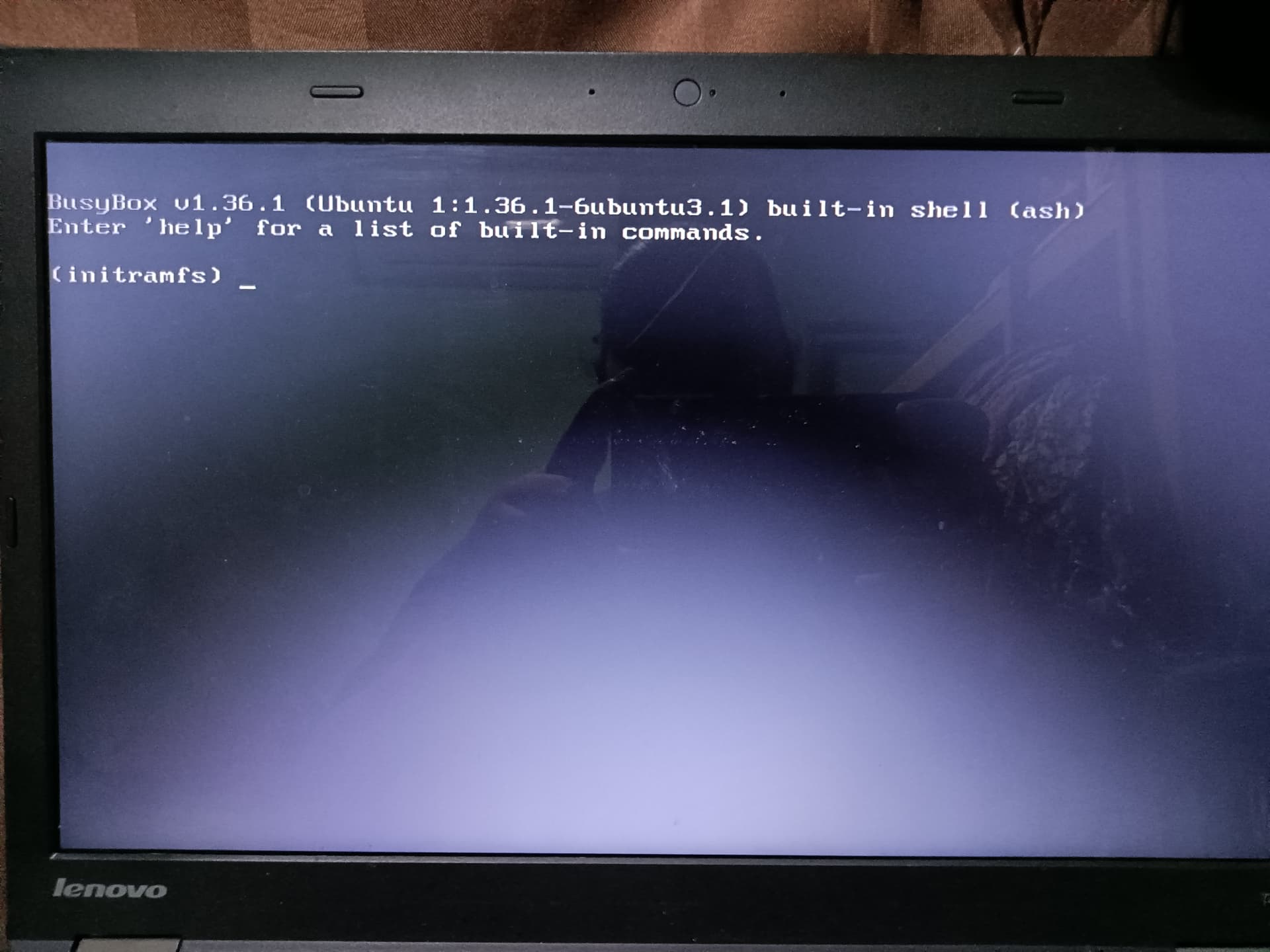
How about "Reinstall stuck on (initramfs)_. No mouse or trackpad"
EDIT: I made the change.
3 Likes
Yes, I randomly had this problem sometimes (both on Ubuntu and Zorin OS)
Linux Kernel upgrade usually creates problems with drivers (nvidia..) Using the previous kernel fixes it. I switched from Ubuntu to Zorin thinking it's never gonna happen again but happened to me twice as well.
I use Kernel: 6.17.0-19-generic now. But I had the problem when I was using Kernel 6.14.0-33. So to fix this, I started my system with Kernel 6.14.0-32 and I run those:
# Remove the problematic kernel (change the version with your problematic version)
sudo apt purge linux-image-6.14.0-33-generic linux-headers-6.14.0-33-generic linux-modules-6.14.0-33-generic
# Make it dissapear from grub menu list
sudo update-grub
# Make sure it's never gonna upgrade to this version again.
sudo apt-mark hold linux-image-6.14.0-33-generic linux-headers-6.14.0-33-generic linux-modules-6.14.0-33-generic
# (Optional) Prevent all new kernels from auto-install
sudo apt-mark hold linux-image-generic linux-headers-generic
# In case you wanna redo new kernel installations
sudo apt-mark unhold linux-image-generic linux-headers-generic
Are Secure Boot and Fast Boot in BIOS disabled?
When exactly they don't register? Do they work on the Login Screen? Or aren't they work at all?
I disabled secure boot and fast boot long before this problem happened.
They don't register at all at any point. Not even the trackpoint on the thinkpad's keyboard is getting any movement.
@Forpli I tried the older kernel thing, but it didn't fix it.