After some issues with my hard drive, I decided to temporarily install a persistent version of ZorinOS on my USB stick (I used mkusb and everything went well).
My issue is, when booting the computer, I always have the "try/install ZorinOS" prompt. I'm able to see the desktop and everything I've setup if I chose the "Try ZorinOS" option, but I wanted to know if there was a configuration somewhere I could change to remove this prompt ?
If the Try Zorin is ahowing up then I am wondering if Persistence has been installed correctly (that said I have never tried it due to the fact that Persistence shortens the life of a USB).
That is the Grub Menu. If you are booting a LiveUSB with persistence, you really want access to that menu in case you need to use the Recovery Mode.
The only difference between that menu and the bare metal install is that you see "Try/install"
You could decrease the wait time on it. Normally, you are sitting there and select, but let's say you turned away from the screen and want it to quickly proceed to boot with you prompting it...
sudo nano /etc/default/grub
Change GRUB_TIMEOUT=10 to GRUB_TIMEOUT=5
You do not want to set it to 0 or something too quick - 0 would hide the menu... and it would disable access to the Recovery Menu.
Tap ctl+o to overwrite - then enter to save current configuration.
Tap ctl+x to exit the editor.
Then you must run:
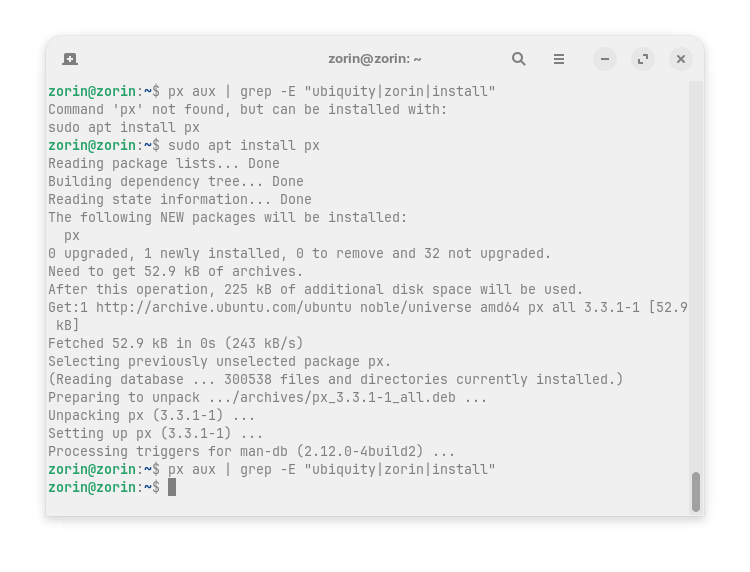
What would happen if OrangeLux removed ubiquity? I tried it on a live session without persistence (sudo apt purge ubiquity) and got errors because something was in use, but I can't launch ubiquity now from terminal as it was possible before. I'm not sure what would appear after a reboot and can't test that.
I'm also not sure if OrangeLux is referring to grub menu. I think he means the welcome screen where you have to select try or install Zorin.
On Paper... A user should be able to harmlessly remove Subiquity /Ubiquity on a LiveUSB with Persistence so... Yes, that is a suggestion that could help the O.P.
I'm not referring to the first boot option (white lines on a black screen), that's okay to keep those, but on the GUI once everything is loaded, there is this menu, with a possibility to choose the language and two main options : try ZorinOS and install ZorinOS. That's this menu I want to remove.
Also, I don't know if I can add this somewhere in my profile, but I prefer being called "she" or eventually "them", please.
Is that the Pop Up Menu that launches... almost like a greeter in its own window?
Many of us use Zorin OS for years but rarely launch the LiveUSB.
That would be the (Zorin OS 17) Ubiquity and (Zorin OS 18) Subiquity with a wrapper script included by the ZorinGroup.
While removing it should work, it is less risky to simply remove the autostart for that popup window.
Can you check ls /etc/xdg/autostart/ and ls ~/.config/autostart/ ?
What we are looking for is something that is called "Zorin-Installer.desktop" Or maybe "Subiquity.desktop"... I am not sure since I am on bare metal install and so won't see the file.
You can post the output here or a screenshot to be sure.
When we identify it - just remove that autostart file and that should get rid of the popup window.
Interesting thread. I remember years ago i installed Linux Mint on a USB stick, but i did it the 'normal' way - i just selected the USB stick as the medium on which to install. I removed the HDDs (yep, they were HDDs - it was a while ago :D) and had the usb installer, and an additional USB stick.
Everything just worked. I don't recall doing any magicks.
Oh, I never thought I could do that. But that means I must have two USB sticks then, right ? One as a live installer, and another one as a destination for the installation ?
Yes, for an installation you would need two USB sticks. Unfortunately, USB flash sticks wear out quickly when used this way and used frequently (such as a live USB drive with persistence enabled or with the OS installed on the stick). External hard drives are better suited for this purpose.
I also wanted to give you the suggestion to remove the program from autostart, but I hadn't found it at those autostart files. I'm really curious to see which one it is. Unfortunately, I couldn't figure it out from the filenames. Aravisian is more experienced.
Yeah, i had two sticks. An old 4gb stick for the installer iso, and a 16gb for the install. 16gb these days is probably bare minimum It was a long time ago
I've been running Ubuntu Server on a 16gb usb stick for a couple of years. We'll see how long it lasts. I have quite a few old usb sticks lying around, and no spare HDDs or SSDs, so i just yolo'd it
For irregular use, i reckon it'd be fine. And if on a keyring, more convenient than even an m.2 or nvme.
Nothing found.
I tested today what would happen when I click on the x to close the window of the ubiquity welcome screen, and I was just asked if I really want to quit the installation and I confirmed with yes, then the desktop was reloaded and everything was normal as in try Zorin mode. I was afraid that the session would crash, but that didn't happen. So probably it is no problem to remove the program.
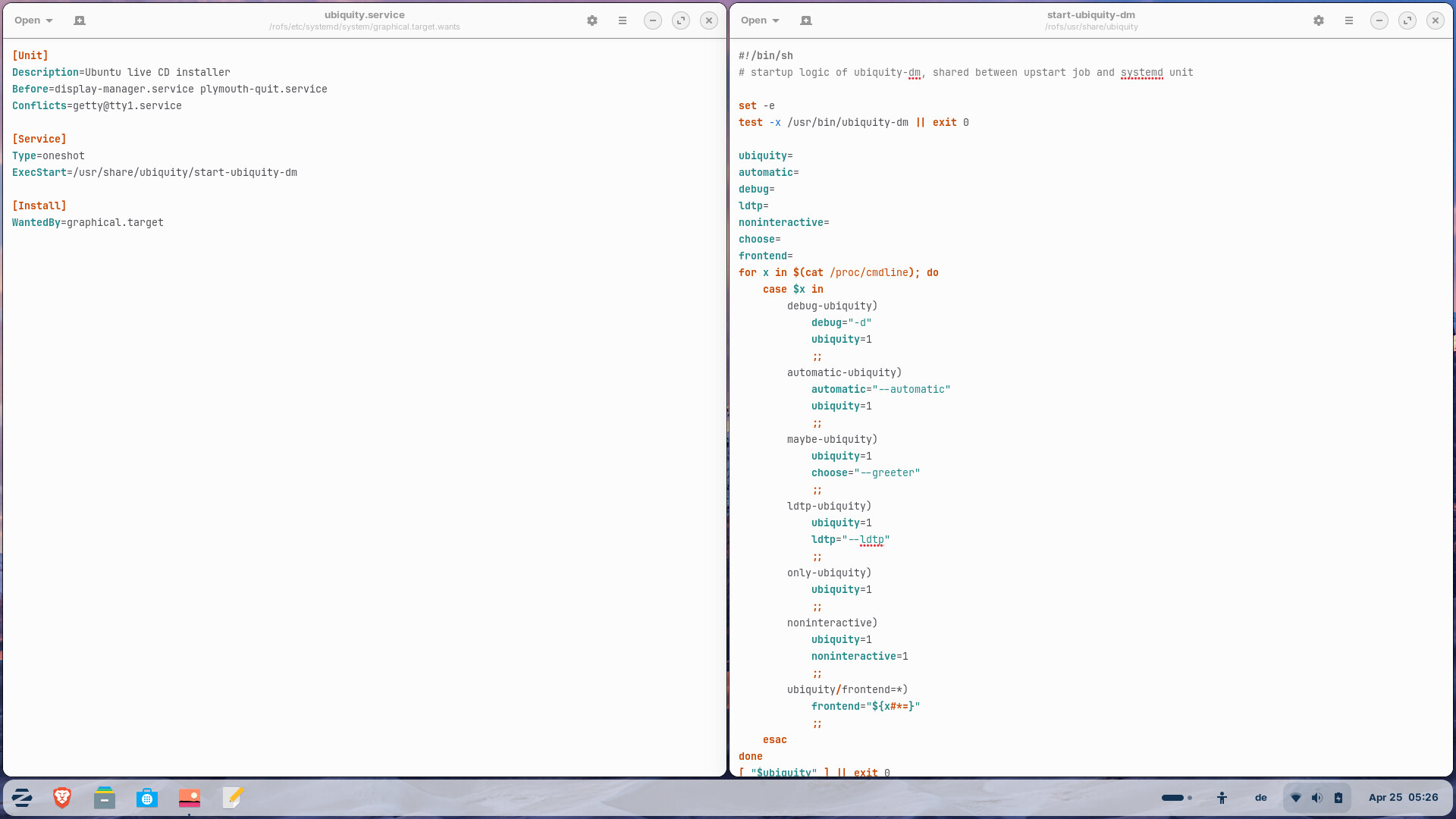
I searched for ubiquity with file manager and found e.g. those files:
Could it help to remove the file ubiquity.service
from /etc/systemd/system/graphical.targets.wants, or from /usr/lib/systemd/system because it is linked to that file?
(or better to rename the file and add .bak at the end to be ignored = ubiquity.service.bak)
?
Perhaps also (re)move/rename the file
start-ubiquity-dm
at
/usr/share/ubiquity
and/or
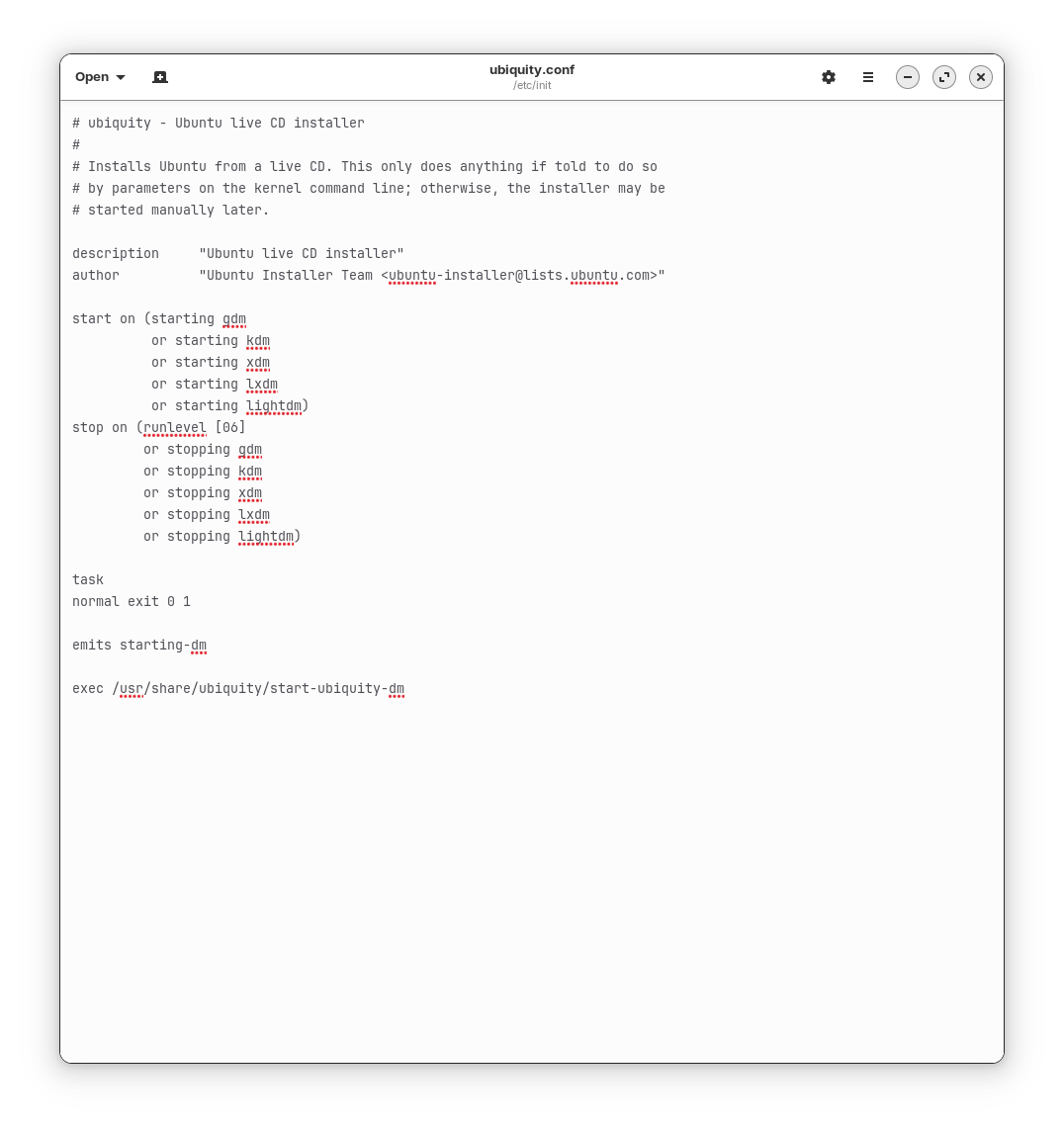
ubiquity.conf
at
/etc/init
I think that could work. I'd rename those 3 files (add .bak, you need root rights to do this) and then reboot and test.


 It was a long time ago