OK, confession time...I've never seen a computer running a virtual machine set-up. However, I would like to try and set up Windows 10 in a virtual environment on Zorin17.3 , for running a small number of Windows-based graphics progs. Nothing huge.
What I don't know is, do I need two monitors? or can I just use my regular everyday one for viewing?
Have got Gnome Boxes installed at the moment, seems reasonably easy to follow.
It will open in a new window, just like your browser or any other application. For example, here I have Z17 and Z18 running side by side in a single monitor:
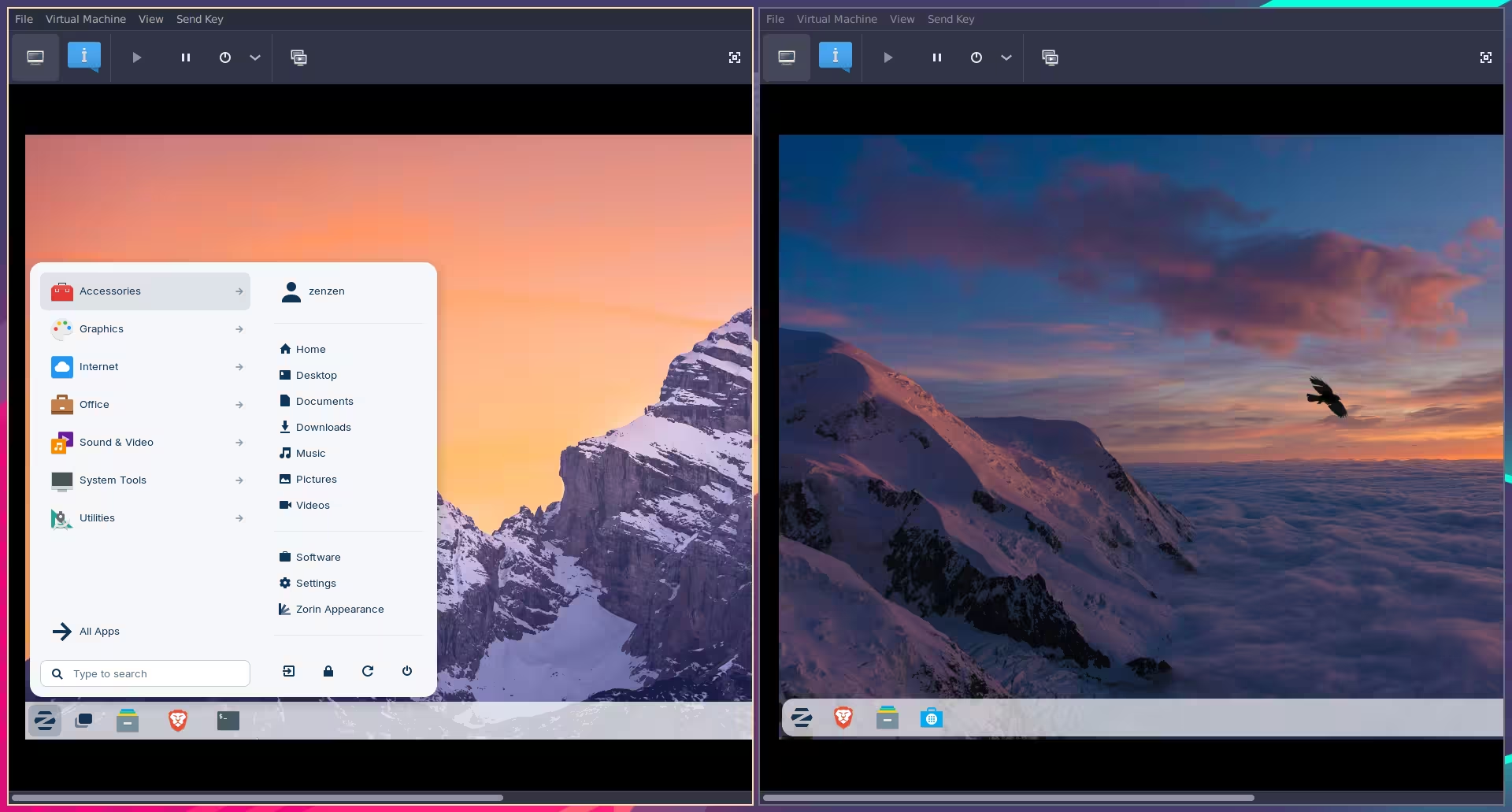
Notice the scrollbars at the bottom. Since the windows are smaller than the resolution of each of the guest operating systems, I can't see the full view. You can maximize them, of course, just like any other window. And if you do have another monitor, you can have it running at that same resolution in there.
Best way to learn is to just play around with that for a while, you'll get the hang of it soon enough.
Another option is to run something like Winboat. It's also virtualization, but specific for running Windows.
2 Likes
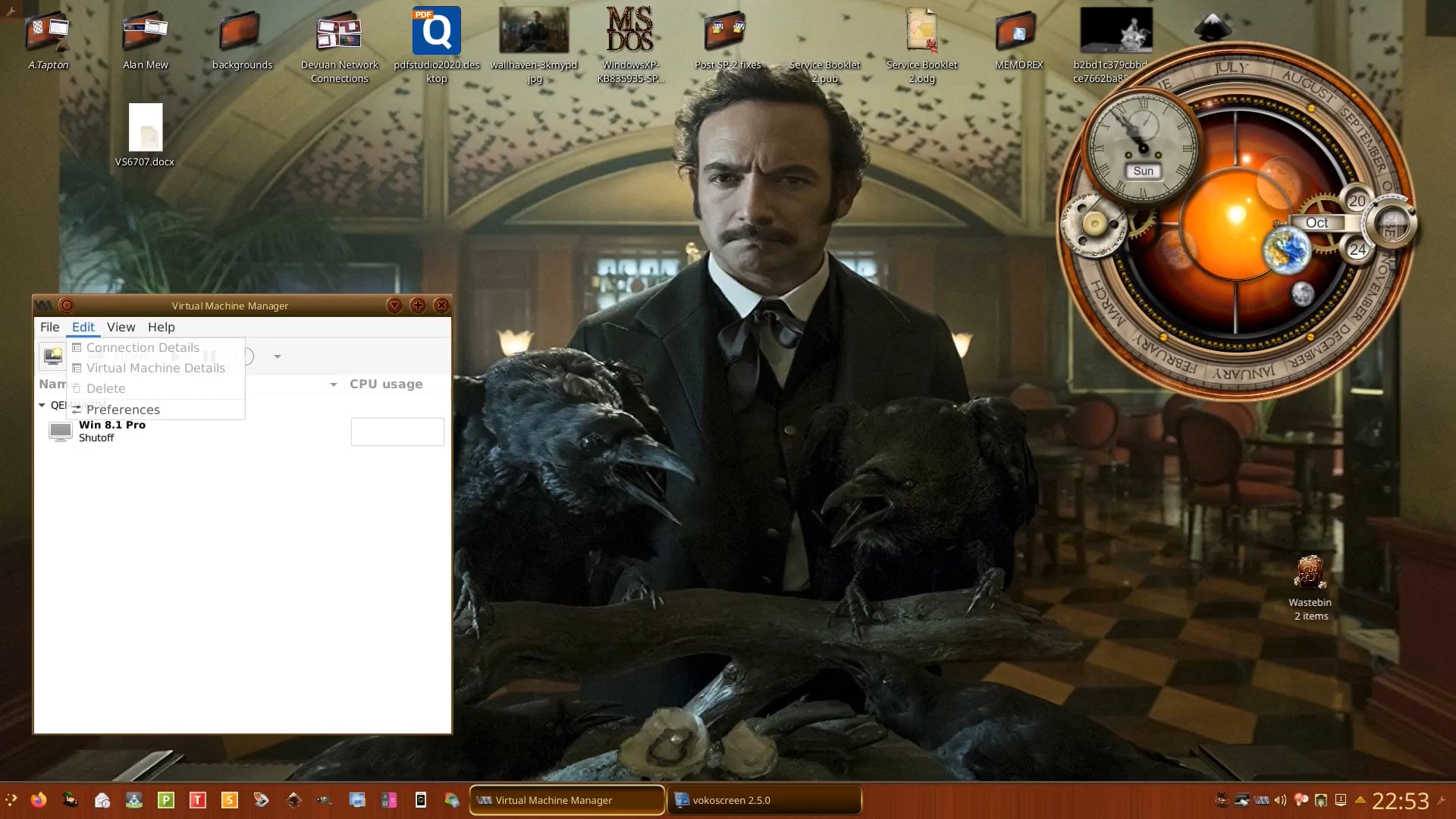
For me discovering virt-manager was the best VM software I have found to use. Your biggest requirement will be RAM. (Is 3gb RAM enough for Windows 10 64-bit? - Adcod.com). When I put Windows 7 as a VM on my youngest's rig which had 8 Gb of RAM I allocated 4 Gb of RAM. I have 16 Gb RAM, so if Windows 10 and you are wanting to run graphics programs you need to have a big enough overhead of RAM to cope and also the speed of RAM. Here's a video of virt-manager running Windows 8.1 Pro 32-bit in Devuan 3.0:
2 Likes
Thank you both for those inputs. I recently upgraded my Dell XPS desktop from 16 to 32Gb RAM, so hopefully that will be enough. I have the photo-program Affinity, which I use fairly regularly but have to keep booting into Win10 on another disk to use it. Other progs I play with are quite small.
1 Like
32 GB is probably more than enough, yes. When you create the VM, you can decide how much RAM to allocate for it, how much storage, CPU cores, etc. So you can make it just powerful enough for your needs, or have it split 50/50 with the host OS.