I've searched and searched this forum and can't find an answer.
I recently installed Zorin Core 18 on my Lenovo 330s laptop, after installing and testing it out on an old Lenovo N23 Chomebook. I'm fed up with Windows 10 and my APU is blacklisted from Windows 11. While trying to install the last ever update, it refused to update and eventually completely removed my wireless network adapters.
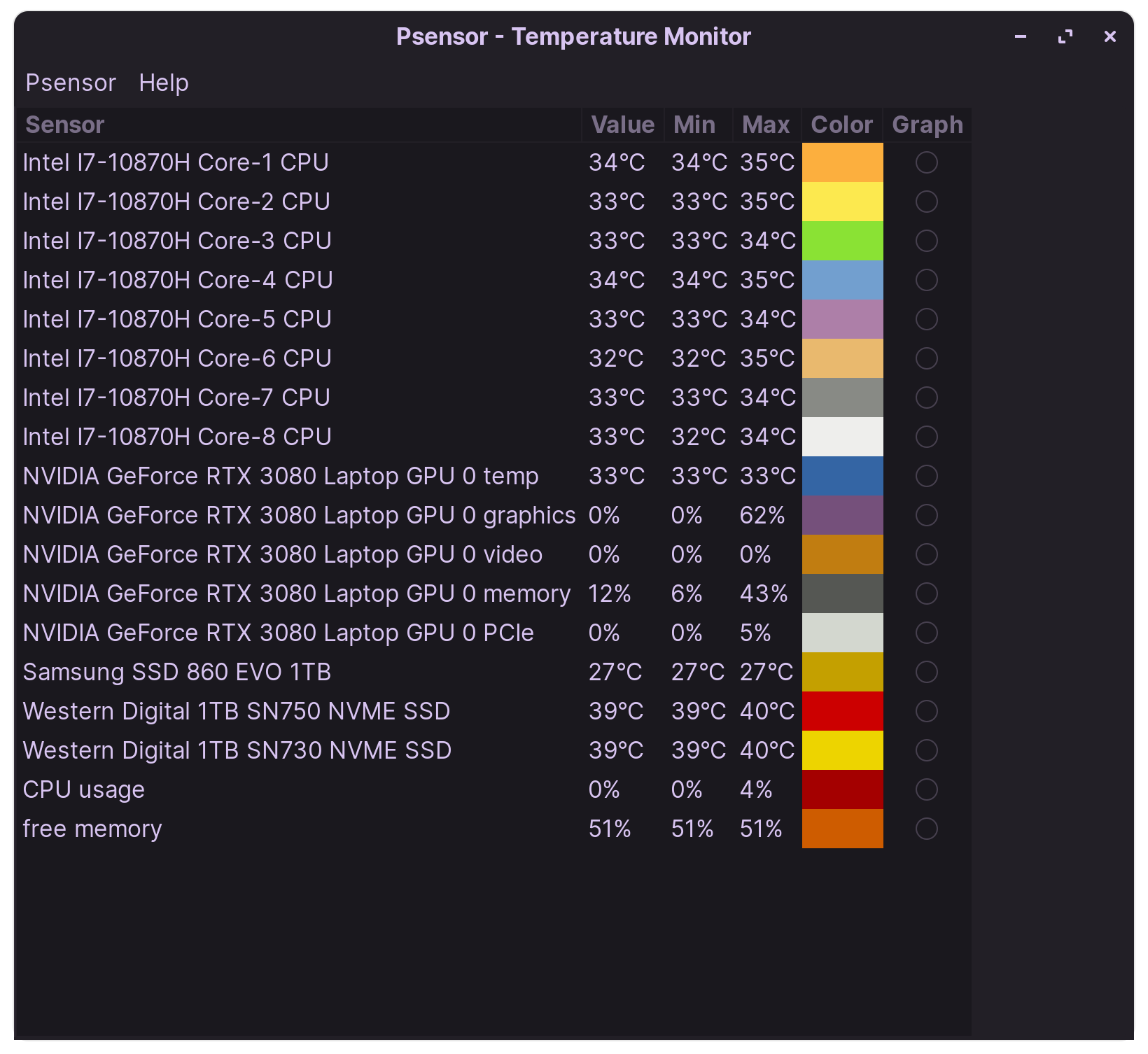
The issue I'm having is the fan seems to run most of the time, and the CPU temps stay above 50c even at idle with zero applications running. It has 12gb of RAM and there are no issues with being clogged or dirty. It never did this with Windows.
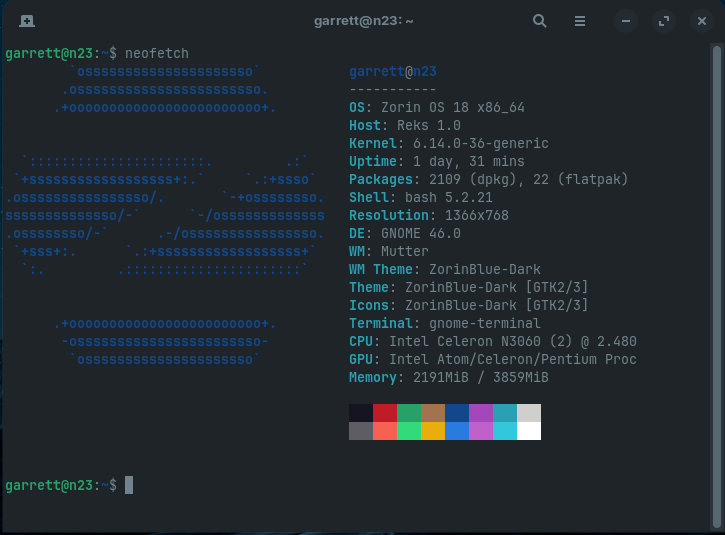
On the contrary, the passive cooled Celeron n3060 Chromebook I'm currently using is only at 39c with 5 browser tabs and couple light applications open.
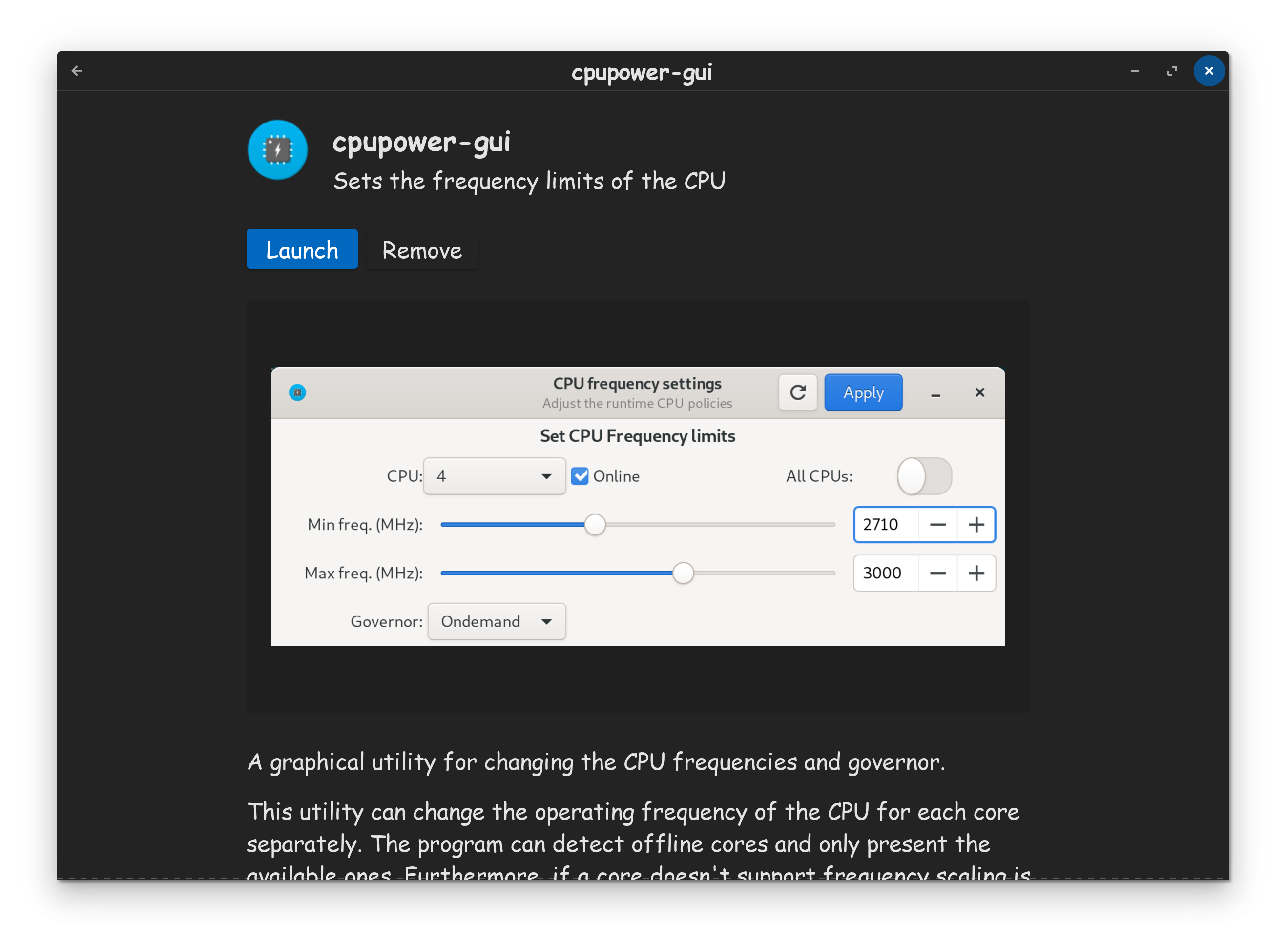
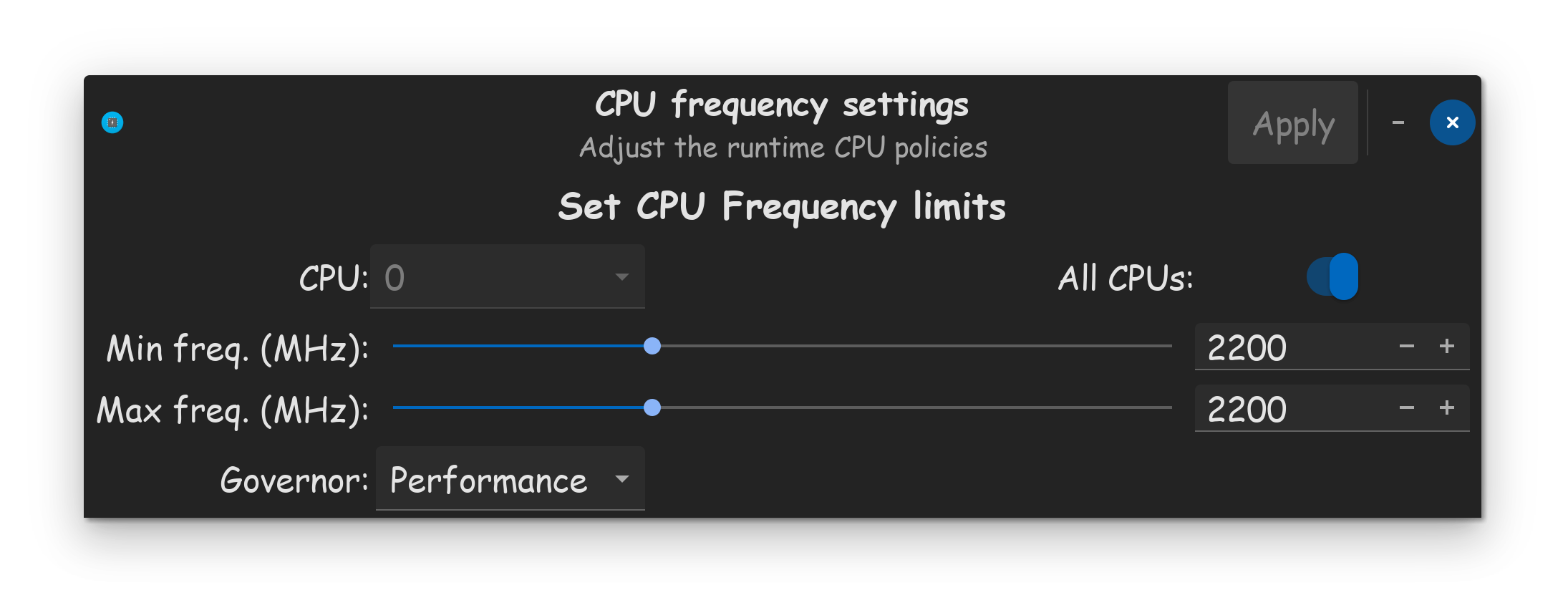
Is there a way to control the CPU or is this a known issue with Ryzen APUs?
It happens on balanced and power save profiles. It seems like the profiles don’t actually change anything. It does eventually wind down after an extended amount of idle time, right before going to sleep. But it doesn’t last long.
There is no overclocking. The MB is locked down pretty hard. I don’t even have any power options available in BIOS settings.
I don’t think new paste is needed. It handled Windows 10 just fine. It idled in the low 40s.
I don’t think the CPU frequencies are dropping to base levels. I have stumbled across “Auto-cpufreq” that I’m going to try when I get back in town. It didn’t work on my Zorin Chromebook, but it didn’t have these issues to begin with.
To me, this sounds a lot like a process is stalling or looping.
By your specs, the machine should be able to run Gnome (Zorin Core) without these symptoms.
But if a process is driving CPU up to a high percentage and holding it there, the fans must kick in to keep it cool (That is a good thing - they are working properly).
Have you yet run in terminal:
top
htop
To see if any processes are running hot?
Or
a journalctl command to see if error logs are accruing for a process?
***ok here is the information I've dug up from wireplumber Gitlab page.
There is a known issue with wireplumber getting into a re-scan loop with various audio devices (BT, microphones, etc). In my case, it is basically replicating a microphone being plugged in and out very rapidly. I don't have an external microphone. The volume slider for the mic is also glitching rapidly during this loop. It happens randomly every 5-10 minutes, and the only fix is to open sound settings to toggle the microphone on/off.
Okay, I may have found a solution. This should completely disable the microphone. I did a reboot after making this change, and so far so good.
In the PulseAudio app, under the Configuration tab, I changed the controller to "Output" from the default "Duplex". Now, the Input Devices tab is completely blank of any microphone settings.
I also installed "Simple Wireplumber GUI". The input node page is also completely blank after making this change.