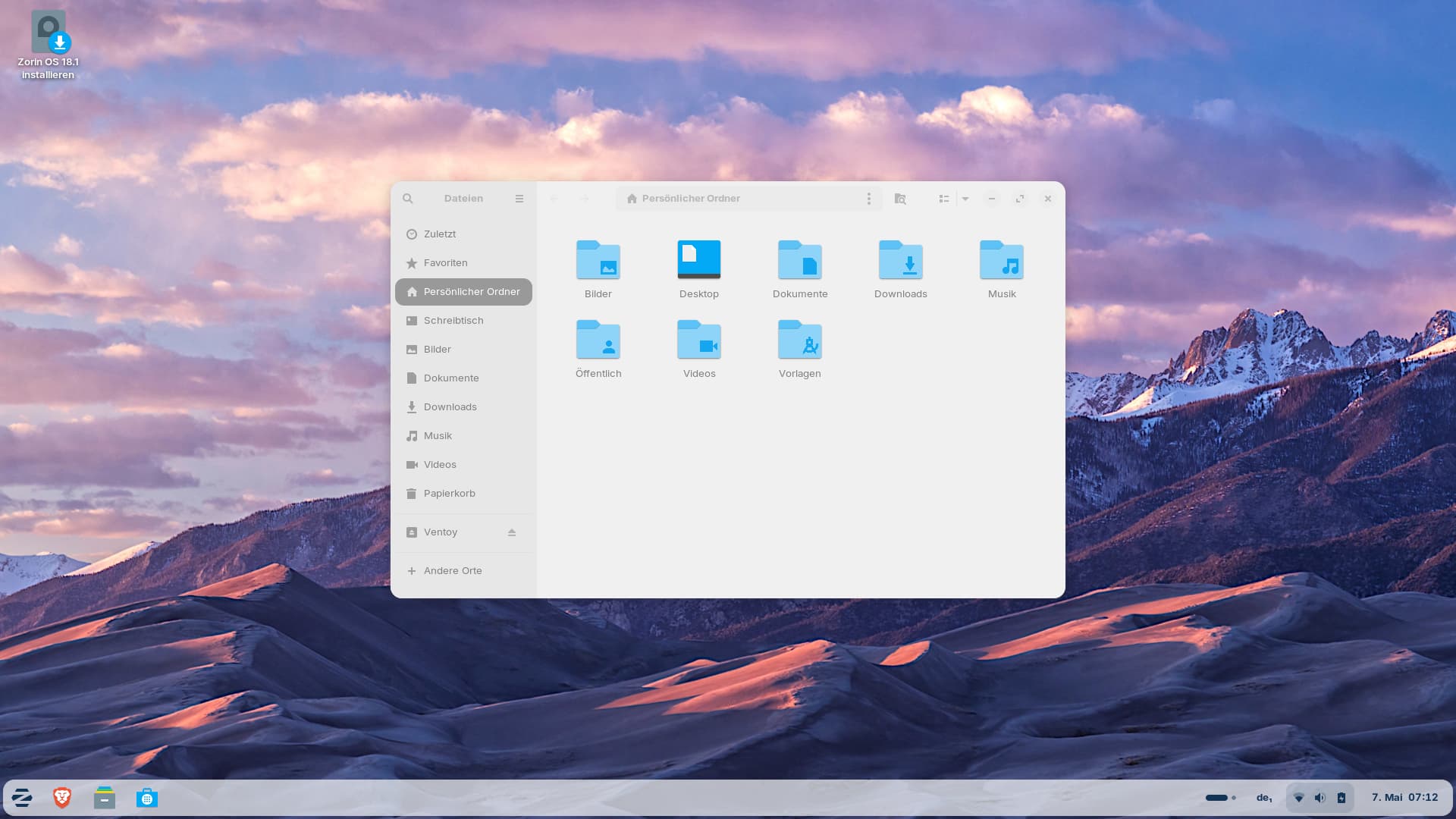
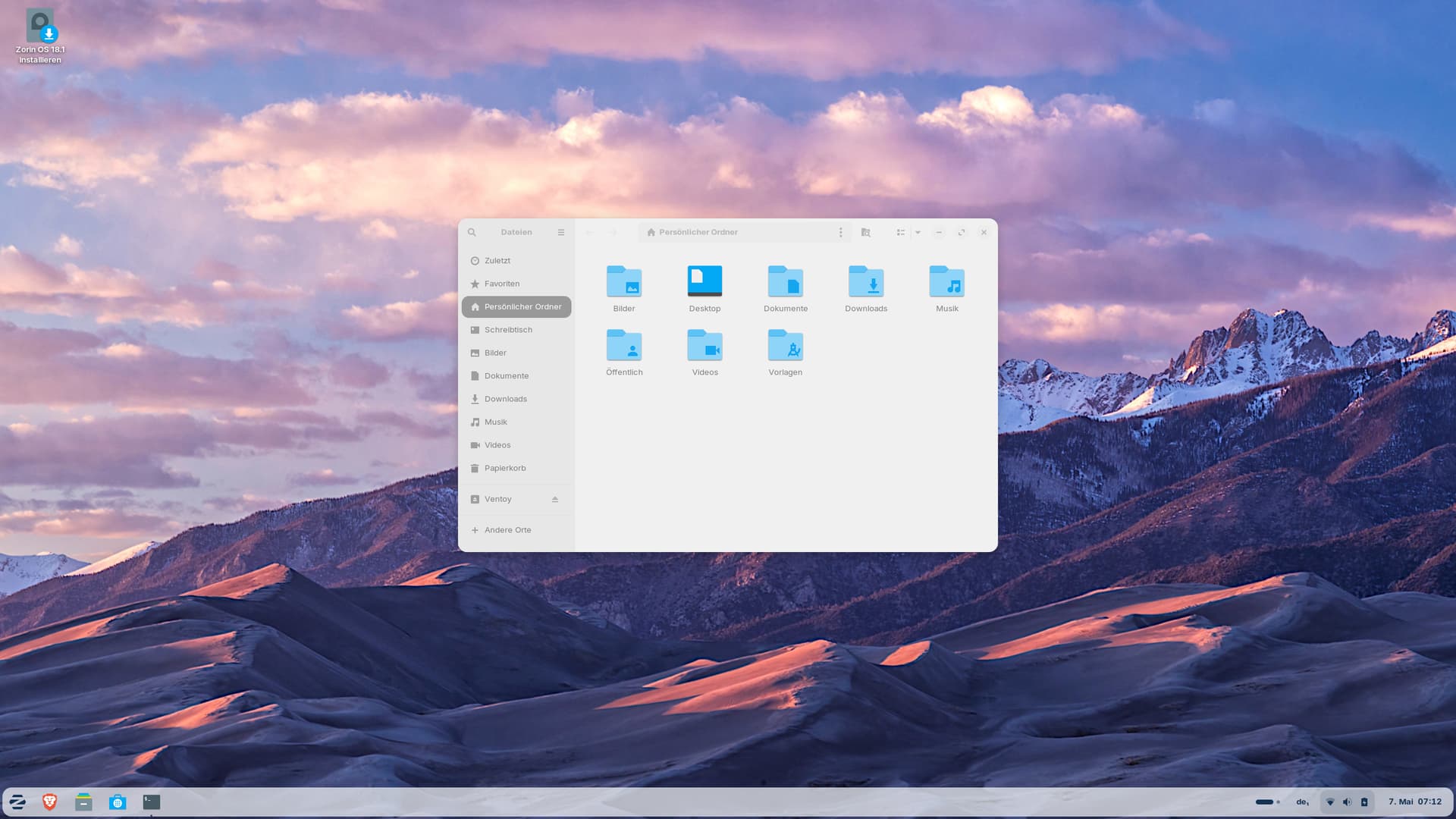
I'm trying to figure out how to help other users set a custom scale below 100%.
I tested this in a Zorin 18.1 live session.
In Zorin 18.1 Lite, I can set values <1 in the display settings so that everything on the screen is scaled down. If I set the value to 0.8 here, for example, the file
~/.config/xfce4/xfconf/xfce4-perchannel-xml/displays.xml
displays a scale value of 1.25.
Everything works perfectly, even after logging out.
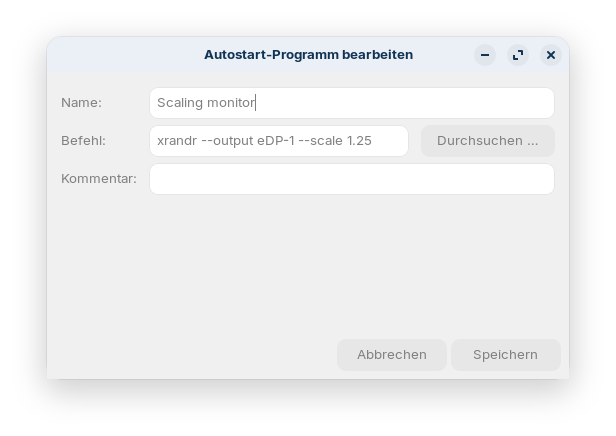
However, if I use xrandr to set a scaling factor, it works correctly in the current session, but when I log out and back in, there are problems (I added the xrandr command xrandr --output eDP-1 --scale 1.25to the autostart programs):
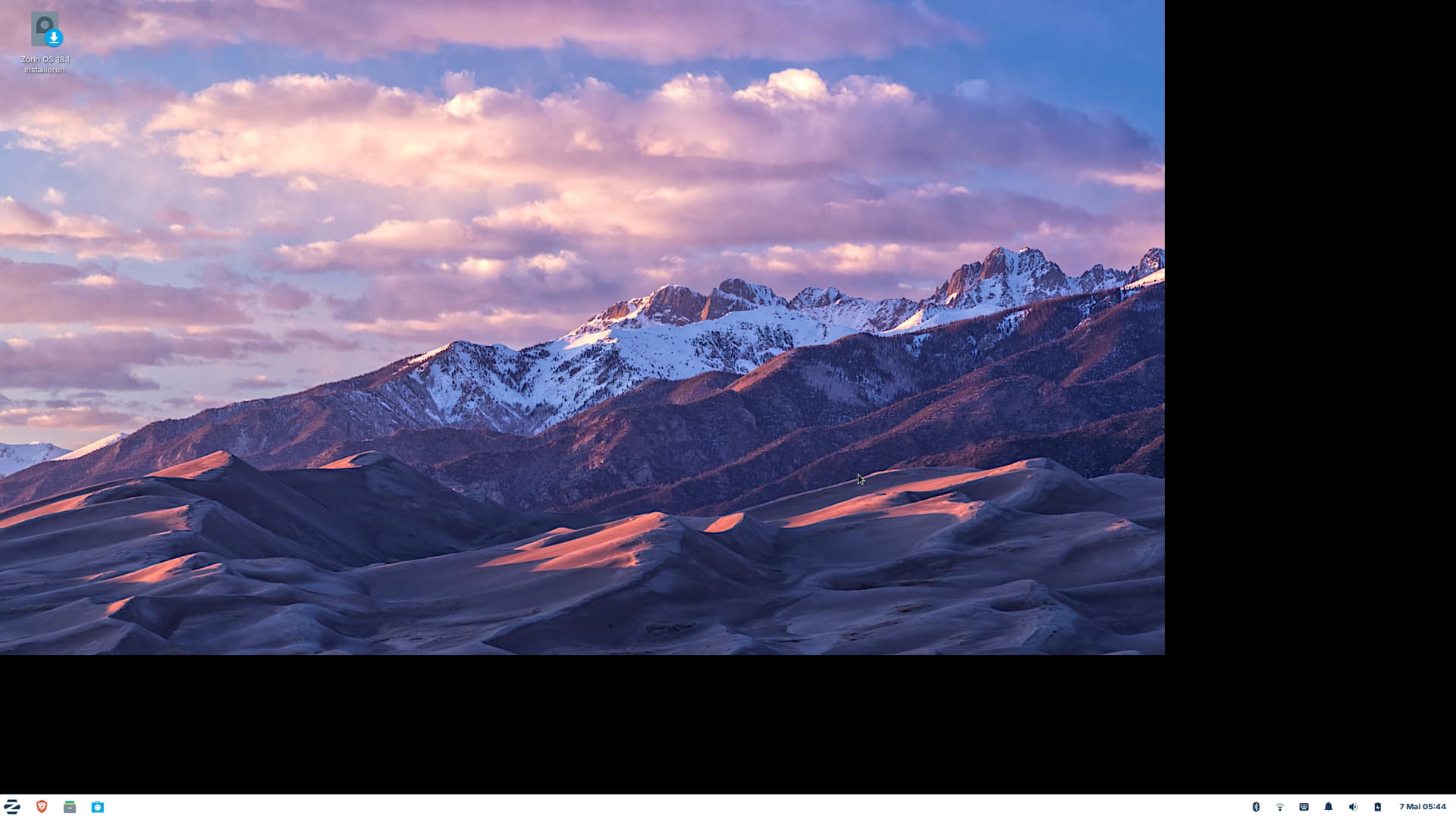
Adding a sleep pause didn´t help.
I don´t know why this happens and if that issue only exists in a live session. I´d like to give others good advice.
In Zorin 18.1 Core, there is no option in the display settings to select a scaling factor below 100%, so you need xrandr. I try to find out how the scaling factor can be set permanently there without issues. Arandr doesn´t include a scale factor.