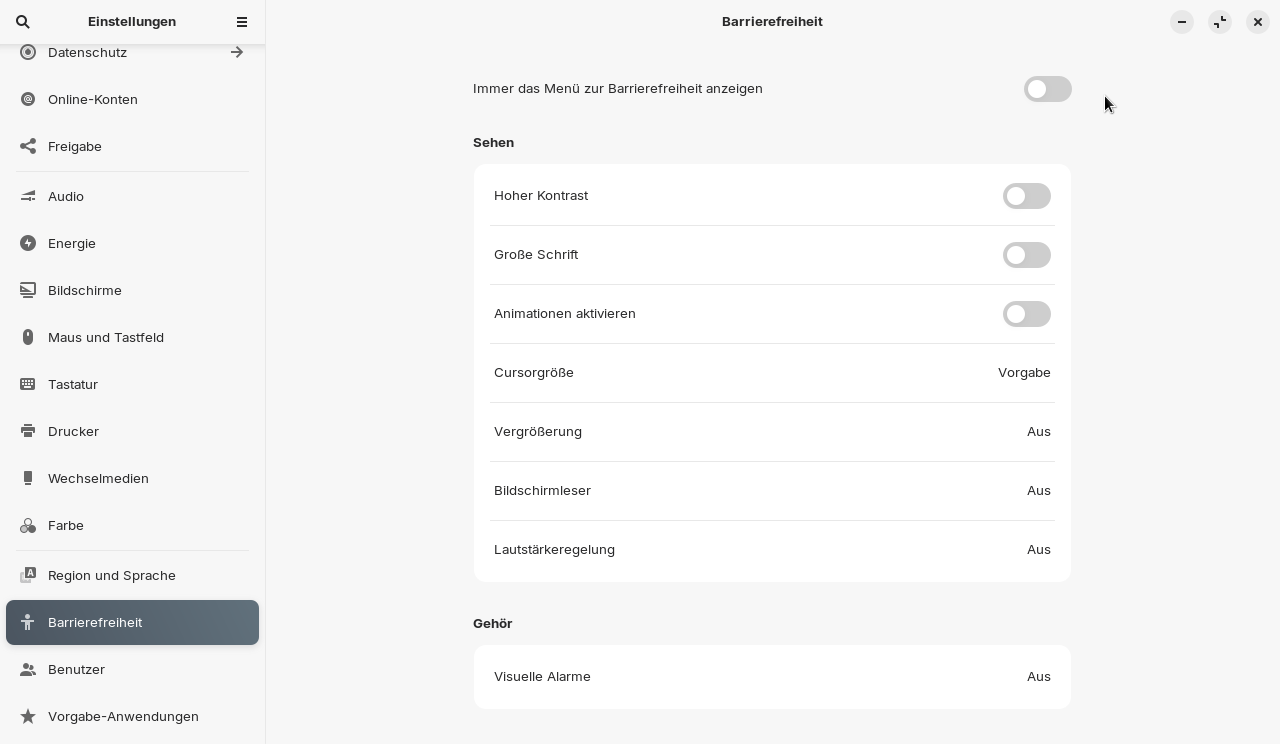
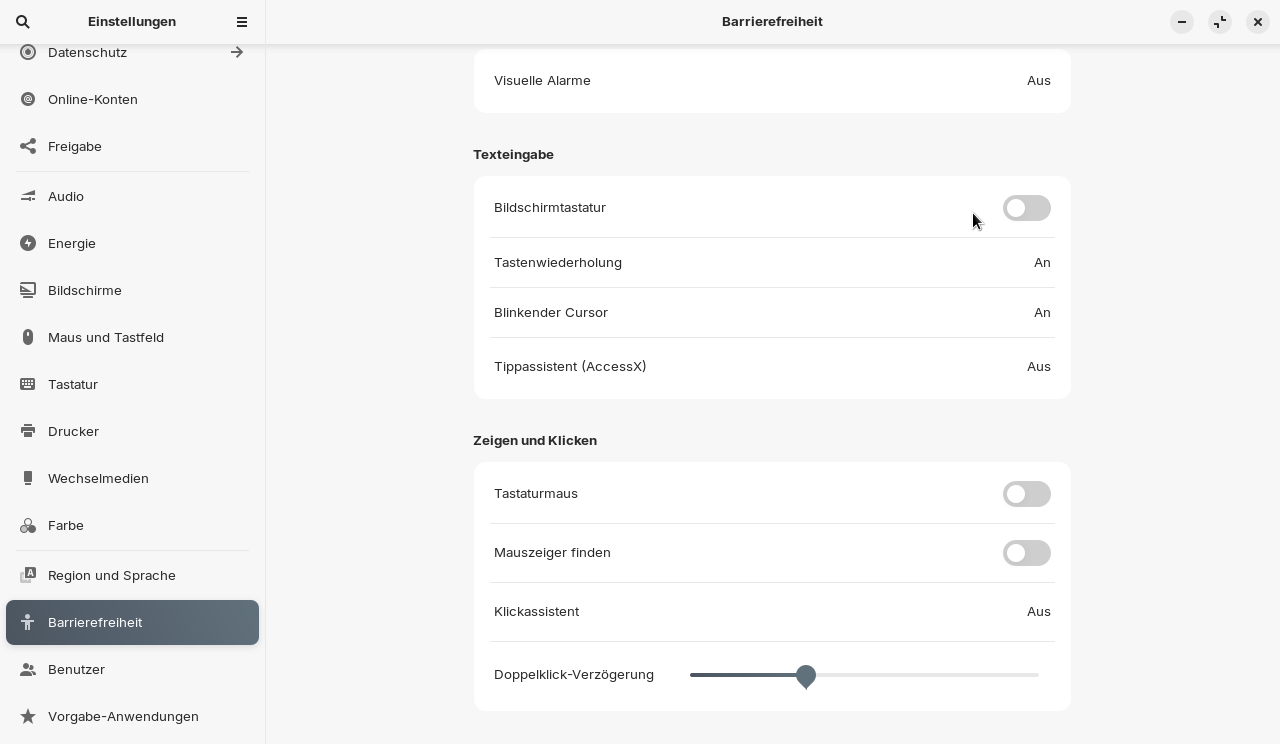
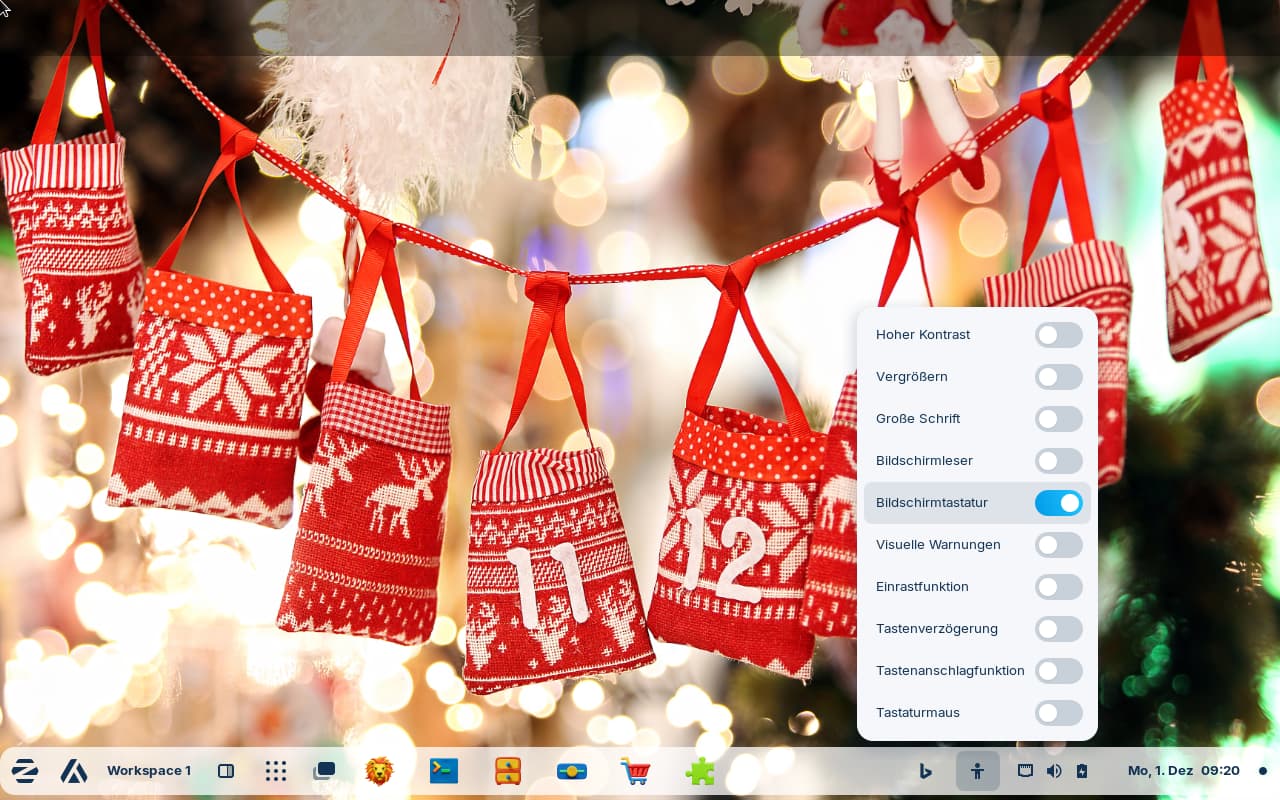
The virtual screen keyboard is always turned on after reboot. In the taskbar it is shown as enabled in the accessibility tray icon. I have no touchscreen and only want to turn it on when I need it, but not permanently. I can turn it off, but next time I do a fresh reboot, it is turned on again. Actually I have the accessibility menu turned off in the settings.
I can only prevent screen keyboard popping up by uninstalling onboard. Is there a setting that I can use to turn it simply off instead of uninstalling? I think it has to do with the Paper WM gnome extension. When it is disabled that doesn´t happen.
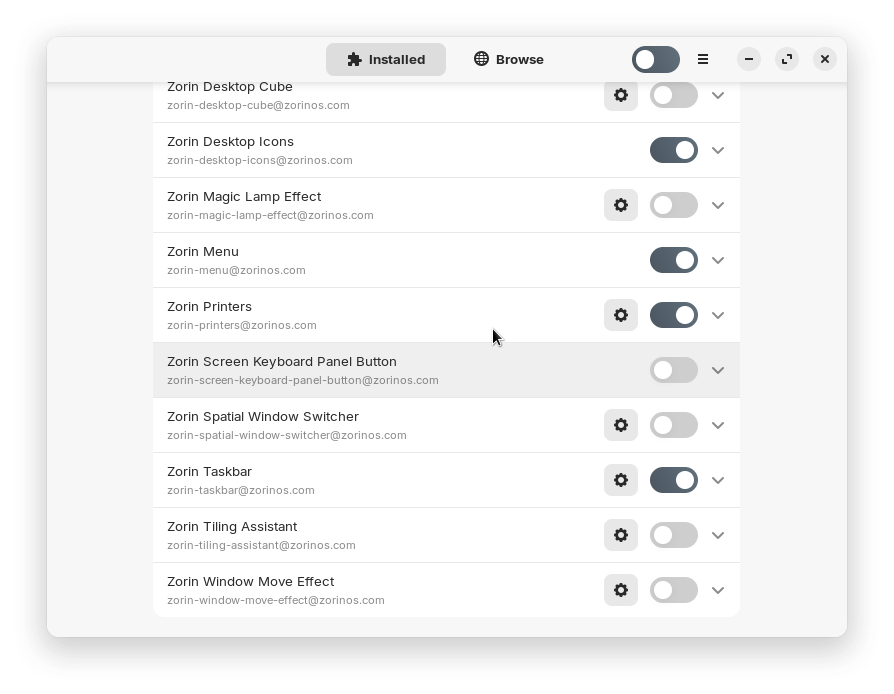
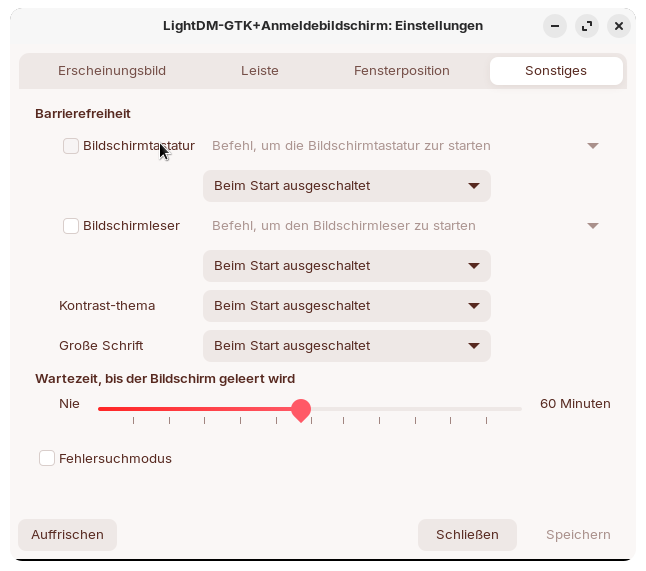
Am I overlooking a setting somewhere which turns it on? I have already checked it here and in the Paper WM settings (there I found no setting for a virtual keyboard). I use light dm, and the screen keyboard is disabled there, also the gnome extension "Zorin screen keyboard panel button".
I haven't read about this problem anywhere. But presumably the Gnome extensions activated on my computer are causing conflicts with each other. For example, you shouldn't use "Rounded window corners" together with Paper WM, which I do anyway because I can't find any obvious problems.
But often when I disable one extension in extension manager, another extension also is disabled automatically and red marked. To repair I need to logout and login again.
Today it was working properly during boot-up (i.e. no on-screen keyboard activated), even though Paper WM was enabled. Afterwards, I disabled Paper WM, switched to the Cinnamon desktop and after a while back again, and the keyboard was back. So perhaps it's not Paper WM after all, but maybe the Cinnamon desktop.
I checked which on-screen keyboards are installed besides onboard and found libcaribou. However, it cannot be uninstalled without removing the Cinnamon desktop.
I think I've found the cause: In the Cinnamon desktop, "Use on-screen keyboard" was enabled at category Accessibility.
I suspect that this setting also affected the Gnome desktop. Since I disabled the on-screen keyboard in cinnamon desktop, I have not been able to reproduce the error. I hope it stays this way!