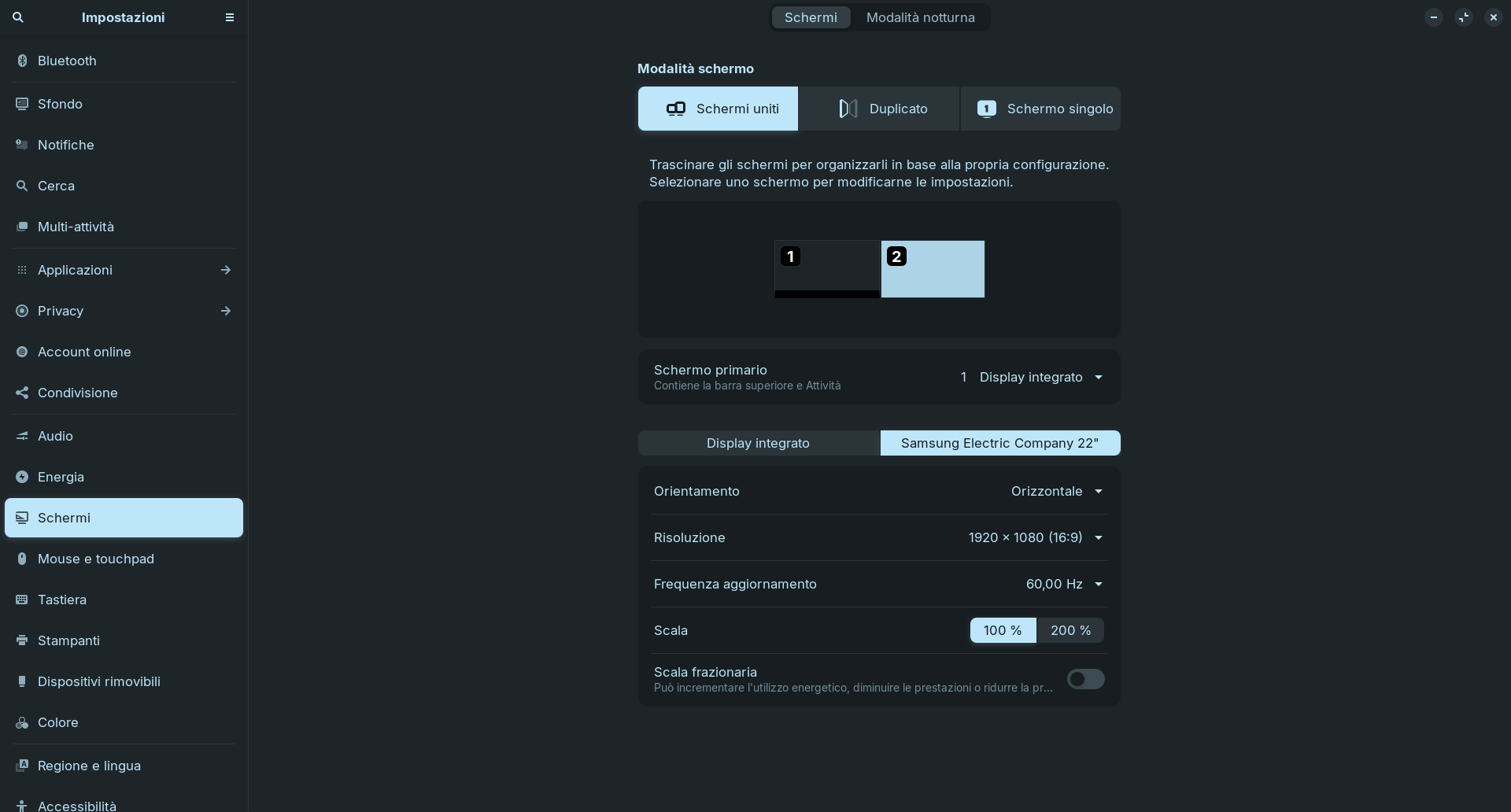
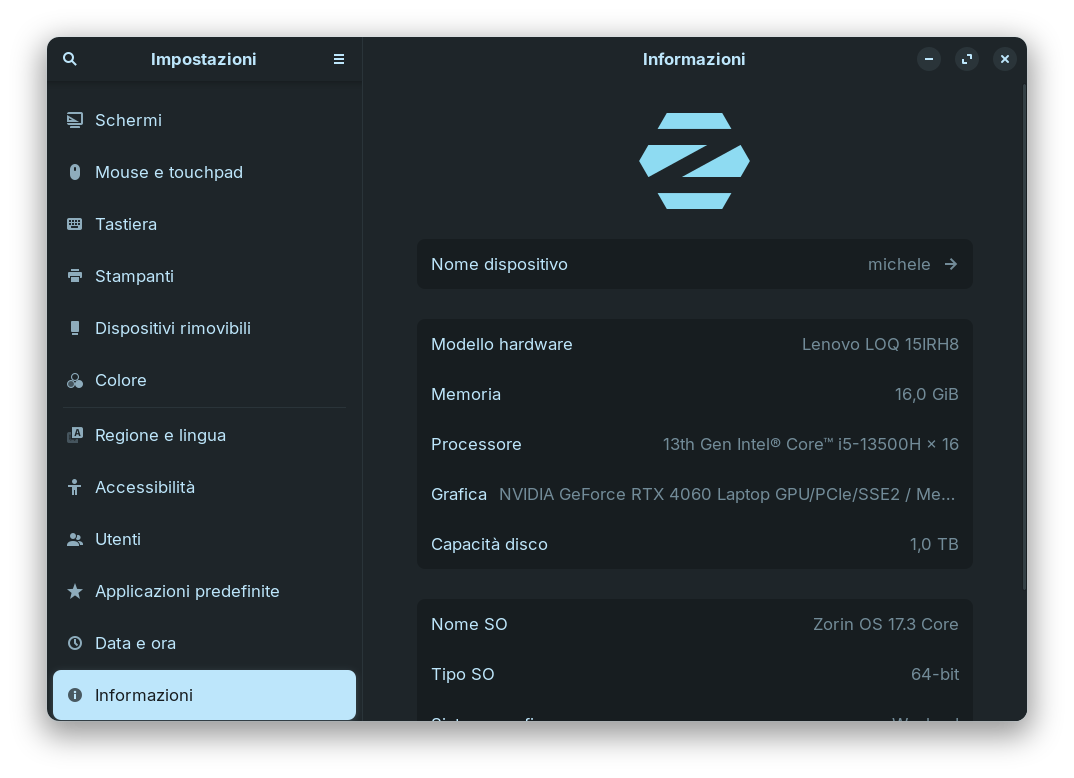
I have two displays: my laptop’s built‑in screen and a 22‑inch Samsung monitor connected via HDMI. Because I’ve been studying a lot lately, I noticed the laptop screen was set to a 144 Hz refresh rate. To reduce eye strain I lowered it to 59.96 Hz, hoping to bring the two screens closer together.
However, after making this change, whenever I have several windows open at once (for example Vivaldi and other apps), the secondary screen (the Samsung monitor) freezes. The only way to recover is to restart the PC or reset the display settings.
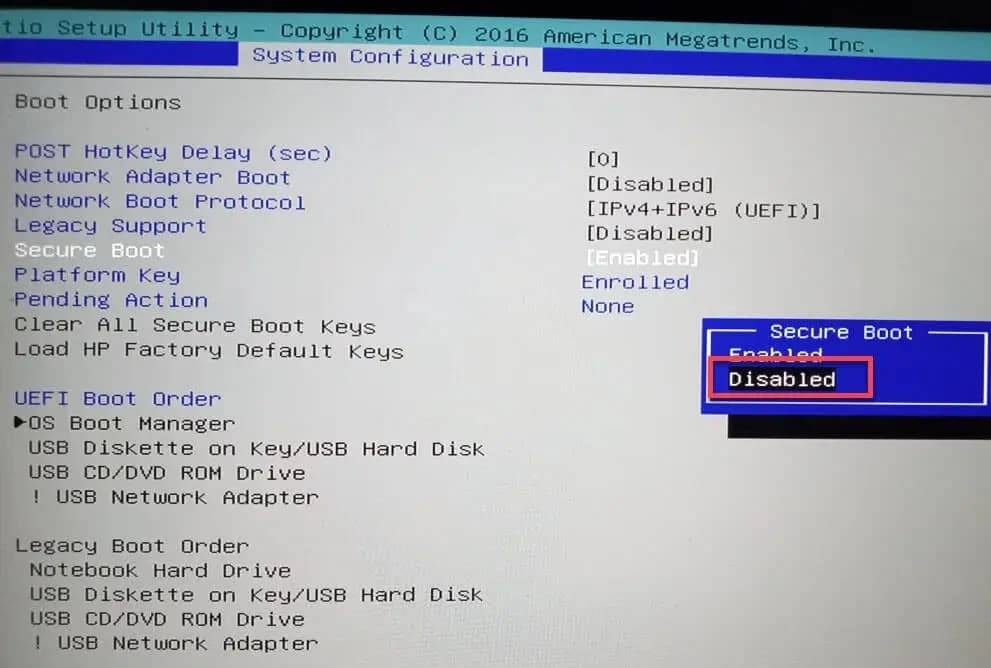
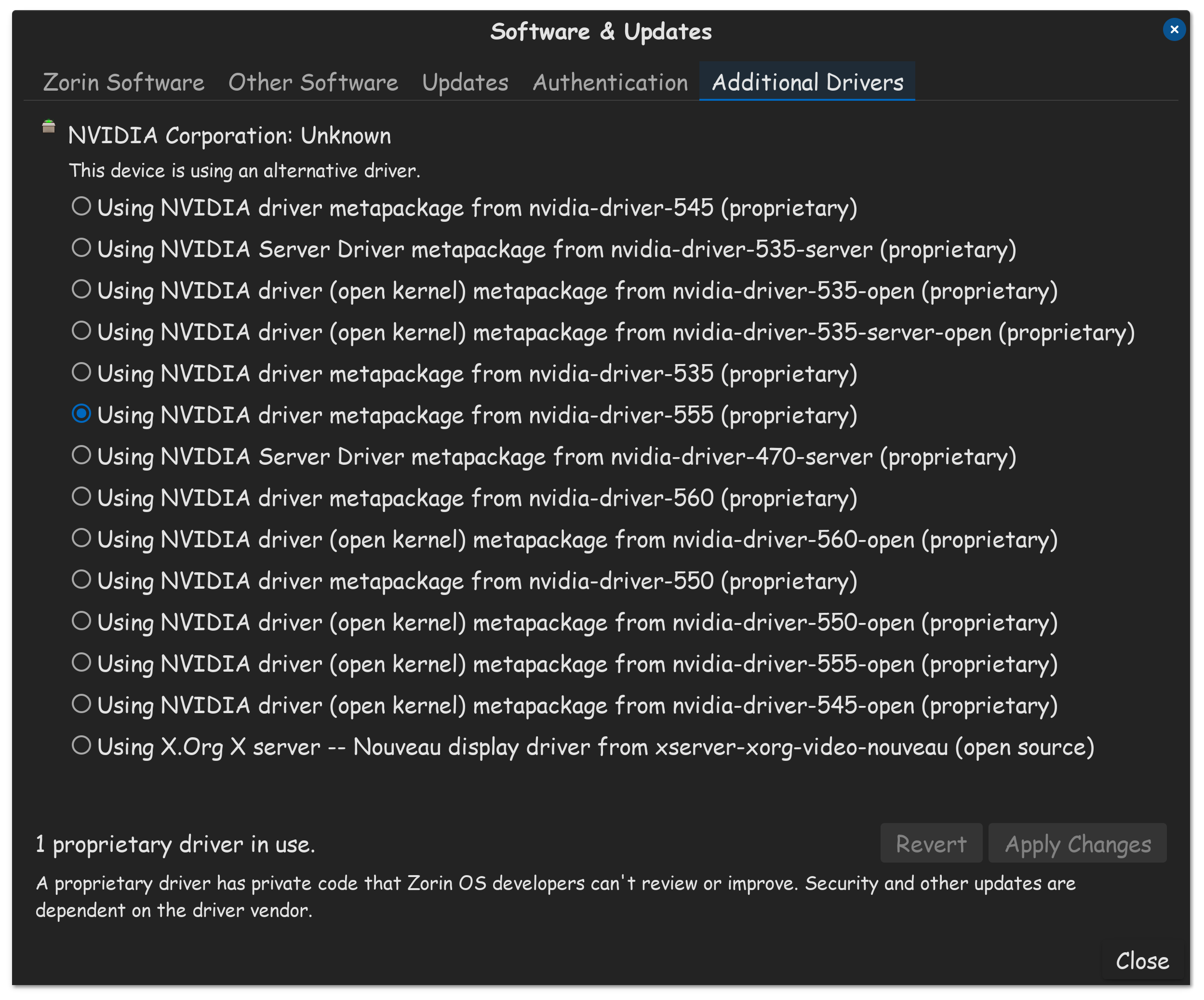
I’m attaching screenshots with all the information I can gather about my system.
Does anyone have ideas on how to fix this? Thanks!
Are you running Zorin on Xorg or Wayland? If you are in Wayland, please switch to Xorg at loginsecreen (cogwheel).
Can you try to set these settings in X Server Settings of Nvidia to see if it makes a difference?
I’ll update you on what I’ve tested these past few days:**
I tried using Xorg, and when I open a game on the laptop screen while using the second monitor for music or streaming, the monitor freezes.
I decided to reset all settings to defaults and switched back to Wayland, but it still froze.
Finally, I tried installing the Liquorix kernel, hoping it might help everything run more smoothly and correctly. However, I haven’t changed the “Hz” settings yet because I want to take things one step at a time.