I'm new to the OS, and I wanted to set up a second monitor, but I don't see an option in the settings. I'm watching the forums, and there are way too many about it, which is making it confusing for me. One of the monitors is a DP monitor, and the other is an HDMI monitor, but it has a USB adapter.
Are in Settings>Display these 2 Monitors detected or only one? If only one: Which is detected?
It does not show any option for dual monitor.
How do you have both of these monitors plugged in? Is one going to a USB port on your computer then, is that what I'm understanding about the setup? You could include pictures too if need be or where and what they're plugging into.
No, the second monitor is conected to a USB adaptar for the HDMI cable that is conected to the ocmputer, the main one is conected via Display Port, directly to the graphic card.
So the second monitor has a usb cable going into it, rather than a display cable that goes to the computer? Wouldn't it be easier to just go directly with the HDMI cable into the monitor and avoid the USB cable? Or is this a newer monitor that allows this sort of connection to happen? Older monitors would have a usb port on them, but it would mostly just be for diagnostics if I recall correctly.
1 Like
None of the monitors have HDMI port so I had to get the adapter. They only have DP, VGA and what I think is mini DP that had a USB end.
Okay, and what Monitor is detected. I mean, You have a Pricture, doesn't You?
Only the displayport one
Okay, then I would guess that the mentioned Adapter could be the Problem. Could You try it with connecting the not working Monitor with DP, too - only to see if the Display then works when it is connected this Way?
1 Like
Oh yeah, they both work just fine with the DP. I do think that the adapter might be the issue, that is assuming that the OS has it's own dual monitor option in it.
Maybe the System doen's like the Adapter and can't detect it right. And so this doesn't work right. And You can't connect both Monitors with DP? Or does the Monitor not have 2 DP Ports?
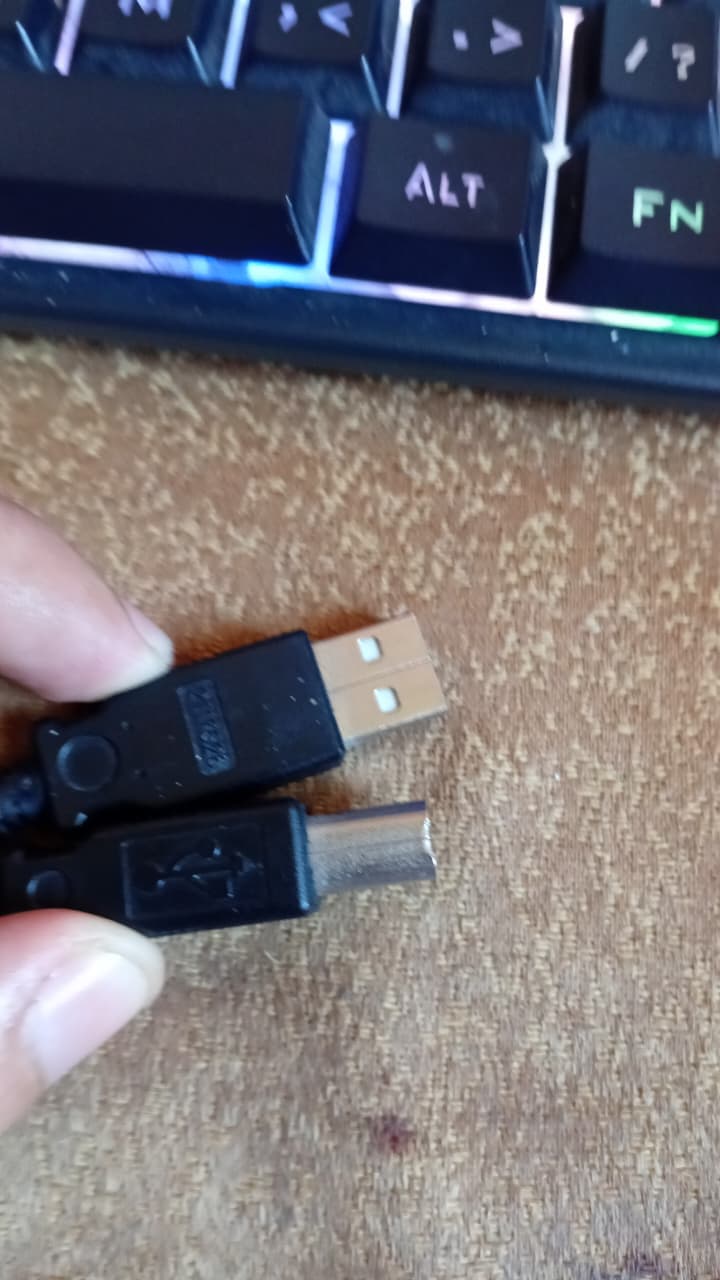
I'm not sure what that adapter is, but it doesn't seem like it's what you would want in the case that you're describing. It looks like a basic USB and maybe B on the other end? Would you be able to take a picture head-on looking at the end of the ports? Can't really tell what that is from that angle. But it doesn't seem like that adapter would work, from what I'm seeing anyway*.
This is not the adapter, my bad. This is another cable I tried using.
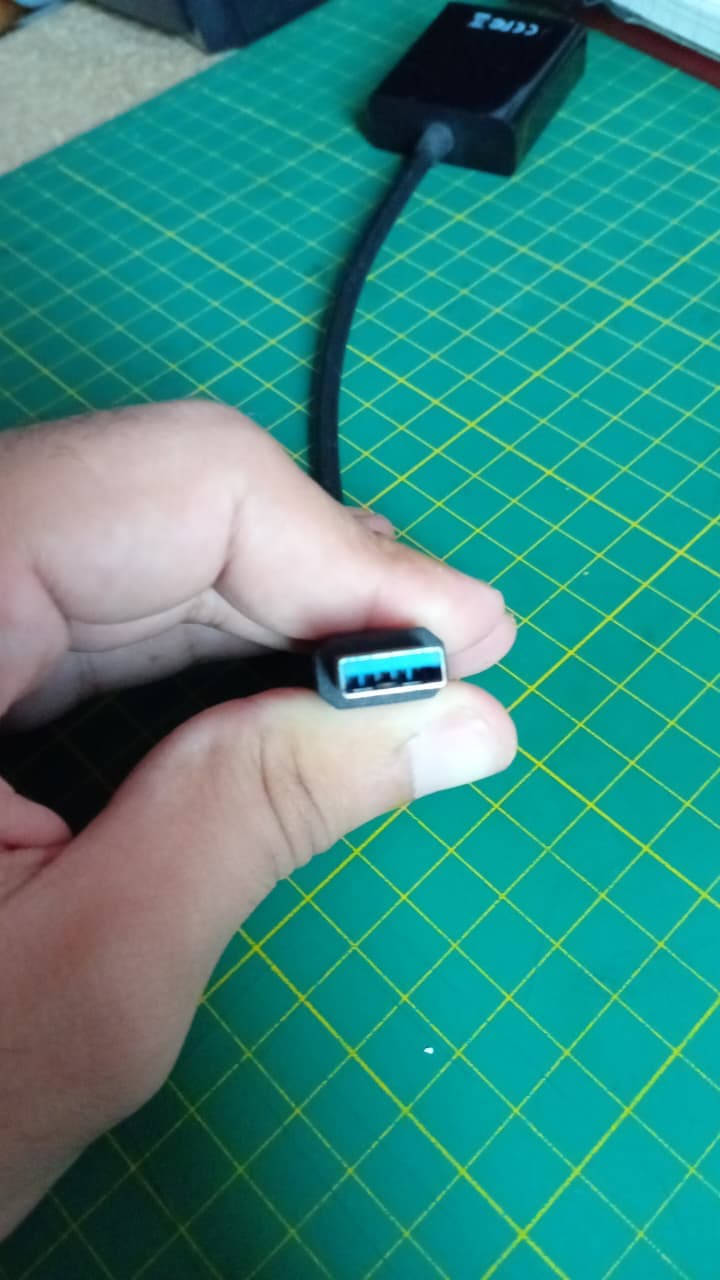
Yeah i'm not sure that that adapter is going to work for what you're trying to do. If the monitor works with another DP cable, I would recommend getting another one of those if you can and using the monitor that way.
Yeah, I think so. Though when I do, does the option for dual monitos will show up on the settings menu? Or what do I have to do exactly?
Once you've got other monitors plugged in, the option for what to do with them will show up in the display settings where you currently manage your one monitor. You won't see anything for more monitors since the system doesn't have more than that.
I've got at times 4 monitors plugged in, and it just adds the next one when you plug it in, then go and configure it how you like.
Awesome. Thanks a lot.
1 Like