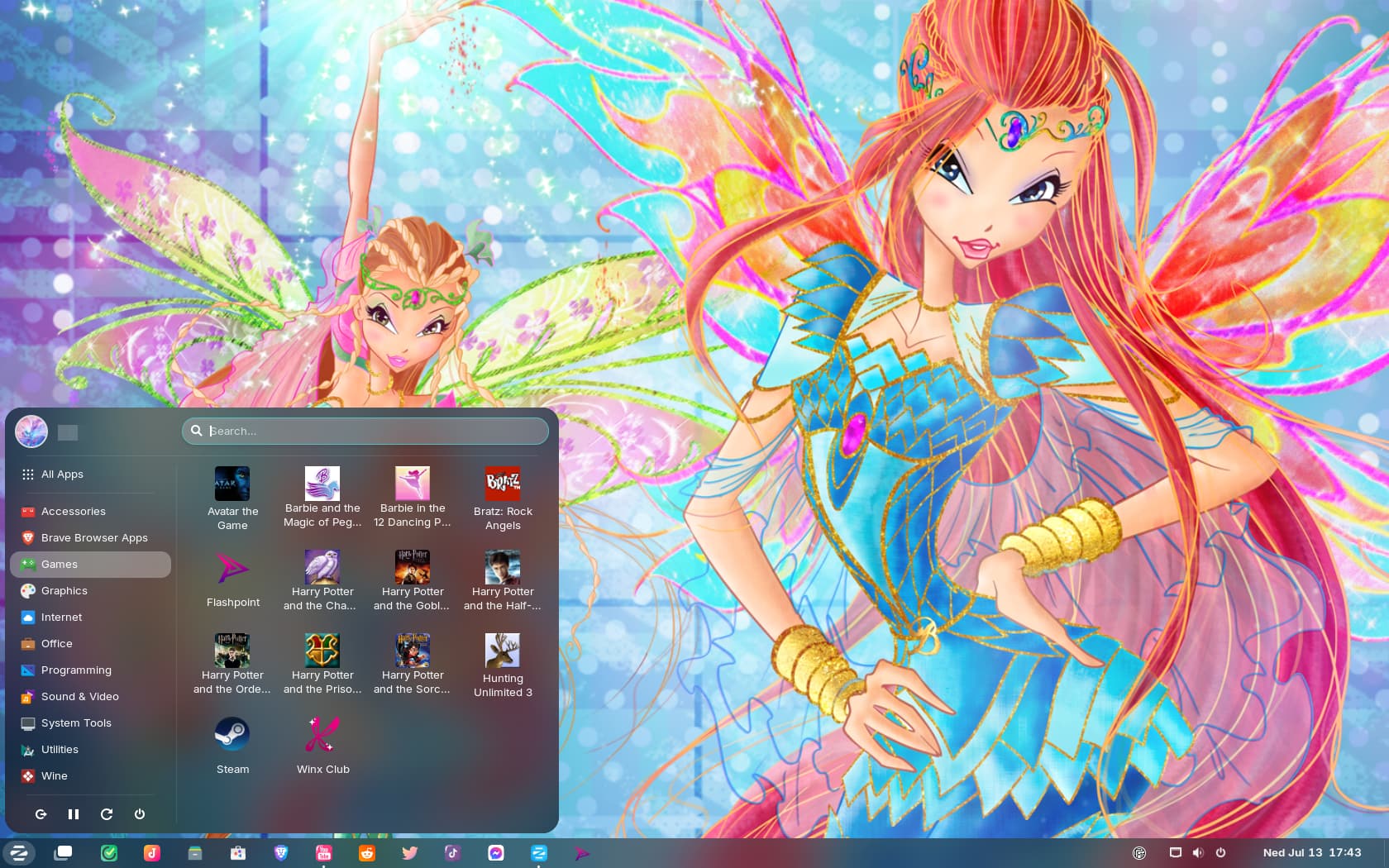
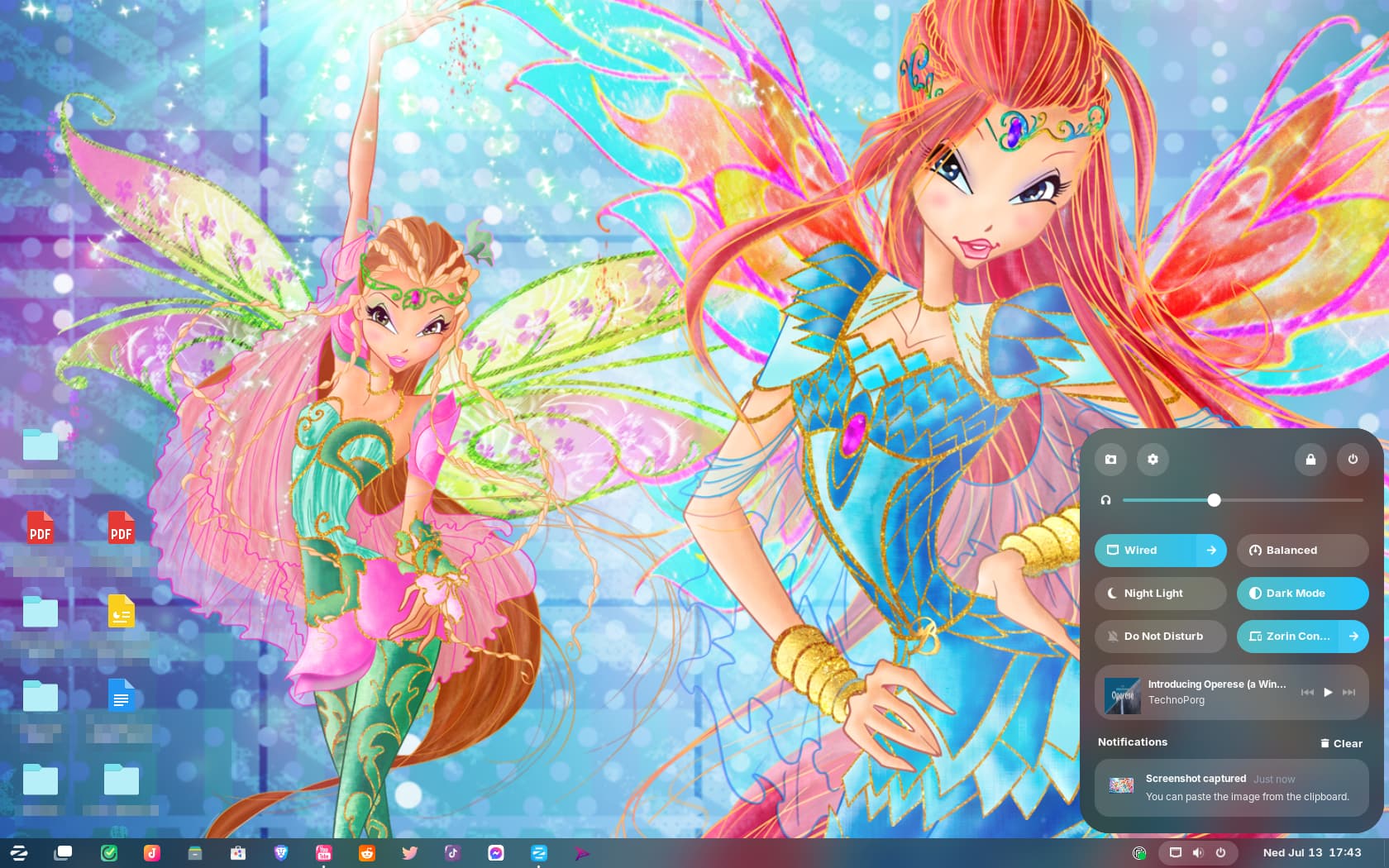
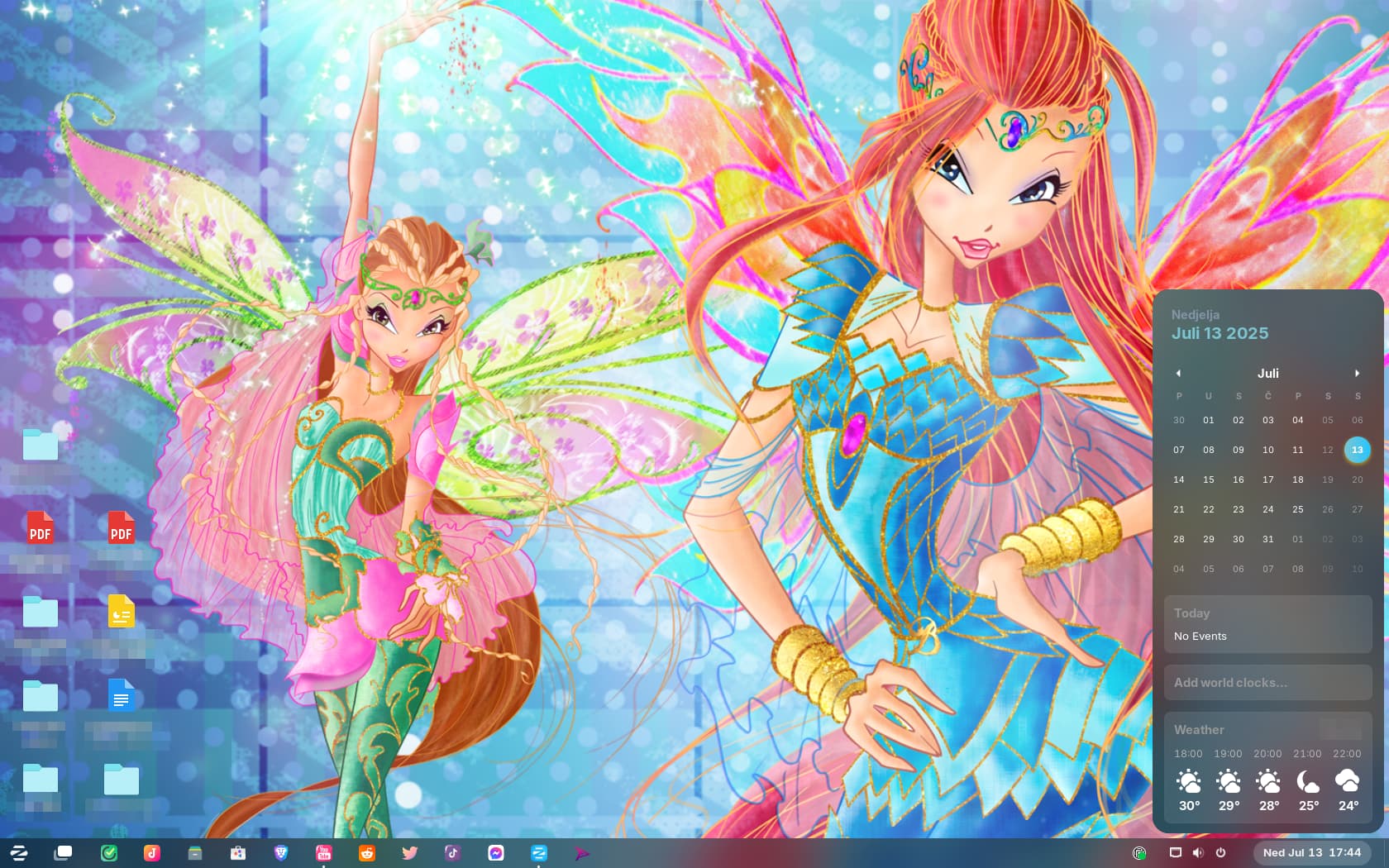
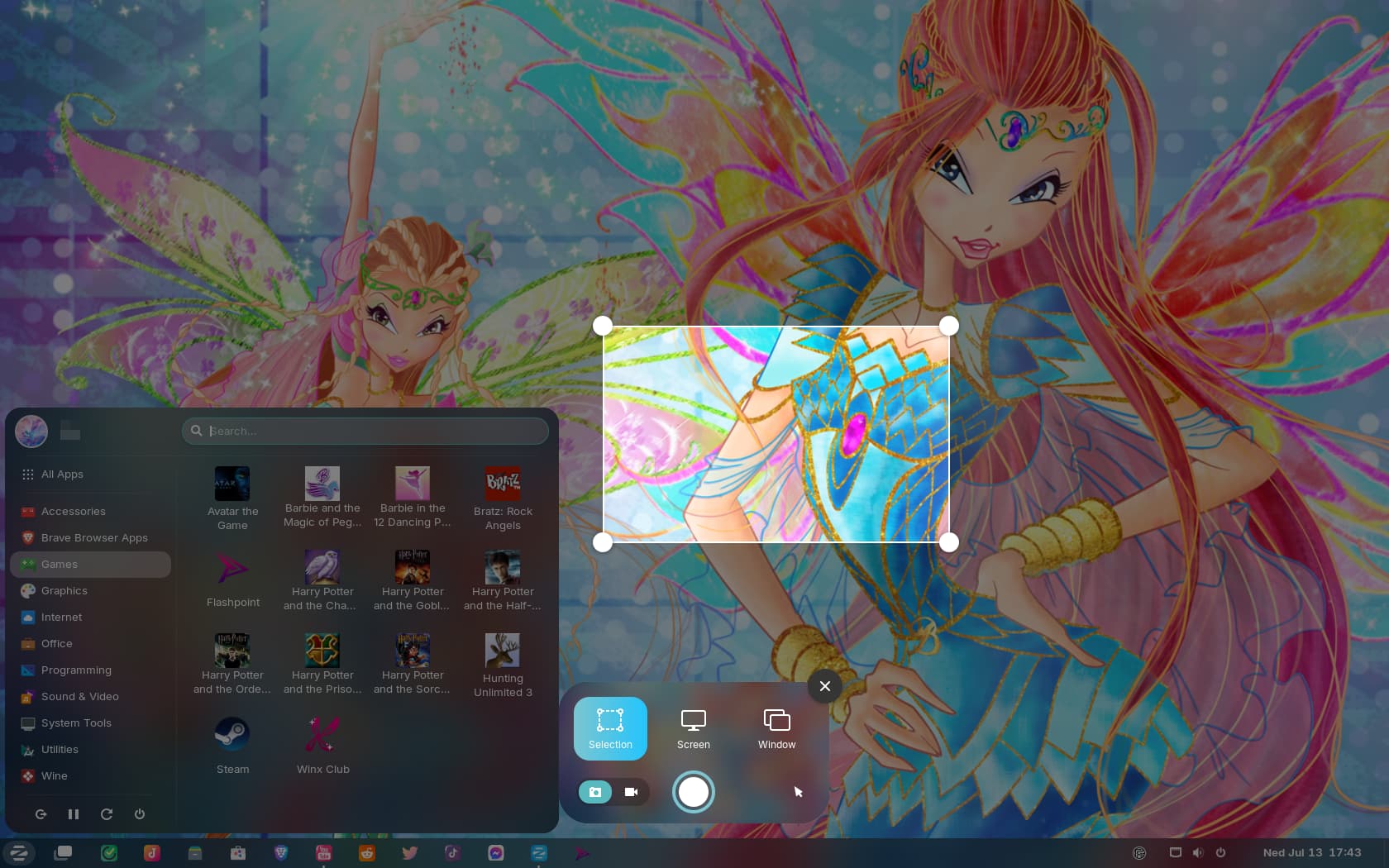
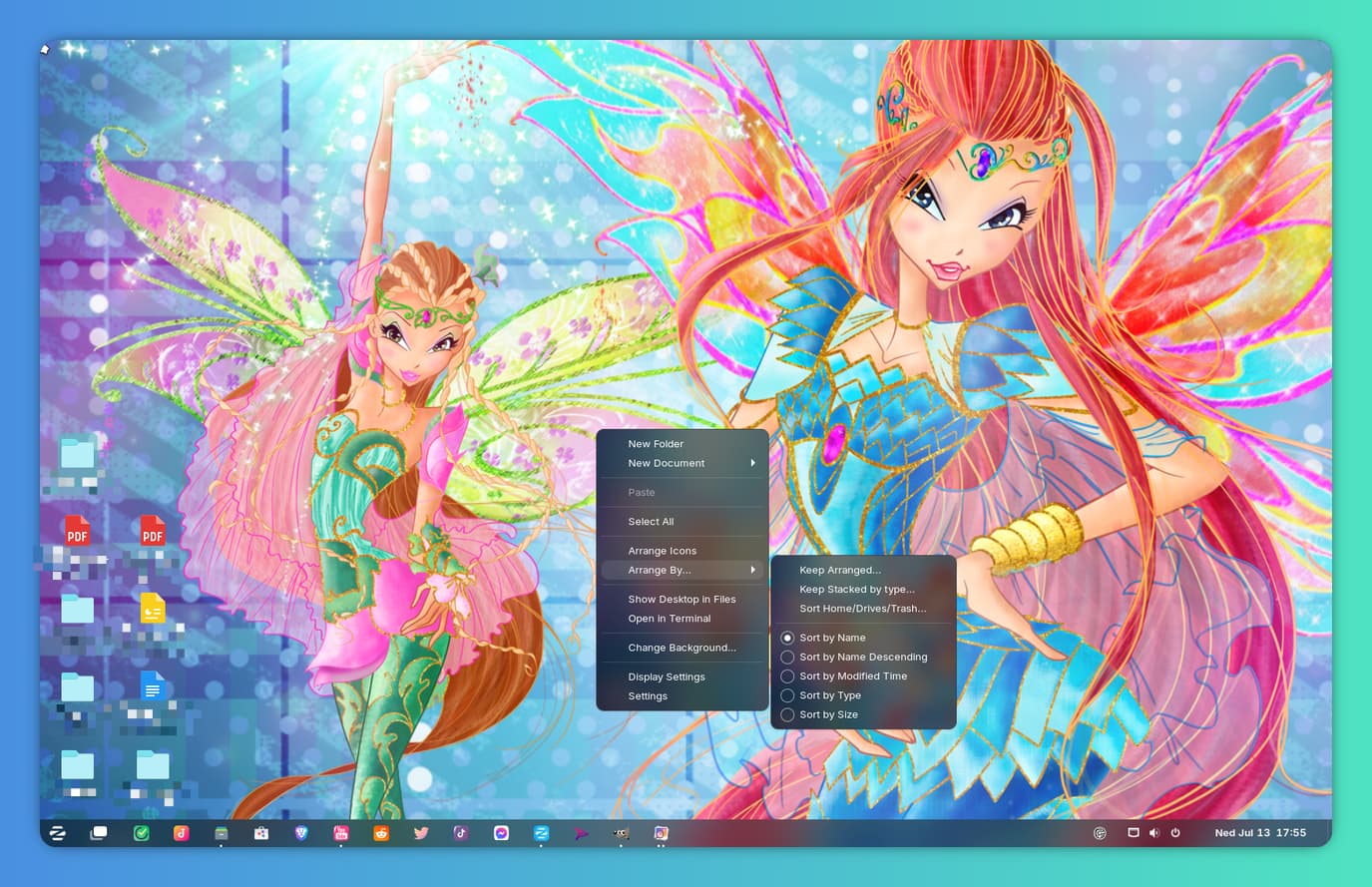
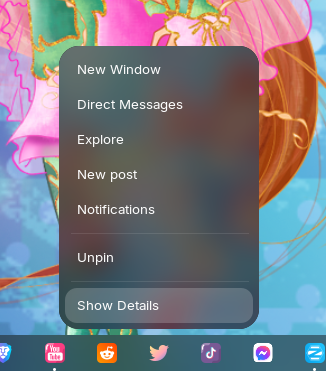
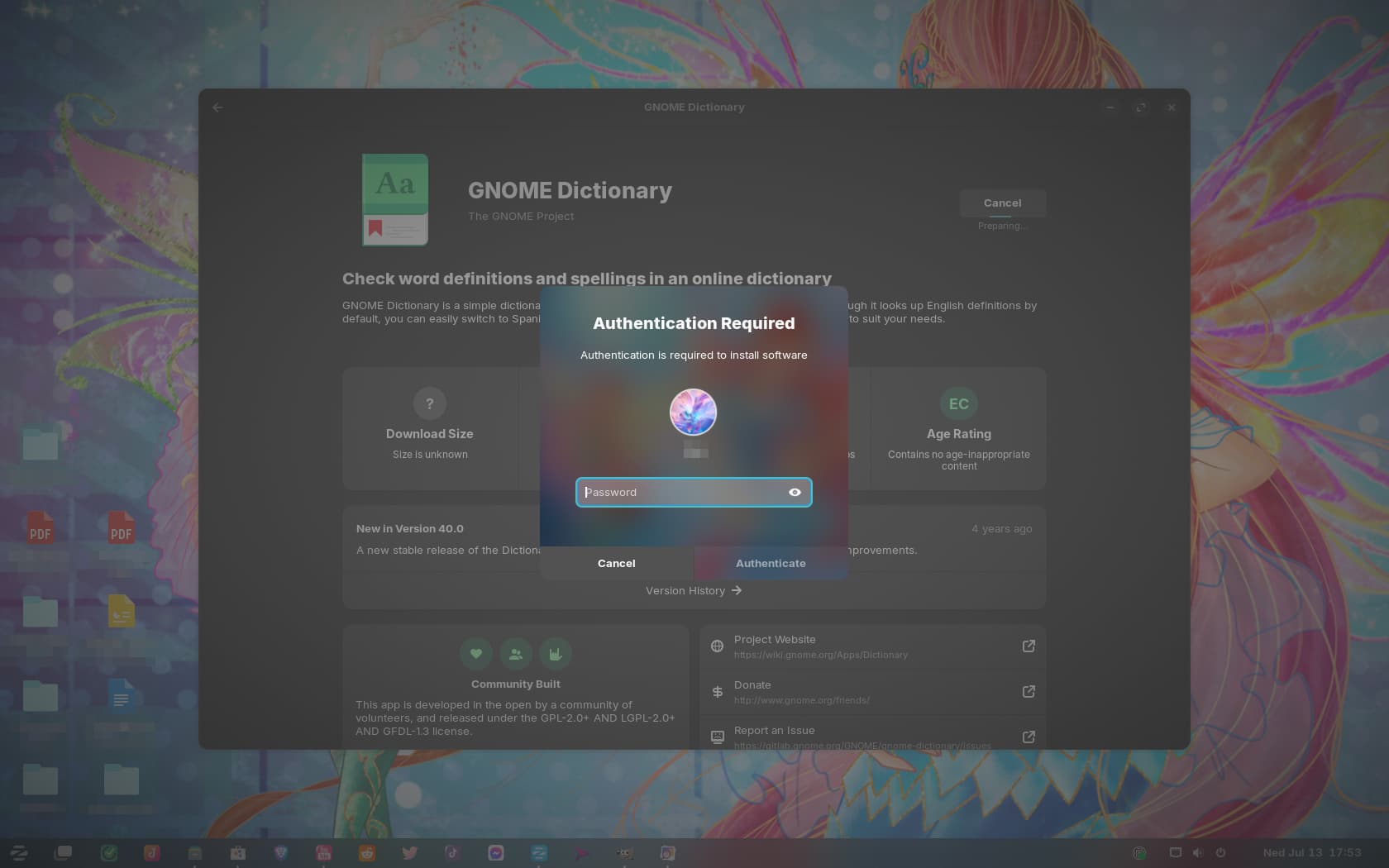
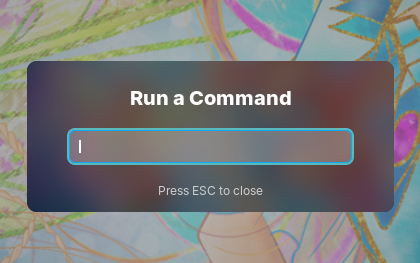
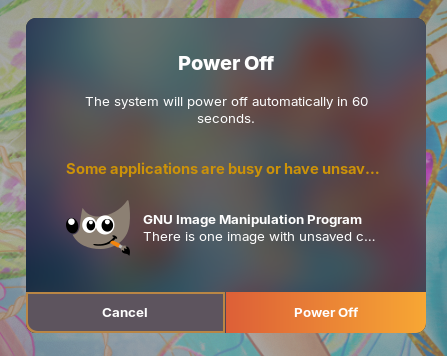
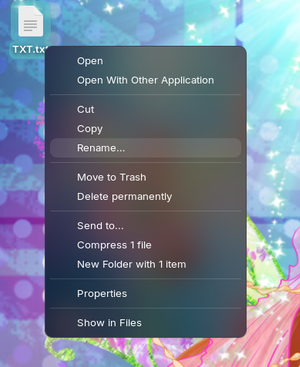
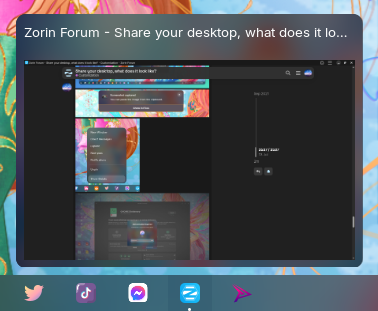
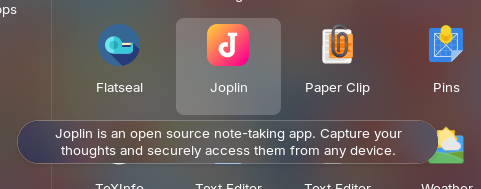
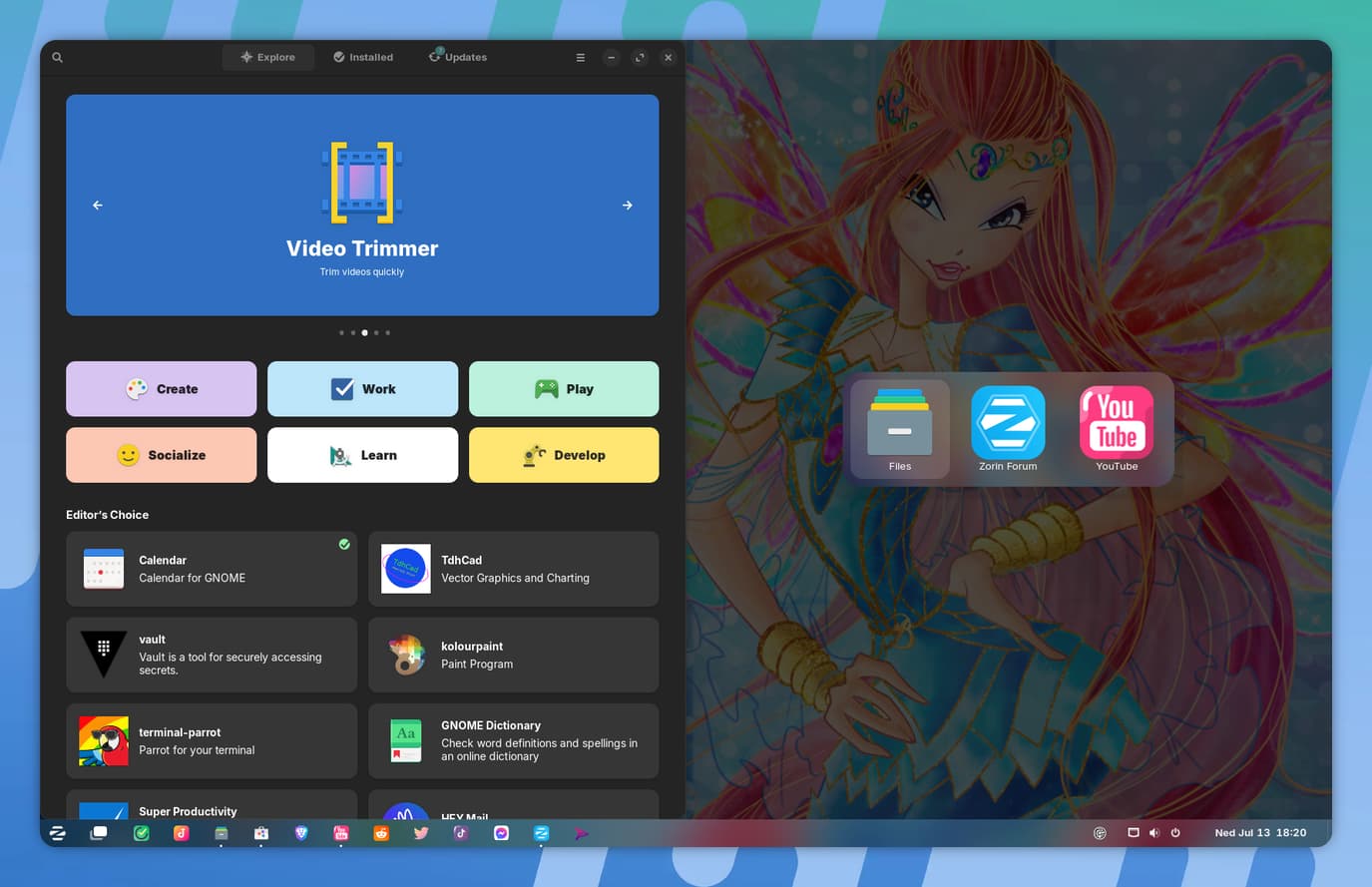
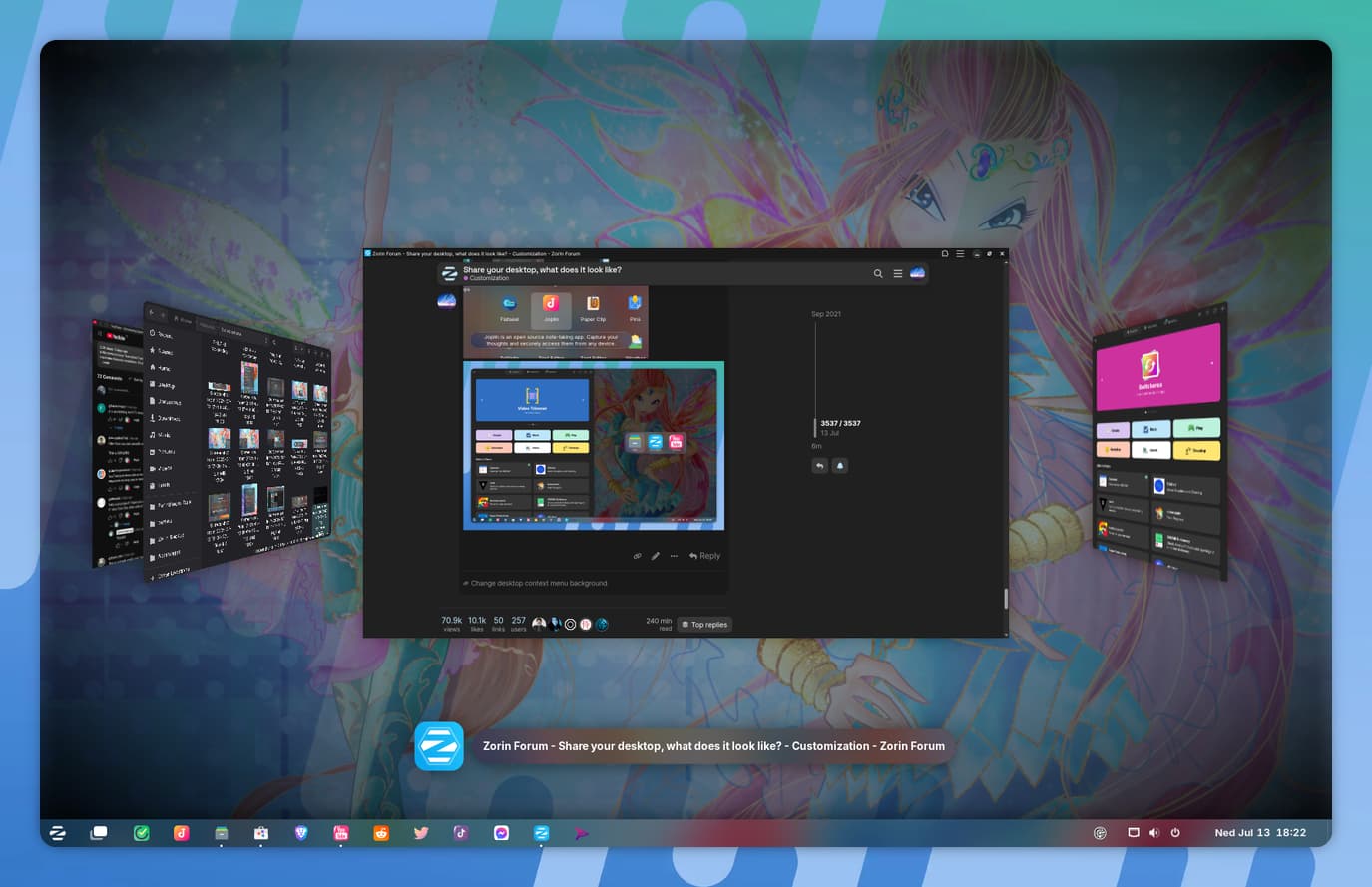
I tried adding a blur on my shell, but found out Gnome doesn't support that, so I improvised and added a blurred background image to many elements. I also customized the accent color. The great thing about this is, since I placed the blurred background in a special folder and just called it blur.png, it can be replaced with any other image there and it will apply to almost all elements immediately 
It's not actual blur, but it does refresh the UI.